

How do I see which zone a ride counts as?
See the zone a ride counts as on the TrainerDay website: open the ride from My Activities and read the zone badge next to its title, or click the ride on My Calendar to see its Dominant Zone.
- On the TrainerDay website, click My Activities in the left menu, then click the ride's name.
- The zone badge next to the ride's title is the zone the ride counts as.
 Where: Website · My Activities → click the activity's name · open it
- Or open My Calendar. A completed ride's card has a colored edge in that zone's color. Click the card to see Dominant Zone in its details.
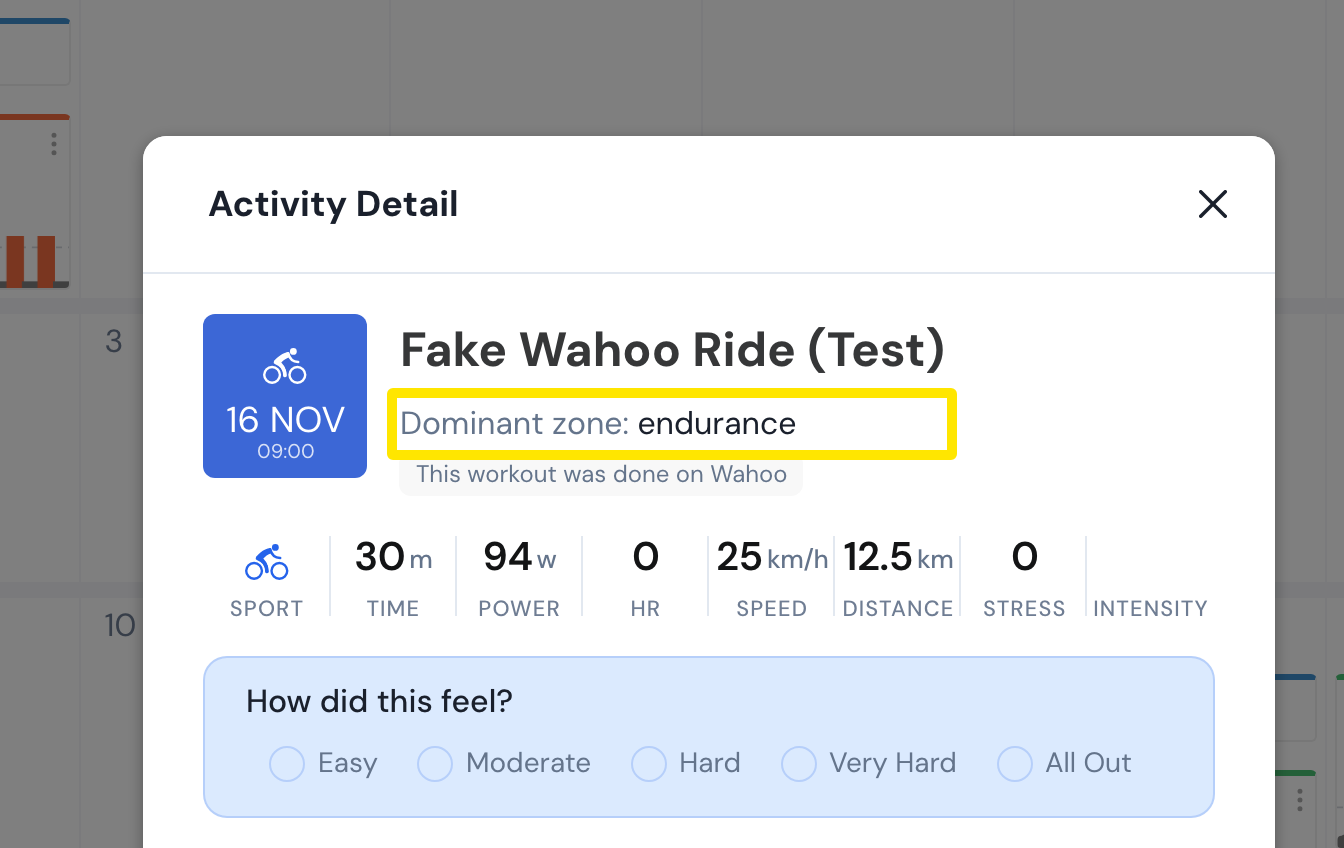 Where: Website · My Calendar → click a completed ride · open it
Good to know: The zone comes from the ride's power data and its FTP, based on time in each zone scaled by intensity, so short hard bursts can push it above Zone 2. A ride without power data has no zone.
Works on: Website; desktop app (in the ride's header on the Activities tab); mobile app (with the ride in the Activities tab).