

Wie installiere ich die TrainerDay-App auf meinem Smartphone oder Tablet?
Installiere die TrainerDay-App auf deinem iPhone, iPad oder Android-Smartphone über trainerday.com/download oder direkt aus dem App Store oder Google Play.
- Öffne trainerday.com/download auf deinem Computer und scanne den QR-Code mit deinem Smartphone. Oder tippe auf deinem Smartphone auf das App Store- oder Google Play-Badge.
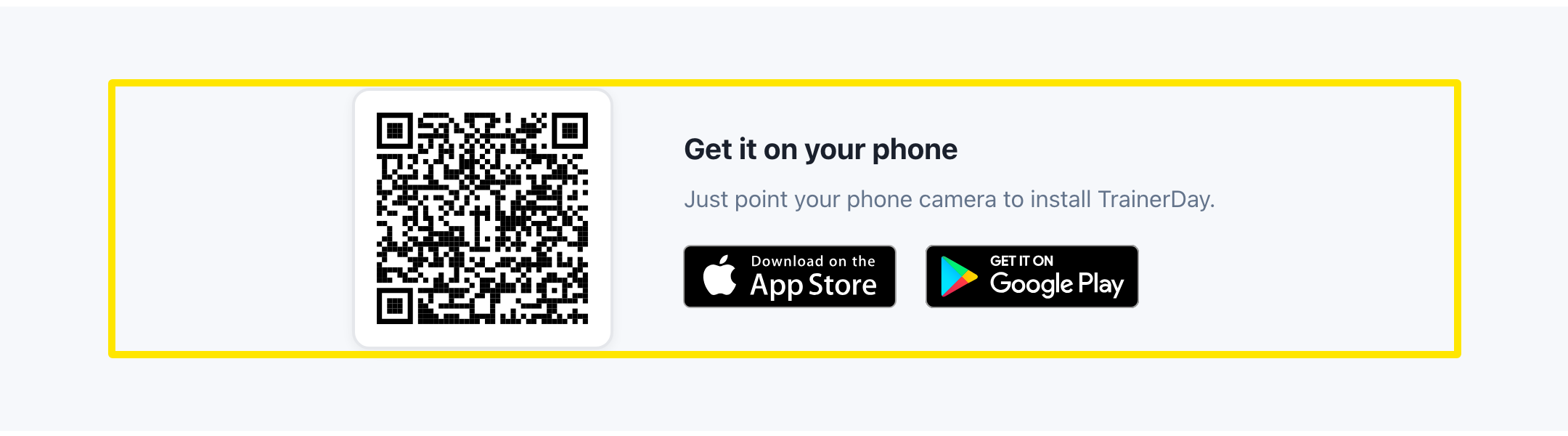 Wo: Website · trainerday.com/download · öffnen
- Oder such im App Store (iPhone, iPad) oder bei Google Play (Android) nach TrainerDay und installiere die App.
- Öffne TrainerDay auf dem Smartphone und melde dich an oder registriere dich.
- Koppel deinen Trainer und deine Sensoren in der App, nicht in den Bluetooth-Einstellungen des Smartphones.
Gut zu wissen: Die App braucht iOS 17.6 oder neuer bzw. Android 8.0 oder neuer.
Funktioniert auf: iPhone, iPad und Android. Die Desktop-App (Windows, Mac, Linux) findest du auf derselben Download-Seite.