

How do I keep my workouts and data when my subscription ends?
You don't need to do anything: when your subscription ends, your account becomes Free but is not deleted, and your workouts, plans and activities stay there and come back when you resubscribe.
- On the TrainerDay website, click the gear icon at the top of the left menu and choose Account.
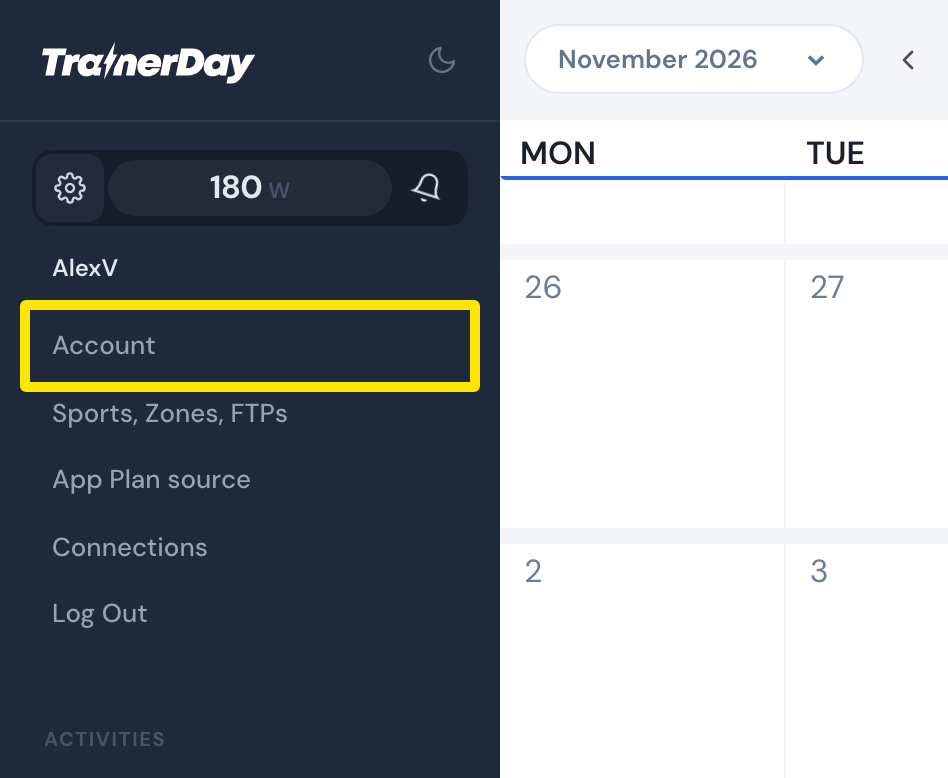 Where: Website · My Calendar · open it
- Under Account Information, click Manage your subscription to see your plan. If you cancelled, it shows "Still working" until the end of the period you paid for. After that, the account turns Free and your workouts, plans and activities stay in it.
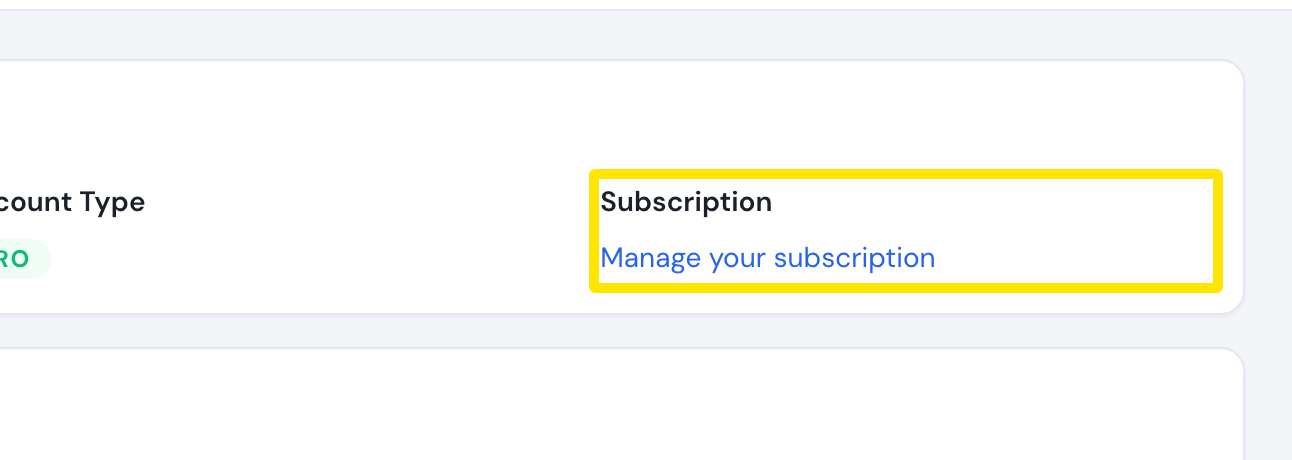 Where: Website · Account · open it
Good to know: When you resubscribe, your saved workouts, plans and activities come back.
Works on: Website. Mobile app subscriptions from the App Store or Google Play are handled in the store, and your data stays the same way. Desktop app: nothing to do there.