

How do I get premium features working after I paid?
To get premium working after paying, make sure you are logged in to the account that holds the subscription, then restart the TrainerDay mobile app or log out and back in so it picks up your Pro status.
- On the website, open Account and check the Email under Personal. This is the account you are logged in to.
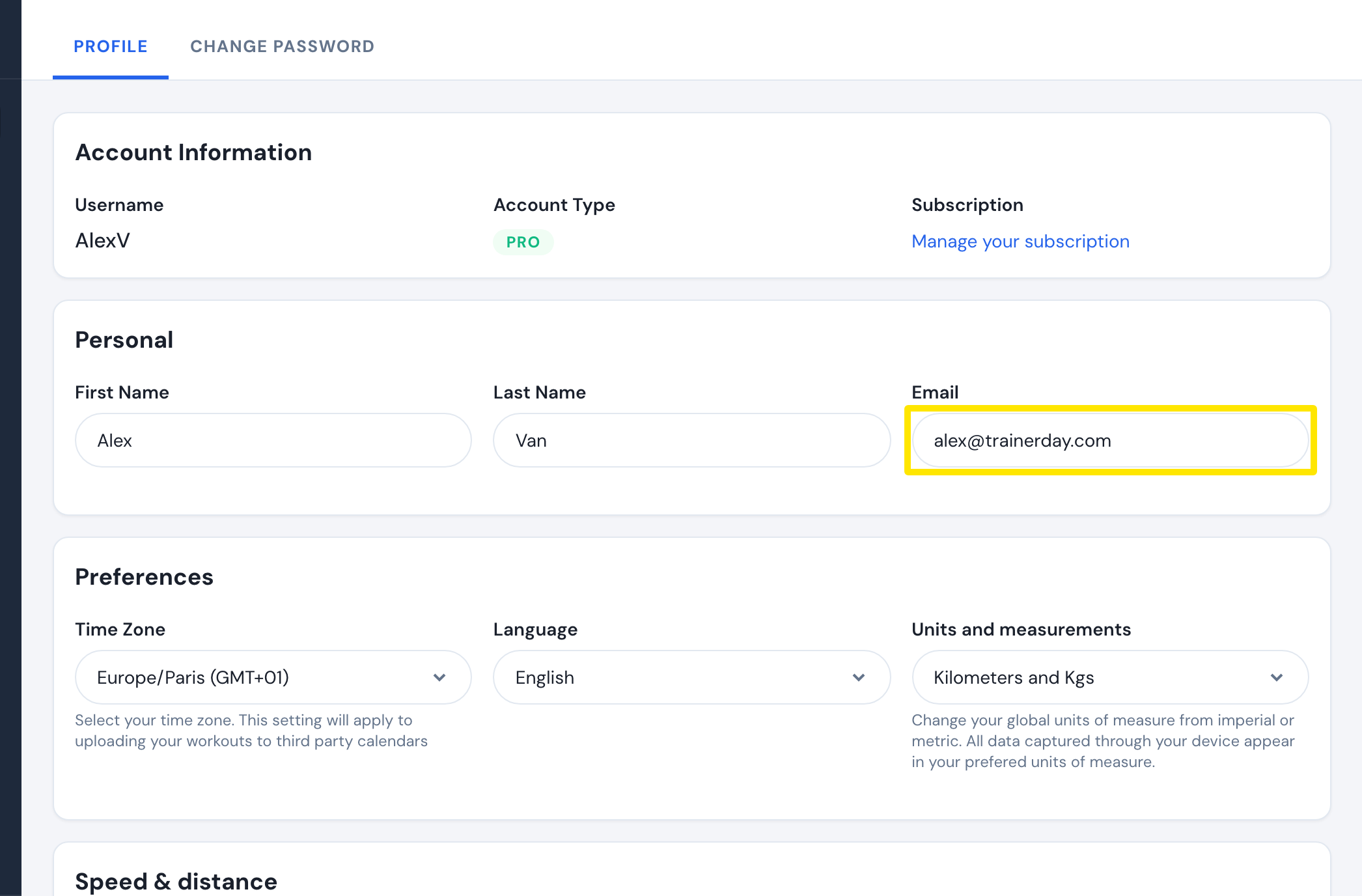 Where: Website · Account · open it
- On the same page, look at Account Type under Account Information. If it does not show PRO, you are likely in a second account. Log out and log in with the email you subscribed with.
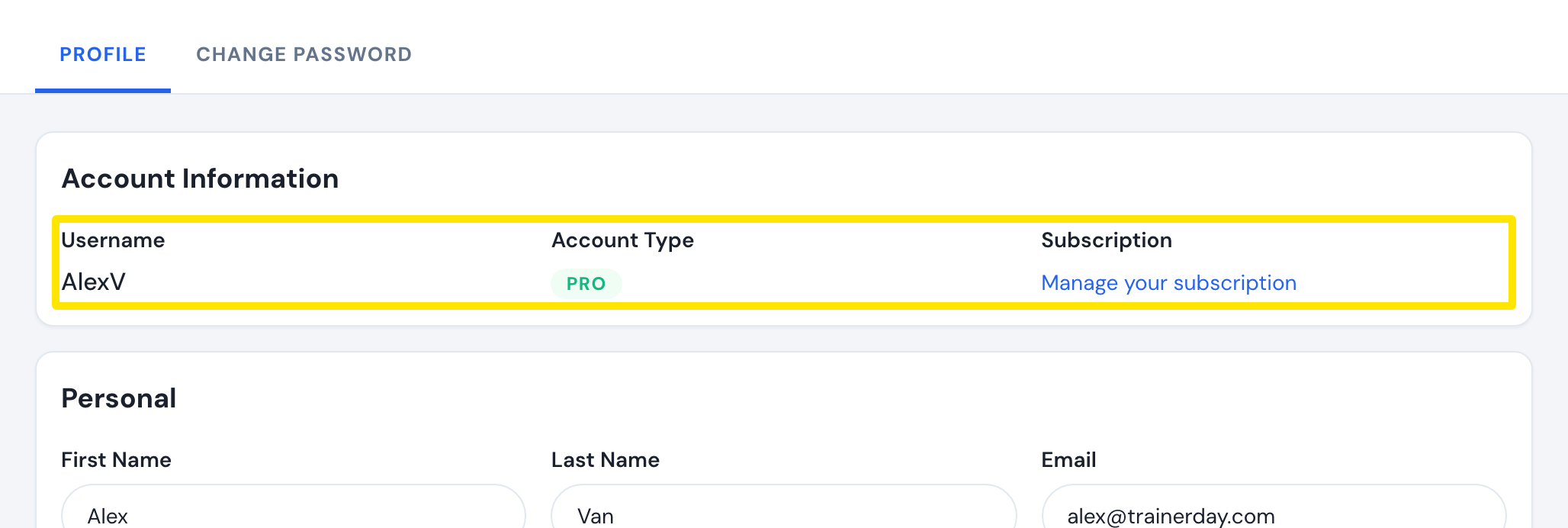 Where: Website · Account · open it
- In the mobile app, close and restart the app, or log out and back in. There is no Restore purchases button.
- Open the Settings tab and check that it shows Subscription Status: Active.
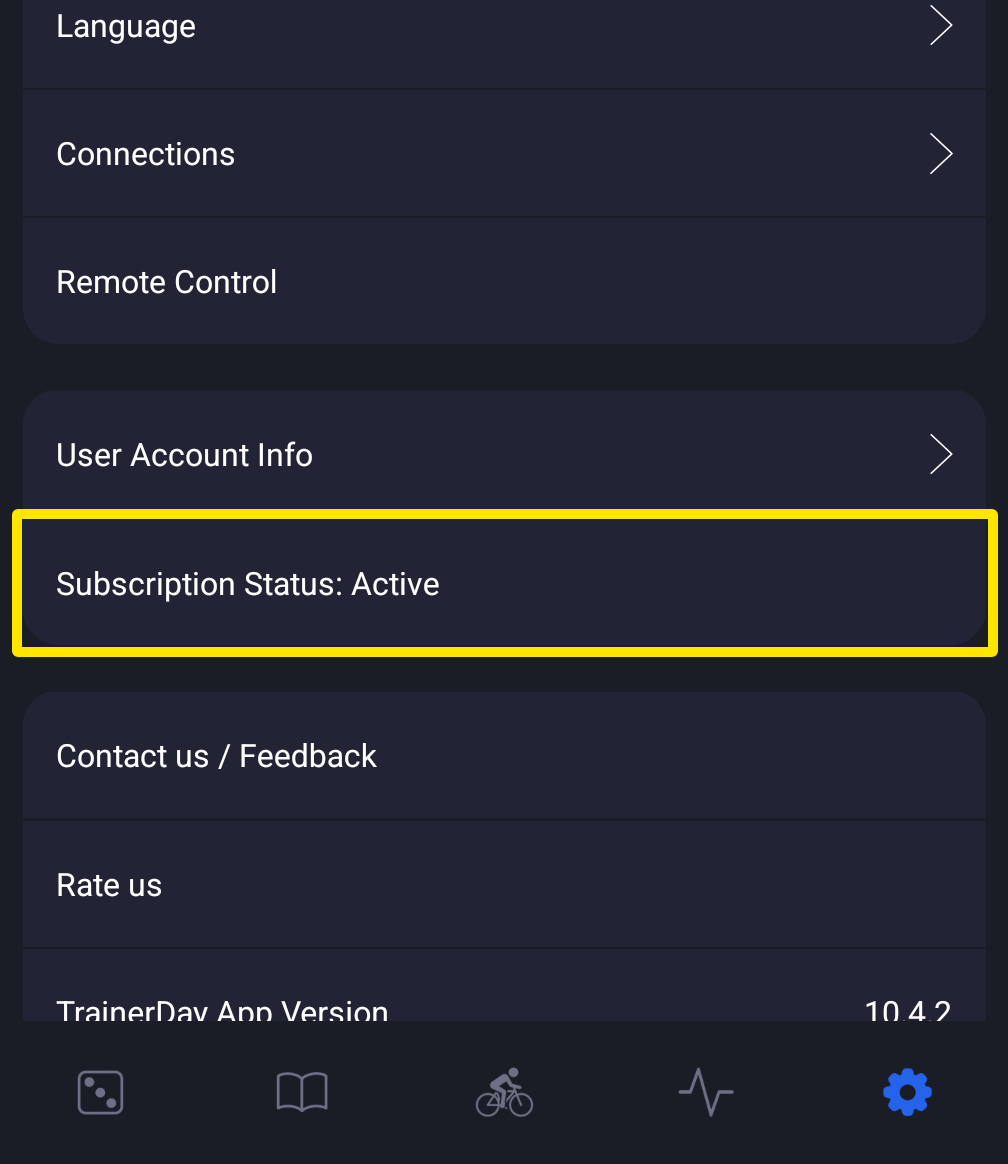 Where: Mobile app · Settings tab
Good to know: One subscription unlocks premium on all devices and the web, but an App Store or Google Play subscription only applies to the account that bought it. Creating a new account does not fix missing premium.