

How do I cancel a duplicate subscription?
Find and cancel an extra TrainerDay subscription on the website's Manage your subscription page.
- On the website, click the gear icon at the top of the left menu and choose Account, then click Manage your subscription.
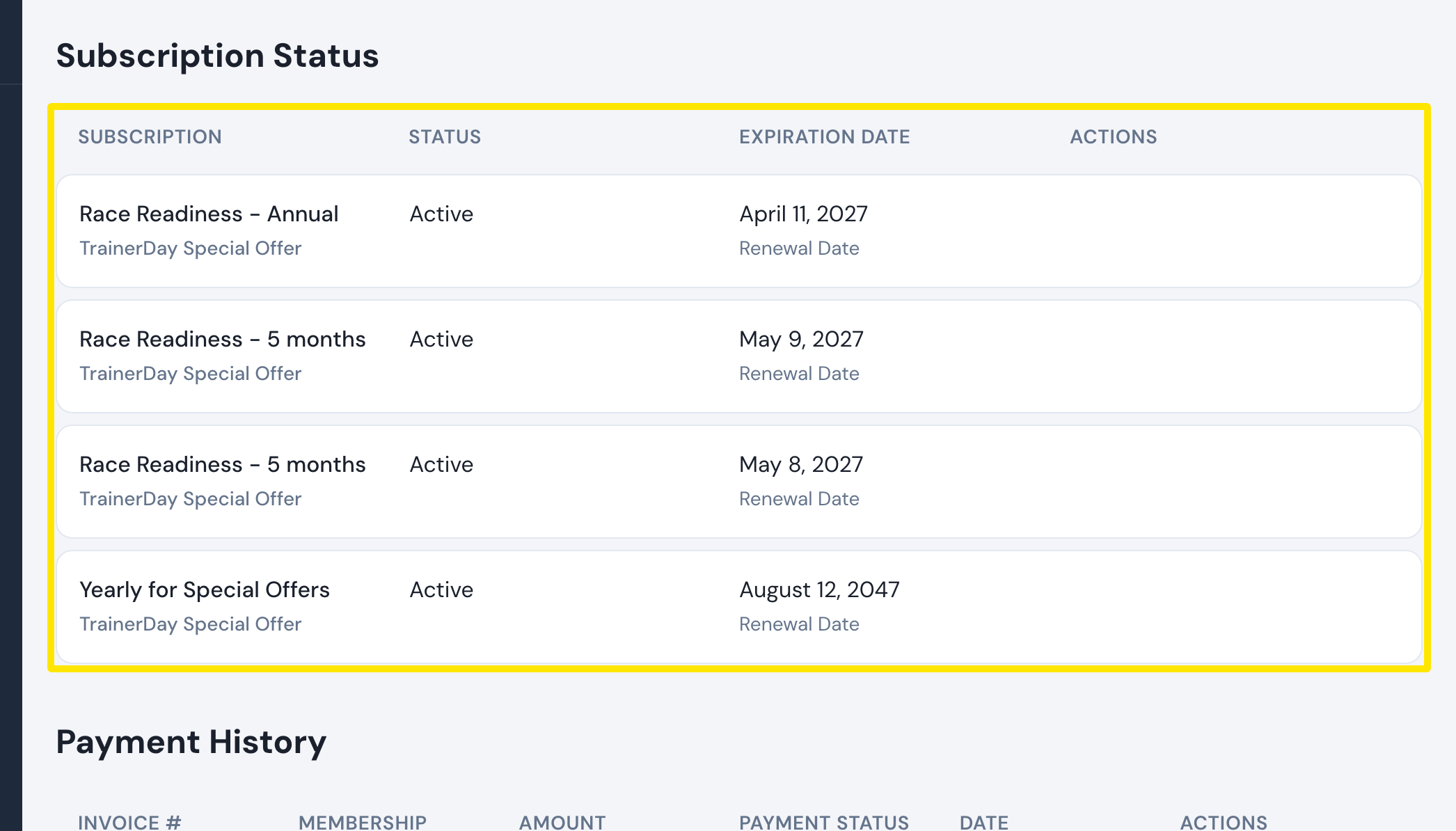 Where: Website · Manage your subscription · open it
- The Subscription Status table lists every subscription on this account. In the row of the extra one, click Cancel subscription in the Actions column and confirm.
- If the second subscription is on another TrainerDay account, log out, log in with that account's email and cancel it there.
Good to know: An iOS App Subscription has no cancel action on the website. Cancel it in the App Store. For a refund of the double charge, write to [email protected].
Works on: Website for website, PayPal, Stripe and Google Play subscriptions. In the mobile app, Settings → Subscription Status → Unsubscribe opens the App Store / Google Play page. The desktop app cannot cancel.