

How do I cancel my TrainerDay subscription on the website?
Cancel your TrainerDay subscription yourself from the subscription page on the TrainerDay website, and keep Pro until the paid period ends.
- On the TrainerDay website, click the gear icon at the top of the left menu and choose Account.
- Under Account Information, click Manage your subscription.
- In the Actions column, click Cancel subscription.
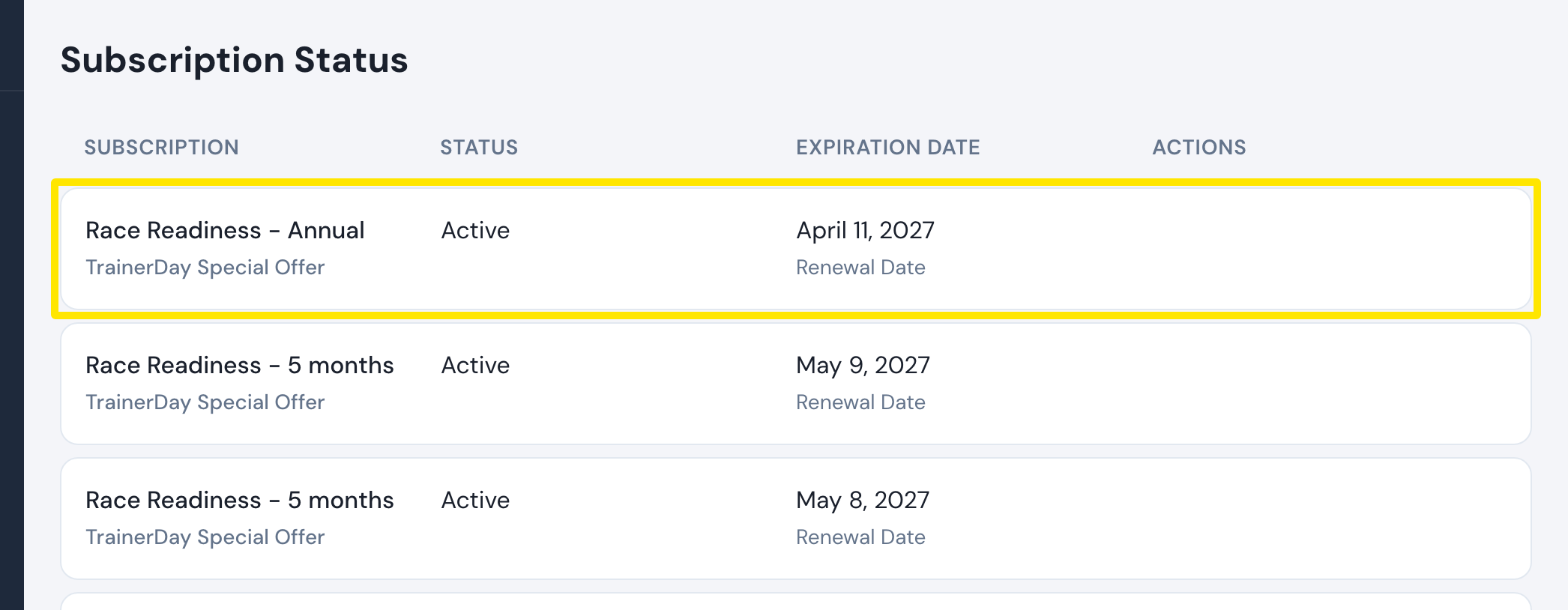 Where: Website · Manage your subscription · open it
- Add a reason if you like, then click Cancel Subscription. You keep Pro until the Expiration Date.
- No Cancel subscription link? Cancel an App Store subscription in Apple's settings. For a special offer or a Suspended PayPal subscription, write to support.
Good to know: Your account becomes Free but is not deleted. Your workouts, plans and activities are kept and come back when you resubscribe.
Works on: Website. In the phone app, Settings → Subscription Status → Unsubscribe opens the website account page, Apple or Google Play.