

Can I pause my subscription?
TrainerDay subscriptions can't be paused, but you can cancel on the website's account page, keep Pro until the expiration date, and press Resume later to start again.
- On the website at app.trainerday.com, click the gear icon at the top of the left menu and choose Account.
- Under Account Information, click Manage your subscription.
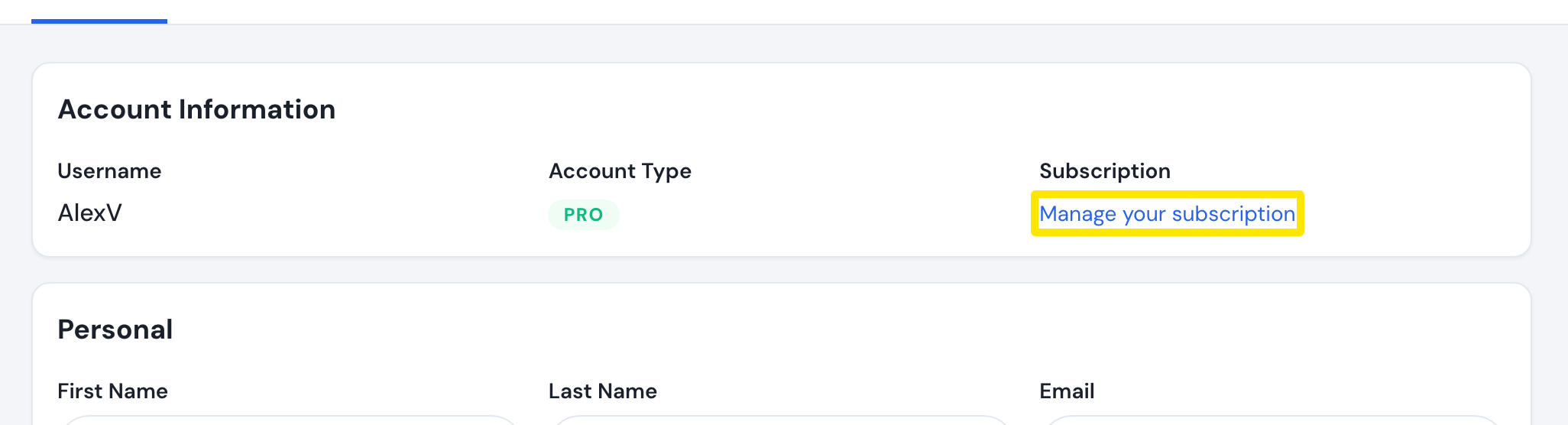 Where: Website · Account · open it
- In the Actions column, click Cancel subscription, then press Cancel Subscription in the dialog. Renewals stop, and Pro stays until the Expiration Date.
- To start again, click Resume on the same page.
Good to know: Your account becomes Free but is not deleted. Your workouts, plans and activities are kept and come back when you resubscribe.
Works on: Website. In the mobile app, Settings → Subscription Status → Unsubscribe opens the App Store or Google Play page, where you cancel. There is no option in the desktop app.