

How many workouts can I send to Garmin on the free plan?
On the free plan you get 3 workout sends in total, shared across Garmin, Zwift, TrainingPeaks, Wahoo, COROS and Intervals.icu (not 3 for each); here is how to connect Garmin and send a workout from the website.
- On the website, open My Calendar, click the gear icon at the top of the left menu and choose Connections.
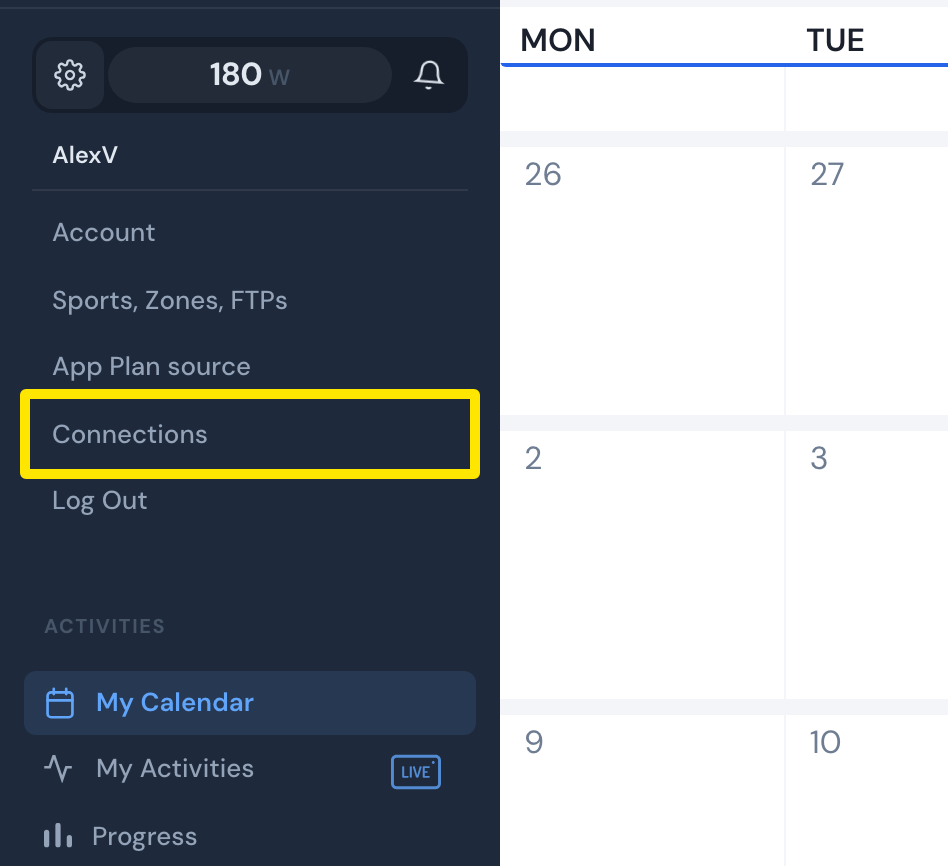 Where: Website · My Calendar · open it
- On the Connections page, click the Garmin tile and press Connect.
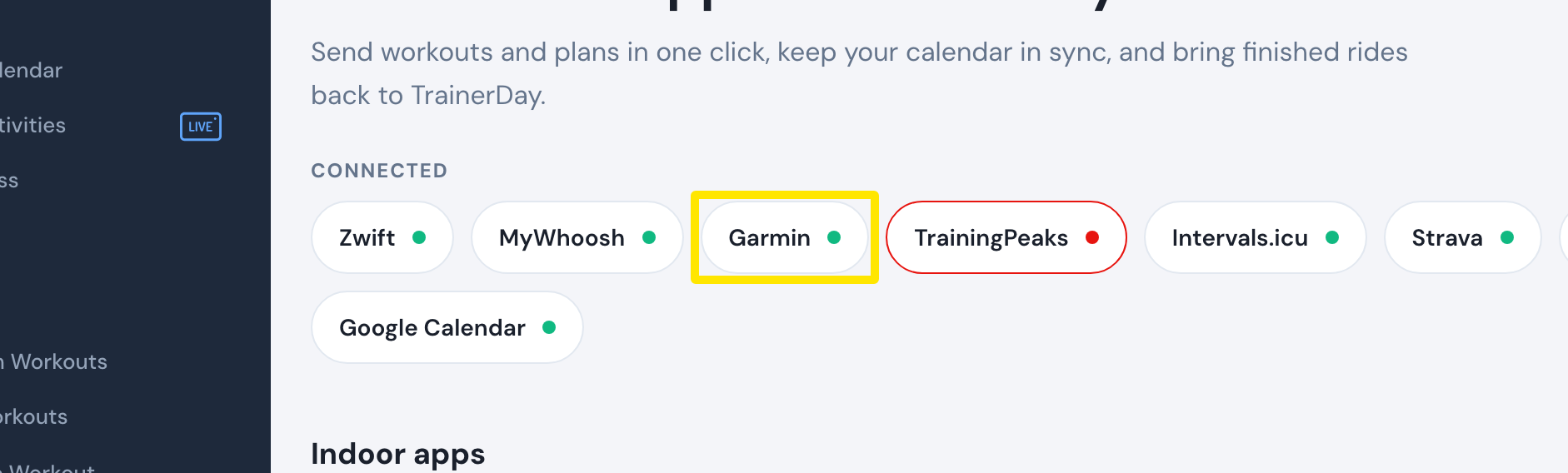 Where: Website · Connections · open it
- Open the workout you want. On the workout's page, press Send to and choose Garmin. Each send counts toward your 3.
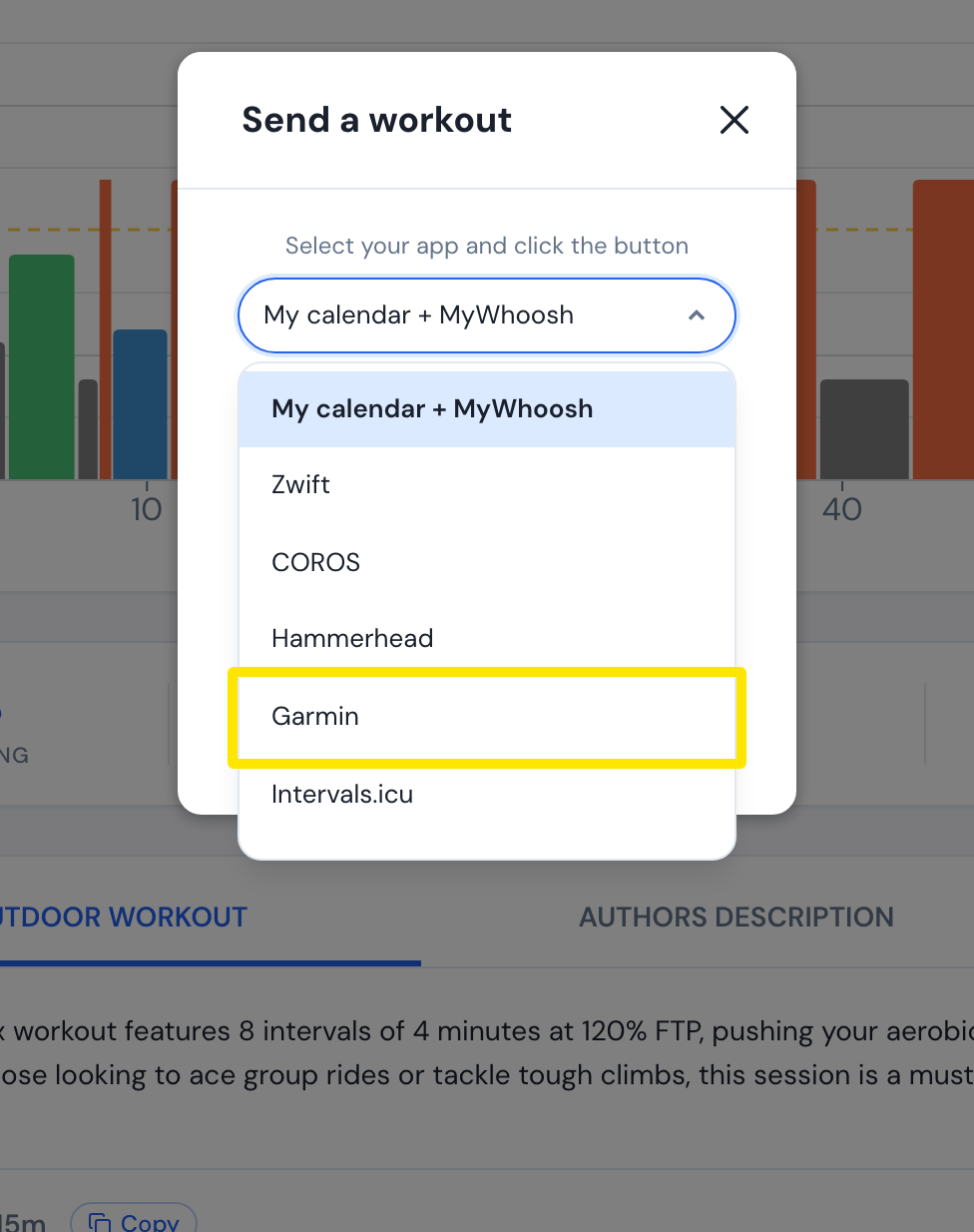 Where: Website · a workout's page → Send To
Good to know: Garmin only receives workouts. TrainerDay cannot send finished rides to Garmin Connect.
Works on: Website, mobile app and desktop app. Sending to Garmin from the mobile and desktop apps uses the same 3-send counter.