

How do I send a Bluetooth test report to support?
On TrainerDay's BLE test page (trainerday.com/ble.htm), connect your trainer, run the test, click Download Report, and email the saved file to [email protected].
- In Chrome on Android, Mac or Windows, open trainerday.com/ble.htm. Connect your device and run the test: click Request Control, then Set Power or Set Slope.
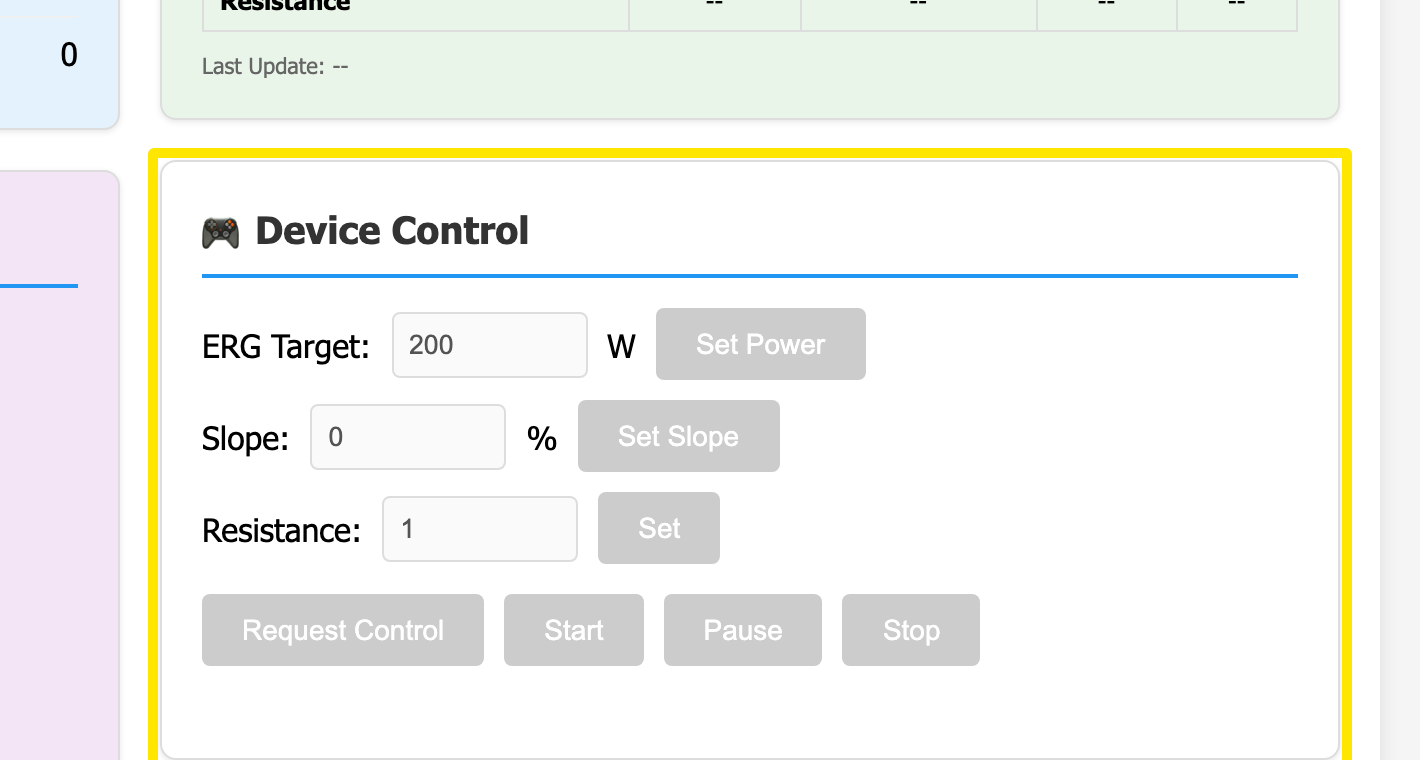 Where: Website · BLE test page (trainerday.com/ble.htm)
- Click Download Report (top right). A file named BLE-Diagnostic-Report-<device>-<time>.txt is saved.
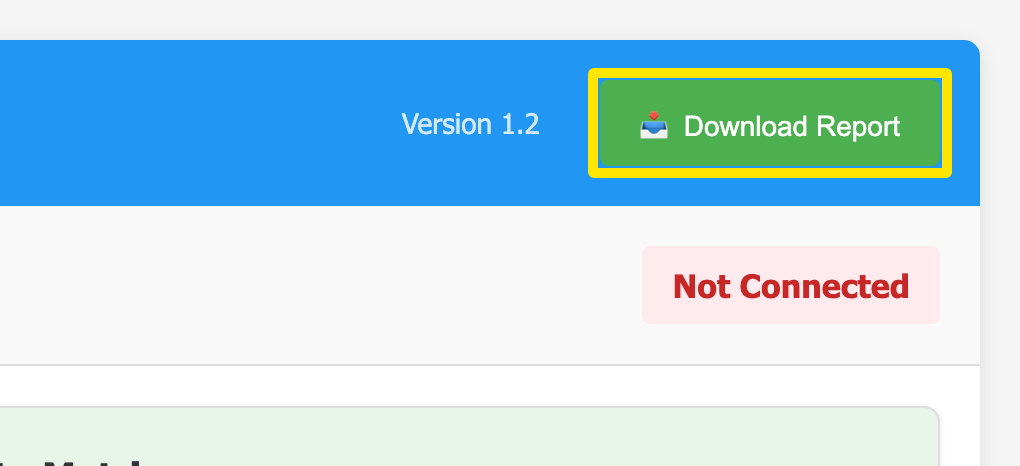 Where: Website · BLE test page (trainerday.com/ble.htm)
- Email that file to [email protected] with a few words on what went wrong.
Good to know: A report downloaded before a device is connected has only headings, so connect and run the test first.
Works on: Android, Mac and Windows in Chrome-based browsers; not iPhone or Safari.