

How do I test my trainer with the Bluetooth testing page?
Open trainerday.com/ble.htm in Chrome or Edge on Android, Mac or Windows, connect your trainer, watch its live data, then set ERG power or slope to check that it changes resistance.
- In Chrome or Edge on Android, Mac or Windows, open trainerday.com/ble.htm. Close Zwift, TrainerDay and any other app using the trainer first.
- Click Connect Device, pick your trainer in the browser's list and click Pair.
- Pedal and watch Device Capabilities and the Live Data Matrix (power, cadence, speed, heart rate for each service).
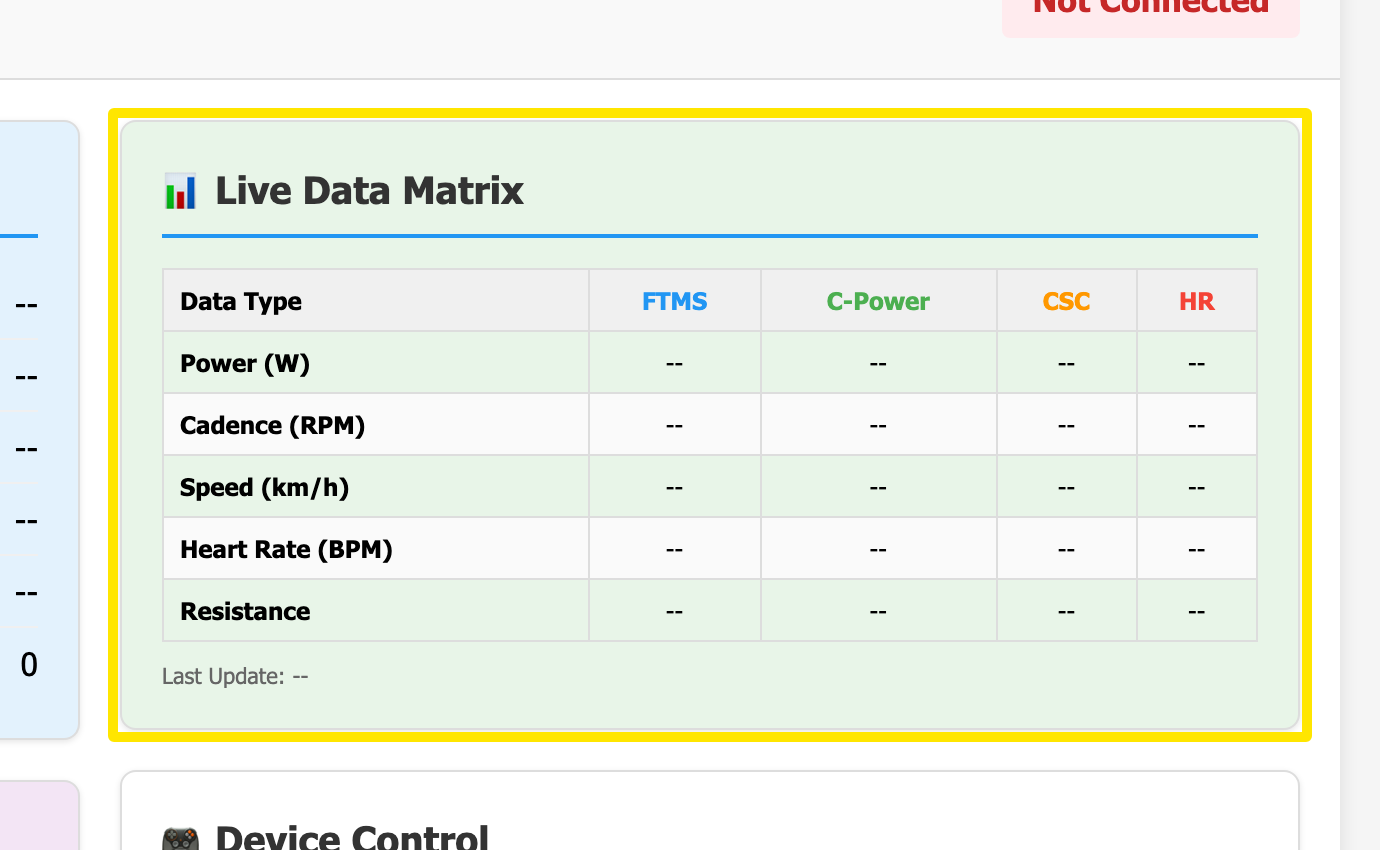 Where: Website · BLE test page (trainerday.com/ble.htm)
- In Device Control, click Request Control.
- Type watts in ERG Target and click Set Power, or type a grade in Slope and click Set Slope. Feel the resistance change.
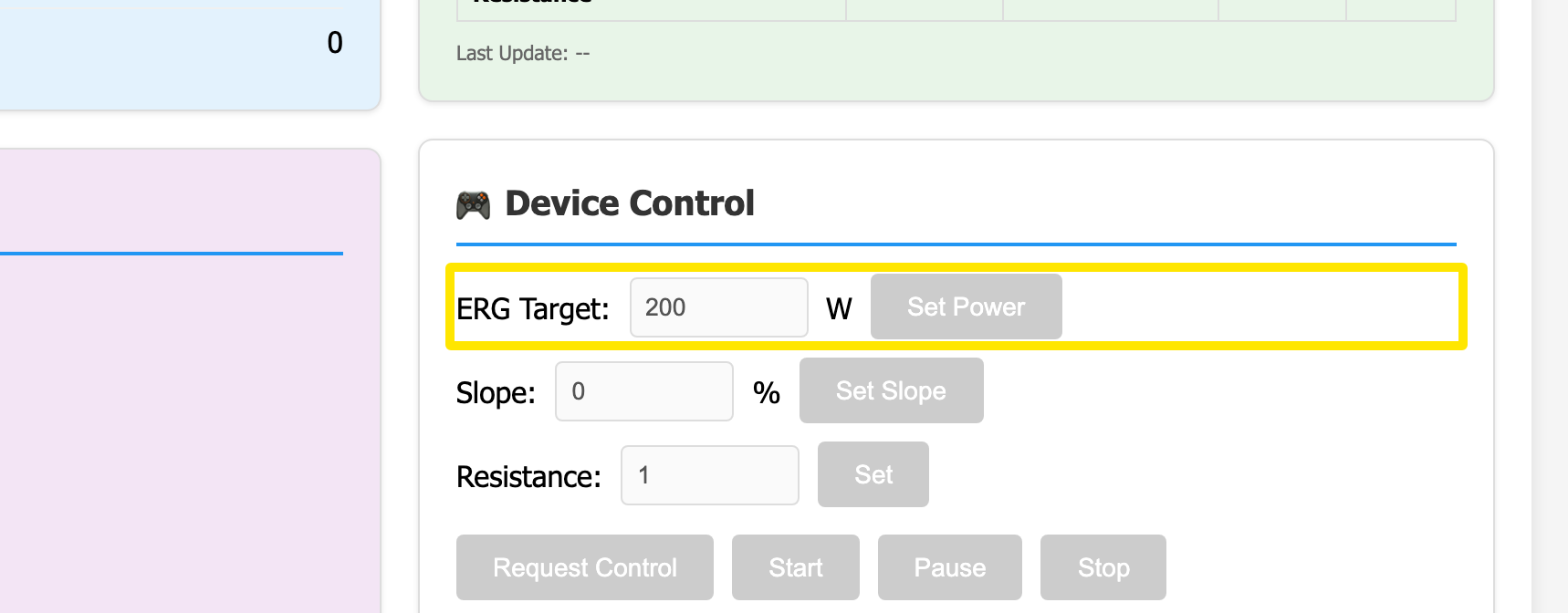 Where: Website · BLE test page (trainerday.com/ble.htm)
- Click Download Report (top right) to save the results.
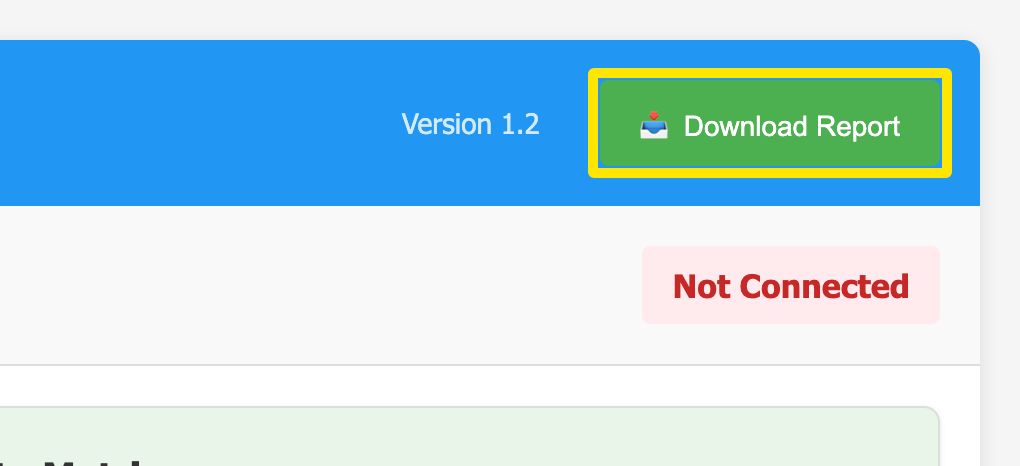 Where: Website · BLE test page (trainerday.com/ble.htm)
Good to know: "No response from device - control NOT granted" usually means another app still holds the trainer. Greyed-out controls mean the trainer has no FTMS or Wahoo control.
Works on: Android, Mac and Windows in Chrome or Edge. Not on iPhone, iPad or Safari.