

How do I test my trainer on the free version?
No, you don't need premium to connect or control your smart trainer: on a free account the mobile and desktop apps pair your trainer and run ERG and Slope modes exactly like a paid account, and only HR+ mode is paid.
If you just want to check whether your trainer works with TrainerDay, see How do I check if my smart trainer works with TrainerDay?
- Sign in to the mobile or desktop app with a free account. No subscription is needed.
- In the mobile app, open the Settings tab and tap Add Devices. Add your trainer with + and check that the Control tag is on.
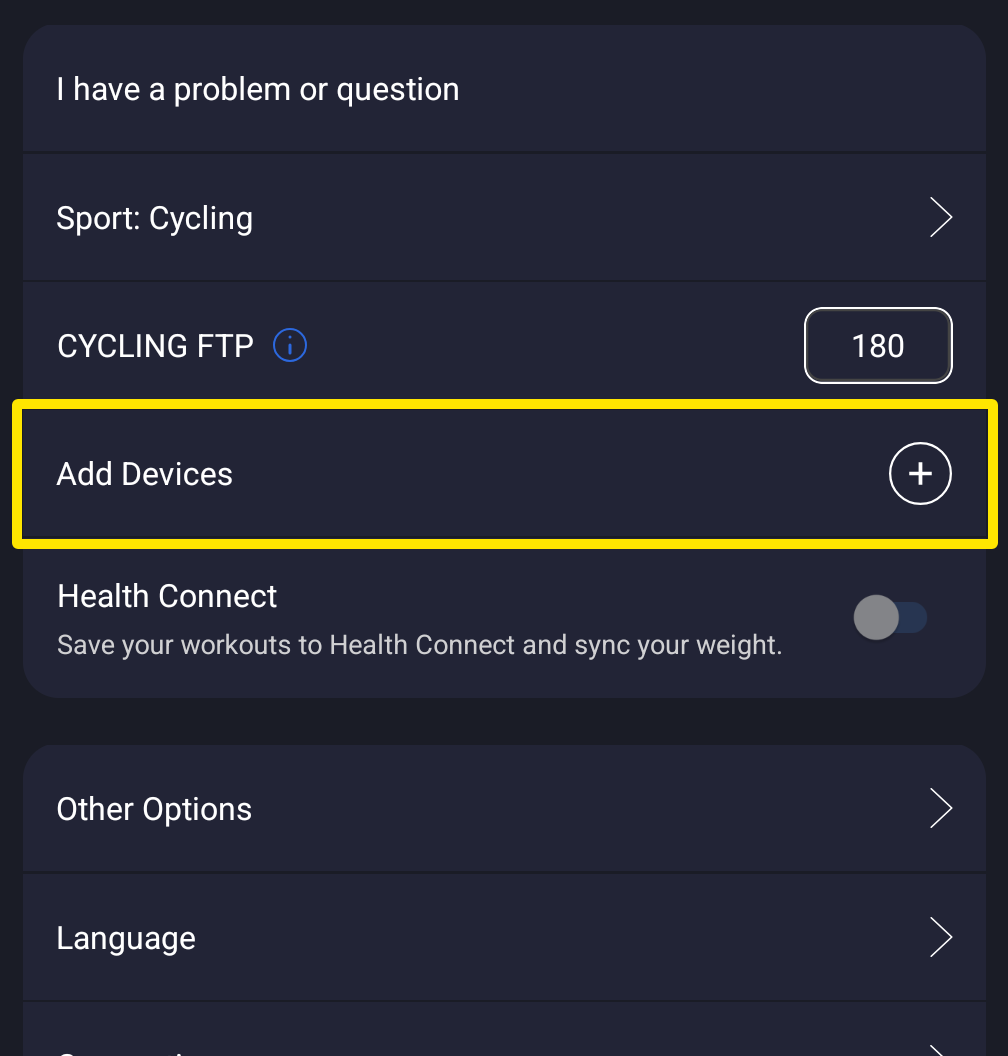 Where: Mobile app · Settings tab
- Start any workout. In the desktop app, open the Today tab and click Ride Now on a workout.
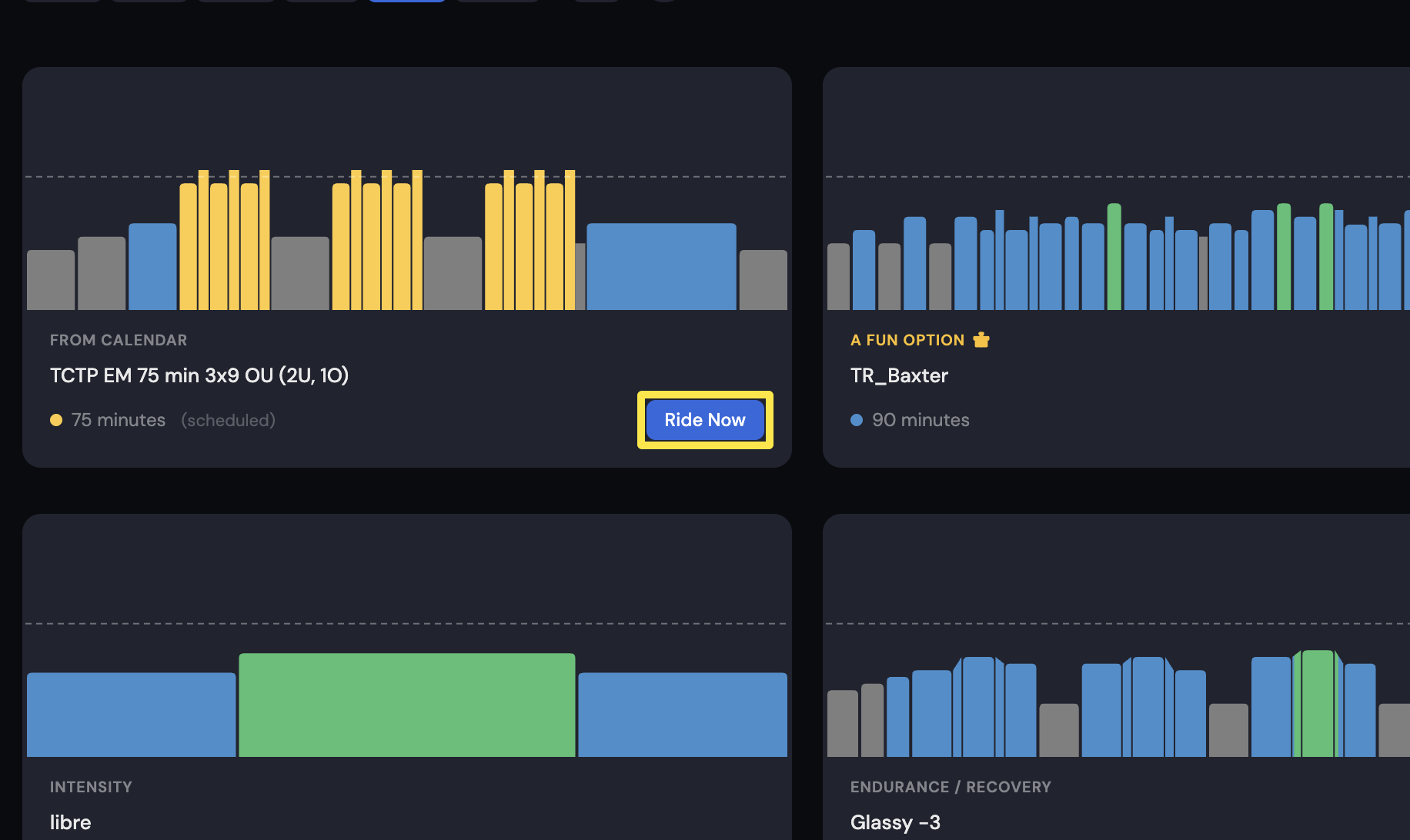 Where: Desktop app · Today tab
- Pedal and tap ERG. The trainer should hold the target watts. Tap SLOPE to try slope mode.
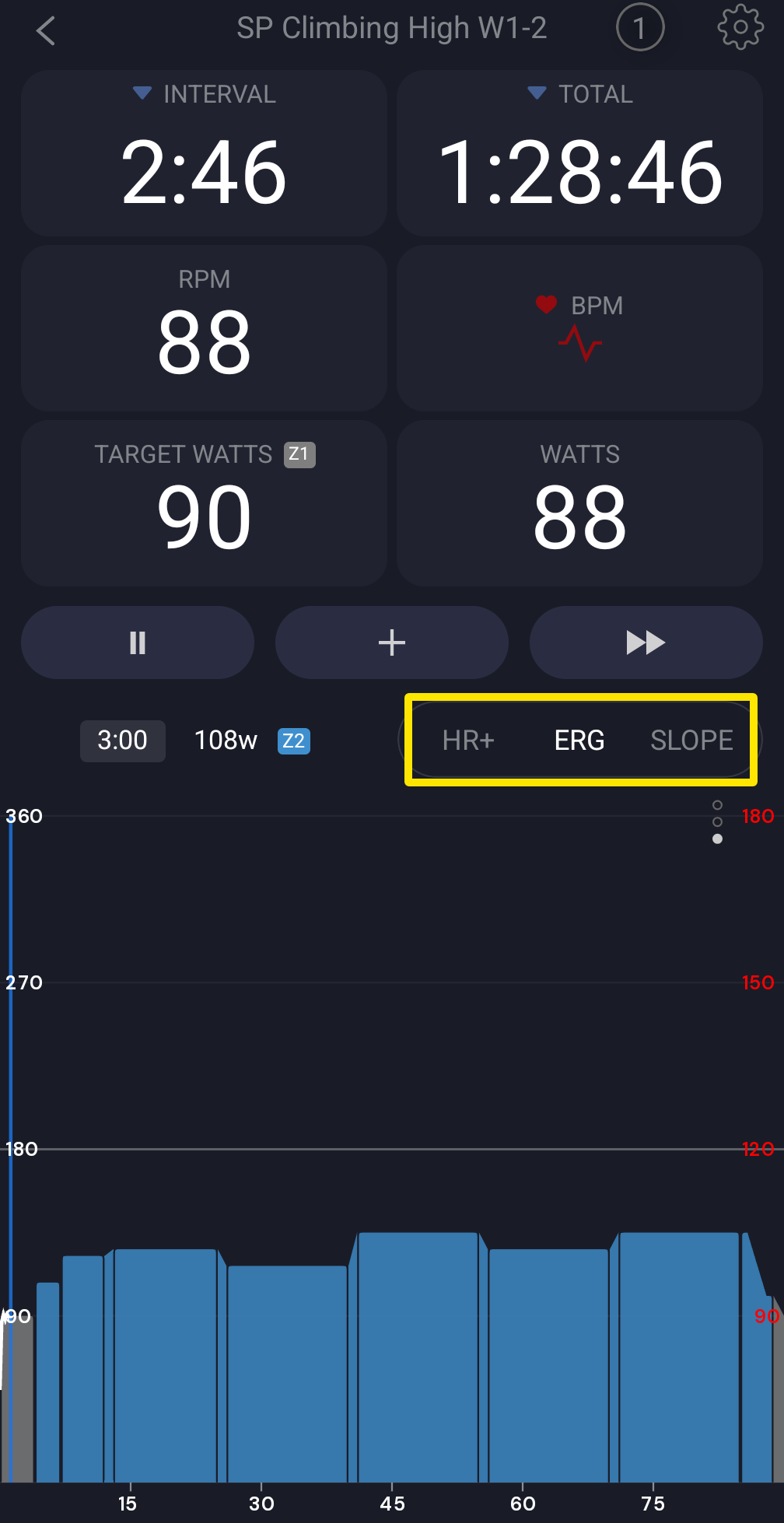 Where: Mobile app · the workout screen during a ride
Good to know: Hardware connection works the same in free and paid versions. Only HR+ is paid and shows a lock on a free account.
Works on: mobile app and desktop app. The website does not control trainers.