

How do I check or update my trainer's firmware?
Trainer firmware is checked and updated in your trainer maker's app, such as the Wahoo app, because TrainerDay cannot show, update or downgrade it.
- Close TrainerDay and any other app connected to your trainer, such as Zwift. Your trainer connects to only one app at a time.
- Open your trainer maker's app, for example the Wahoo app, to see the firmware version and update it.
Good to know: No TrainerDay app shows trainer firmware. The website's Bluetooth testing page shows what your trainer shares over Bluetooth, but not its firmware version.
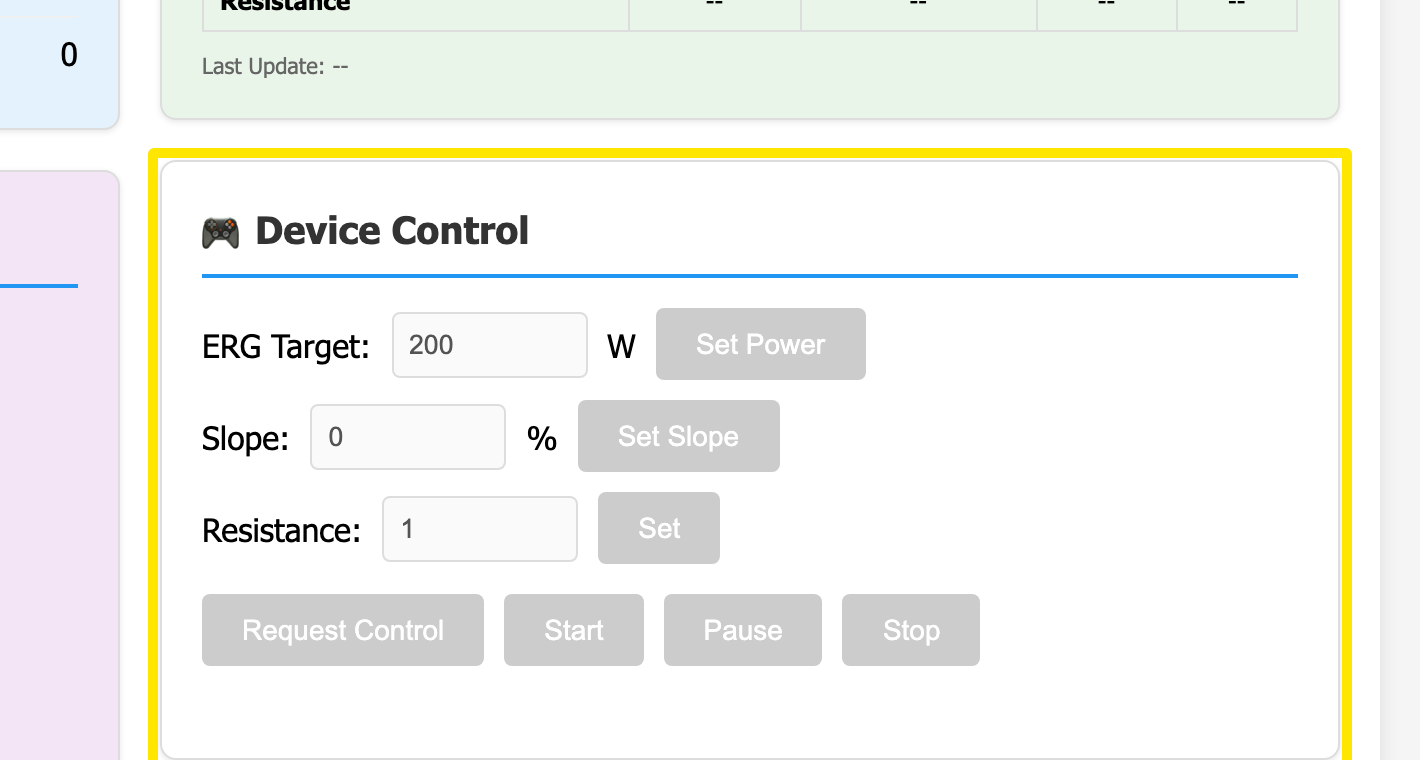 Where: Website · Bluetooth testing page (trainerday.com/ble.htm)