

How do I keep my podcast or video playing during a workout?
Turn off or quiet the interval beeps in the mobile app's Settings tab, or play your video in the desktop app's built-in YouTube player.
- In the mobile app, open the Settings tab and tap Interval Beep Type.
- Pick None to turn the interval beeps off. Or pick a quieter one, such as 1 beep at 10% volume.
- In the desktop app, play your video in the built-in YouTube player. Tap the Media button at the top of the workout player.
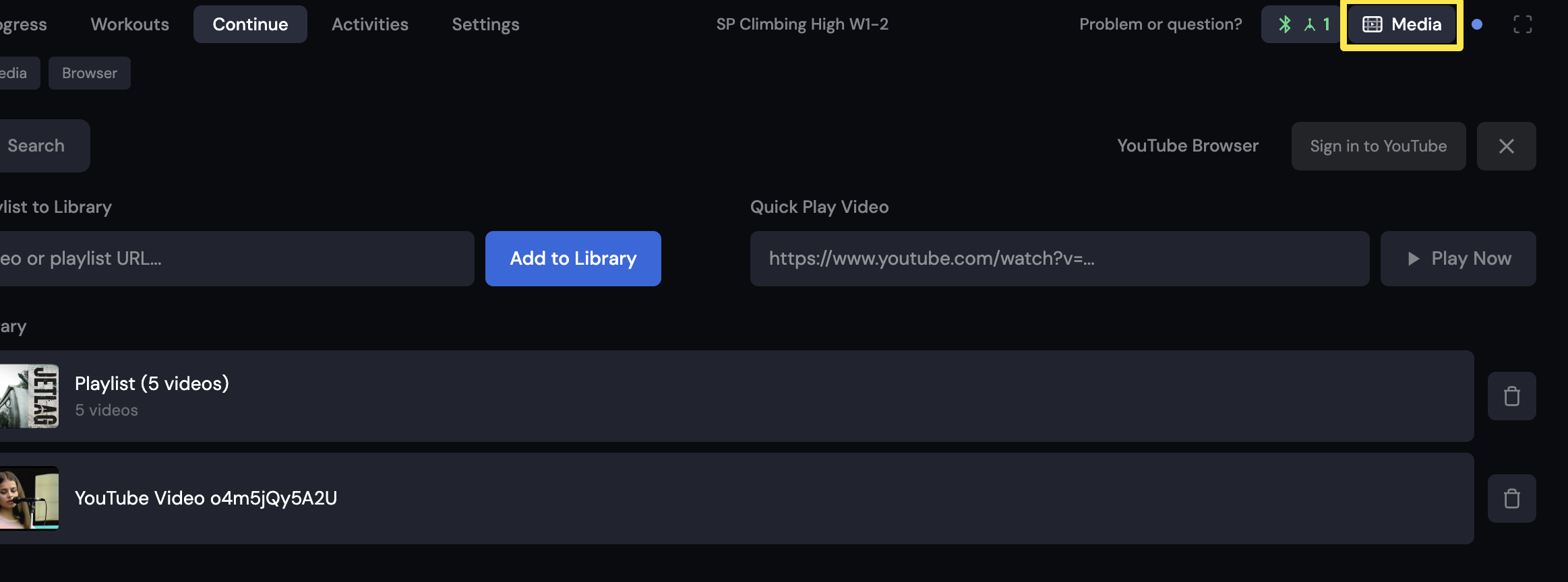 Where: Desktop app · the workout screen during a ride (Today tab → Ride Now)
Good to know: On iPhone and iPad, TrainerDay's sounds mix with music but pause spoken audio such as podcasts. The desktop app has its own Interval Beep Sound setting under Settings > Workout Controls.