

How do I watch Netflix while doing a workout?
Netflix can't play inside TrainerDay, so put Netflix in a web browser next to the TrainerDay desktop app, or watch your mobile app ride live at ride.trainerday.com beside Netflix.
Desktop app
- In the TrainerDay desktop app, on the workout screen, click Media. Most sites open inside the app beside your workout, but Netflix and other copy-protected video can't.
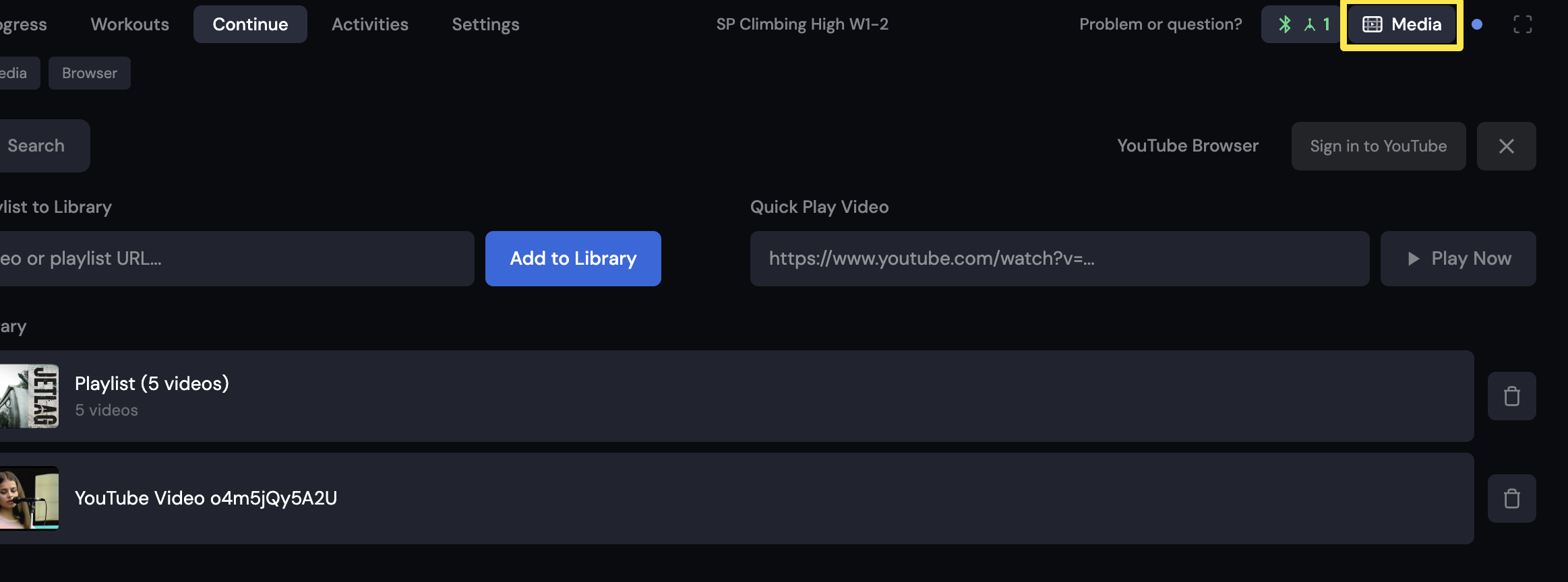 Where: Desktop app · the workout screen during a ride (Today tab → Ride Now)
- Choose Netflix. It opens in your web browser. Put that browser window and TrainerDay side by side.
Mobile app + computer
- In the mobile app, go to the Settings tab → Other Options → View Workout in Real-time on PC or Mac.
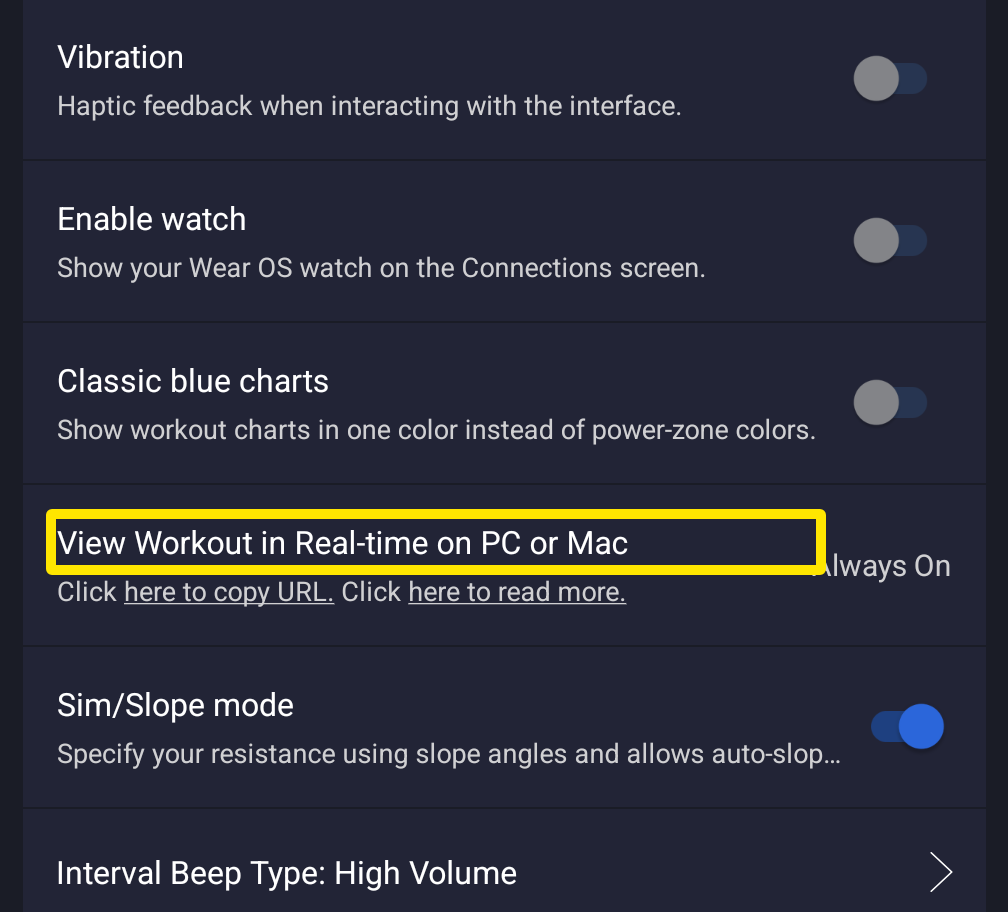 Where: Mobile app · Settings tab → Other Options
- Tap here to copy URL. The link is ride.trainerday.com.
- On the computer, open ride.trainerday.com in a browser next to Netflix to watch your live ride.
Good to know: The desktop app has no always-on-top or mini player window.
Works on: Desktop app and mobile app. The website has no workout player.