

如何在订阅续订前收到提醒?
网站上的年度或 4 个月订阅续订前 3 天,TrainerDay 会自动给你发邮件提醒;你也可以在网站的订阅页面查看续订日期。
- 无需开启任何设置。如果你在网站上订阅了年度或 4 个月套餐(通过银行卡、PayPal 或 Stripe 付款),TrainerDay 会在续费前 3 天给你发邮件:"你的 TrainerDay 订阅将于 <date> 续费"。
- 想自己查看日期,可以在网站上打开订阅页面:https://app.trainerday.com/account/subscription。
- 看 到期日期 这一列。日期下方显示 续订日期,表示会在当天续订。
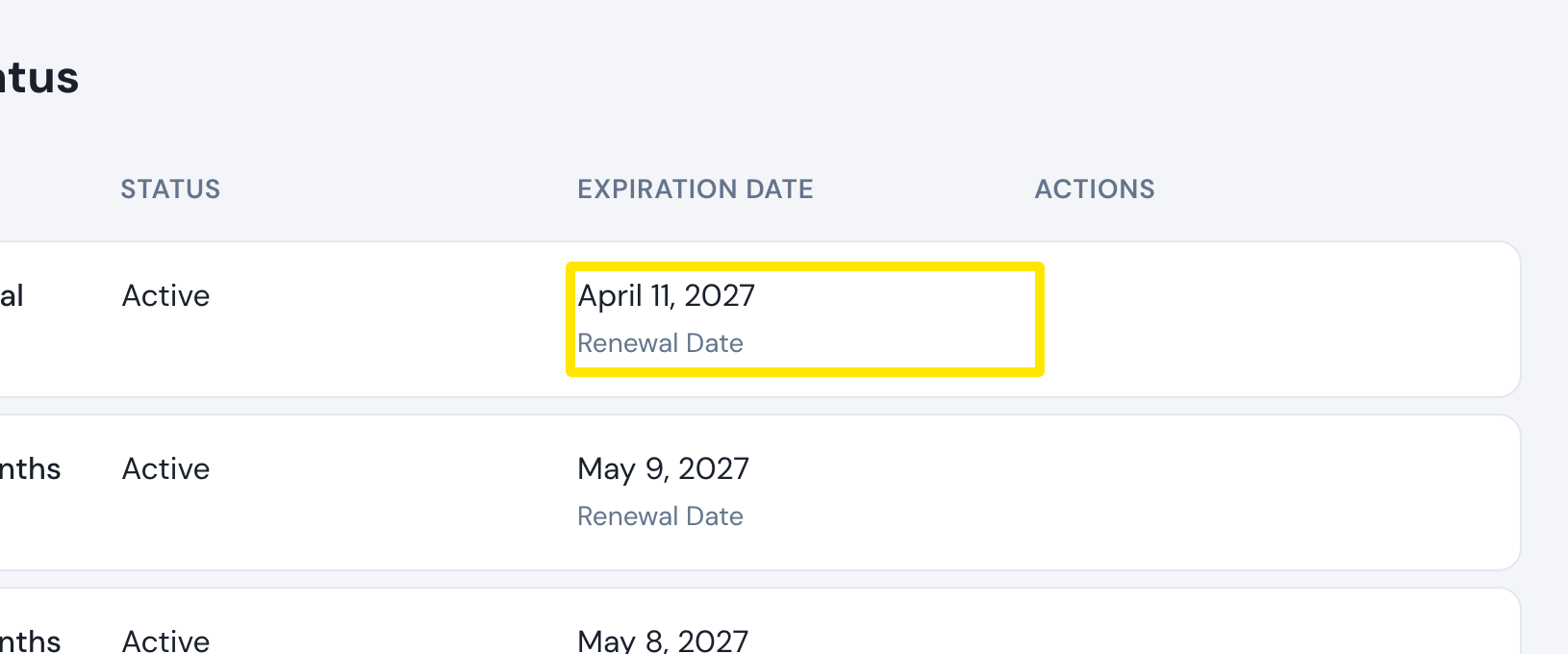 位置:网站 · app.trainerday.com/account/subscription · 打开
**小提示:**月度订阅没有提醒。如果是通过 App Store 或 Google Play 订阅的,续订日期和提醒都由 Apple 或 Google 提供。