

如何把订阅从 App Store 或 Google Play 转到网站?
取消 App Store 或 Google Play 订阅,然后在网站的管理您的订阅页面点击订阅。网站计费从商店订阅结束当天开始,你的数据会保留。
- 在网站上点击左侧菜单顶部的齿轮图标,选择 账户,然后点击 管理您的订阅(app.trainerday.com/account/subscription)。
- 在你的 App Store 或 Google Play 订阅下方,点击 Want to save money? 查看如何切换。
- 取消商店订阅:
- Google Play: 在同一页面中,使用其 操作 中的 取消订阅。
- App Store: 在 iPhone 上前往 设置 → 你的姓名 → 订阅,在那里取消 TrainerDay。
- 回到网站,再次打开齿轮图标 → 账户 → 管理您的订阅。在已取消的订阅下方点击 订阅,然后在 trainerday.com/subscribe 上付款。
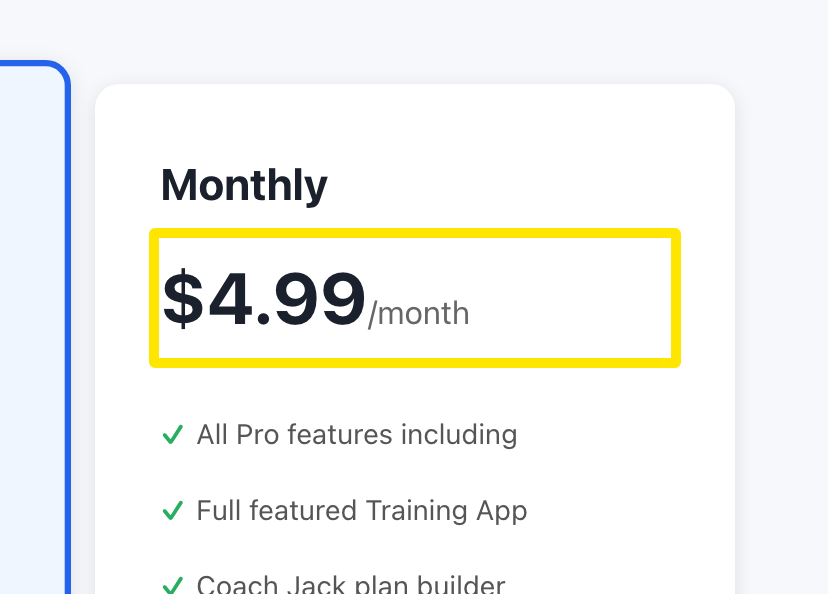 位置:网站 · trainerday.com/subscribe
提示: 你现在就可以取消并重新订阅。商店订阅会持续到到期日,网站计费从那天开始。不会重复扣款,你的数据也会保留。