

结账时银行卡被拒怎么办?
银行卡被拒,意思是你的银行拒绝了订阅页面银行卡表单上的扣款。解决办法:换一张卡,或者用同一页面上的 Paypal 或 Stripe 链接付款,或者在 TrainerDay 手机 App 里购买。
- 在网站的订阅页面上,银行卡被拒时会显示 Payment failed("Your transaction was declined")。在 Pay with Card 表单中,选择 Use existing card 或 Use new card,然后填入另一张卡。
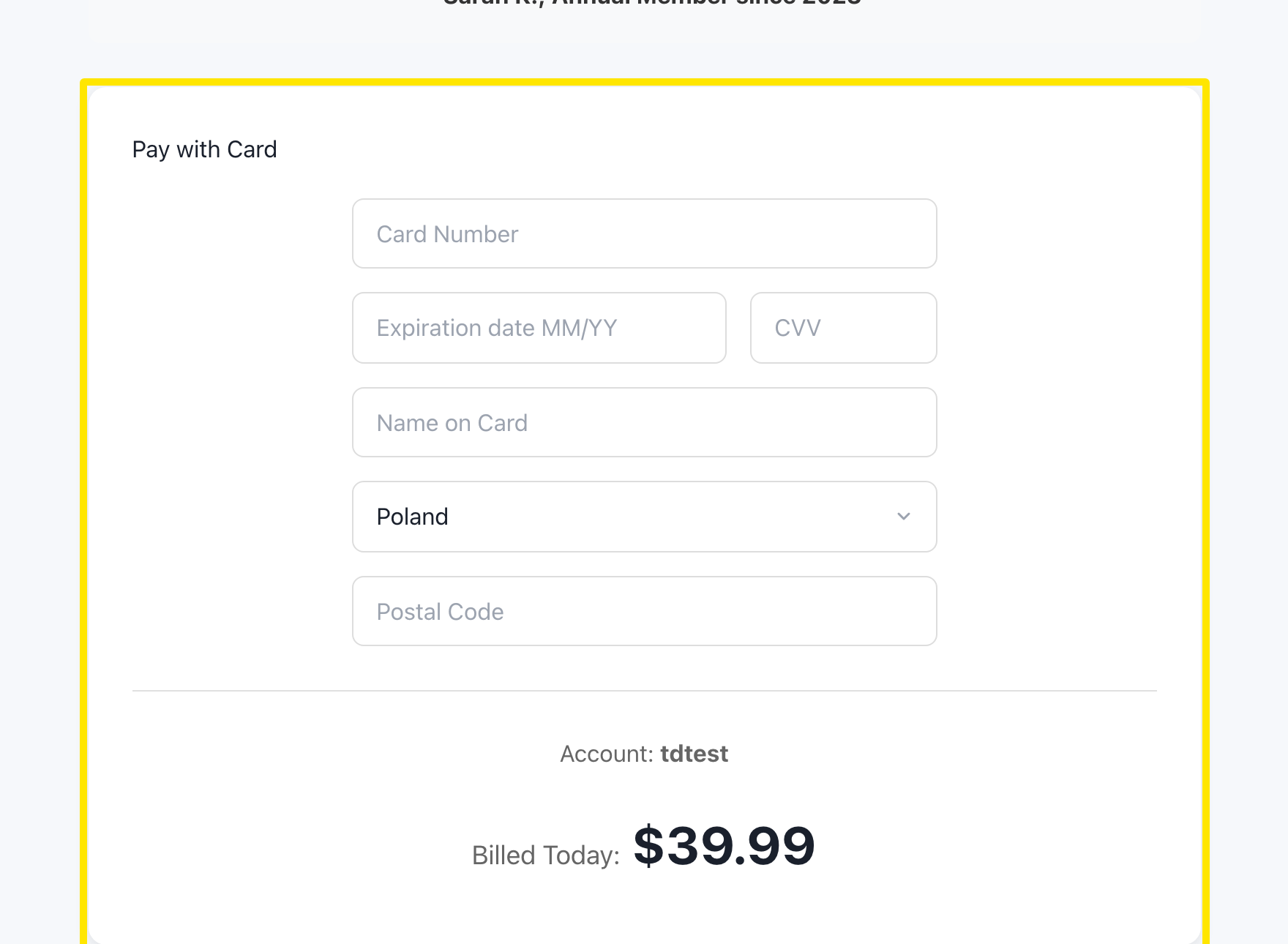 位置:网站 · trainerday.com/subscribe
- 或者在 Get Instant Access 按钮下方,点击 Paypal 或 Stripe。
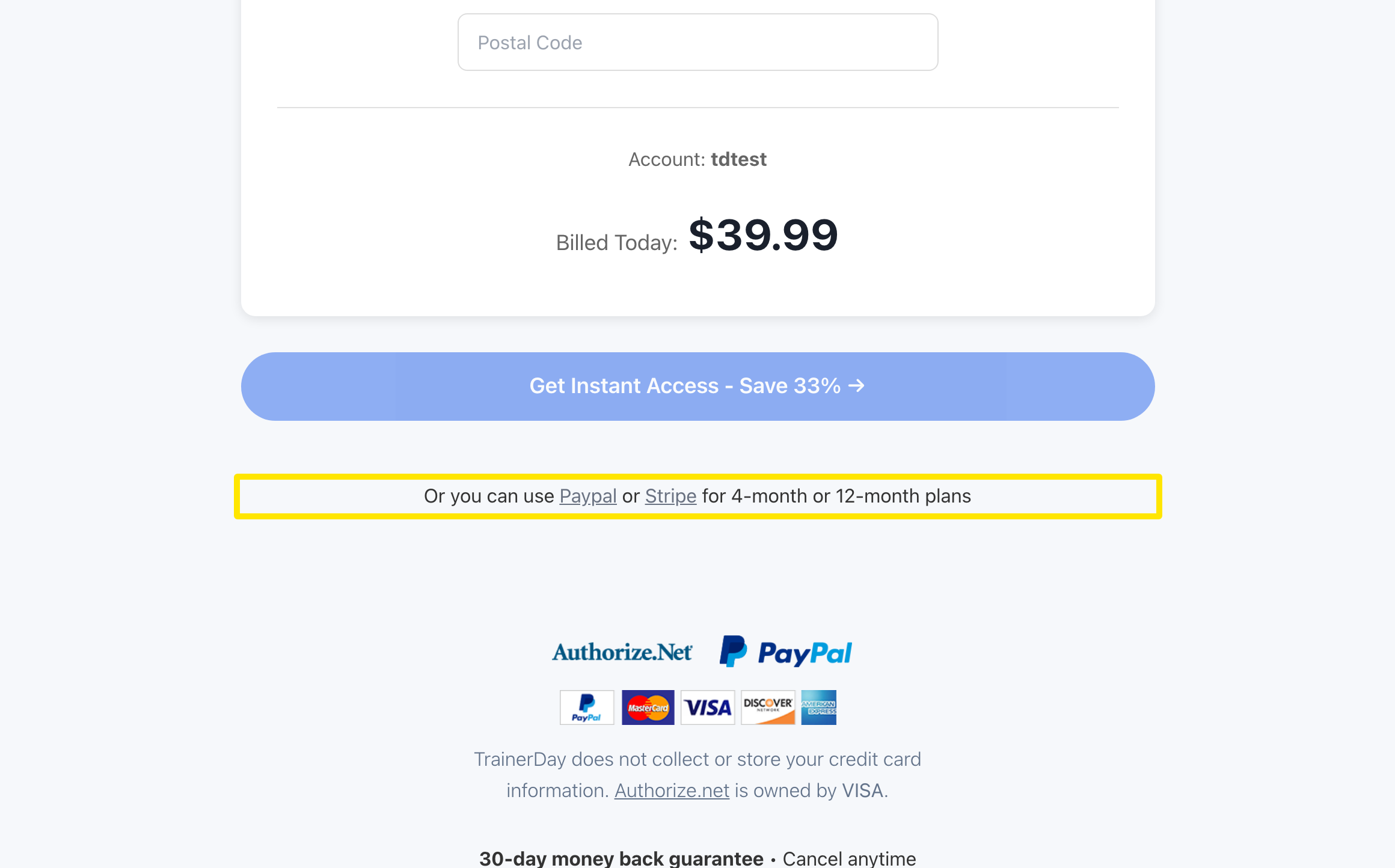 位置:网站 · trainerday.com/subscribe
- 选择 PayPal 或 Stripe,然后点击按钮。你会在它们的安全页面上完成付款。
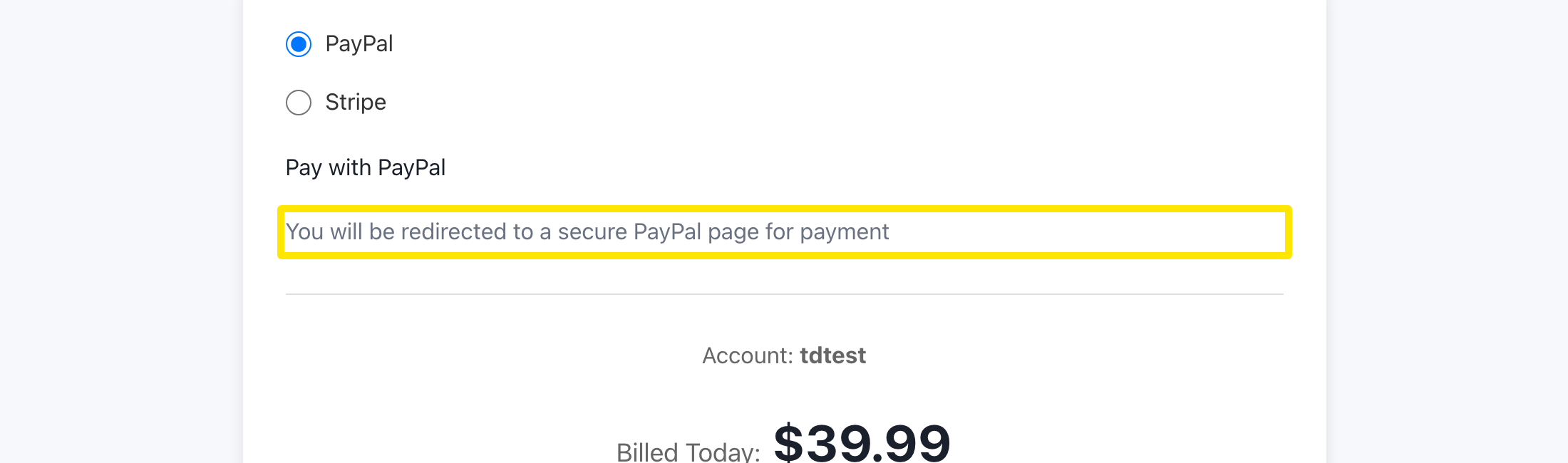 位置:网站 · trainerday.com/subscribe
- 如果网站还是不接受你的卡,就在 iPhone 或 Android 上的 TrainerDay App 里订阅。
小提示: 银行卡表单本身没有 3D Secure 验证步骤,而 Stripe 的页面会走你银行的验证流程。一次性虚拟卡不能用于按月订阅。
适用于: 网站(银行卡、PayPal、Stripe)· iPhone 和 Android(应用内购买)