

怎么用 PayPal 付款?
在网站的订阅页面用 PayPal 购买 TrainerDay Pro:点击付款按钮下方的 Paypal 链接,选择年度或 4 个月方案,然后在 PayPal 上确认。
- 在 TrainerDay 网站登录,打开 trainerday.com/subscribe。
- 在付款按钮下方的“Or you can use Paypal or Stripe for 4-month or 12-month plans”中点击 Paypal。
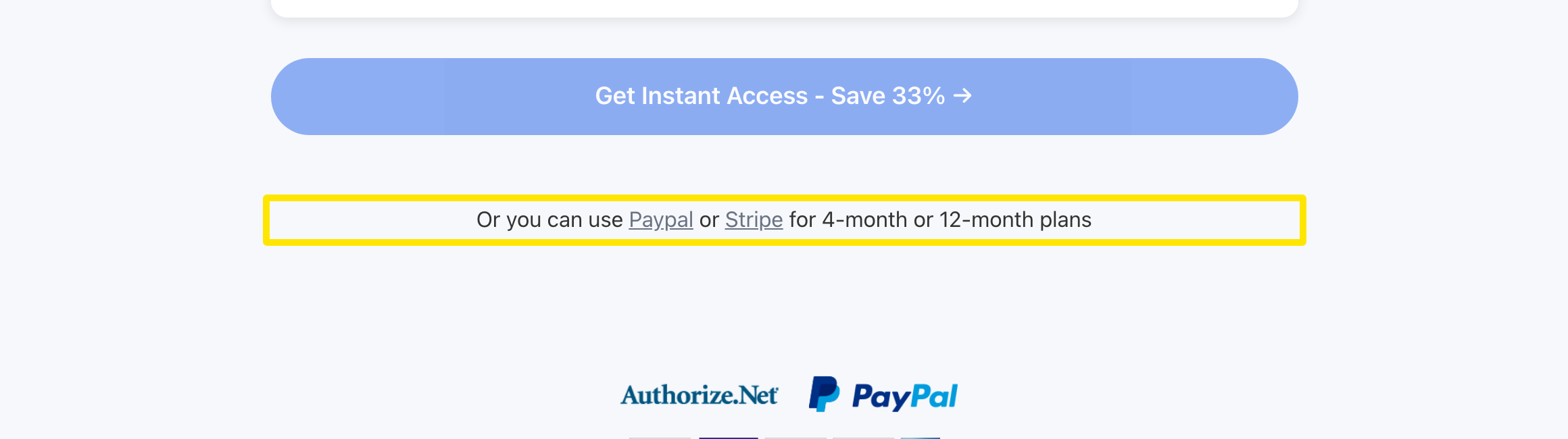 位置:网站 · trainerday.com/subscribe
- 选择 年度 方案($39.99)或 4 个月方案($19.39),并保持选中 PayPal。
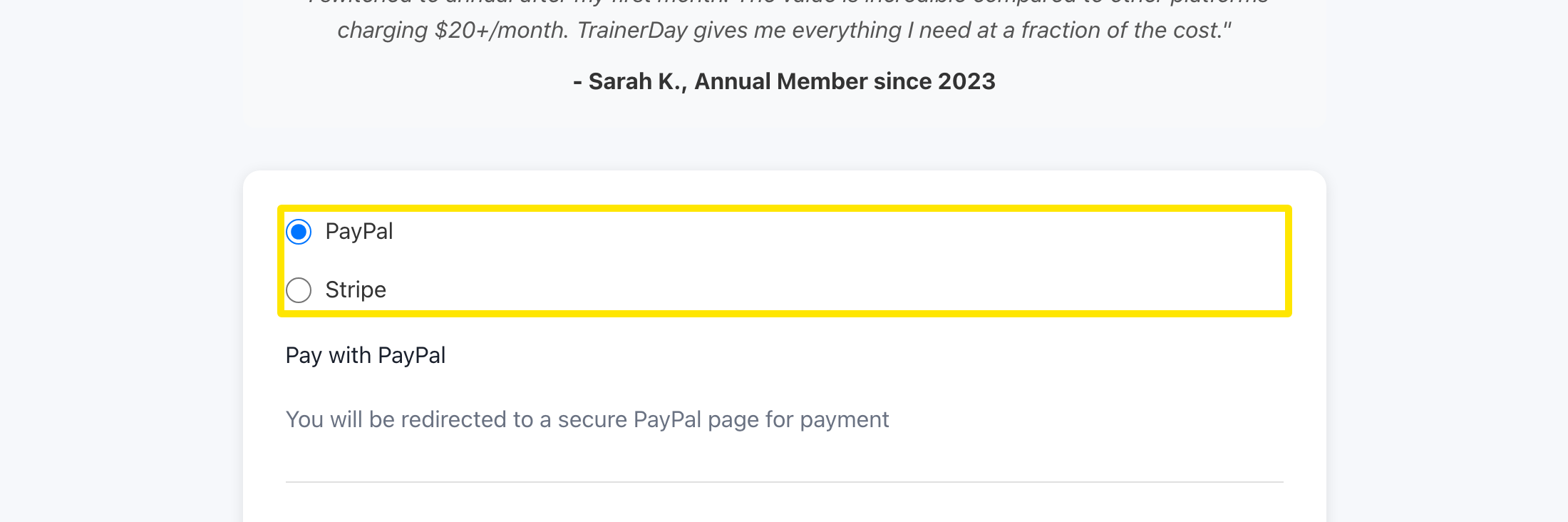 位置:网站 · trainerday.com/subscribe
- 点击表单下方的按钮(年度方案为 Get Instant Access - Save 33% →)。PayPal 页面会打开,确认订阅后会回到 TrainerDay。
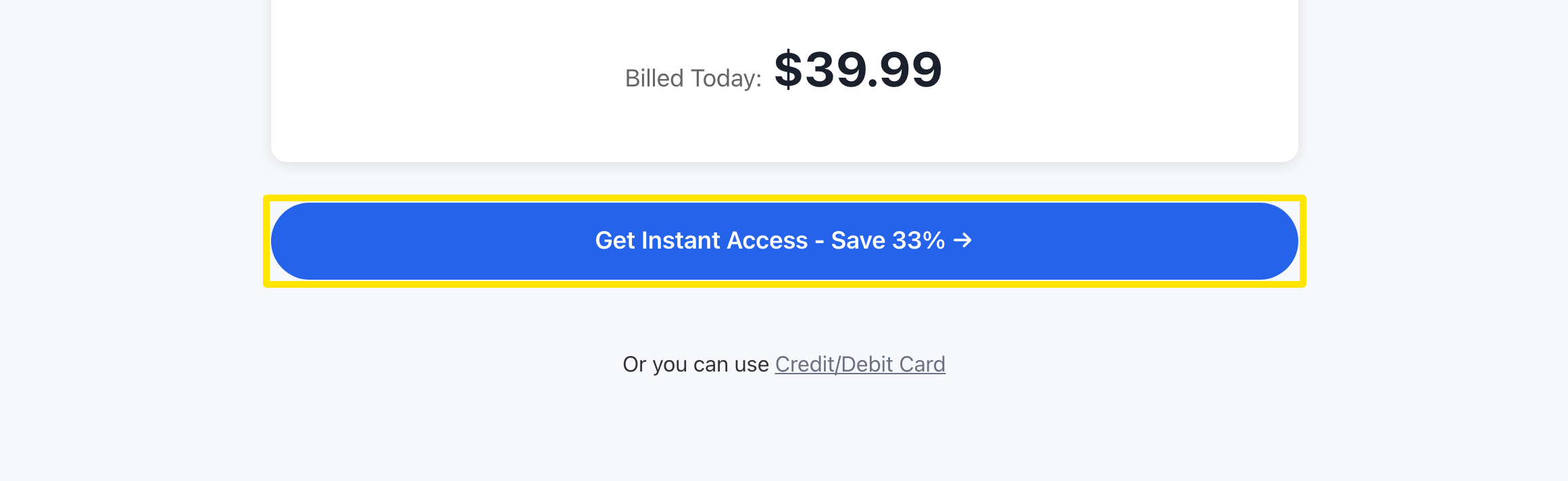 位置:网站 · trainerday.com/subscribe
- 想查看订阅情况,请打开账户的 订阅状态 页面。
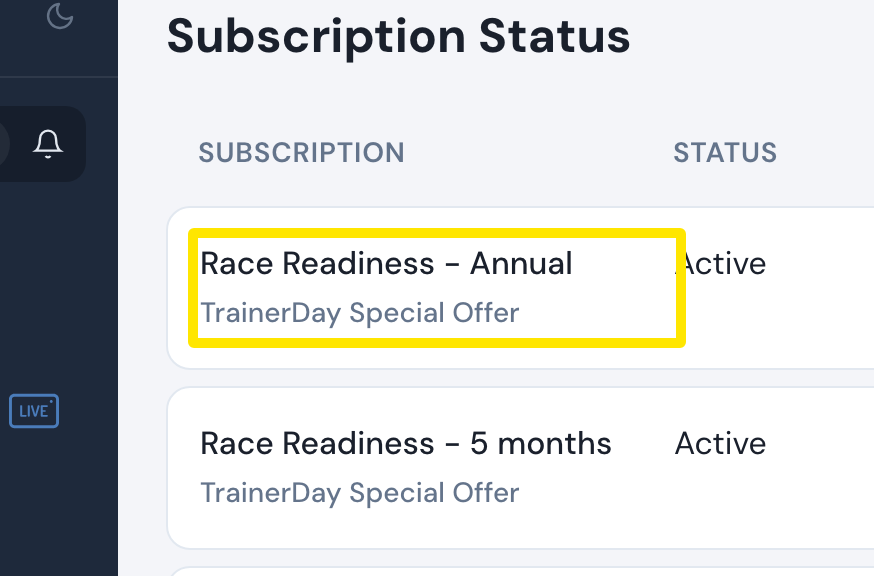 位置:网站 · app.trainerday.com/account/subscription · 打开
须知: PayPal 以美元扣款,只支持年度和 4 个月方案(月度方案只能用银行卡),也不能使用优惠码。
适用于: 仅限网站。手机 App 通过 App Store 或 Google Play 销售 Pro。