

如何在网站上使用 TrainerDay?
访问 app.trainerday.com,在网站上查找、预览和安排训练,然后用 TrainerDay 移动应用或桌面应用来骑,因为网站无法控制骑行台。
- 访问 app.trainerday.com,用你的 TrainerDay 用户名或邮箱登录。
- 在左侧边栏点击搜索训练。点击我的锻炼查看你自己的列表。
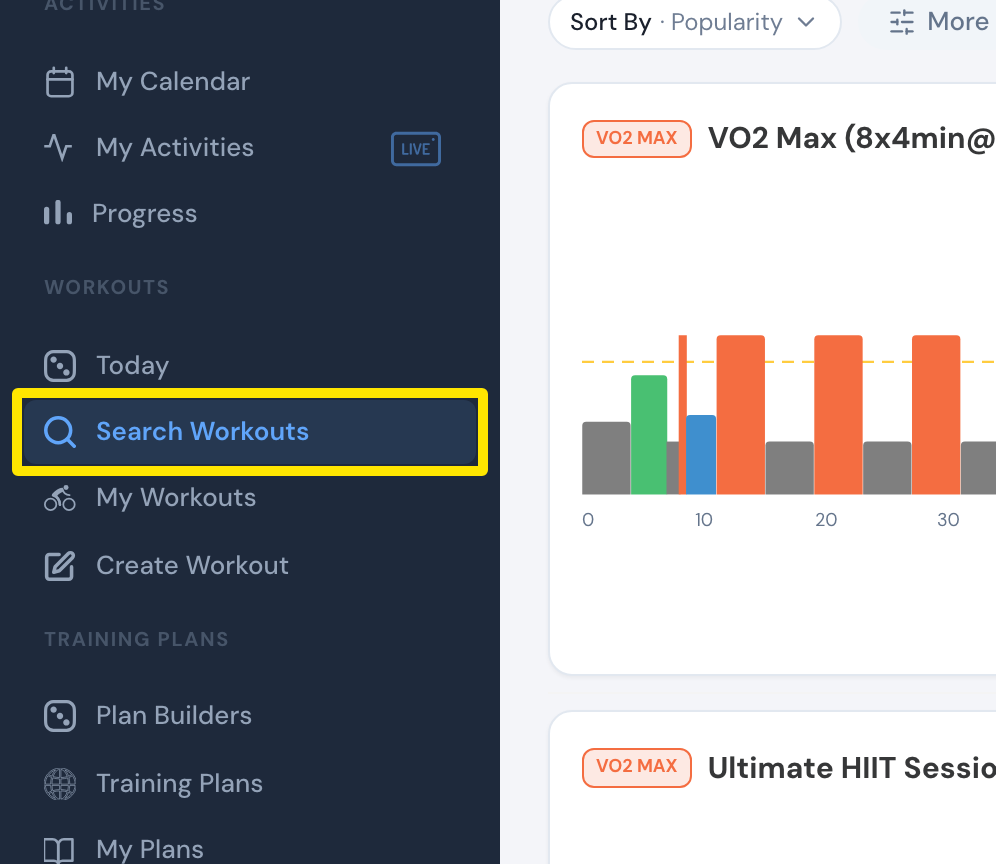 位置:网站 · 左侧边栏 · 打开
- 在结果中点击训练名称即可打开,能看到它的图表、时长和训练压力。
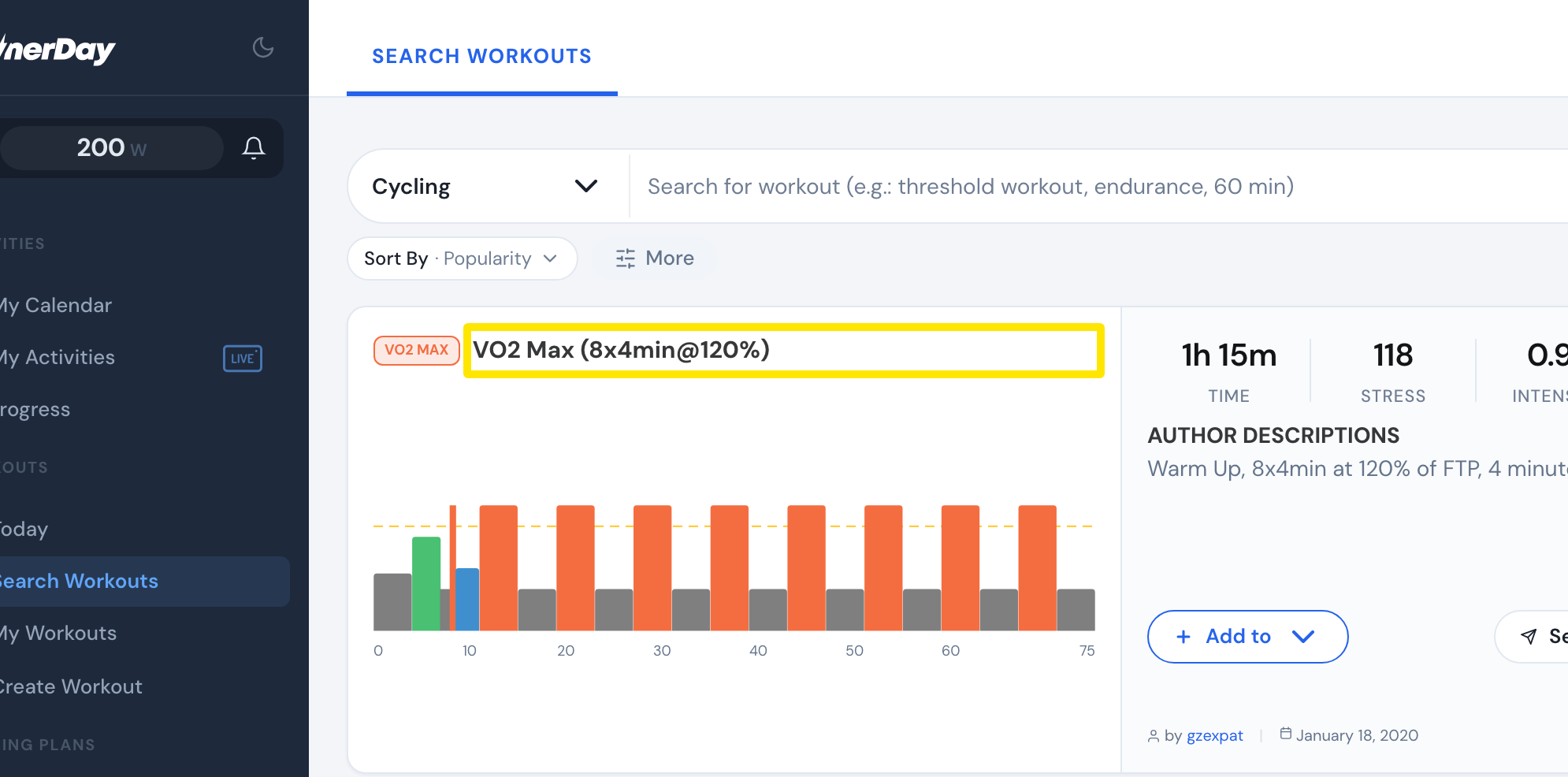 位置:网站 · 搜索训练结果 · 打开
- 要安排这个训练,点击训练上的添加到,把它加到我的日历或某个列表。
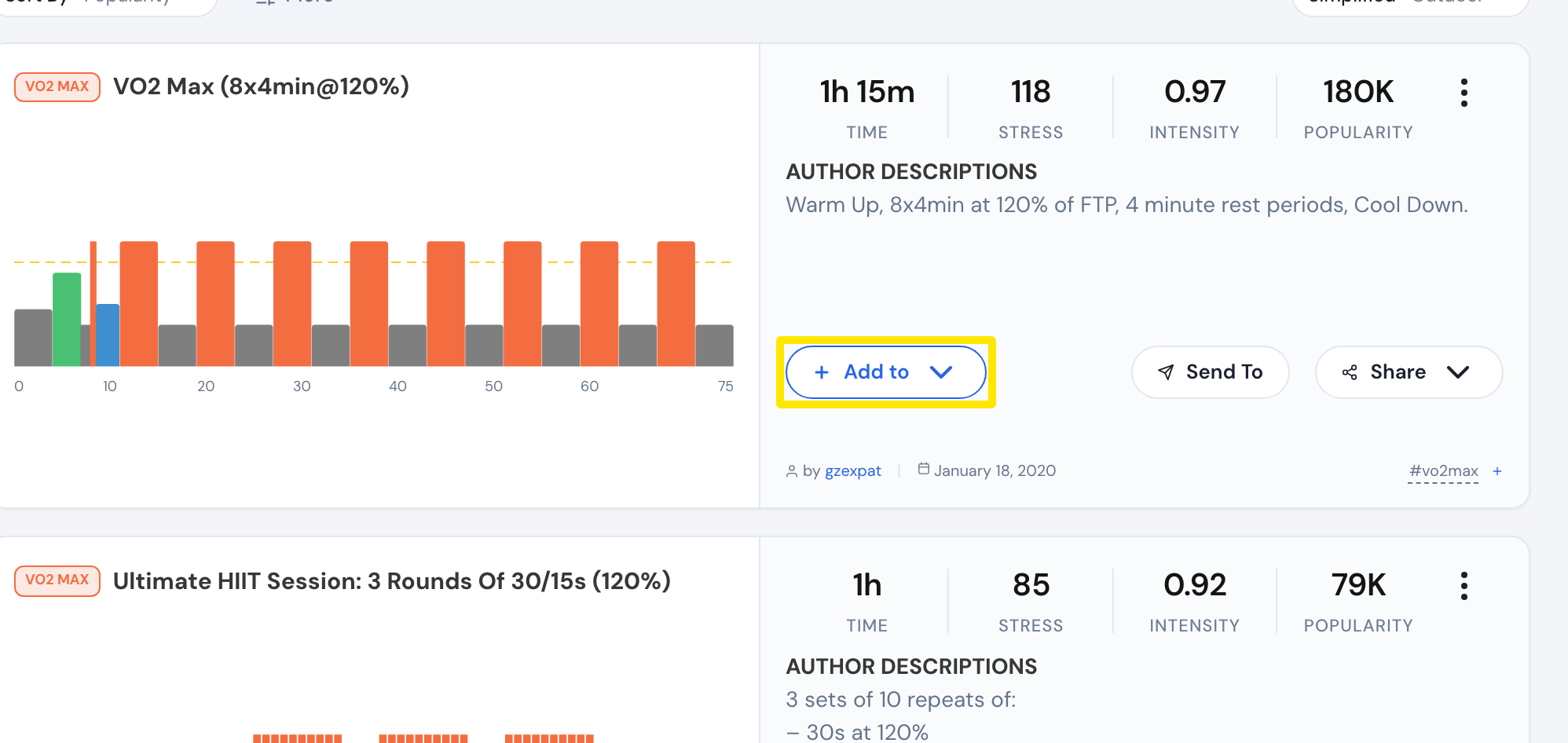 位置:网站 · 搜索训练,在训练上 · 打开
- 要骑这个训练,在 TrainerDay 移动应用或桌面应用中打开它。
**小提示:**网站需要联网。它无法控制骑行台,所以不能在浏览器里骑训练。
**适用于:**网站用于规划。移动应用(iPhone、iPad、Android)和桌面应用(Windows、Mac、Linux)用于骑行。