

怎么把我以前的 Garmin 或 Strava 骑行导入 FitScore?
在 TrainerDay 网站上批量导入你以前的 Garmin 或 Strava 骑行:打开 我的活动,进入 导入历史,上传数据导出的 ZIP 文件。
- 在网站上,点击左侧边栏的 我的活动(app.trainerday.com/activities)。
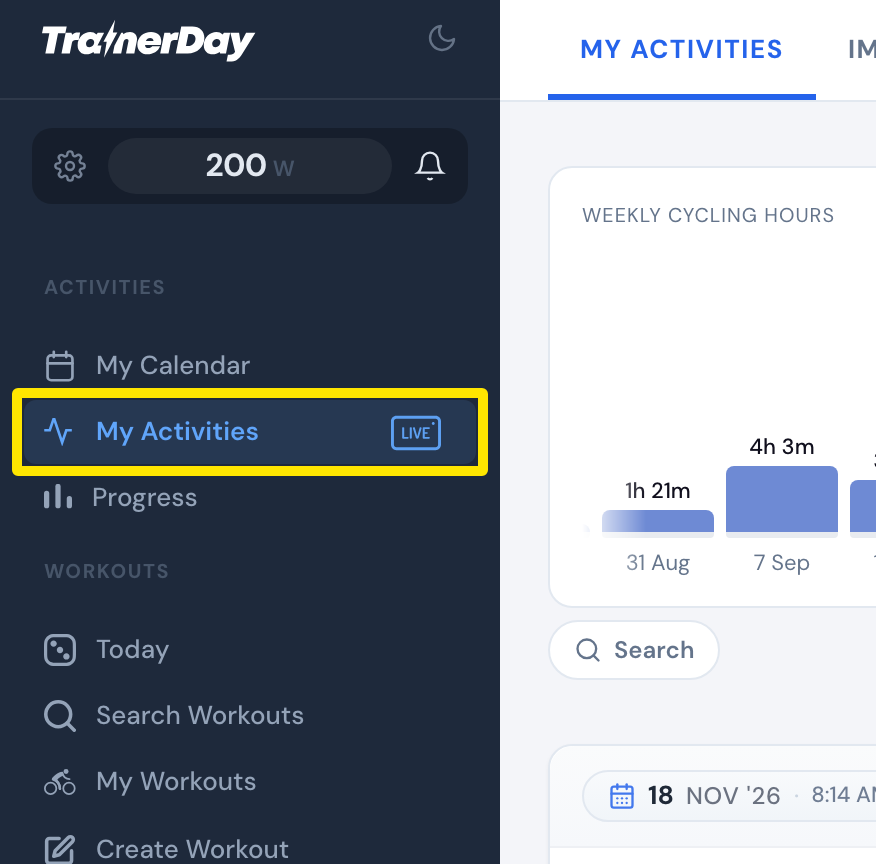 位置:网站 · 我的活动 · 打开
- 点击顶部的 导入历史 标签。
- 选择 Strava 或 Garmin。
- 按照页面上的导出步骤,拿到你的数据导出 ZIP 文件。如果是 Strava,请使用 Strava 数据导出 链接,然后点击 Request Your Archive。
- 把 ZIP 文件拖到上传框里,或点击选择文件。直接上传收到的原文件,不要解压。
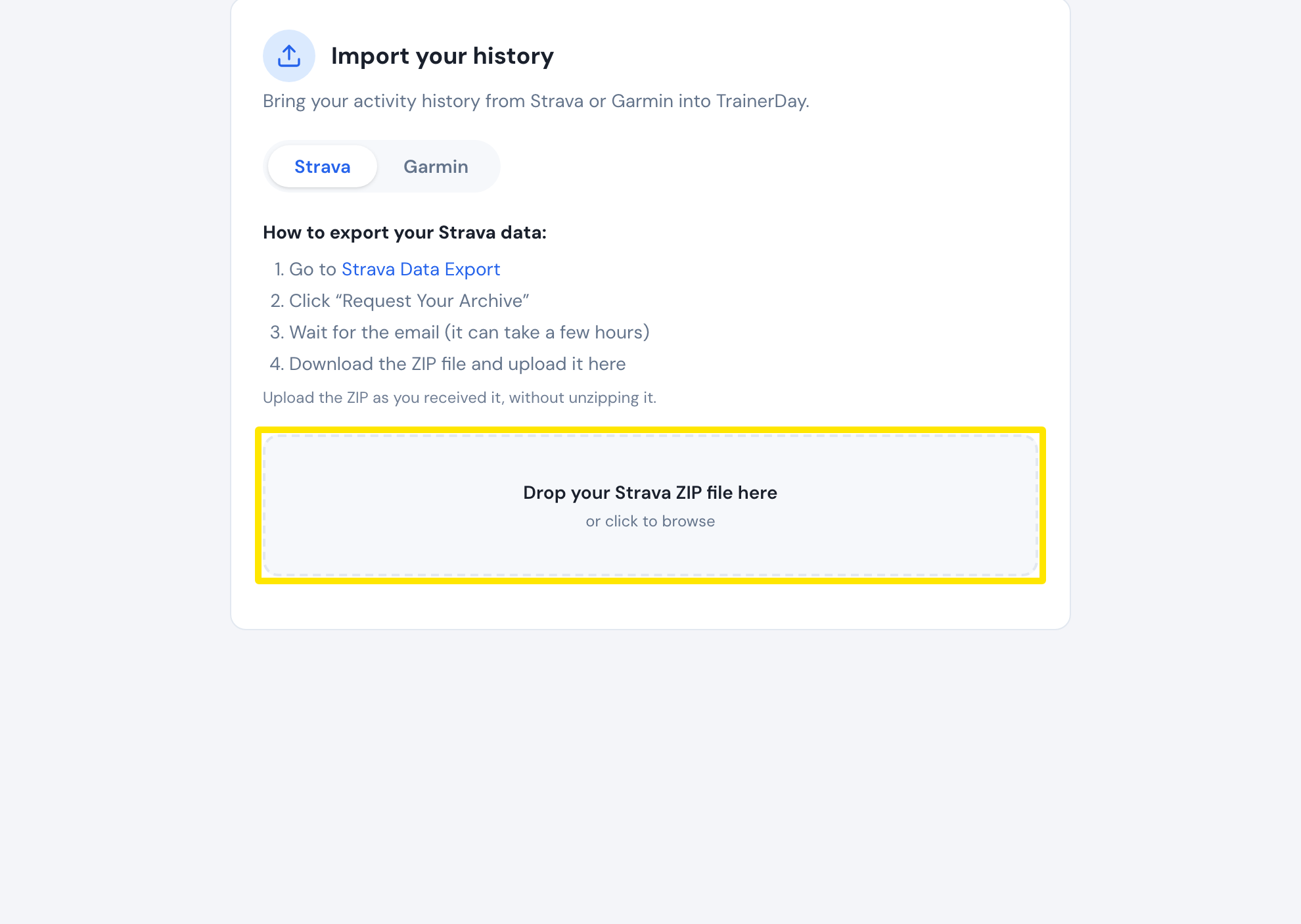 位置:网站 · 我的活动 → 导入历史
小提示: 为 FitScore 批量导入 Garmin 和 Strava 历史的功能目前处于测试阶段。也可以通过 fitscore.trainerday.com/import 使用。