

如何联系 TrainerDay 客服?
联系 TrainerDay 客服的方式:点击网站侧边栏底部的“I have a problem or question”,使用 trainerday.com/contact-us 上的联系表单,或发邮件至 [email protected]。
- 在网站上打开 app.trainerday.com,点击侧边栏底部的 I have a problem or question。
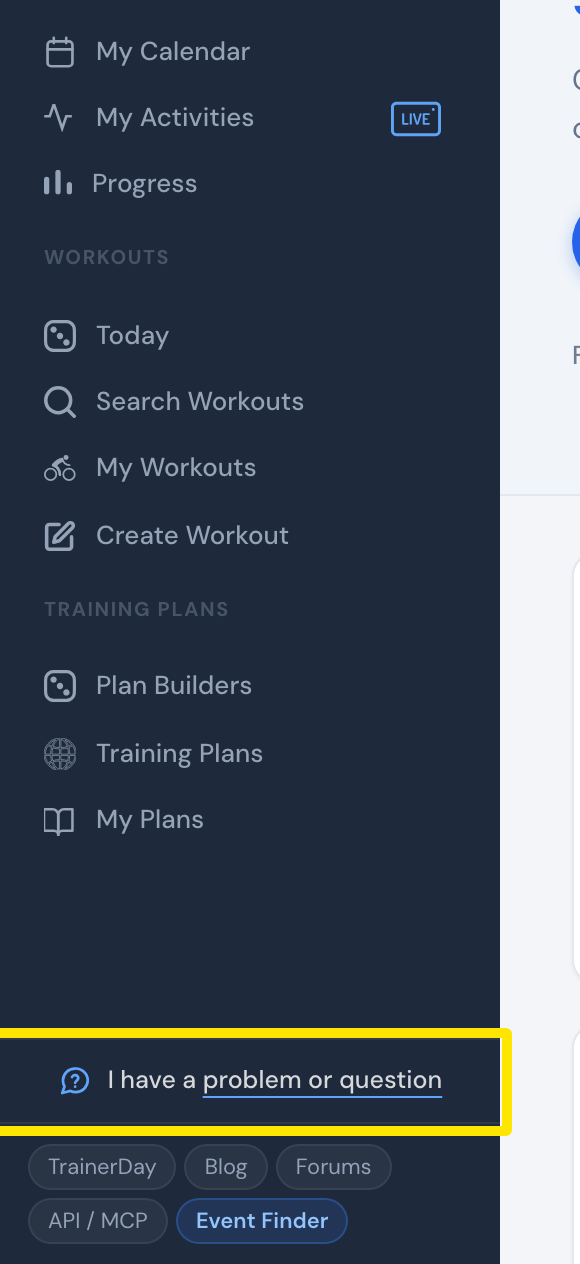 位置:网站 · 首页 · 打开
- 在弹出的窗口中写下你的问题,然后点击发送。Alex 会通过电子邮件回复你。
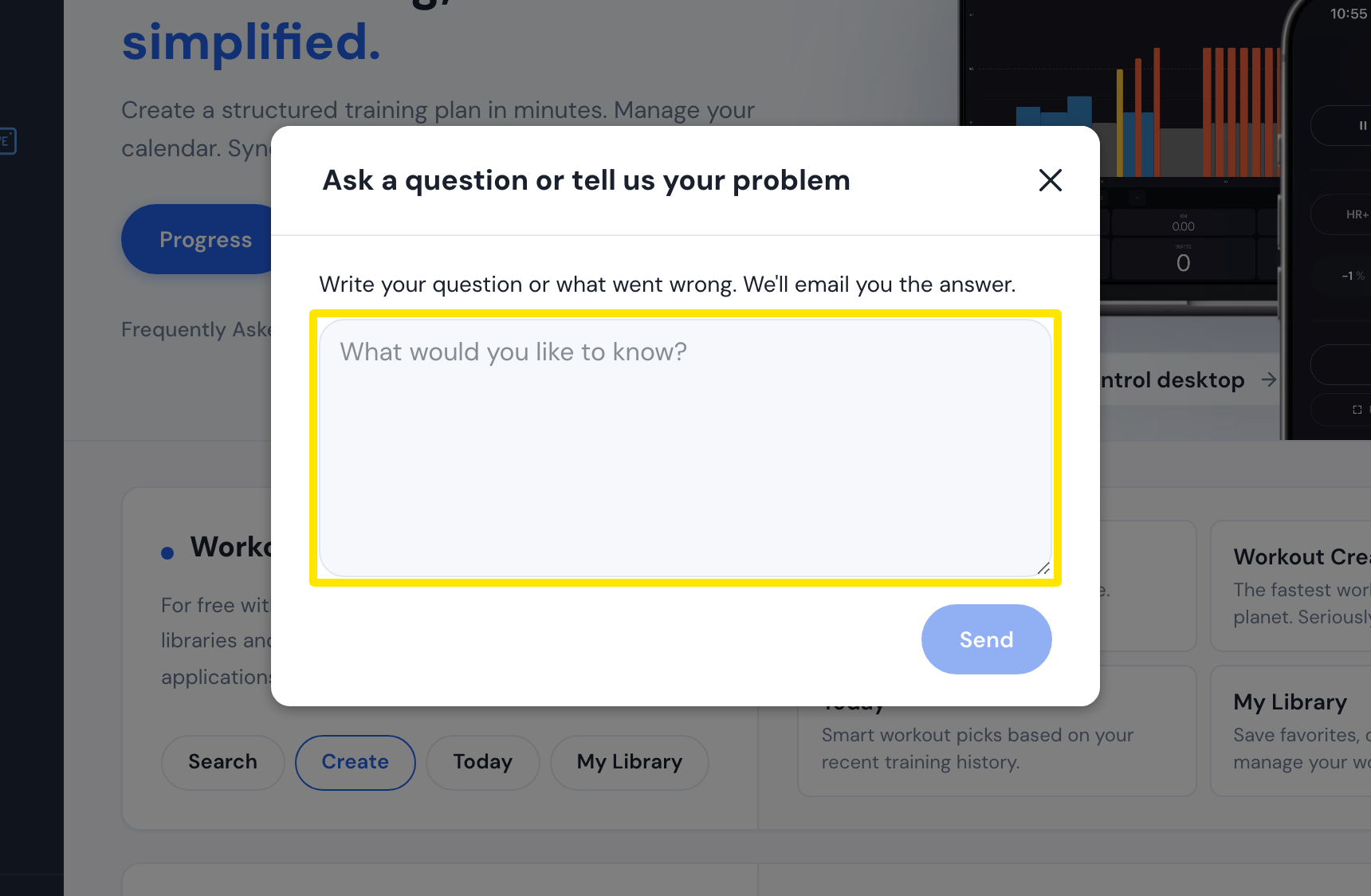 位置:网站 · 首页 · 打开
- 或者打开 trainerday.com/contact-us,在 Contact Form 下填写电子邮件、名称和 Message,然后点击 Submit。
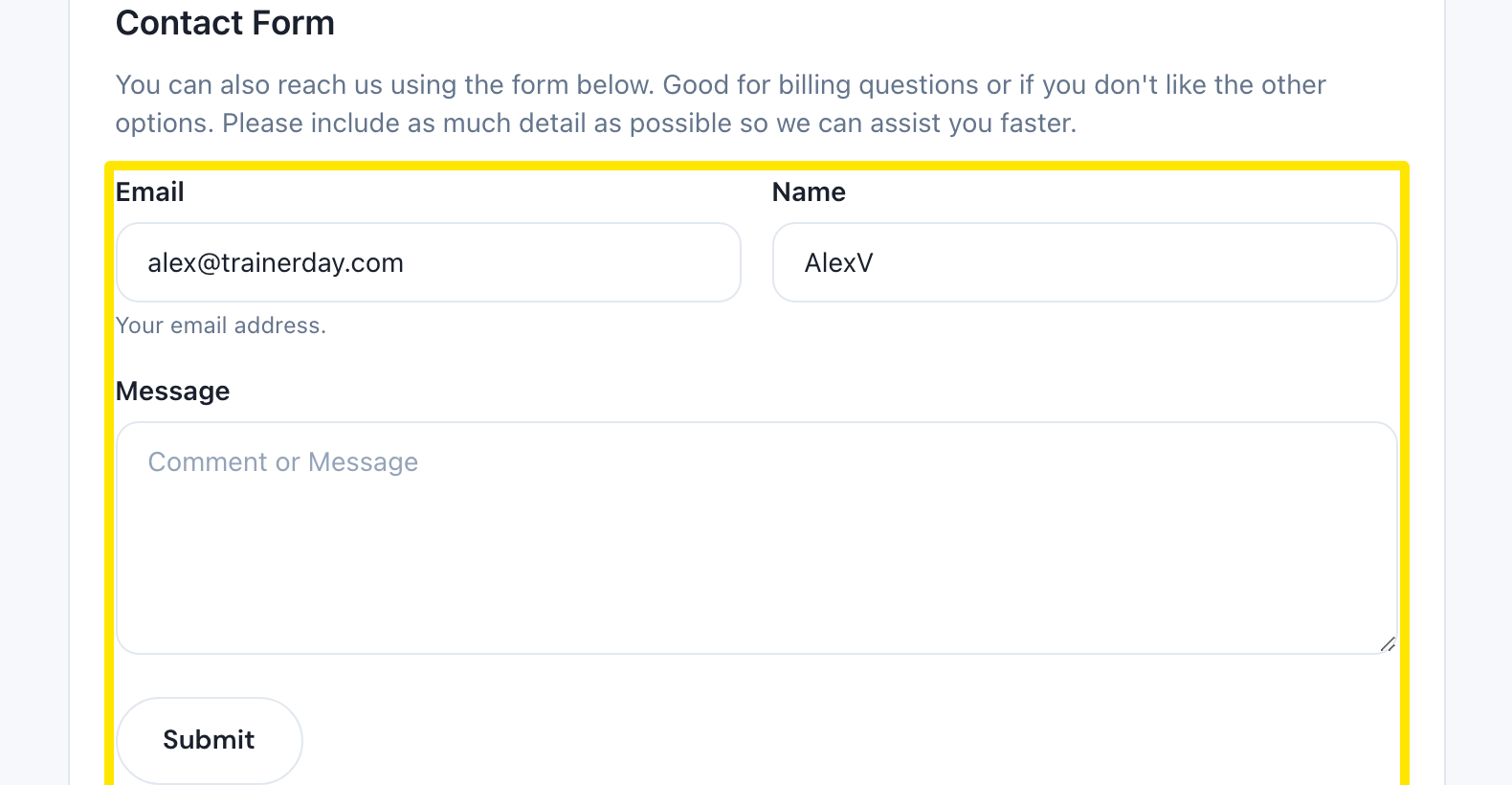 位置:网站 · Contact Us 页面(trainerday.com/contact-us)
- 也可以发邮件至 [email protected]。你可以附上 FIT 或 TCX 文件、活动链接,以及问题的录屏视频。
 位置:网站 · Contact Us 页面(trainerday.com/contact-us)
- 如果是其他骑友也能回答的问题,可以在同一页面点击 Go to Forum。
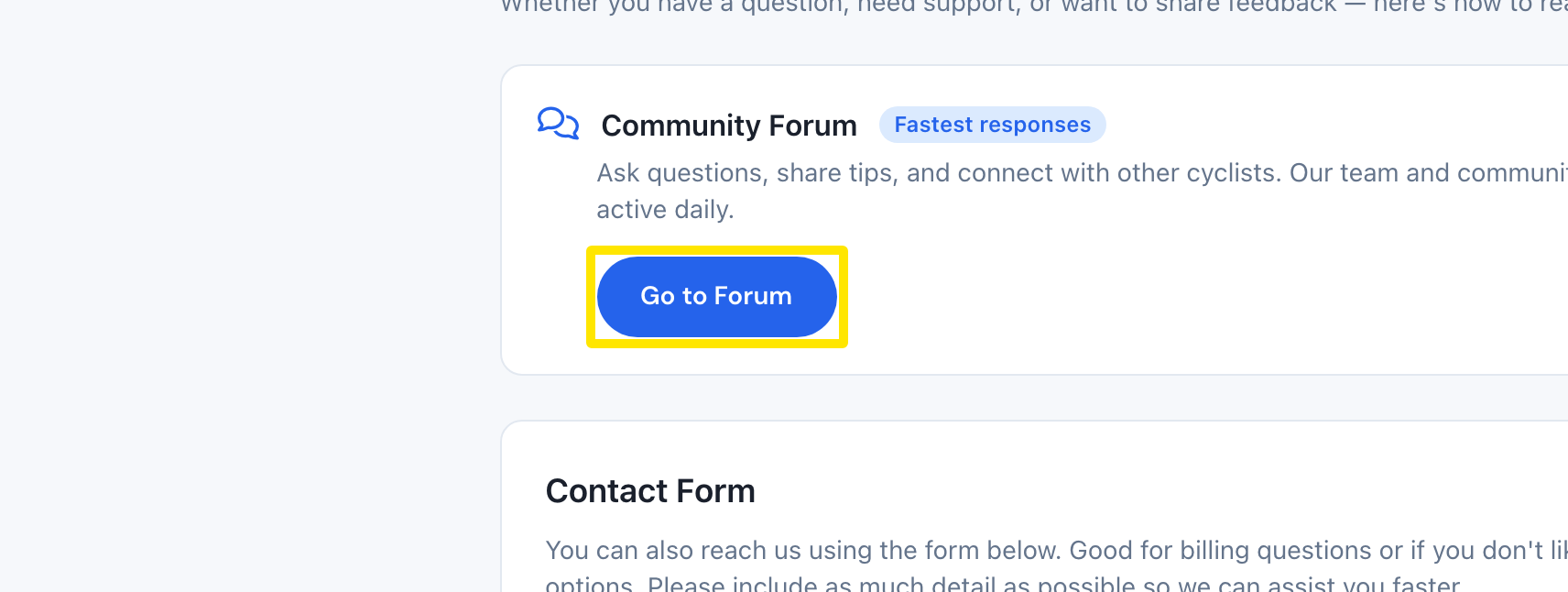 位置:网站 · Contact Us 页面(trainerday.com/contact-us)
**提示:**Alex 通常会在 4 小时内回复,几乎总能在 24 小时内回复;周末可能会慢一些。你可以用自己的语言来写。
适用于:网站(侧边栏)、移动应用(设置 → I have a problem or question,或联系我们/反馈)、桌面应用(顶栏中的 Problem or question?)。