

怎样在 Android 上加入 TrainerDay 测试版?
Google Play 上没有公开的 Android 测试版;想试用新版本,请通过网站上的“I have a problem or question”联系 TrainerDay。
- 打开网站 app.trainerday.com,点击侧边栏底部的 I have a problem or question。
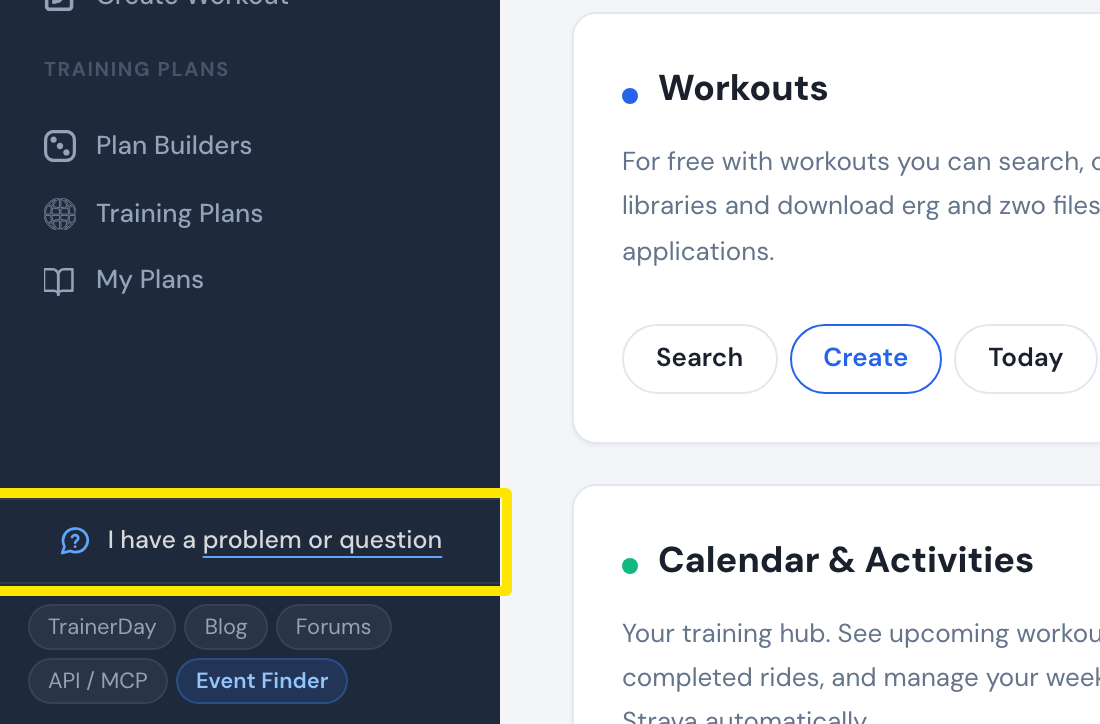 位置:网站 · 首页 · 打开
- 写明你想测试新的 Android 版本,然后点击 发送。
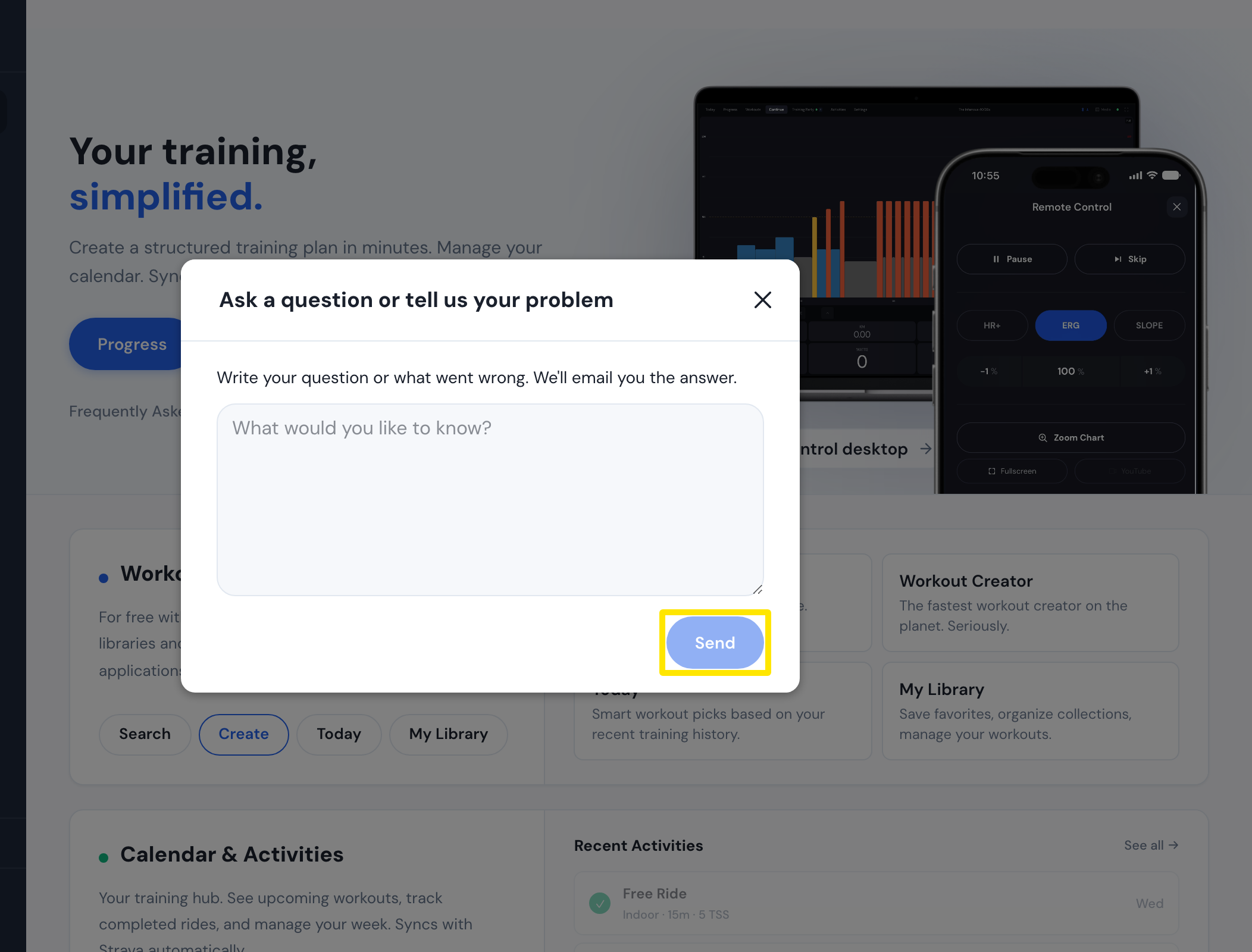 位置:网站 · 首页 · 打开
小贴士: Google Play 上没有可以加入的公开 Android 测试版,TrainerDay 的应用和 trainerday.com 上也没有测试版链接。
适用平台: Android:联系 TrainerDay 申请。iPhone/iPad:TestFlight 测试版,申请邀请即可。桌面版:目前没有测试版。