

如何把 TrainerDay 训练发送到 Wahoo 码表?
在 TrainerDay 网站的“连接”中连接 Wahoo,然后打开一个训练,点击“发送到”,选择 Wahoo 并点击“发送”;训练会安排在 Wahoo 的今天,Wahoo 应用同步后就会传到你的 ELEMNT。
- 在网站上,点击左侧菜单顶部的齿轮图标,选择 连接。
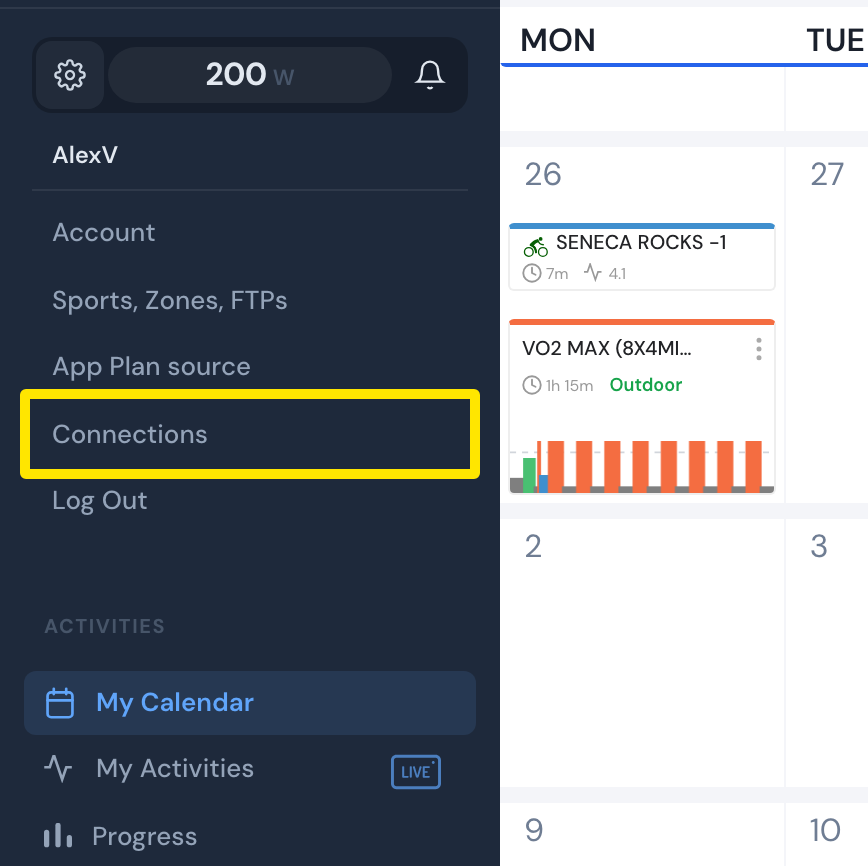 位置:网站 · 我的日历 · 打开
- 在“连接”页面,点击 Wahoo 卡片上的 连接,然后登录 Wahoo。
- 打开训练页面,点击 发送到。
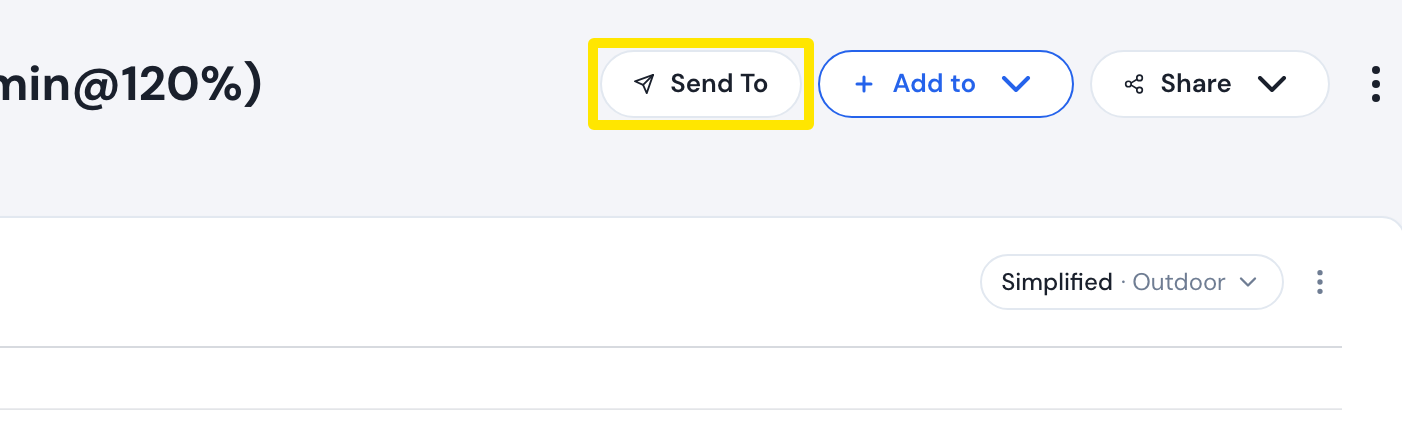 位置:网站 · 训练页面(在“搜索训练”或“我的锻炼”中点击一个训练)
- 在第一个菜单中选择 Wahoo。
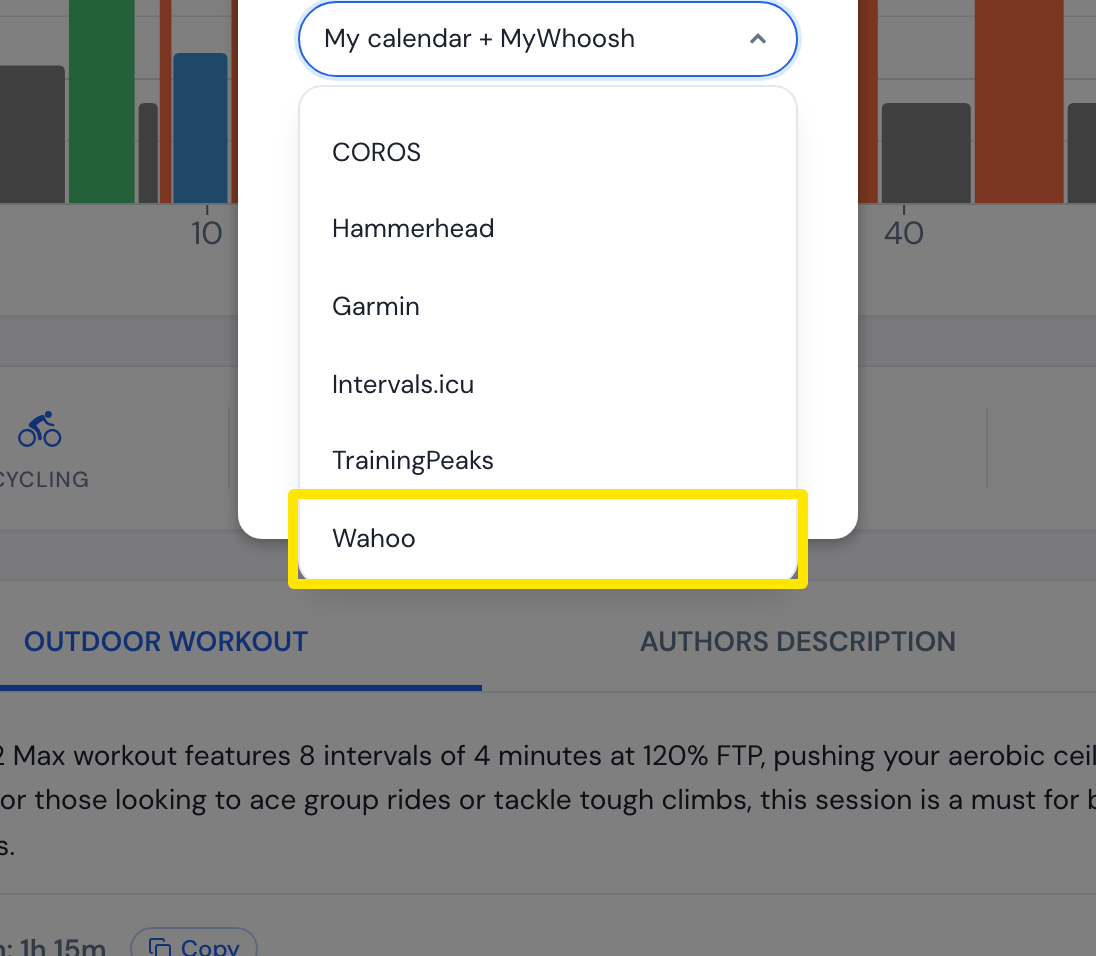 位置:网站 · 训练页面(在“搜索训练”或“我的锻炼”中点击一个训练)
- 保留 功率(室内选 原始,室外选 简化),或选择 心率。
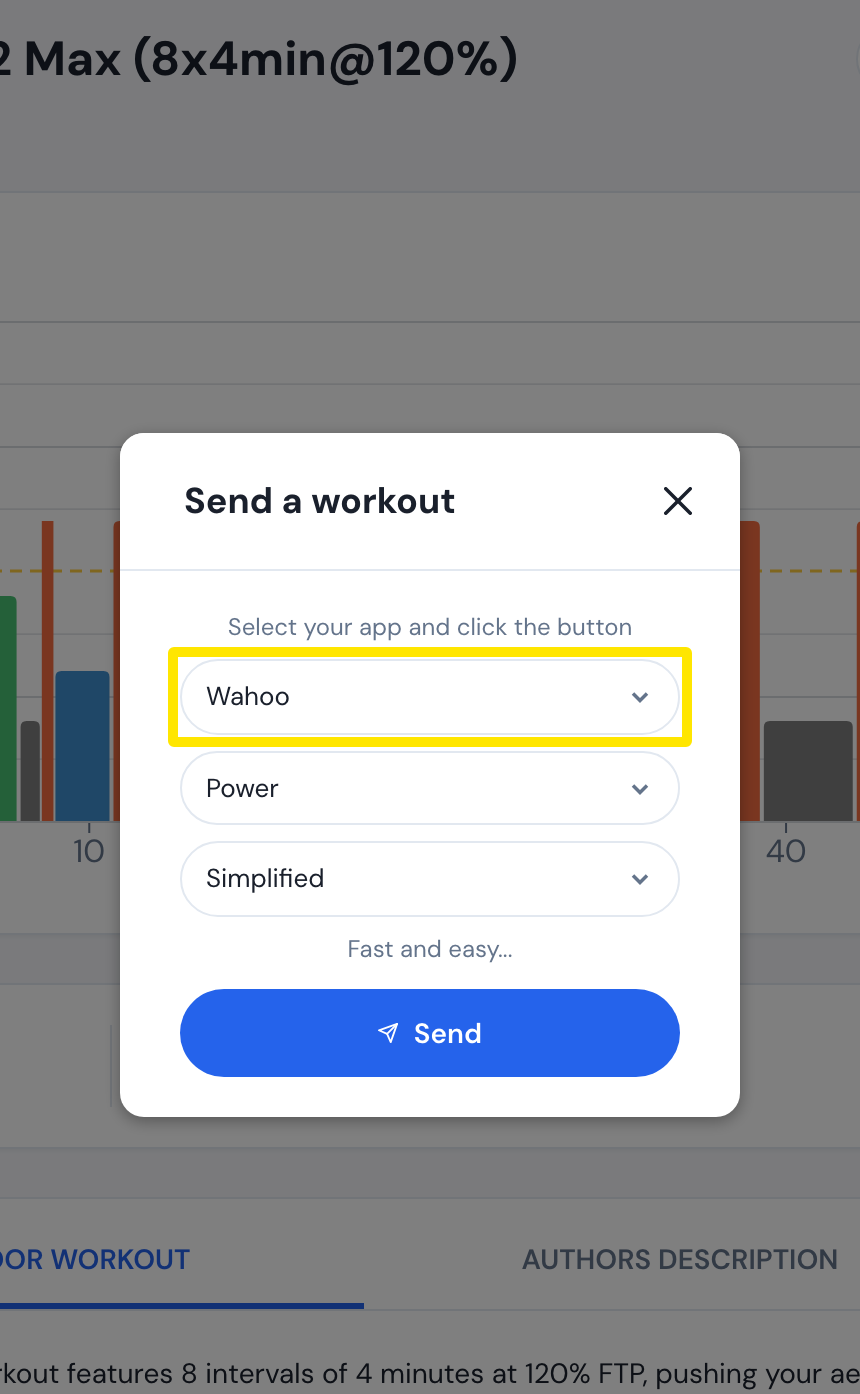 位置:网站 · 训练页面 → 发送到(“发送一个锻炼”窗口)
- 点击 发送。训练会安排在 Wahoo 的今天,Wahoo 应用同步后就会传到你的 ELEMNT。
**须知:**Wahoo 会在大约 2 天后删除已发送的训练;免费版每月可发送 3 次(Premium 不限次数)。
**适用于:**网站、手机应用和桌面应用(通过 Wahoo 的 发送到)。