

怎样把踏频目标同步到 Wahoo、Garmin 或 Zwift?
在网站的锻炼编辑器里给每一步添加踏频目标,然后在锻炼页面用 发送到 把它发到 Garmin、Wahoo 或 Zwift。
- 在网站上,点击侧边栏的 创建锻炼计划(app.trainerday.com/workouts/create)。
- 打开 Fields: 下拉菜单,勾选 踏频。
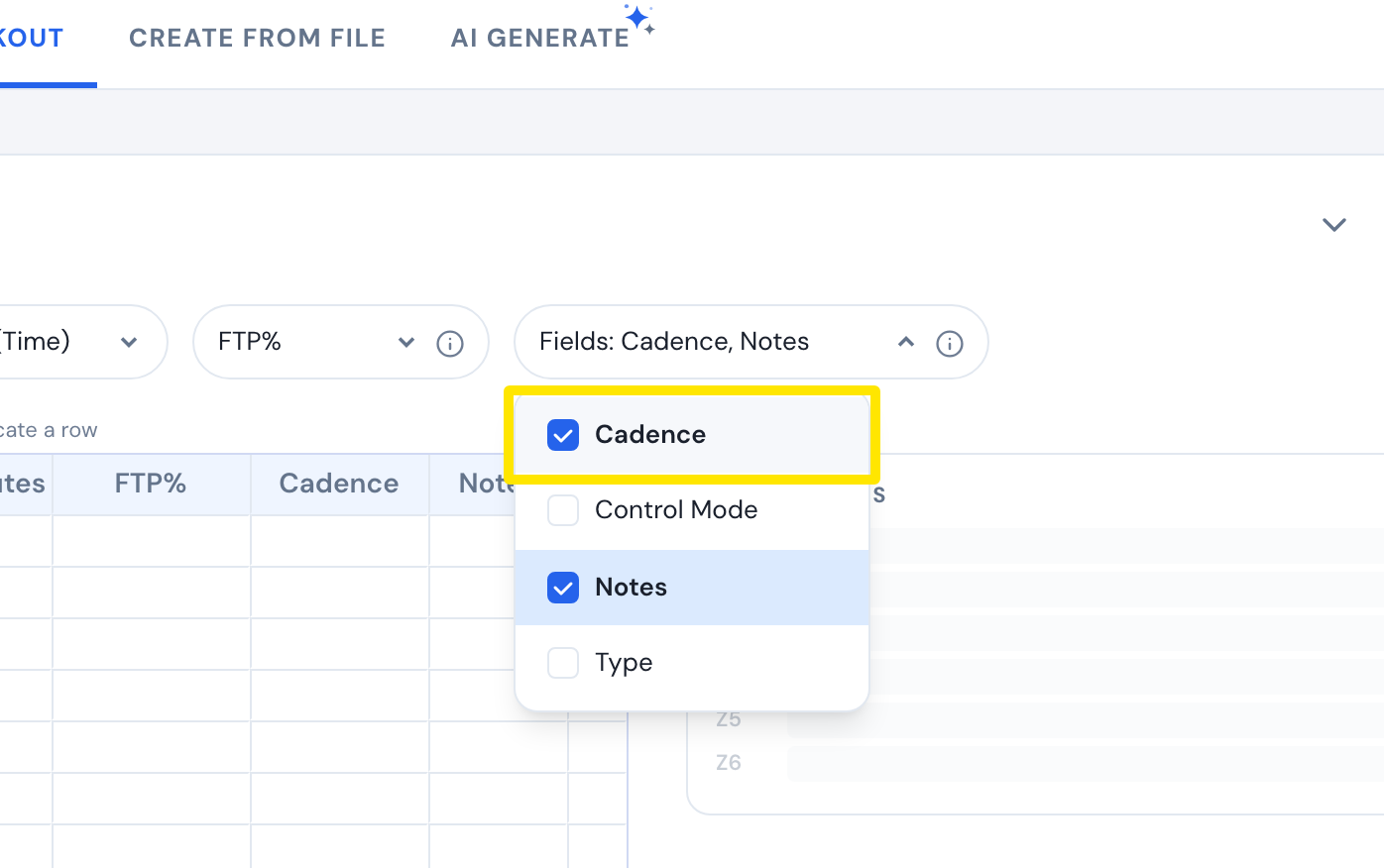 位置:网站 · 创建锻炼计划 · 打开
- 在每一步的 踏频 框里输入 rpm,例如 85-95。
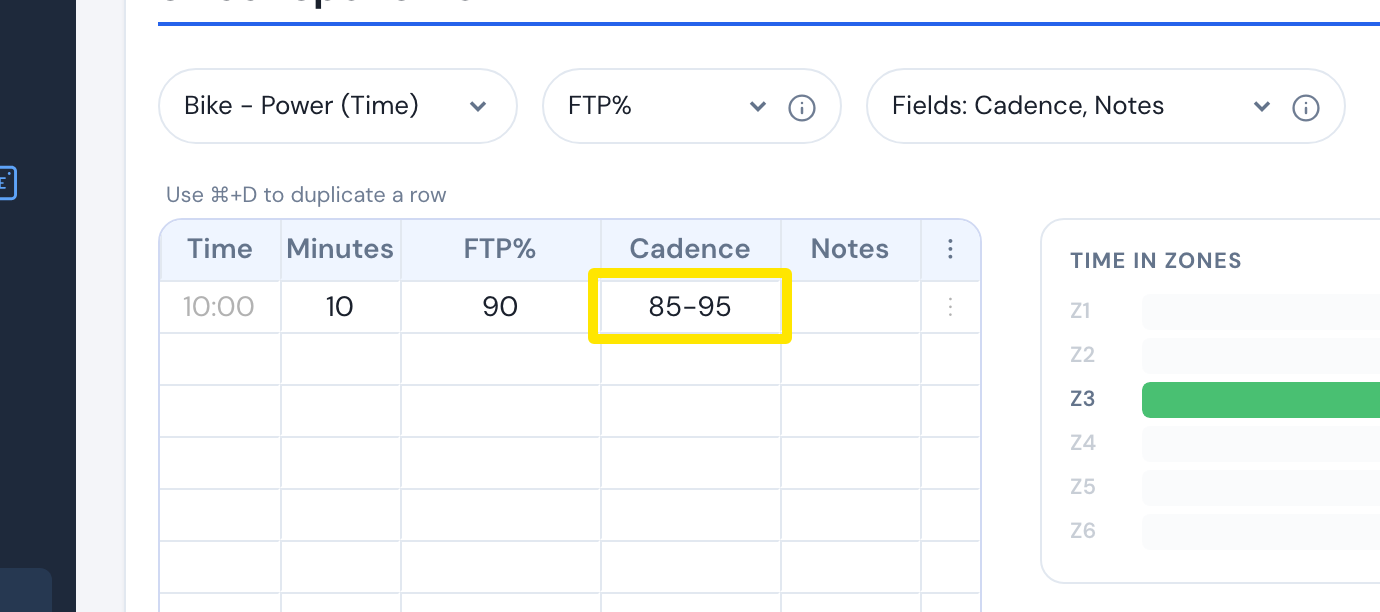 位置:网站 · 创建锻炼计划 · 打开
- 点击 保存锻炼,再点击 保存。
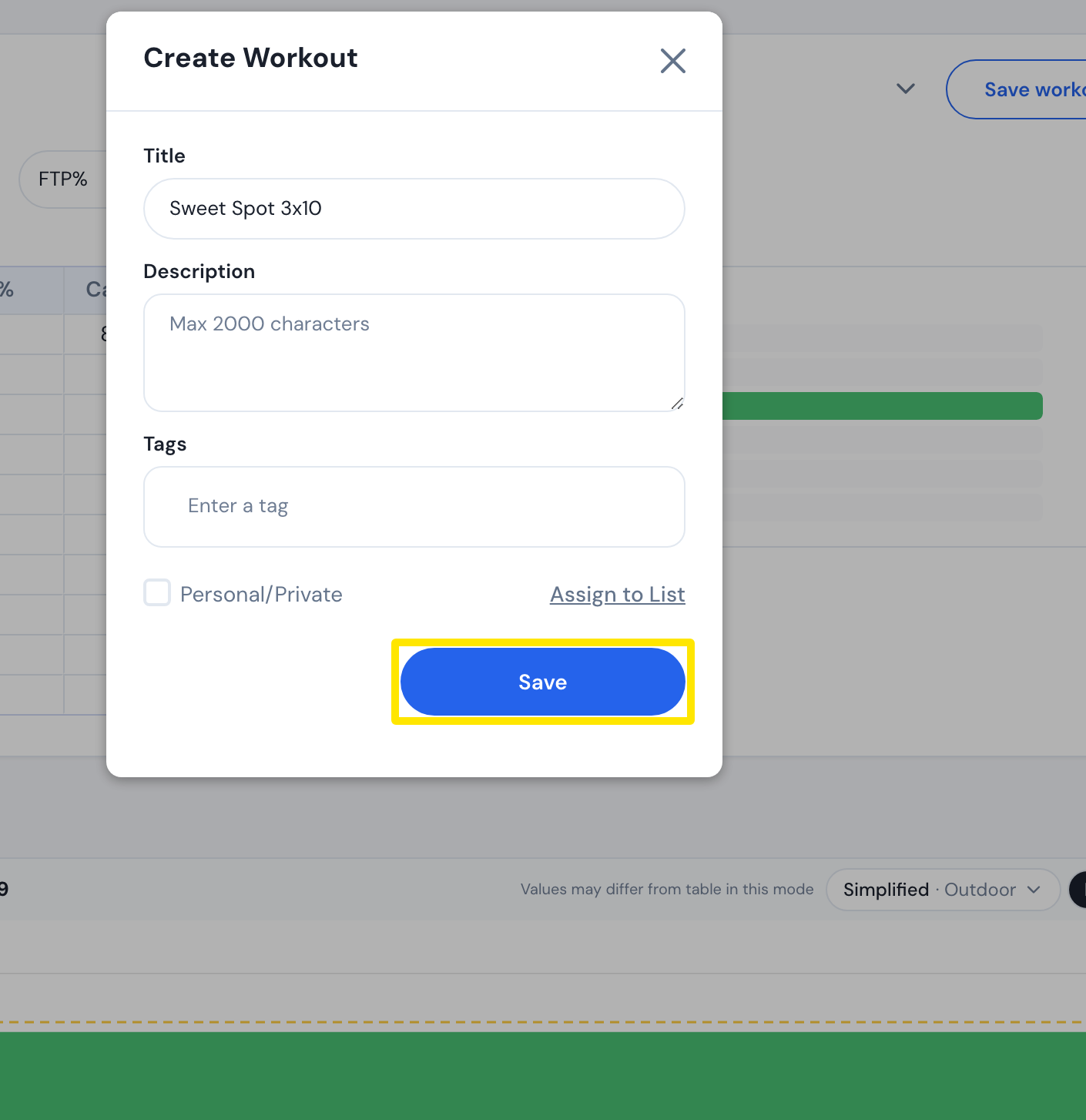 位置:网站 · 创建锻炼计划 · 打开
- 前往 Connections 页面,连接 Garmin、Wahoo 或 Zwift。
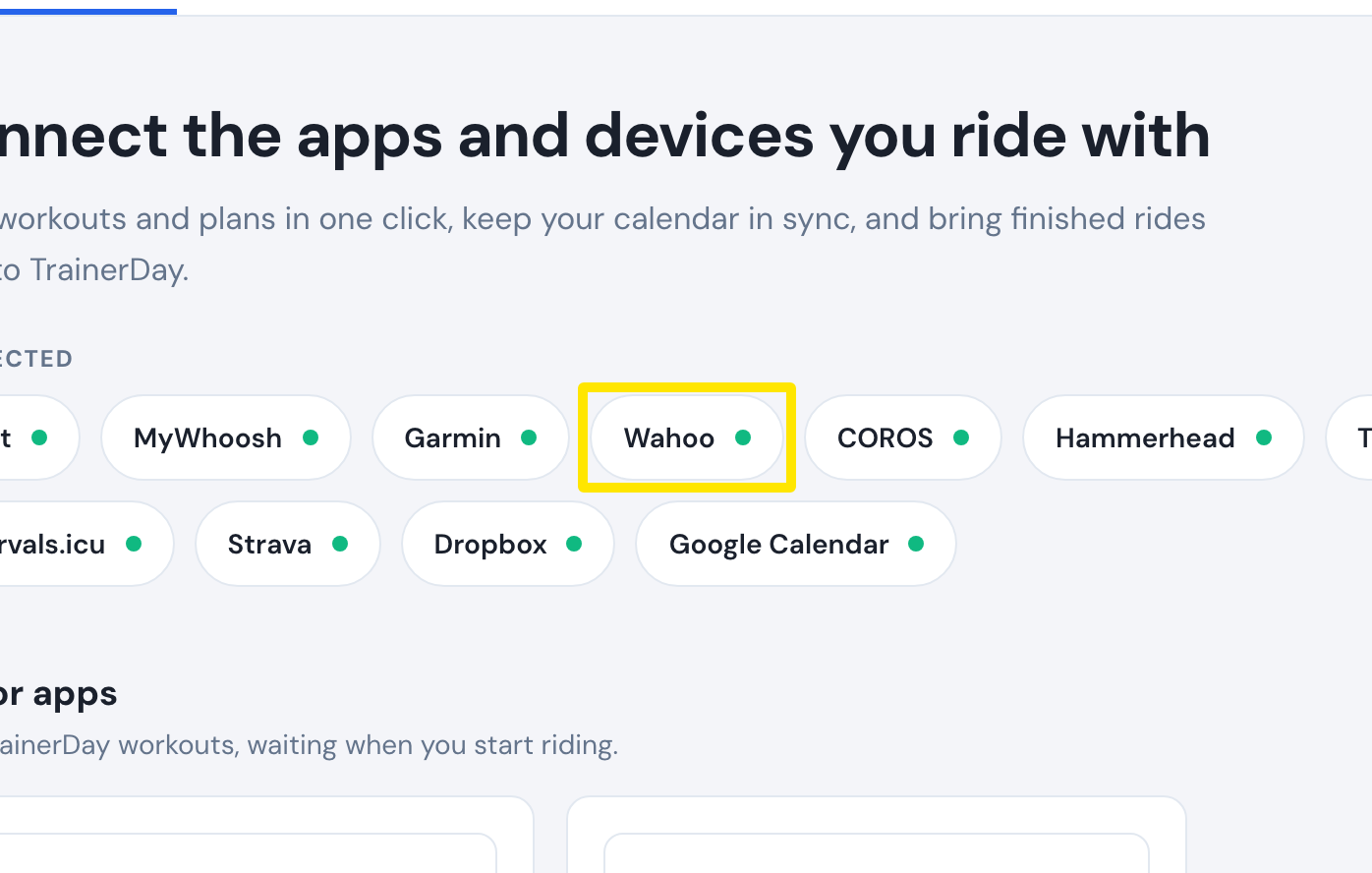 位置:网站 · Connections · 打开
- 打开 我的锻炼,点击你的锻炼进入它的页面。
 位置:网站 · 锻炼页面(在“我的锻炼”中点击一个锻炼)
- 点击 发送到,选择 Garmin、Wahoo 或 Zwift,然后点击 发送。
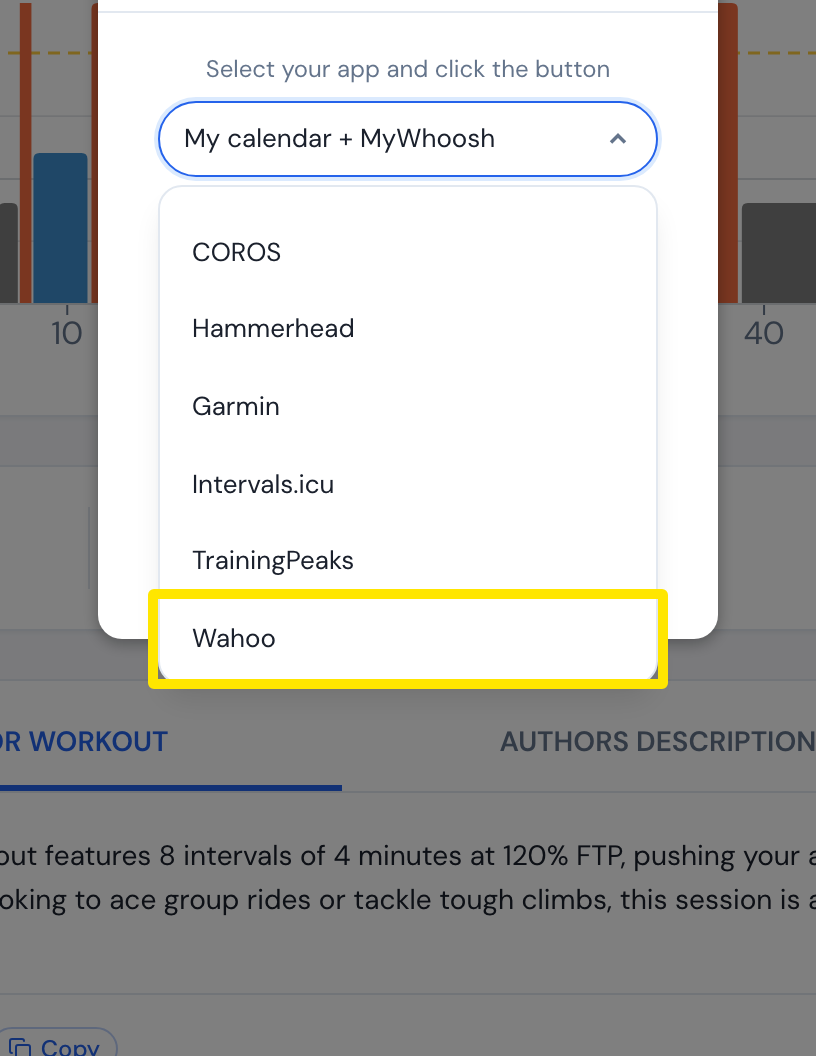 位置:网站 · 锻炼页面(在“我的锻炼”中点击一个锻炼)
须知: Garmin 和 Wahoo 会保留范围(85-95);Zwift 每个间歇只接收一个踏频值,即范围的中间值(90)。