

一个锻炼能同时混用 ERG、心率和坡度吗?
可以:在 TrainerDay 网站的创建锻炼计划页面,给每一行单独设置控制模式(erg、slope 或 hr+),TrainerDay App 会在每个间歇自动切换模式。
- 在网站上,打开 创建锻炼计划。
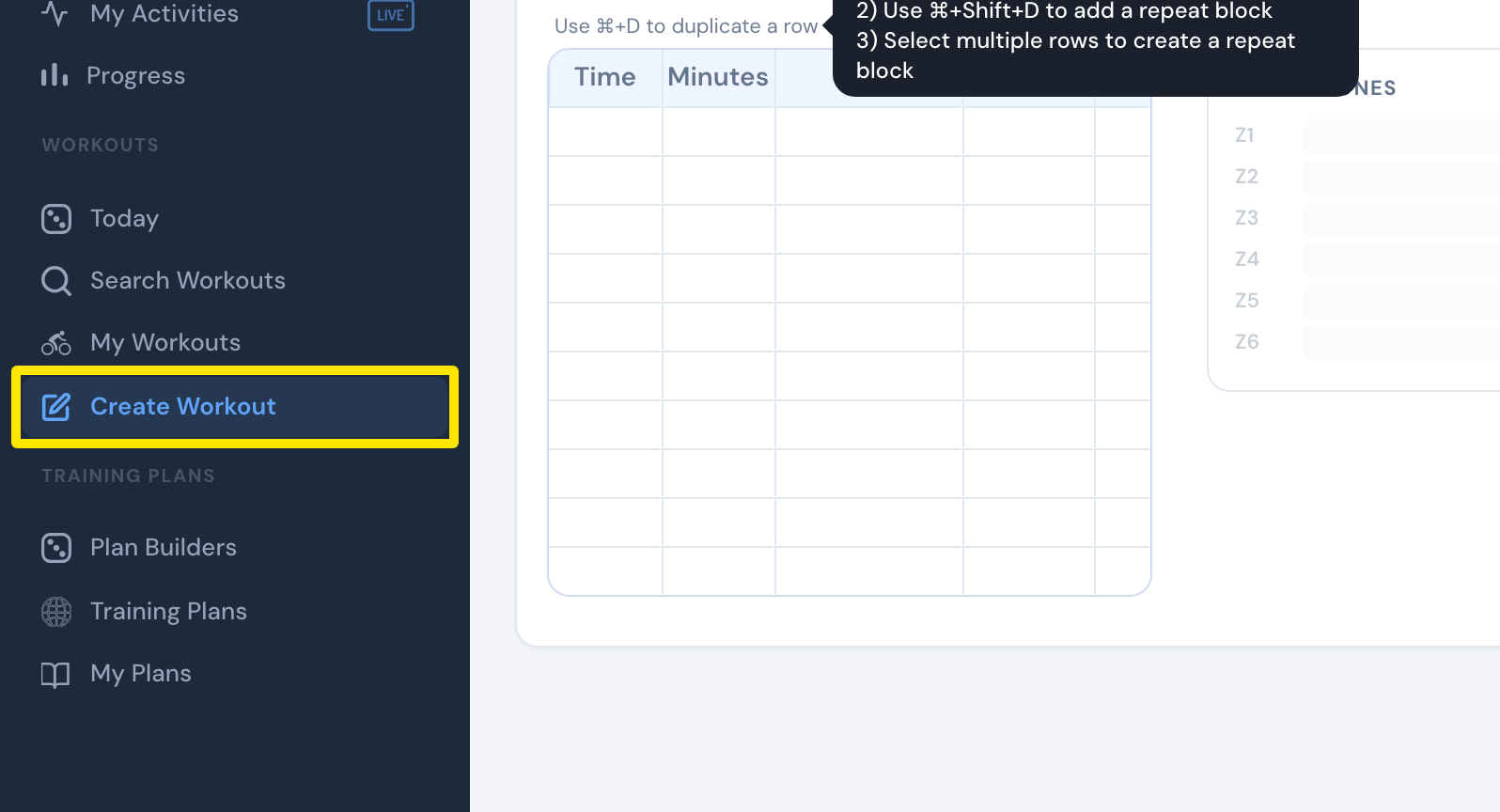 位置:网站 · 创建锻炼计划 · 打开
- 打开 字段: 下拉菜单,勾选 控制模式。
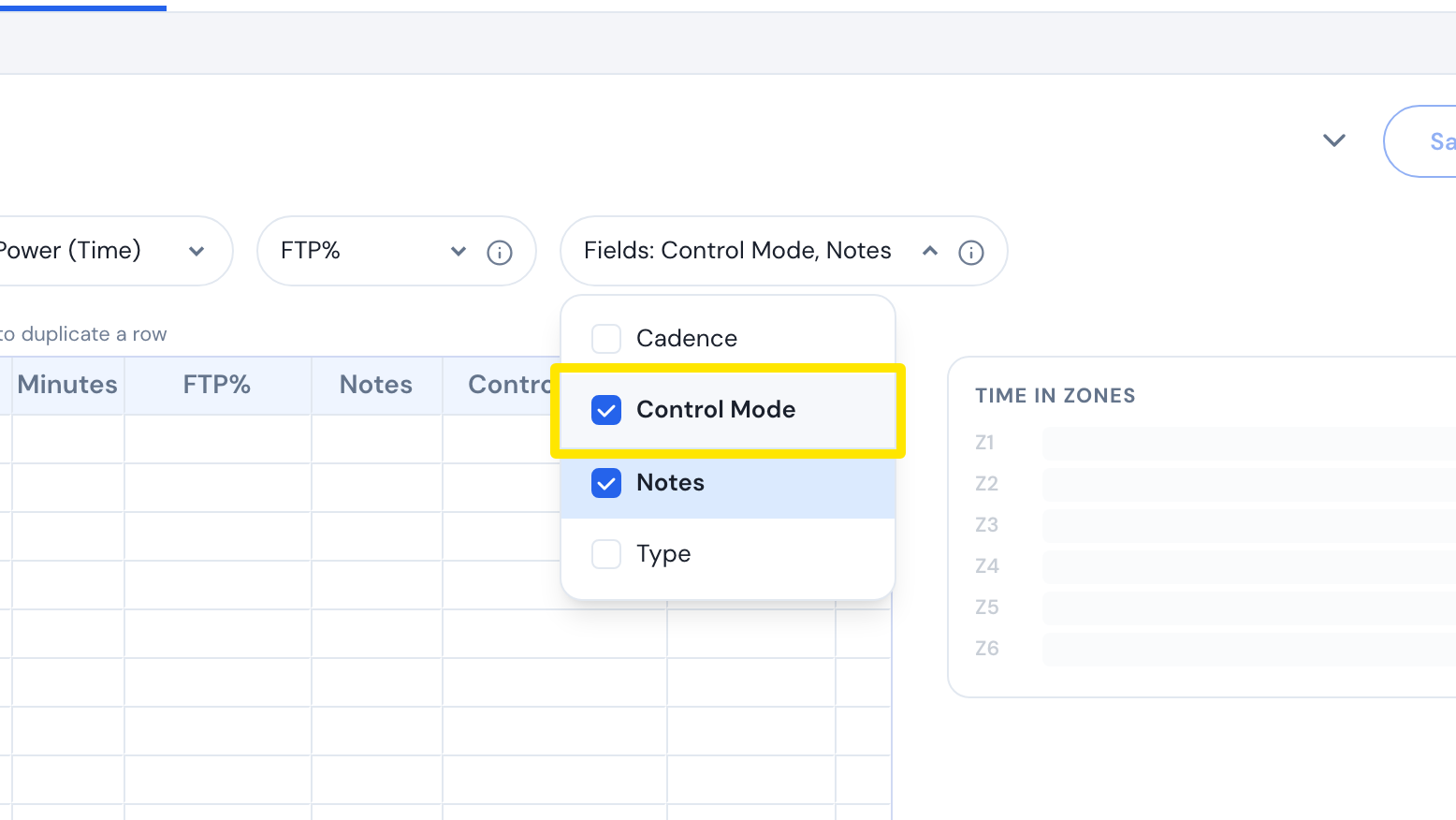 位置:网站 · 创建锻炼计划 · 打开
- 在每一行输入 分钟 和 FTP%,然后在 控制模式 中选择 erg、坡度 或 hr+。
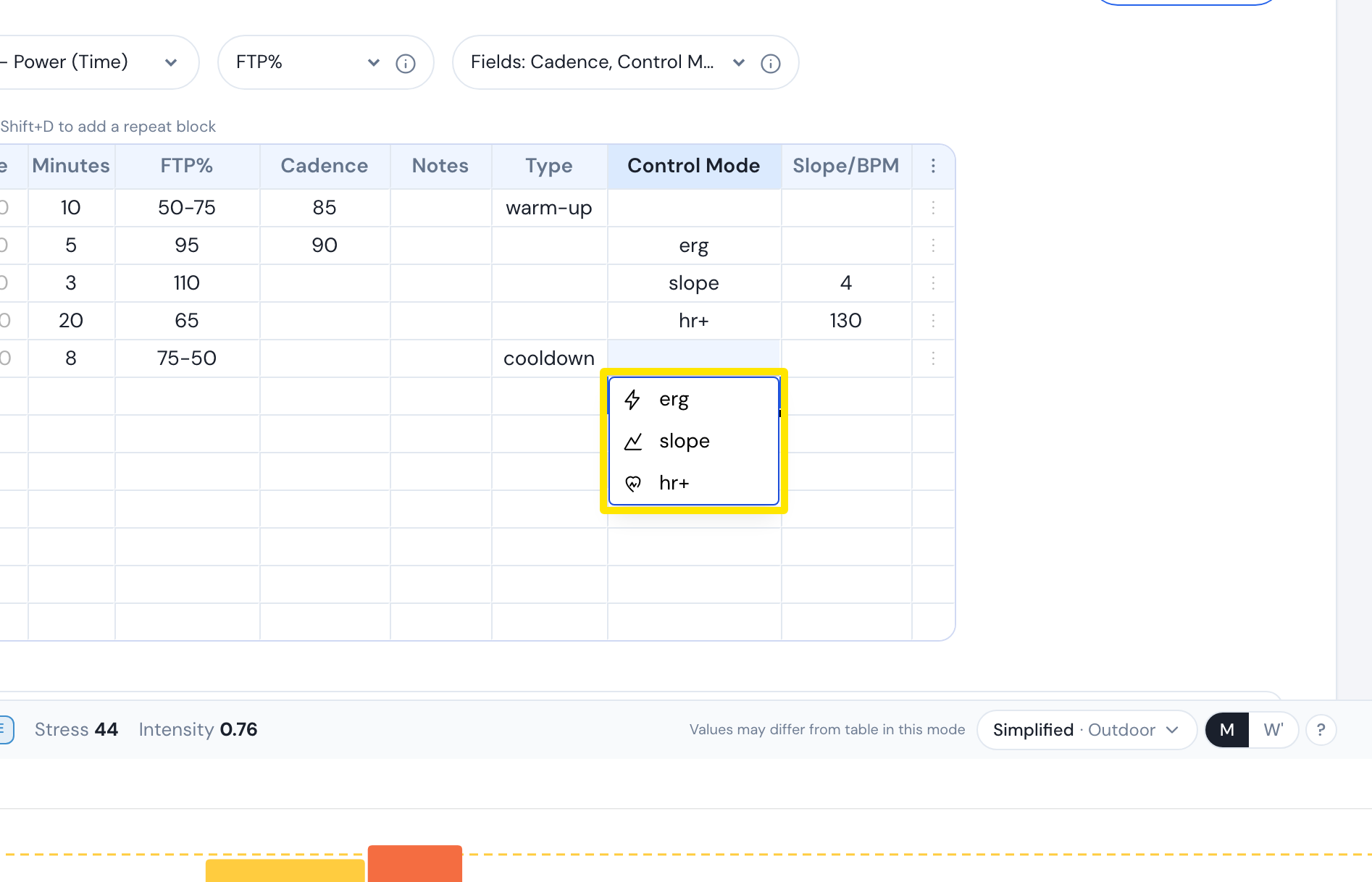 位置:网站 · 创建锻炼计划 · 打开
- slope 行在 坡度/BPM 中输入坡度 %(-25 到 25)。hr+ 行输入 BPM(26 到 220)。
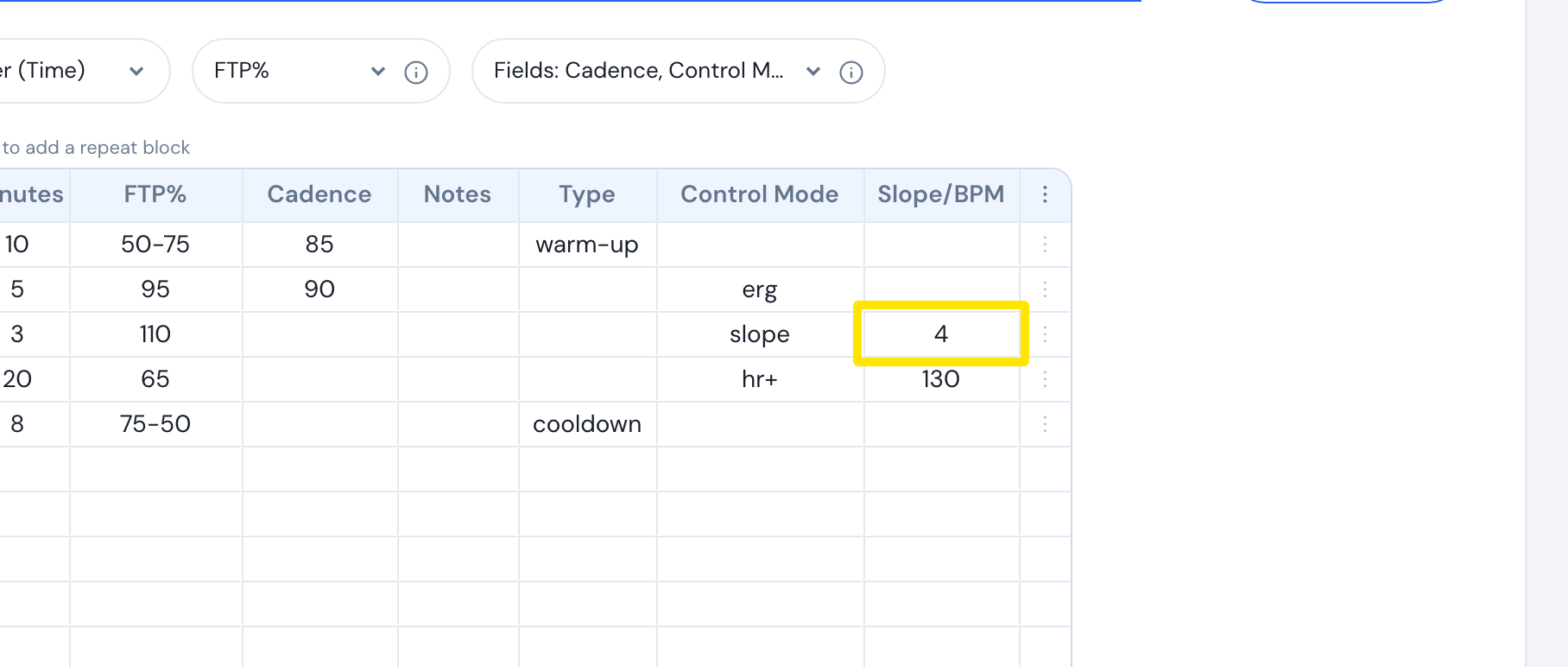 位置:网站 · 创建锻炼计划 · 打开
- 点击 保存锻炼,再点击 保存。
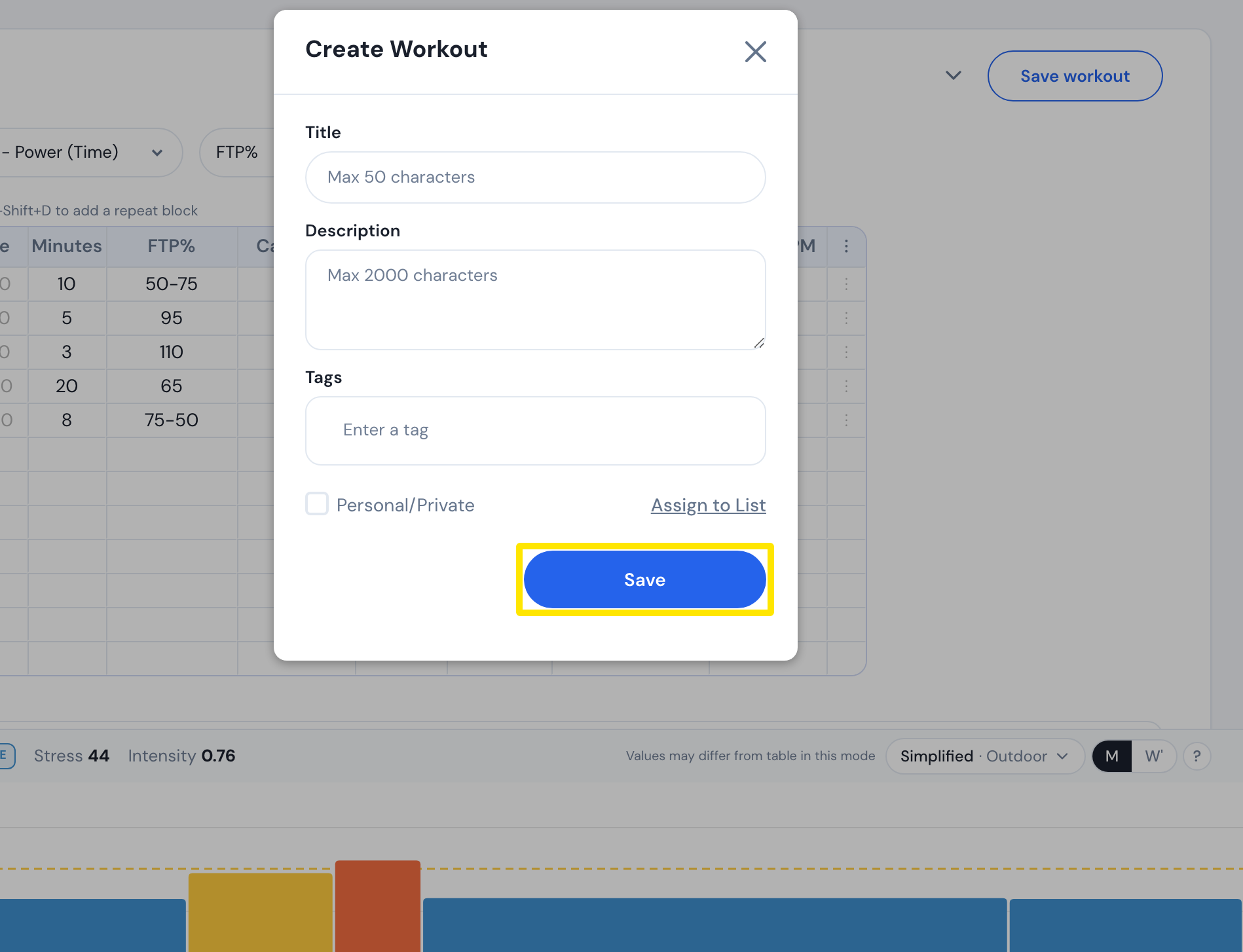 位置:网站 · 创建锻炼计划 · 打开
小提示: 没有设置控制模式的行,在移动端会沿用当前模式;在桌面端,跟在 slope 或 hr+ 行后面时会切回 ERG。
适用于: 仅限 TrainerDay 移动端和桌面端 App,Zwift 和 Garmin 上不支持。