

怎么找到斜坡测试?
在 TrainerDay 网站的“搜索训练”里搜“ramp test”,或直接打开它的页面,就能找到 TD Ramp Test;在手机应用里,它在第二个标签页的顶部。
- 在网站上,点击左侧边栏的 搜索训练(app.trainerday.com/search)。
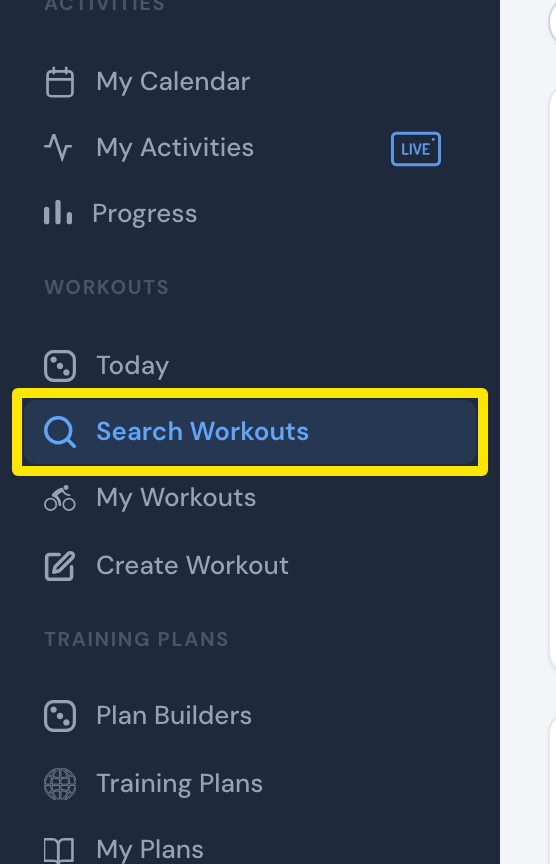 位置:网站 · 搜索训练 · 打开
- 在搜索框里输入“ramp test”,然后按回车。
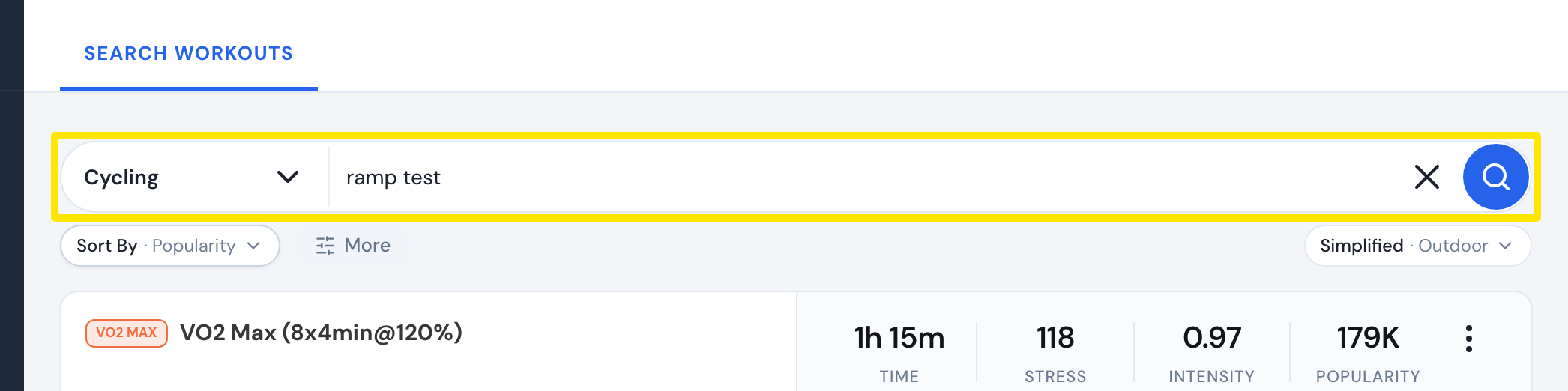 位置:网站 · 搜索训练 · 打开
- 选 TD Ramp Test (Automatic) 或者更慢的 6% 斜坡测试。两者都会自动计算 FTP。
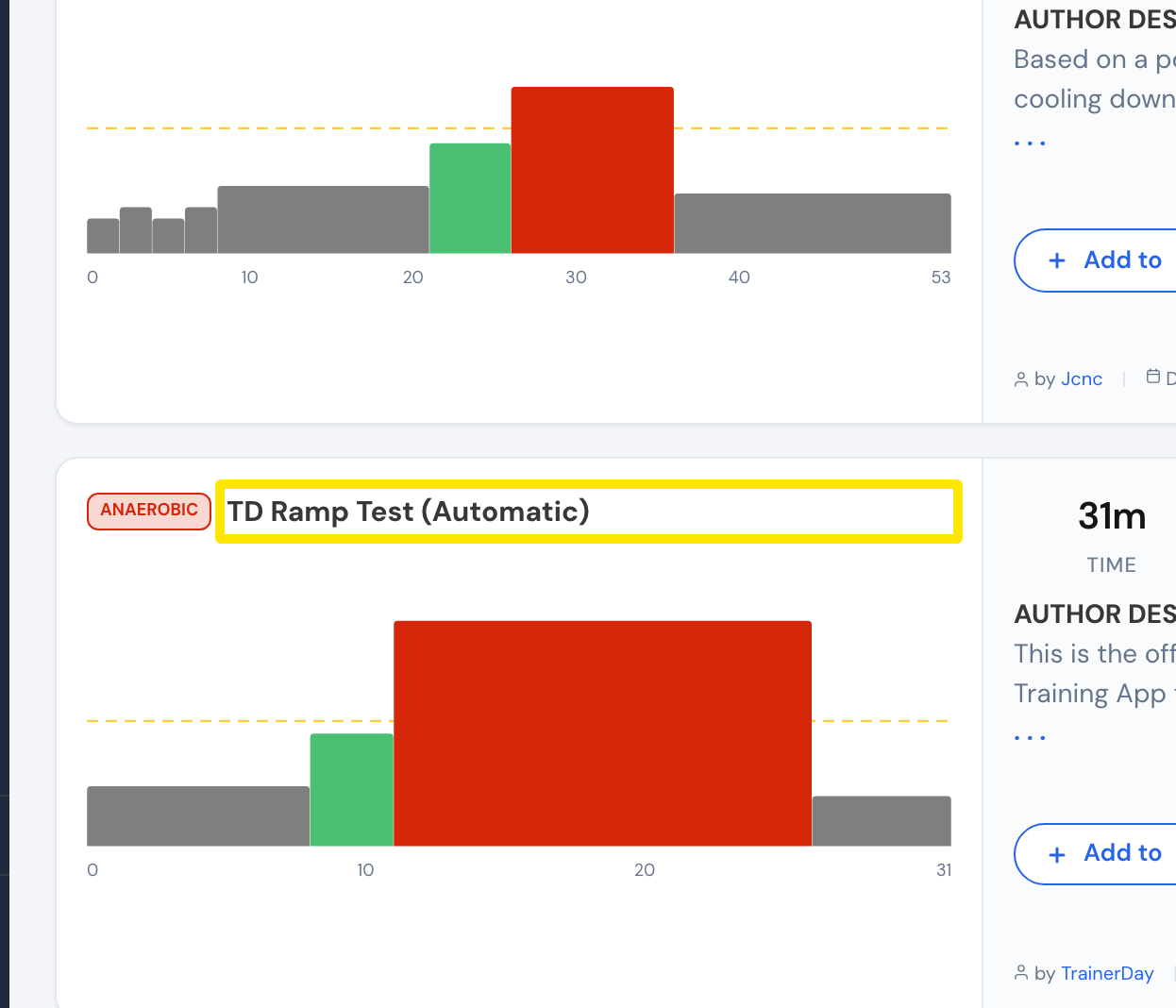 位置:网站 · 搜索训练 · 打开
小提示: 我的锻炼 里的搜索只在当前选中的列表里查找,所以找不到斜坡测试。你也可以直接打开 app.trainerday.com/workouts/trainerday-ramp-test。
适用于: 网站(搜索);手机应用:第二个标签页顶部,或 FTP 设置弹窗里的 进行斜坡测试;电脑应用:FTP 设置里 不知道 下方的 进行斜坡测试(需要连接骑行台或功率计)。