

怎么保存我创建的训练?
在 TrainerDay 网页版打开 Create Workout,点击“保存锻炼”,在对话框里填写训练标题,然后点击“保存”。
- 在网页版侧边栏打开 Create Workout,编排你的训练。
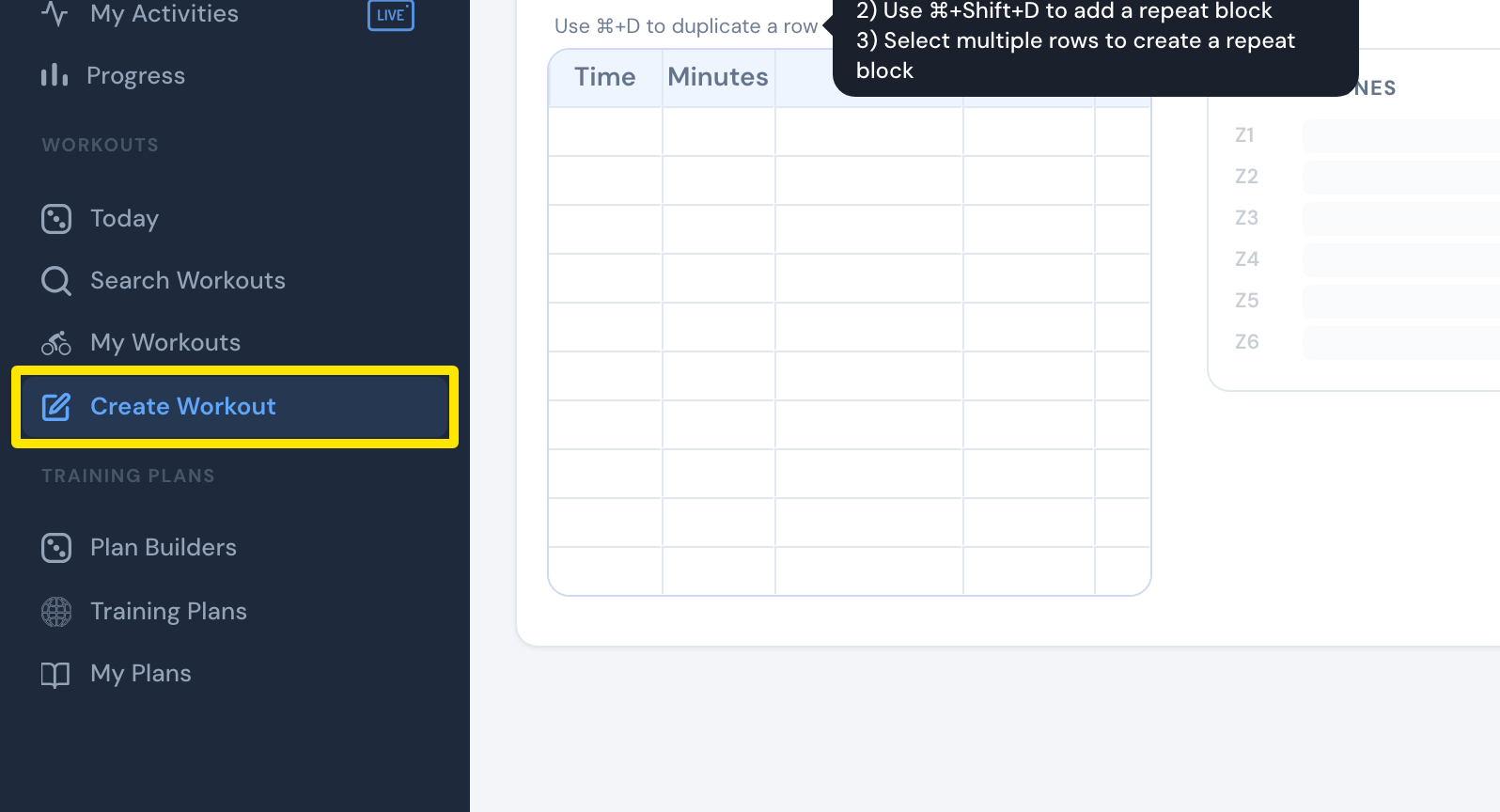 位置:网页版 · Create Workout · 打开
- 点击编辑器右上角的保存锻炼。如果某个间歇有问题,先修改编辑器标出的那个间歇。
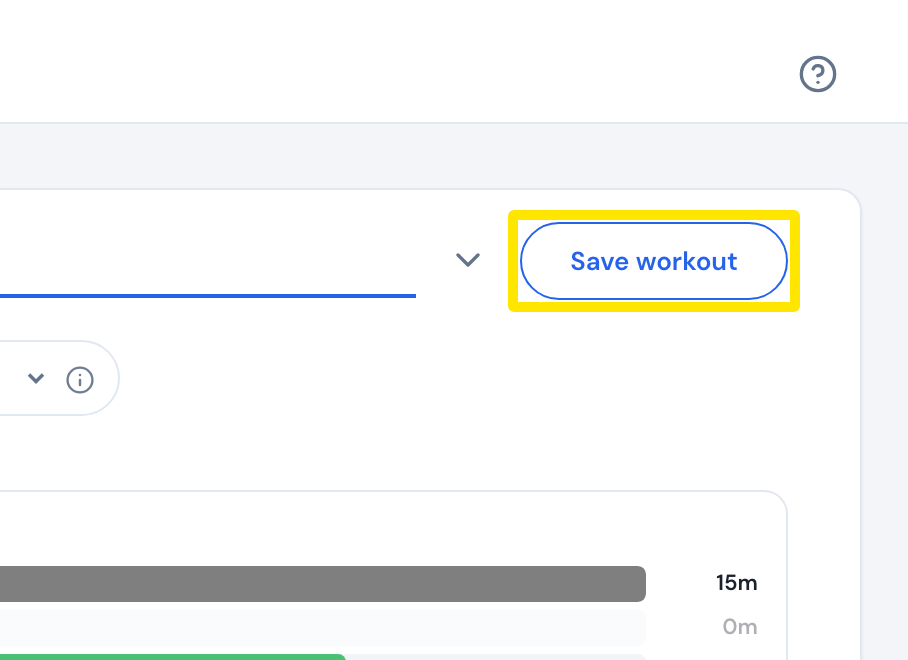 位置:网页版 · Create Workout · 打开
- 在弹出的窗口中输入标题。
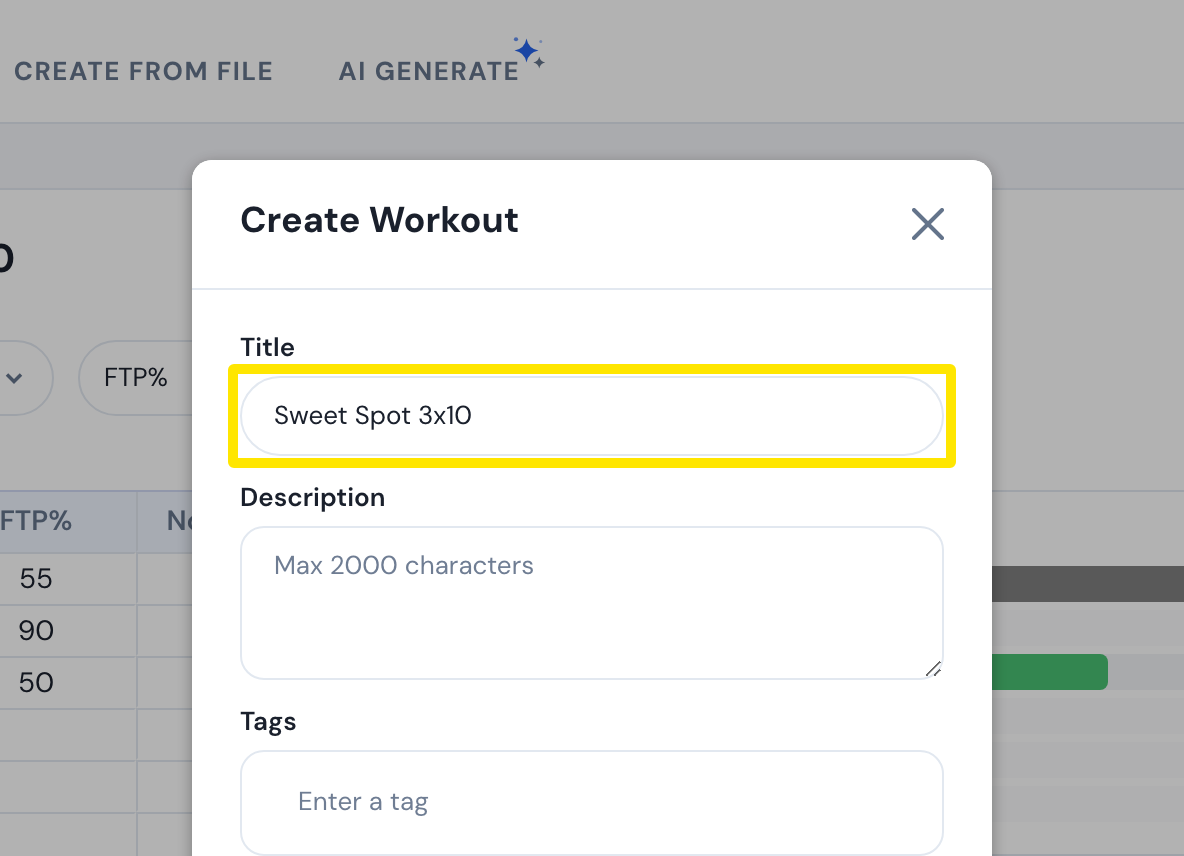 位置:网页版 · Create Workout · 打开
- 可选:点击分配给列表,把它加到你的某个列表里。
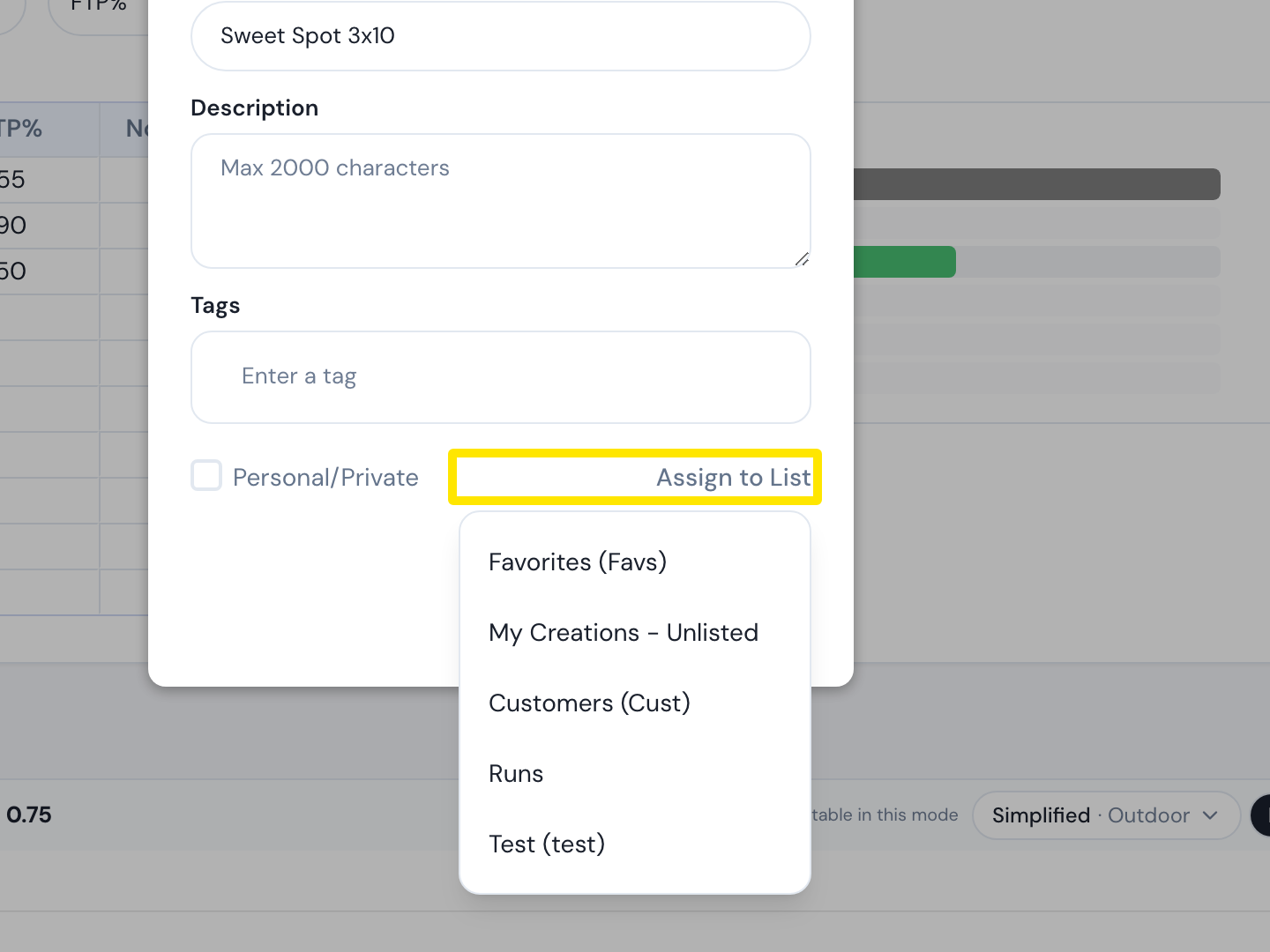 位置:网页版 · Create Workout · 打开
- 点击保存。
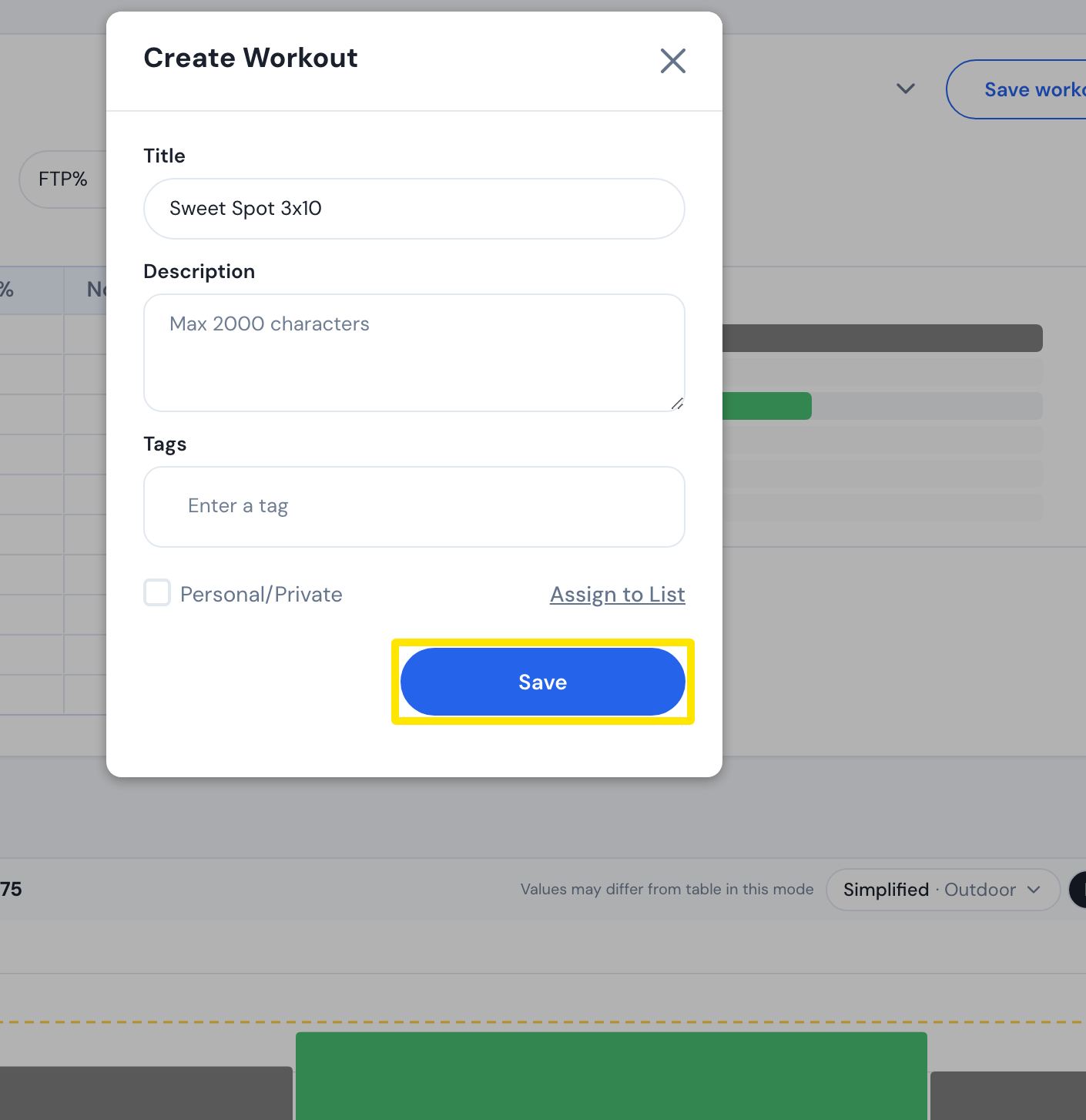 位置:网页版 · Create Workout · 打开
**须知:**你需要先登录,而且训练要有标题、时长超过 1 分钟,并且至少有一个带功率目标的间歇。
**适用:**仅限网页版。移动端和桌面端 App 没有训练编辑器。