

怎麼把踏頻目標送到我的 Wahoo、Garmin 或 Zwift?
在網站的訓練編輯器中替每個步驟加上踏頻目標,再到訓練頁面用 發送到 傳到 Garmin、Wahoo 或 Zwift。
- 在網站上,點側邊欄的 創建訓練計畫(app.trainerday.com/workouts/create)。
- 打開 Fields: 下拉選單,勾選 踏頻。
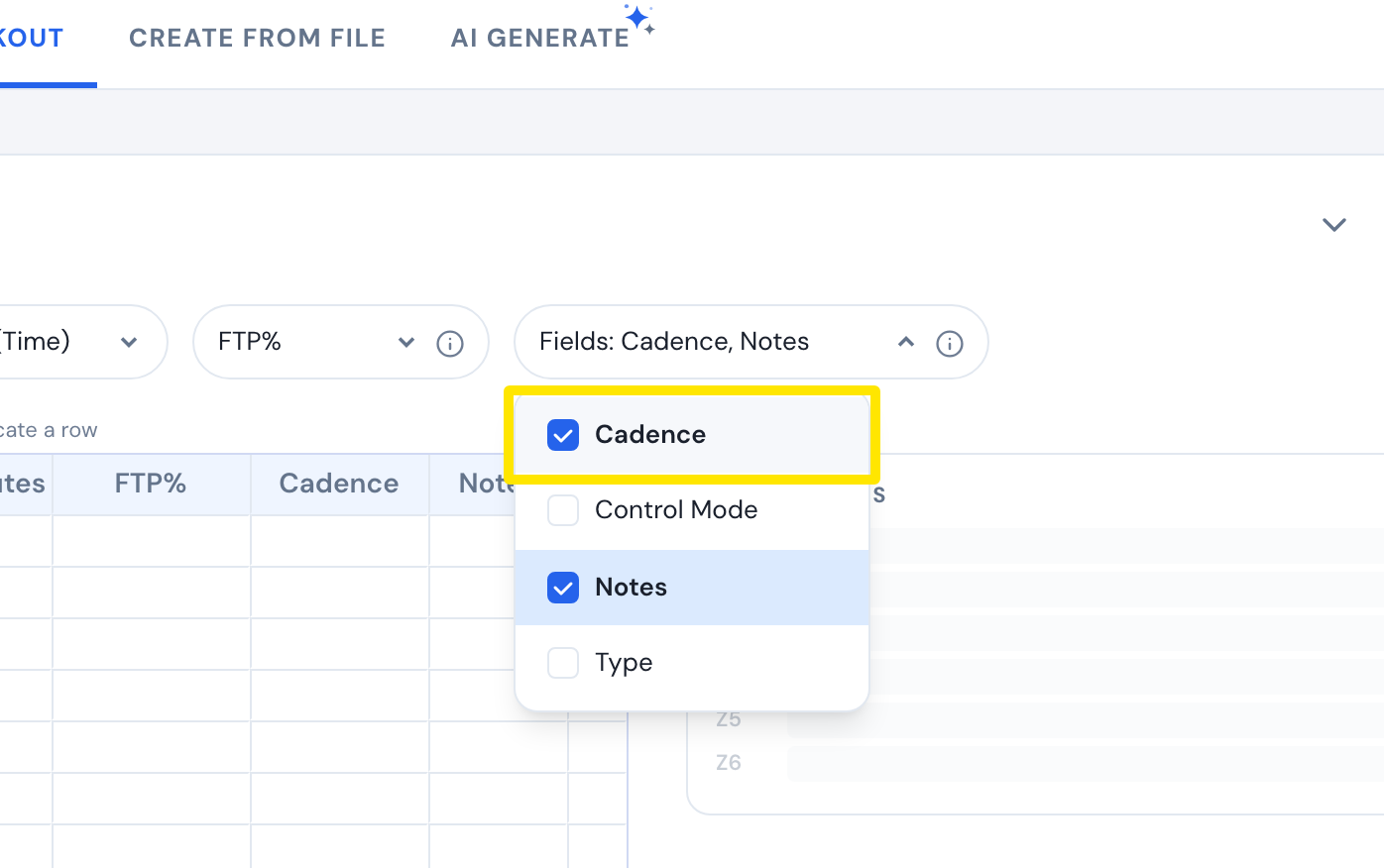 位置:網站 · 創建訓練計畫 · 打開
- 在每個步驟的 踏頻 欄位輸入 rpm,例如 85-95。
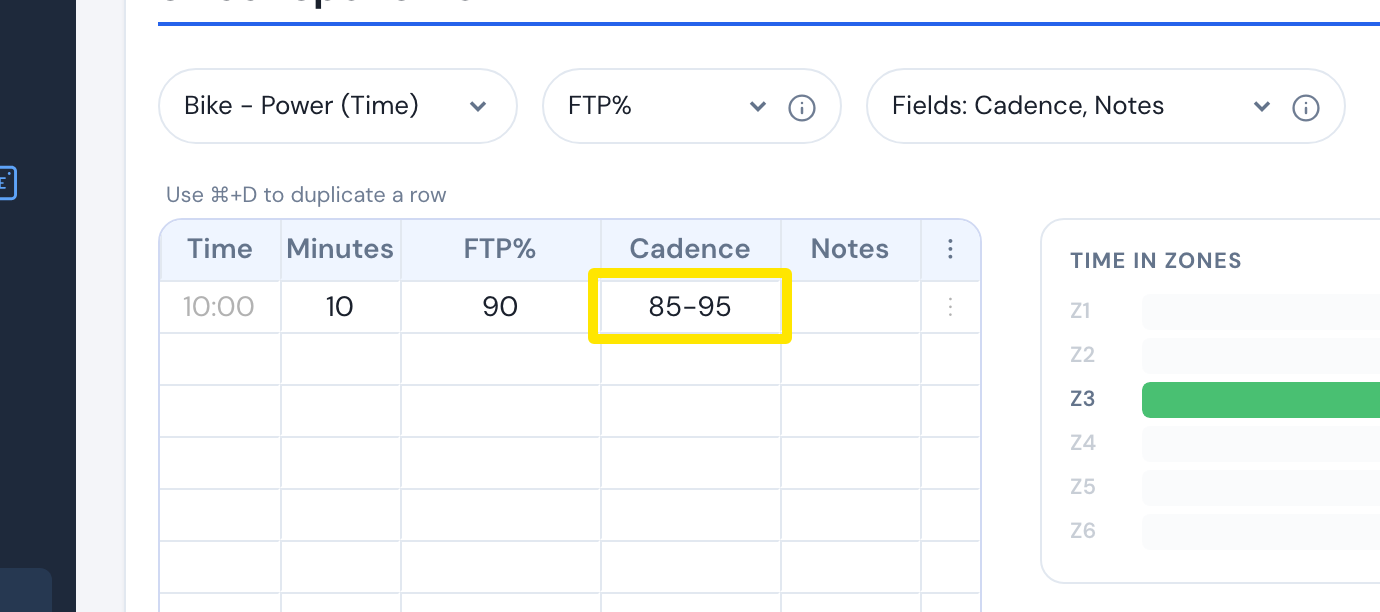 位置:網站 · 創建訓練計畫 · 打開
- 點 儲存運動,再點 儲存。
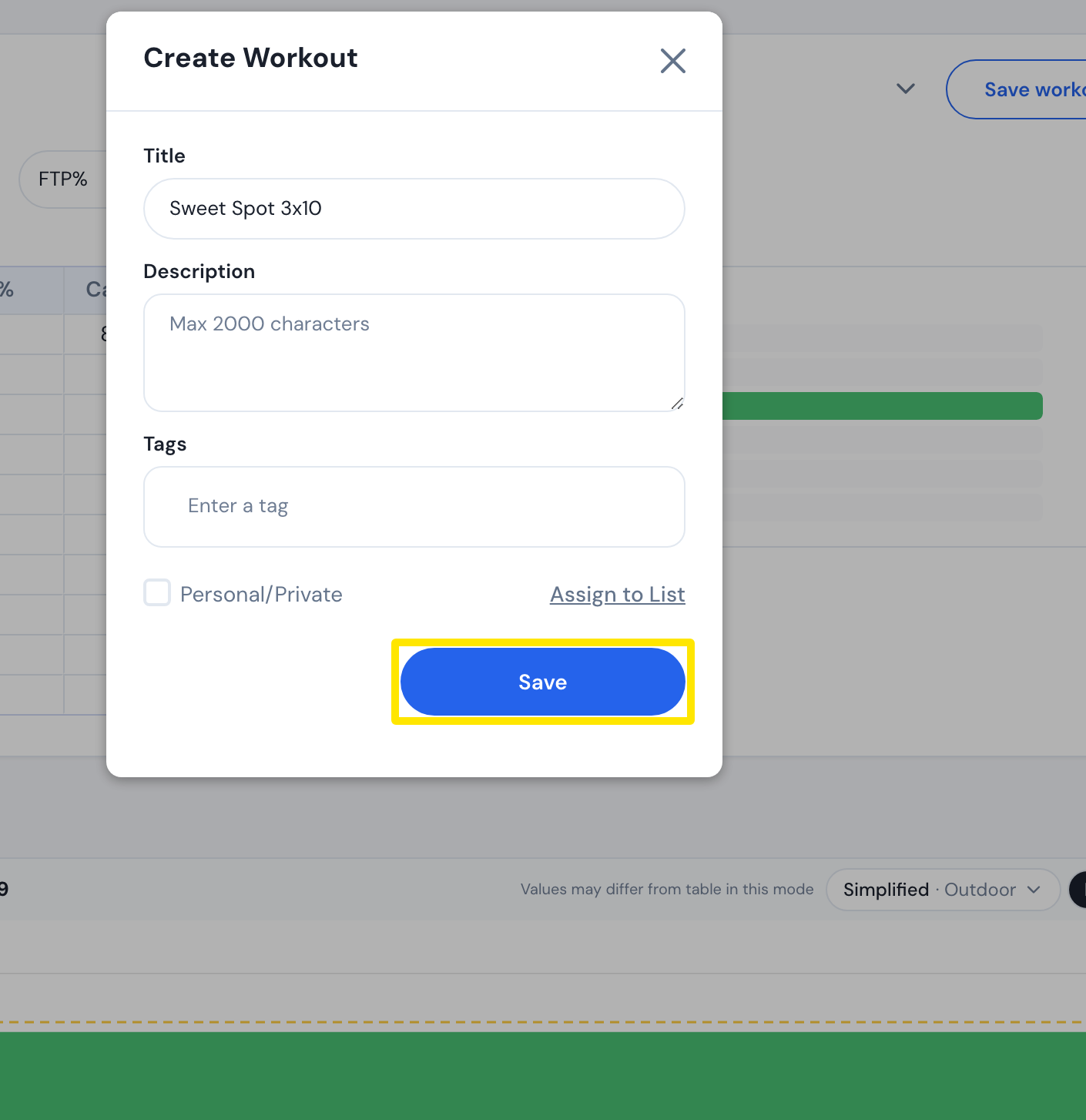 位置:網站 · 創建訓練計畫 · 打開
- 到 Connections 頁面連結 Garmin、Wahoo 或 Zwift。
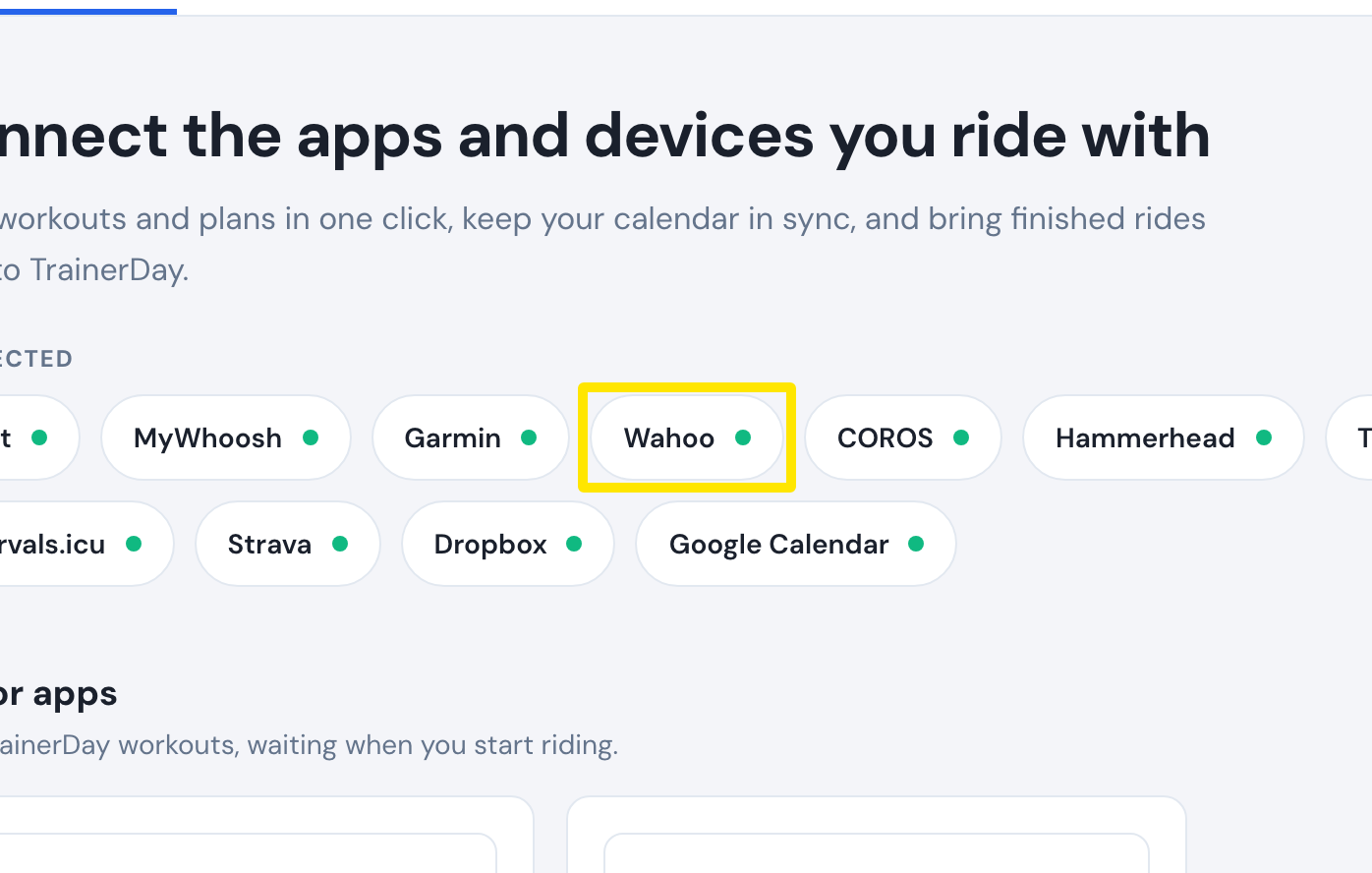 位置:網站 · Connections · 打開
- 打開 我的運動,點你的訓練進入它的頁面。
 位置:網站 · 訓練頁面(在我的運動中點一個訓練)
- 點 發送到,選擇 Garmin、Wahoo 或 Zwift,再點 傳送。
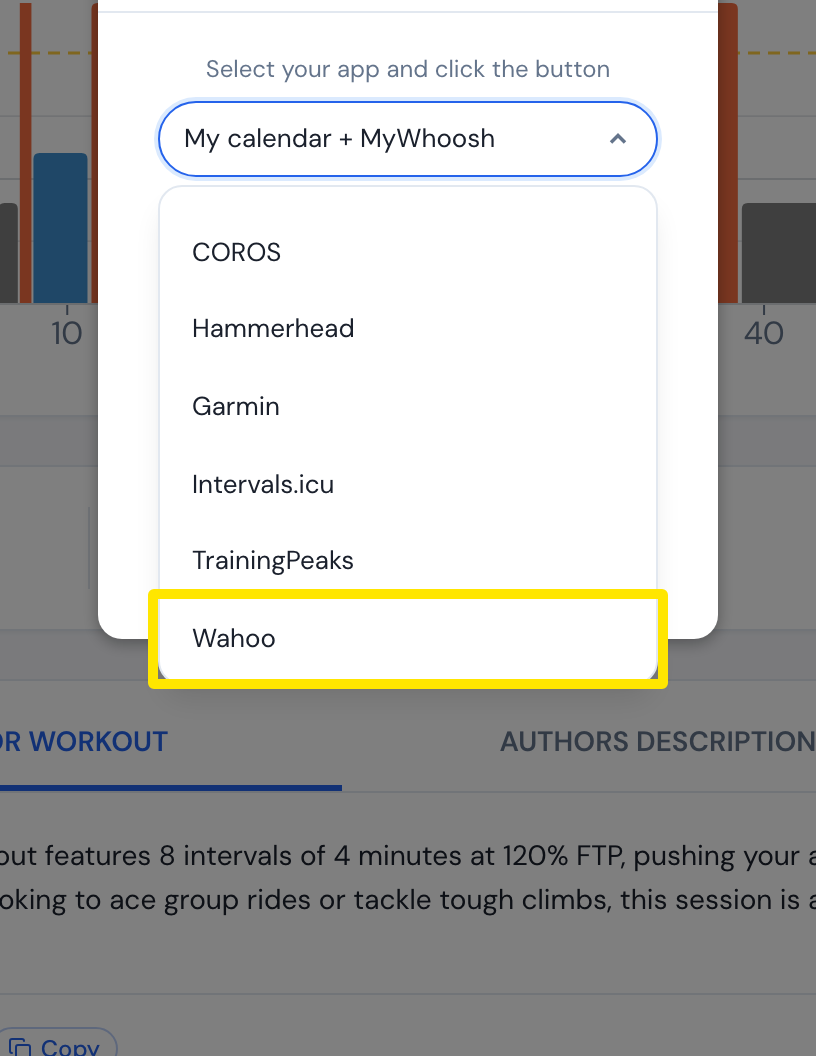 位置:網站 · 訓練頁面(在我的運動中點一個訓練)
**小提醒:**Garmin 和 Wahoo 會保留範圍(85-95);Zwift 每個間歇只會收到一個踏頻,也就是範圍的中間值(90)。