

How do I fix half or doubled power from my power pedals?
Fix half or doubled power from power pedals by turning the Double Single Side Power switch on or off in Settings of the TrainerDay mobile or desktop app.
- In the TrainerDay mobile app, open Settings → Other Options. In the desktop app, open the Settings tab → Workout Controls.
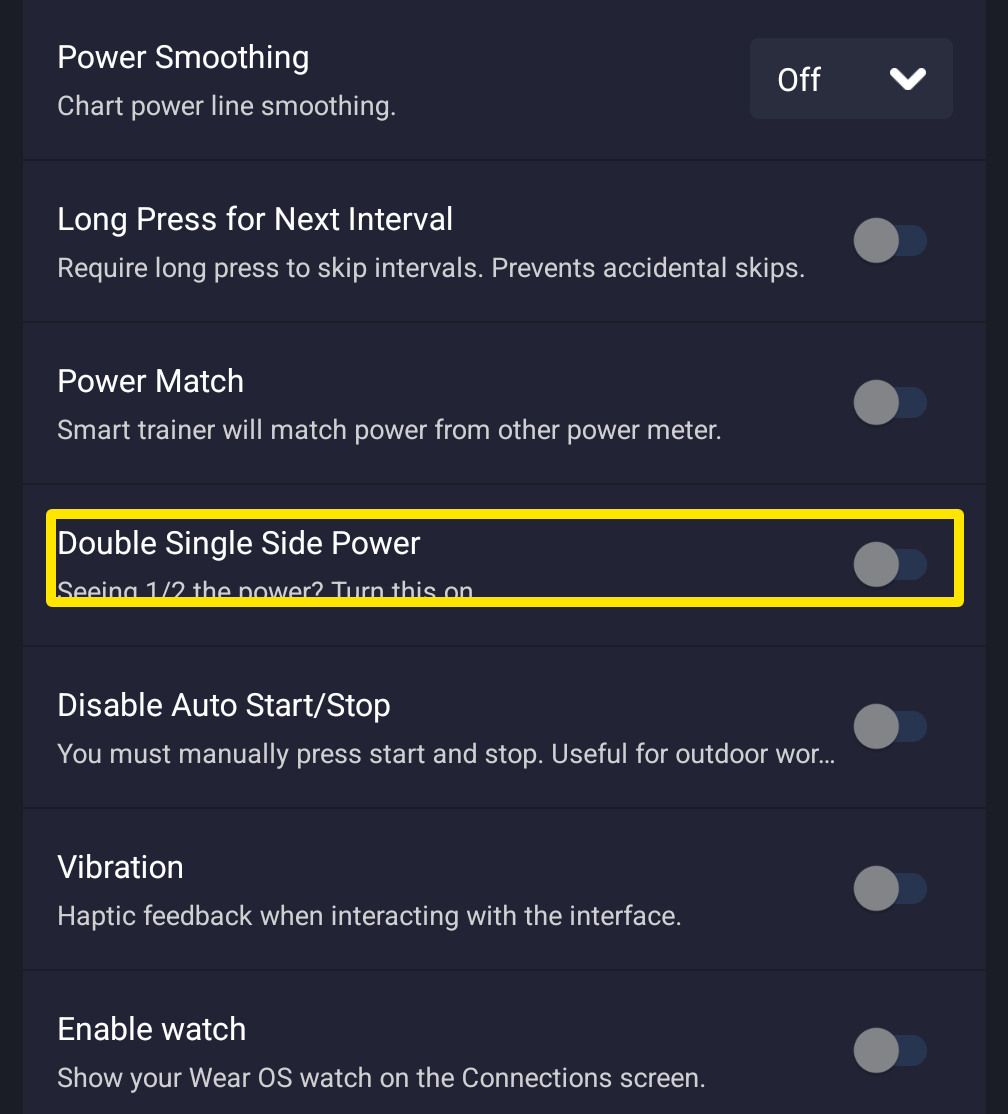 Where: Mobile app · Settings tab → Other Options
- Seeing half your power with left-only pedals or a one-sided crank power meter: turn on Double Single Side Power (desktop: Double Single-Side Power).
- Seeing double your power: turn Double Single Side Power off. Dual-sided pedals already send total power.
Good to know: For single-sided meters, doubling in the pedal's own app or firmware (e.g. the Assioma app) is recommended instead of this switch.
Works on: mobile and desktop apps, not the website.