

How do I calibrate or zero offset my power meter?
TrainerDay has no calibrate or zero offset button, so you zero your power meter in its maker's app, close that app, then connect the power meter in TrainerDay.
- Open the power meter's or trainer maker's own app and do the zero offset or spindown there. TrainerDay has no calibrate, spindown or zero offset button on phone or desktop.
- Close that app completely, so it lets go of the device.
- In TrainerDay, connect the power meter. On mobile, go to Settings → Add Devices. On desktop, open the Today tab and click Bluetooth / ANT+, then click Connect next to your power meter.
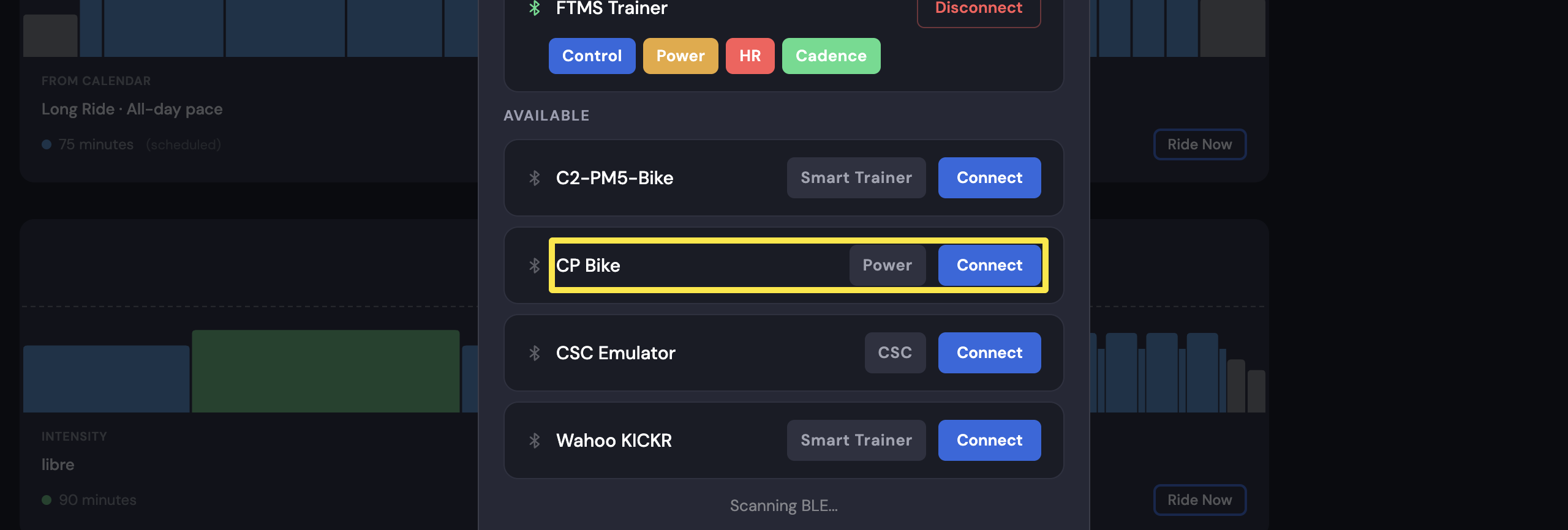 Where: Desktop app · Today tab → Bluetooth / ANT+ button
Good to know: Only one app or device can control a trainer. Close Zwift and every other app or device connected to it, including ones running in the background.
Works on: Calibration is not in the mobile app, the desktop app or the website. The website has no device settings.