

How do I use PowerMatch with a single-sided power meter?
Turn on Power Match in the TrainerDay mobile app's Settings tab, and use Double Single Side Power only if your single-sided meter does not already double its reading.
- In the TrainerDay mobile app, open the Settings tab, tap Add Devices and connect the trainer and the power meter. The power meter's card must have Power, the trainer's card Control.
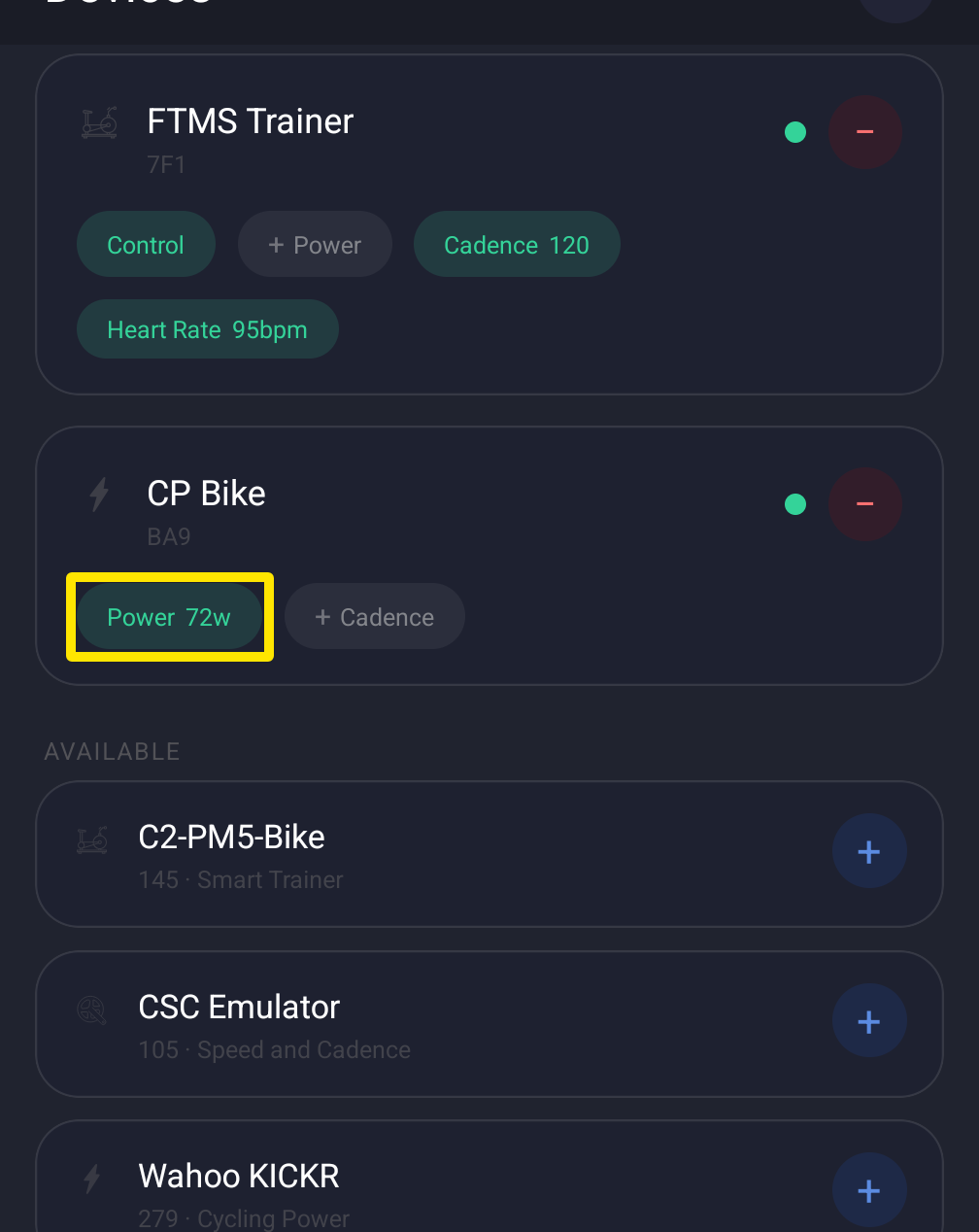 Where: Mobile app · Settings tab → Add Devices
- In Settings → Other Options, turn on Power Match.
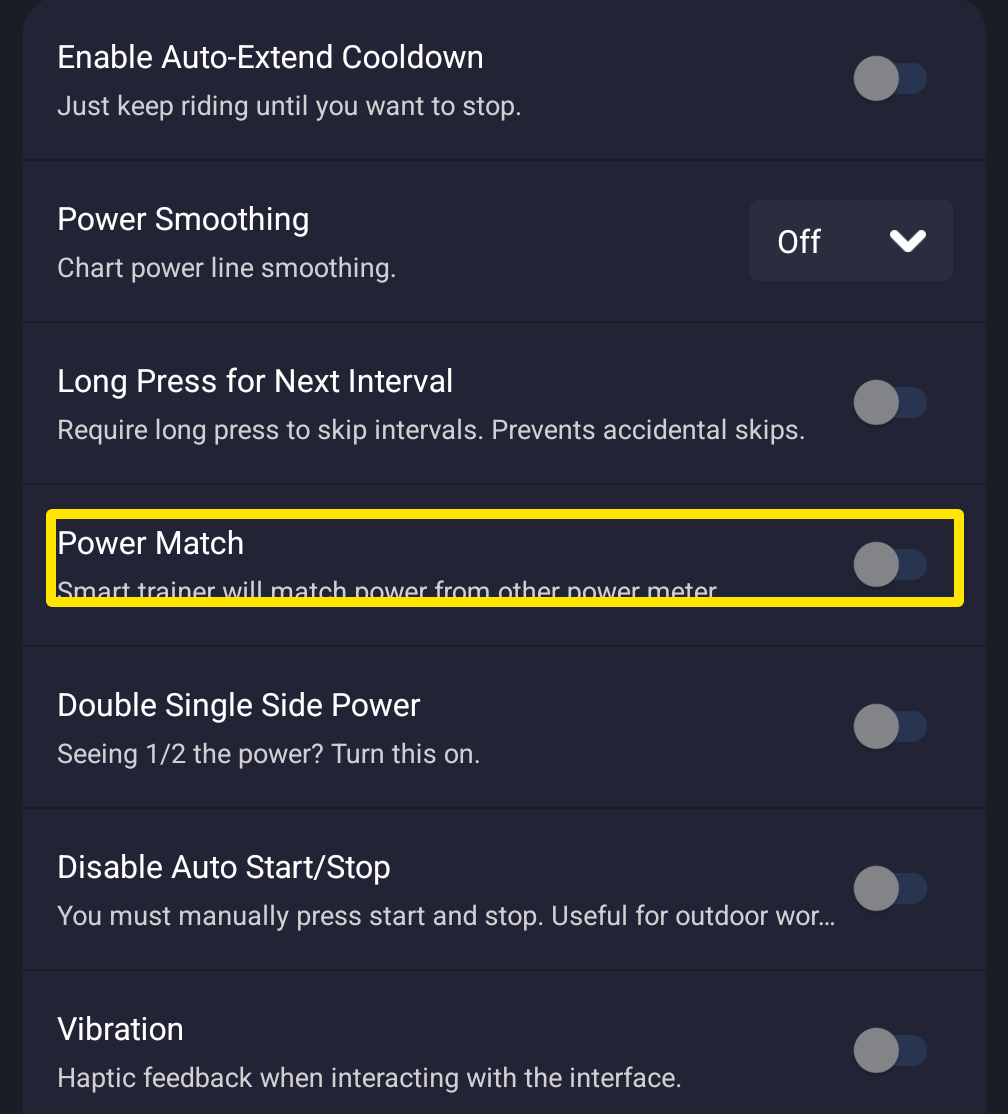 Where: Mobile app · Settings tab → Other Options
- Turn on Double Single Side Power only if your meter does not already double its reading in its own app (for example the Assioma app). If it does, leave it off.
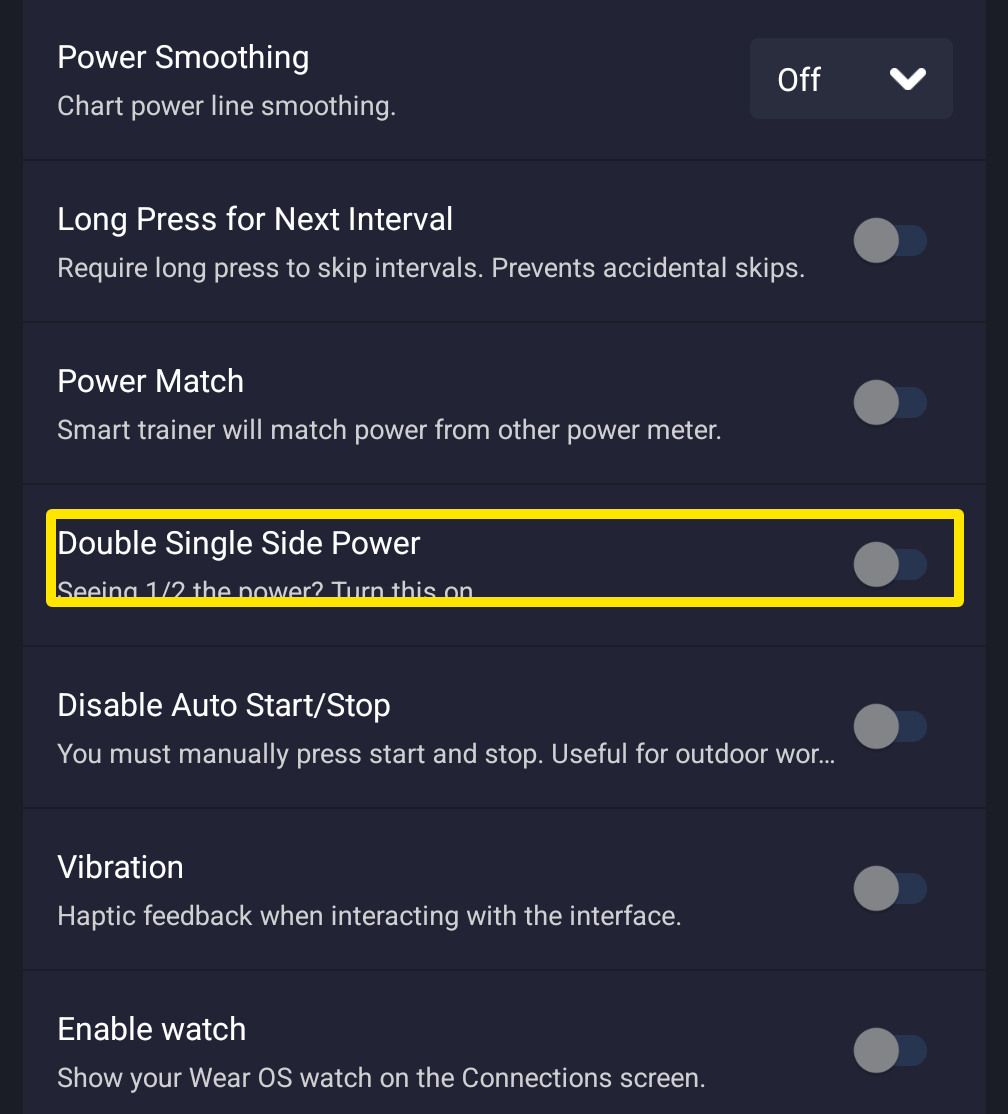 Where: Mobile app · Settings tab → Other Options
- Ride the workout in ERG mode.
Good to know: Doubling in the pedal's own app or firmware is recommended over TrainerDay's setting. Dual-sided pedals don't need doubling.
Works on: iPhone, Android and desktop (Settings tab → Workout Controls, also in HR+ mode). Not on the website.