

How do I fix wattage staying below target with PowerMatch?
Power usually stays below target with Power Match when Double Single Side Power doubles a dual-sided meter or the power meter and trainer are not set up as separate devices; fix both in the mobile app's Settings tab.
- In the TrainerDay mobile app, open the Settings tab and tap Add Devices. Your power meter must show Power and your trainer Control. Power Match only works when these are two separate devices.
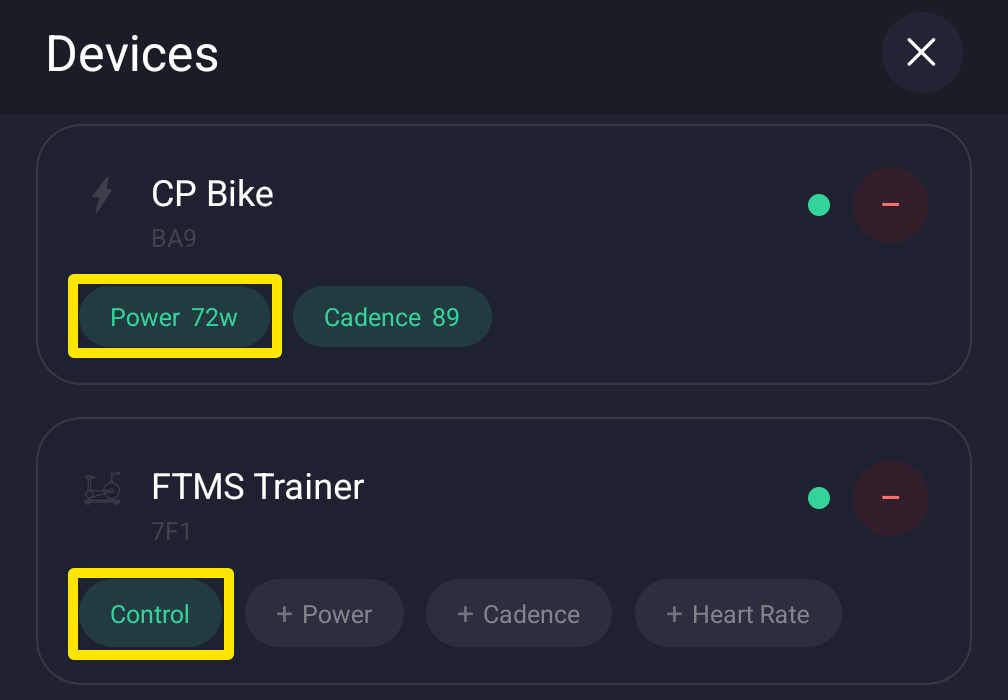 Where: Mobile app · Settings tab → Add Devices
- Close Devices. Back on the Settings tab, go to Other Options and check that Power Match is on.
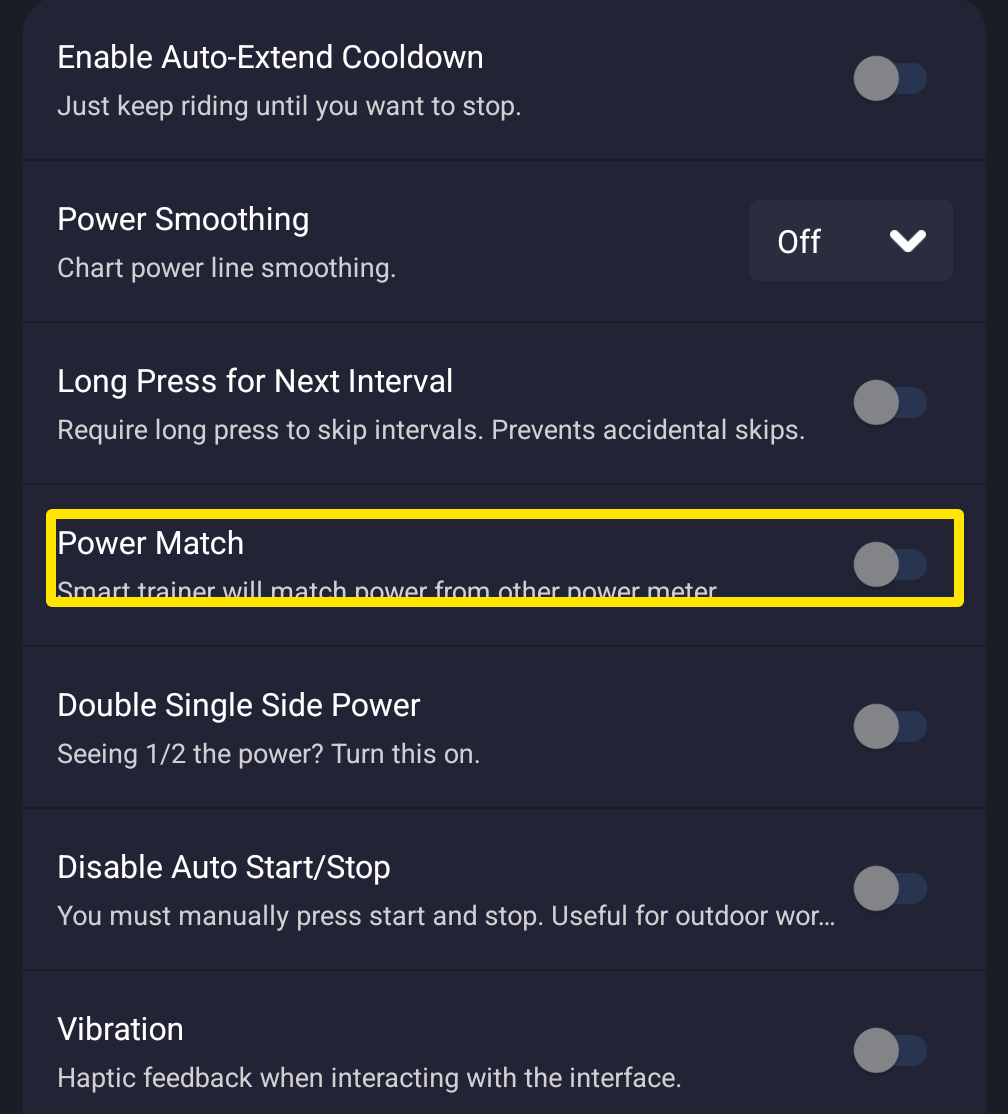 Where: Mobile app · Settings tab → Other Options
- In the same list, turn Double Single Side Power off if you use dual-sided pedals or a meter that already doubles in its own app. When it is on, Power Match counts twice your real power, so the trainer asks you for only about half the target.
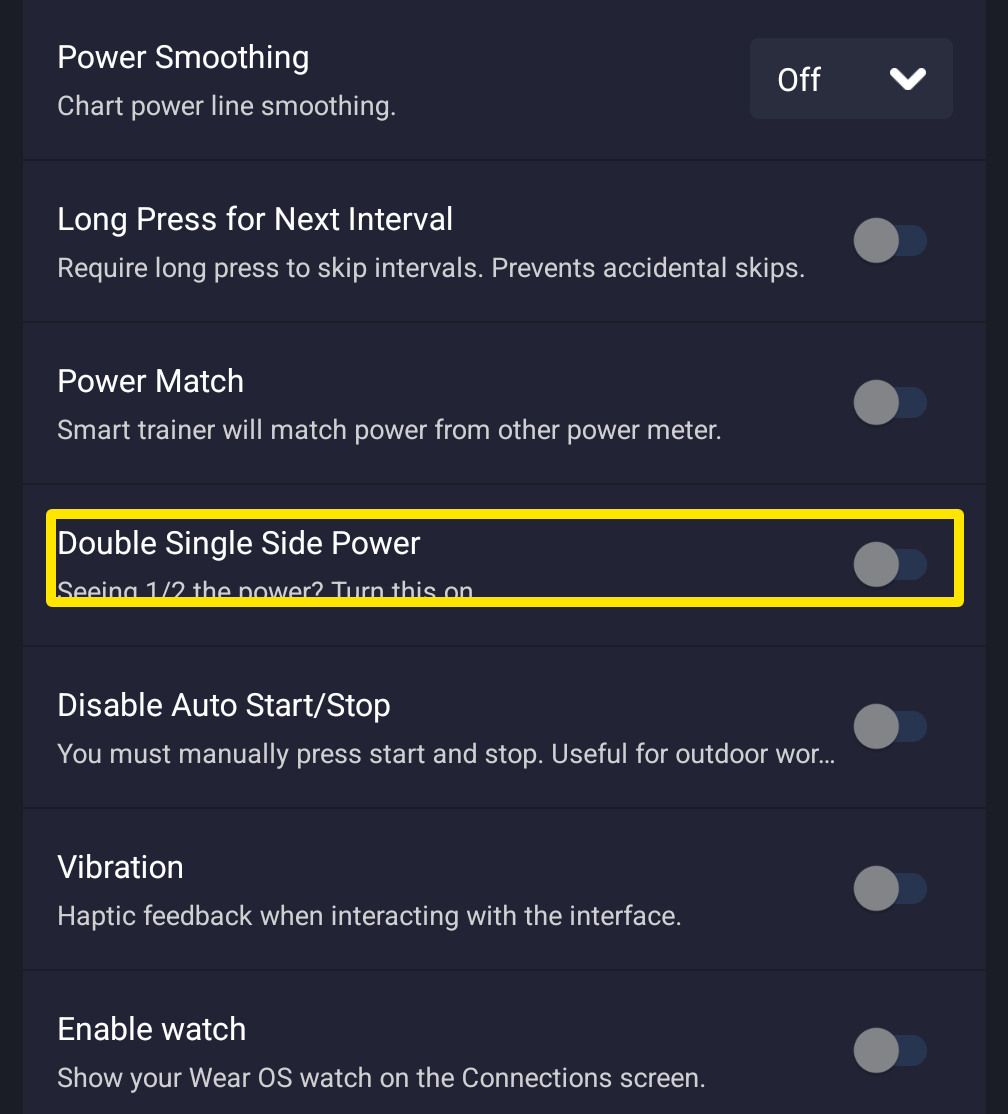 Where: Mobile app · Settings tab → Other Options
Good to know: On the phone, Power Match only adjusts ERG targets. After you press the target up or down, Power Match starts over. It needs at least 5 seconds of readings from both devices before it corrects again.
Works on: mobile app and desktop app (Settings → Workout Controls → Power Match); not the website.