

How do I use my power meter to control my smart trainer?
Connect your smart trainer and power meter in the TrainerDay mobile app, give the power meter Power and the trainer Control, then turn on Power Match in Settings so your power meter steers the trainer's ERG target.
- In the TrainerDay mobile app, tap Settings, then Add Devices. Connect both the smart trainer and the power meter.
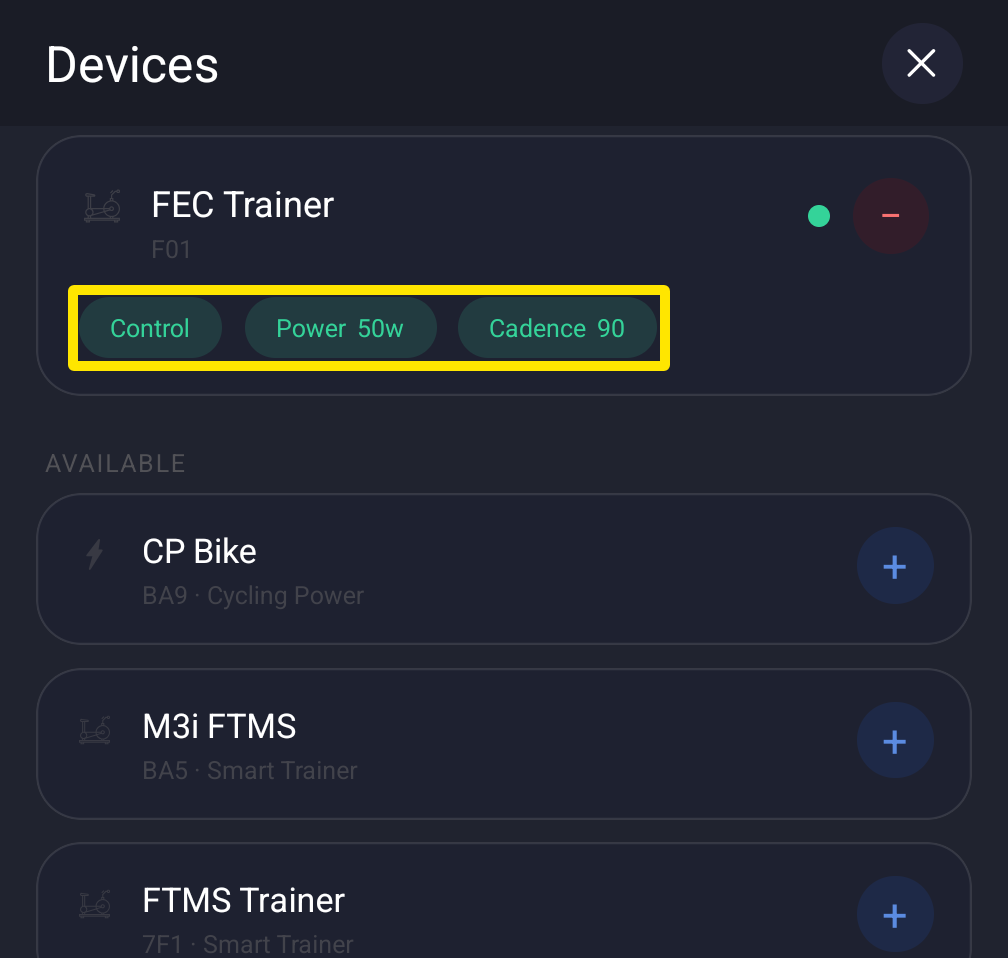 Where: Mobile app · Settings tab → Add Devices
- On the power meter, tap + Power. Power moves there from the trainer. Keep Control on the trainer.
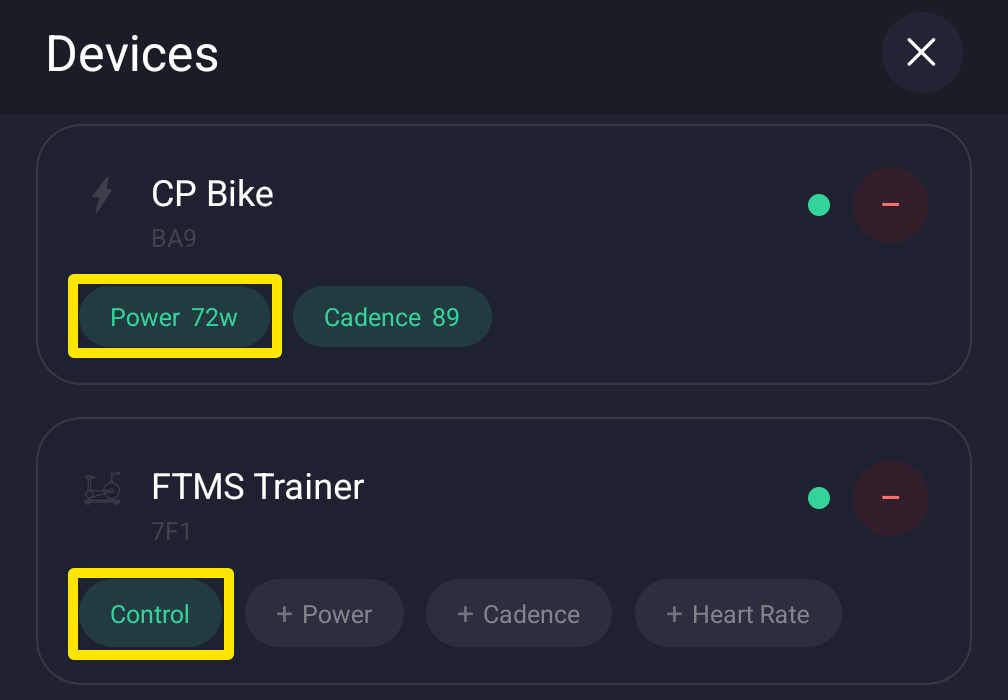 Where: Mobile app · Settings tab → Add Devices
- Close the Devices screen. Back in Settings, go to Other Options and turn on Power Match. Use the same switch to turn it off.
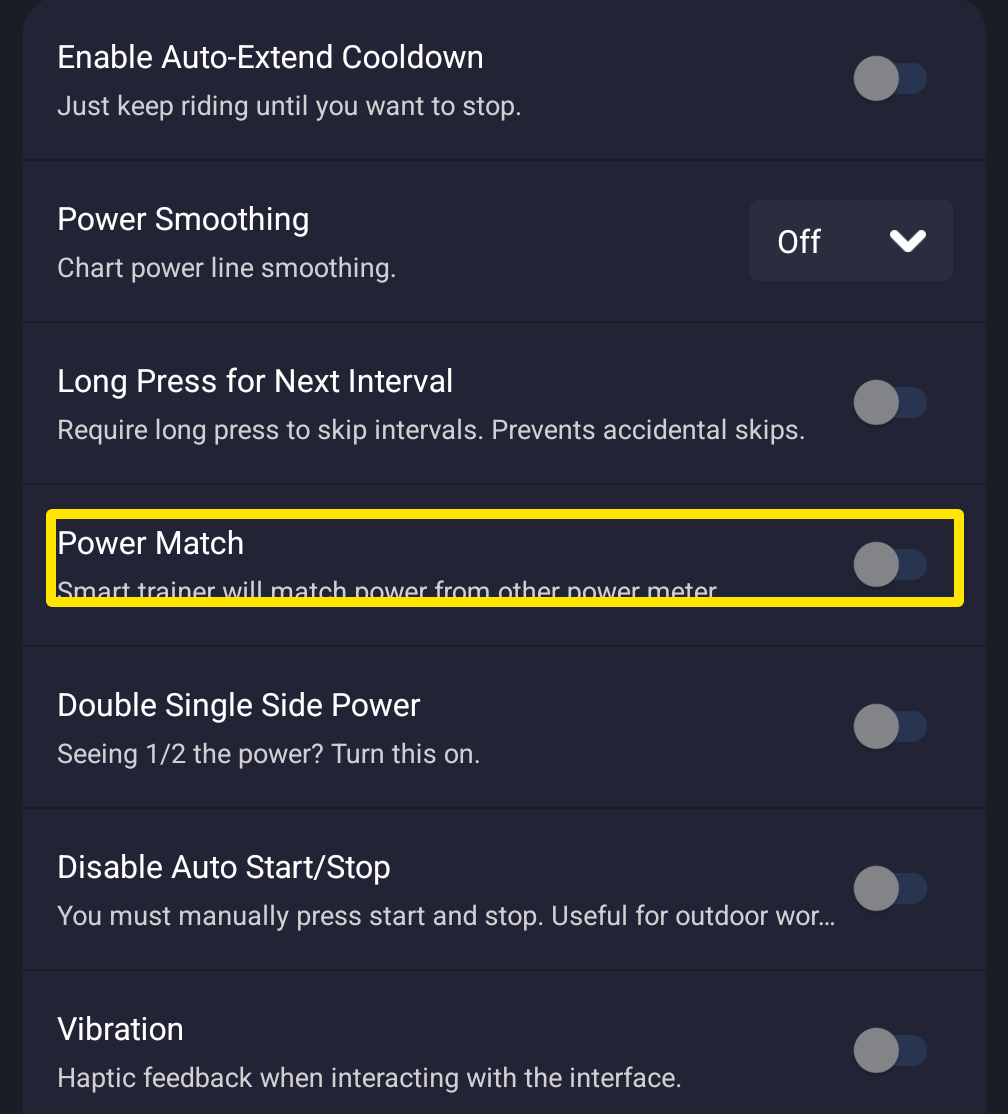 Where: Mobile app · Settings tab → Other Options
- Ride a workout in ERG. The toolbar shows CALIBRATING for the first seconds, then the watts added to or taken off the trainer's target, for example +12w.
Good to know: Power Match works only in ERG and only when Power and Control are on different devices.
Works on: iPhone, Android and the desktop app (Settings → Workout Controls → Power Match), not the website.