

Do I need to use an external power meter with my smart trainer?
No. TrainerDay uses your smart trainer's own power automatically, but if you have a power meter you can set it as your power source in Devices on the mobile or desktop app.
- You don't need a power meter. In the mobile app, your smart trainer's own power is used automatically. If you have a power meter, open the Settings tab and tap Add Devices.
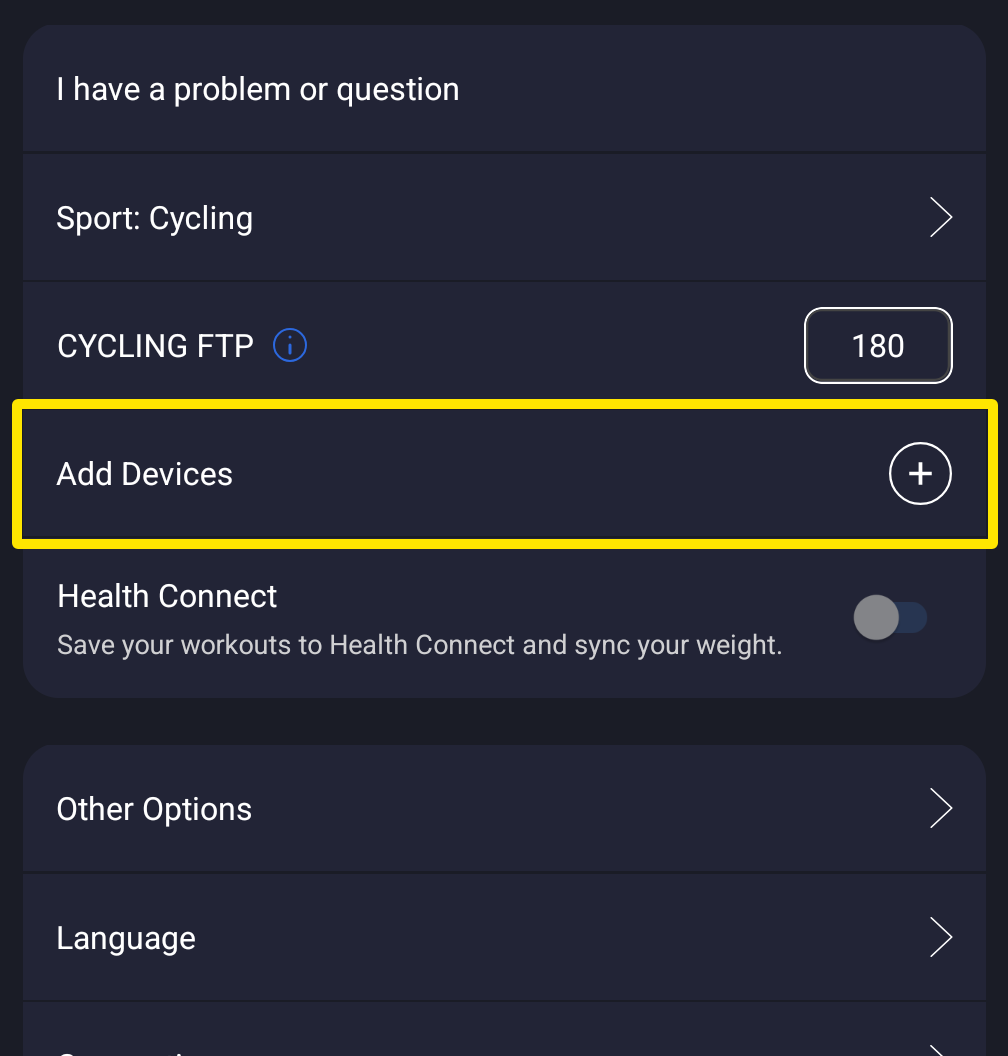 Where: Mobile app · Settings tab
- On the Devices screen, tap Power on your power meter. It now supplies your power, and the trainer keeps Control.
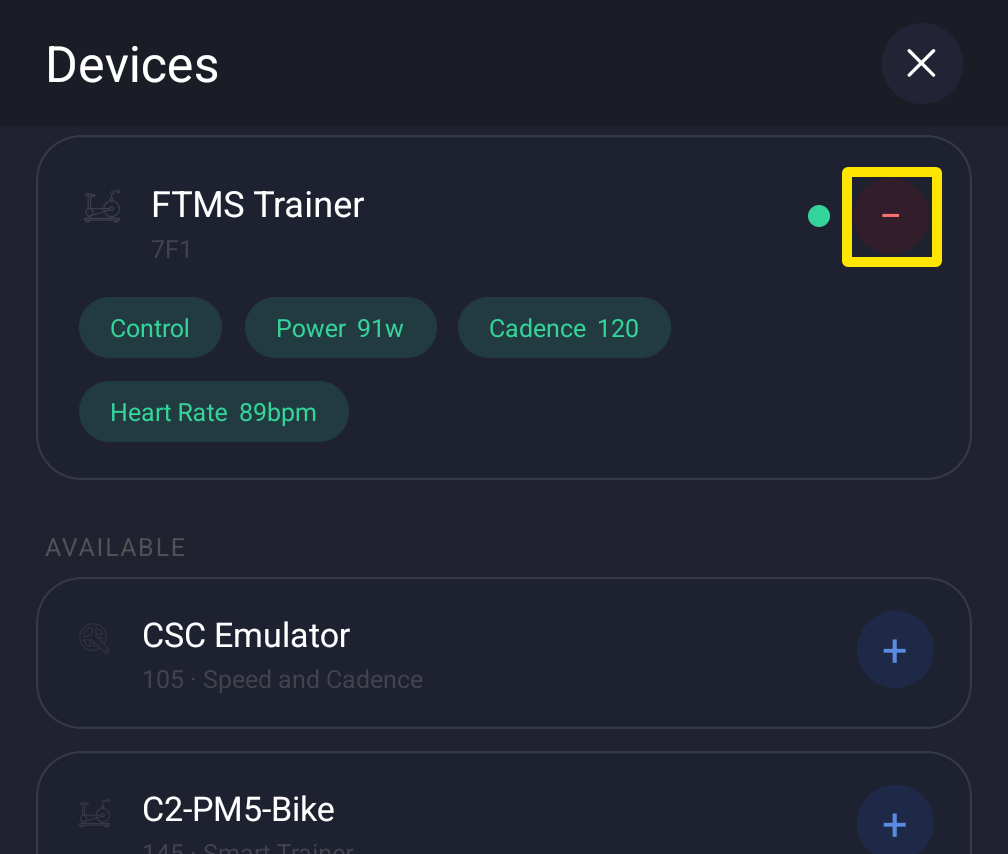 Where: Mobile app · Settings tab → Add Devices
- Optional: back on the Settings tab, open Other Options and turn on Power Match. Your trainer then matches the power meter's numbers.
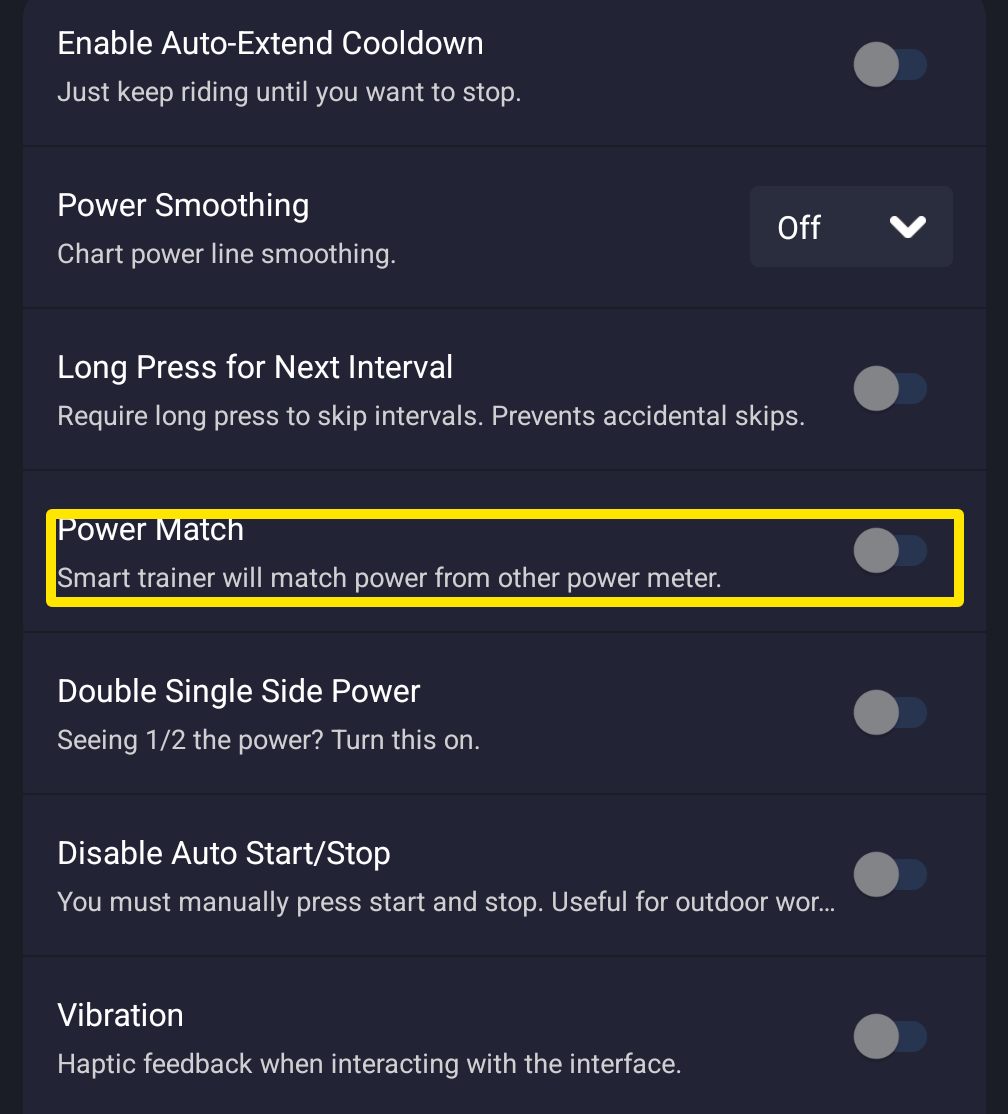 Where: Mobile app · Settings tab → Other Options
Works on: Mobile app and desktop app (Power in Devices, Power Match in Settings). Not available on the website.