

Why is the ERG button greyed out in the mobile app?
In the mobile app, the ERG button is greyed out when your connected trainer does not report that it can take a target power; check that Control is on for the trainer in Devices, and if ERG stays grey, ride in SLOPE or use the desktop app.
- In the mobile app, on the workout screen, the ERG button is greyed out when your trainer does not report that it can take a target power.
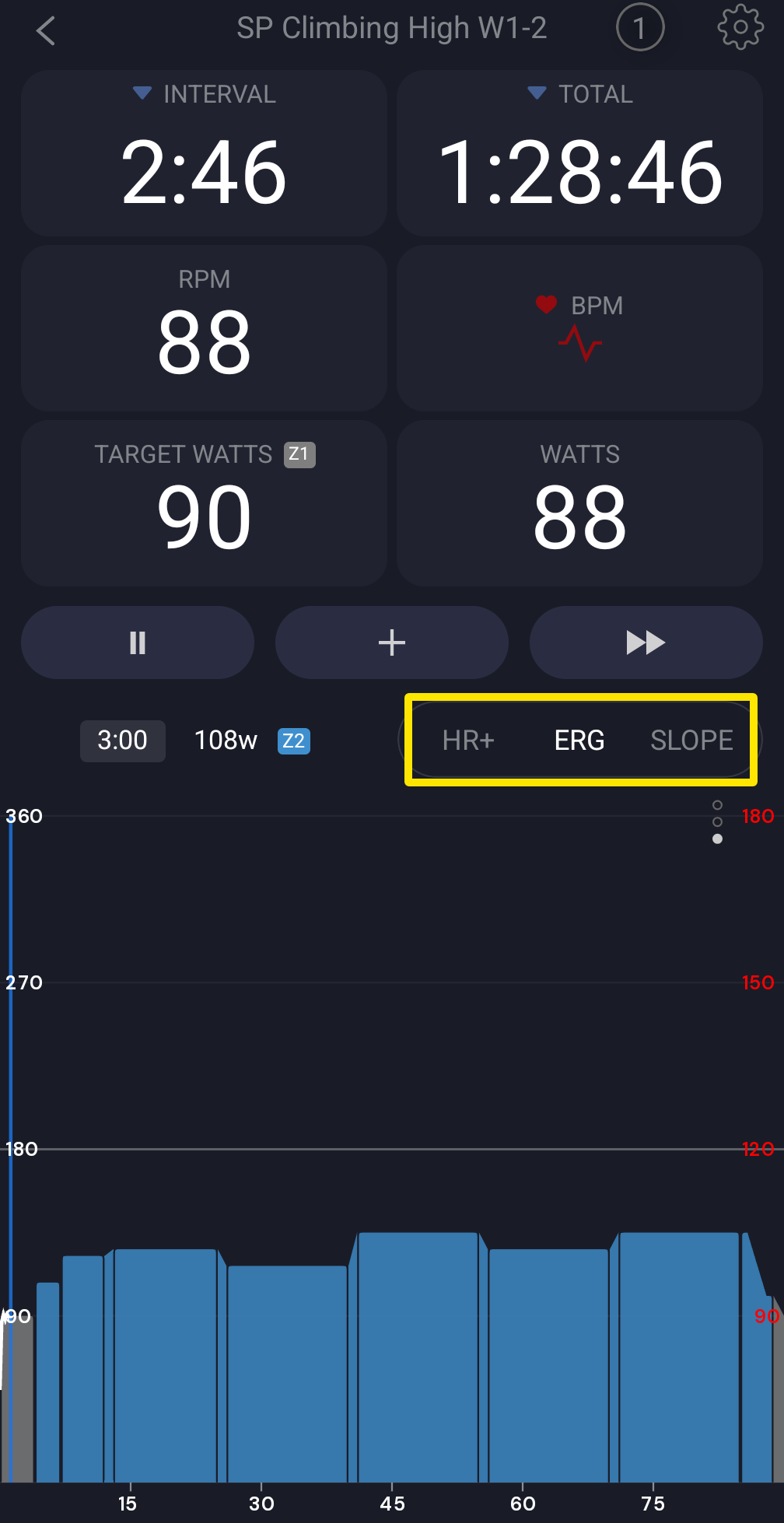 Where: Mobile app · the workout screen during a ride
- Tap the device counter at the top of the workout screen to open Devices.
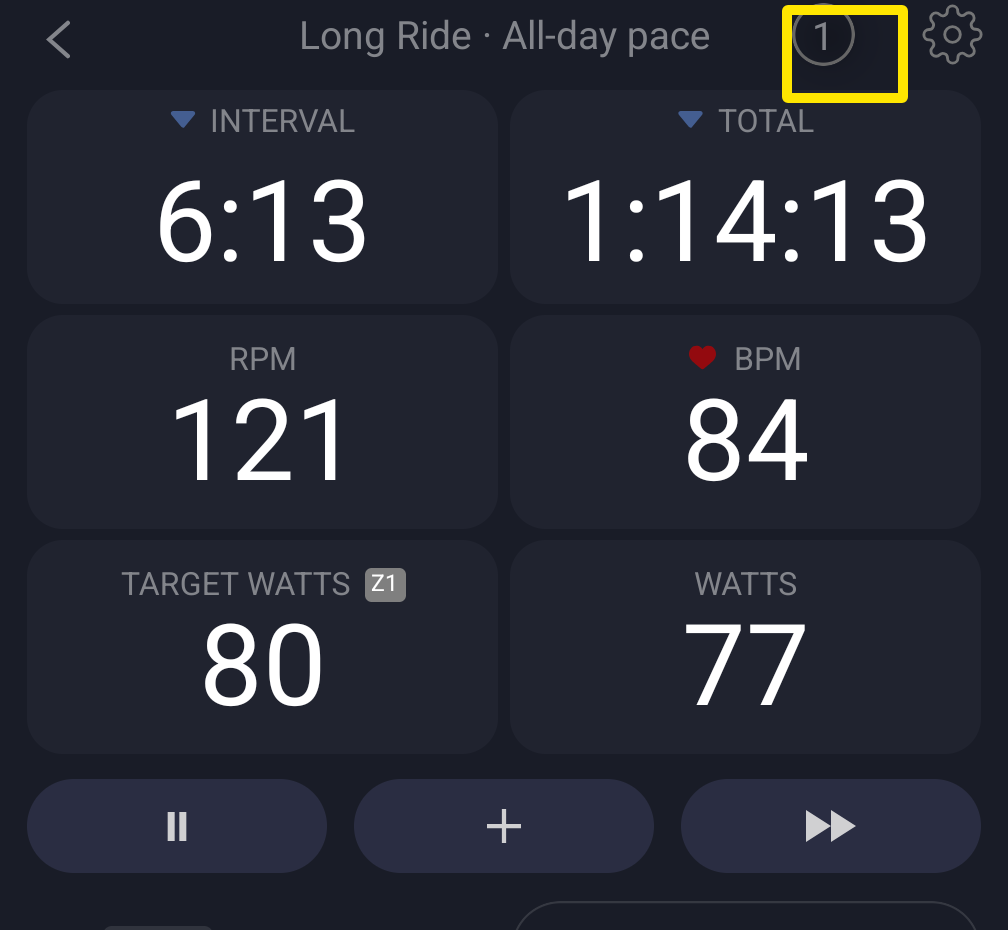 Where: Mobile app · the workout screen during a ride
- Under your trainer, check the Control tag. If it shows a +, it is off. Tap it to turn it on.
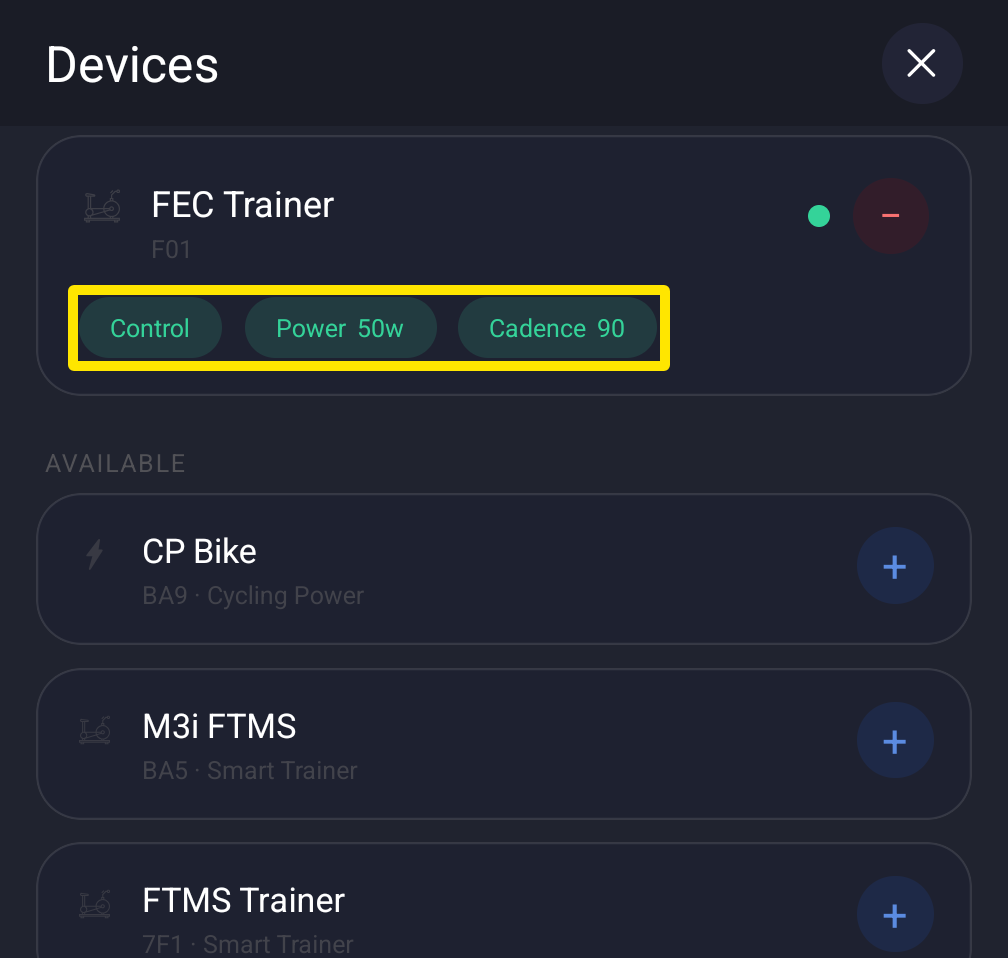 Where: Mobile app · Devices (the same screen also opens from Settings tab → Add Devices)
- Tap the X to close Devices. Back on the workout screen, check ERG again.
- If ERG is still grey, your trainer is not offering ERG over Bluetooth. Ride in SLOPE, or try the desktop app.
Good to know: TrainerDay has no simulated ERG for trainers without built-in ERG. The mobile app has no Free-ride button.
Works on: Mobile app. The desktop app's ERG button is never greyed out by the trainer.