

TrainerDayのサポートに連絡するには?
TrainerDayのサポートへは、ウェブサイトのサイドバー下部にある「I have a problem or question」をクリックするか、trainerday.com/contact-us のコンタクトフォームを使うか、[email protected] にメールして連絡できます。
- ウェブサイトで app.trainerday.com を開き、サイドバー下部の I have a problem or question をクリックします。
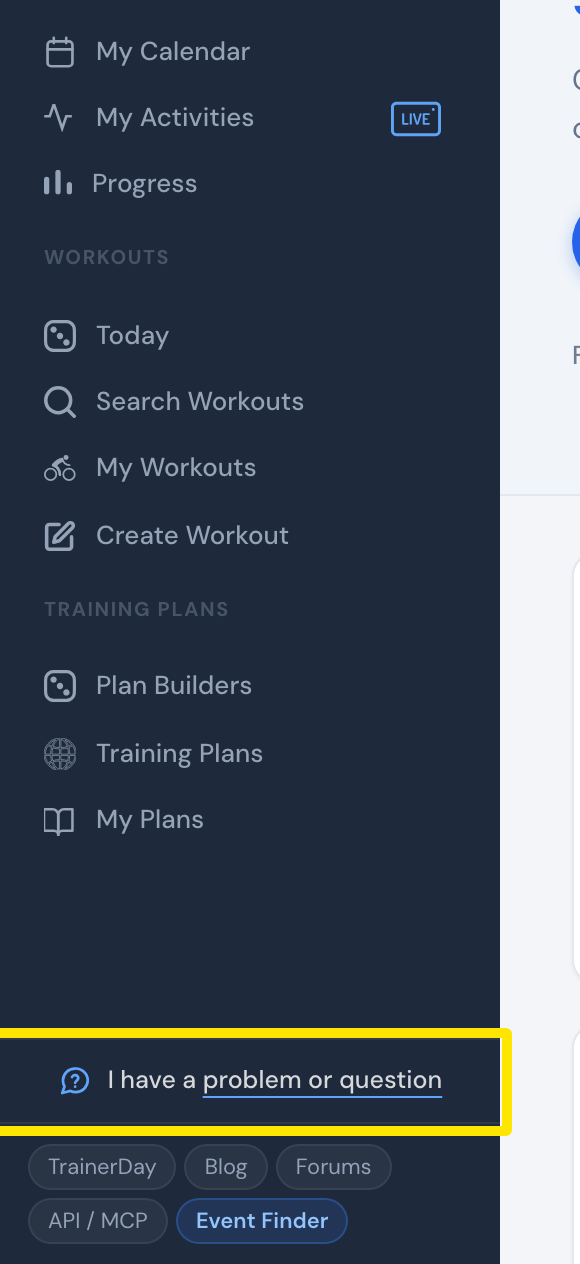 場所:ウェブサイト · ホーム · 開く
- 開いたウィンドウに質問を書いて 送信 をクリックします。Alexがメールで返信します。
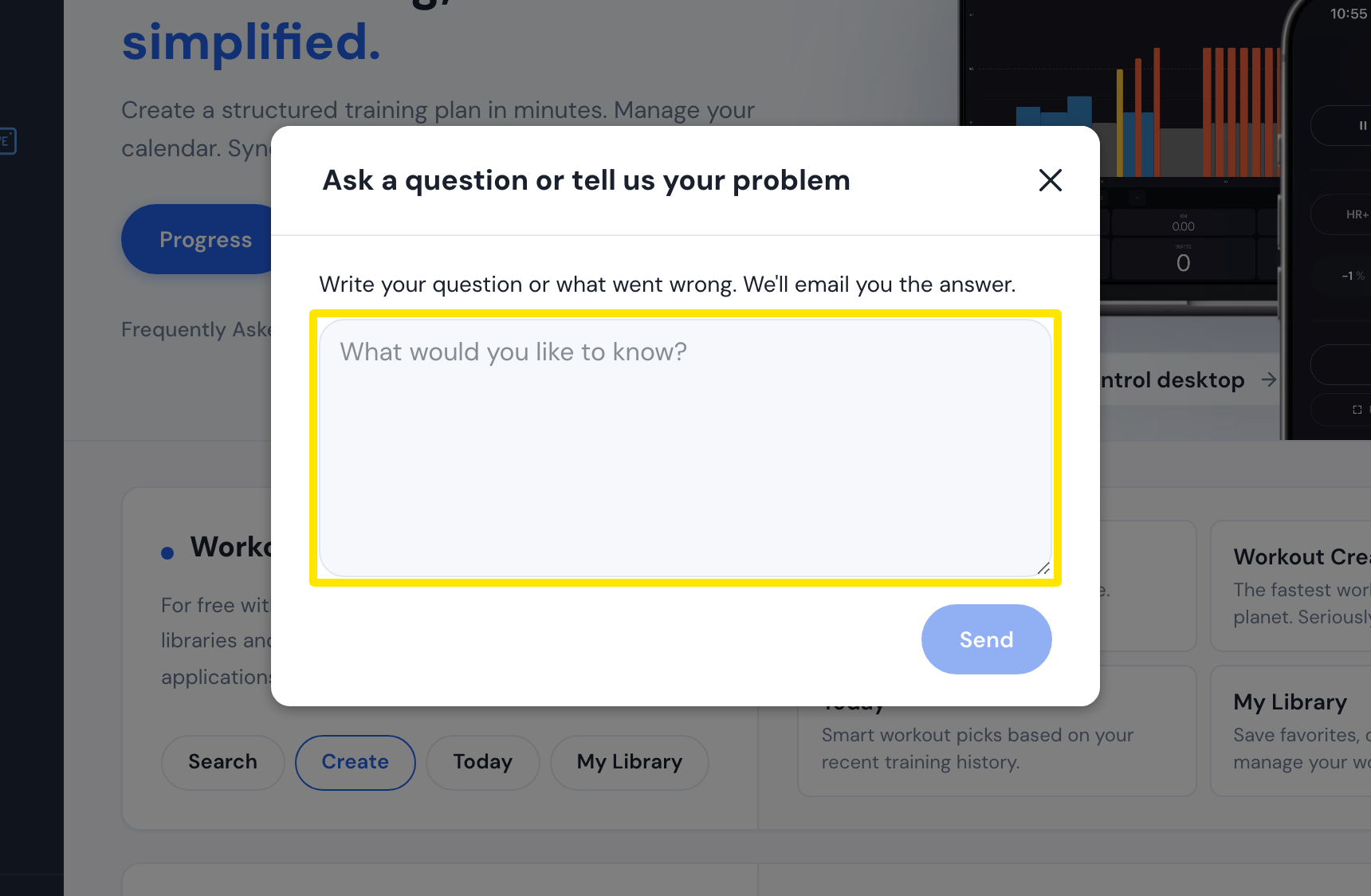 場所:ウェブサイト · ホーム · 開く
- または trainerday.com/contact-us を開き、Contact Form の メール、名前、Message を入力して Submit をクリックします。
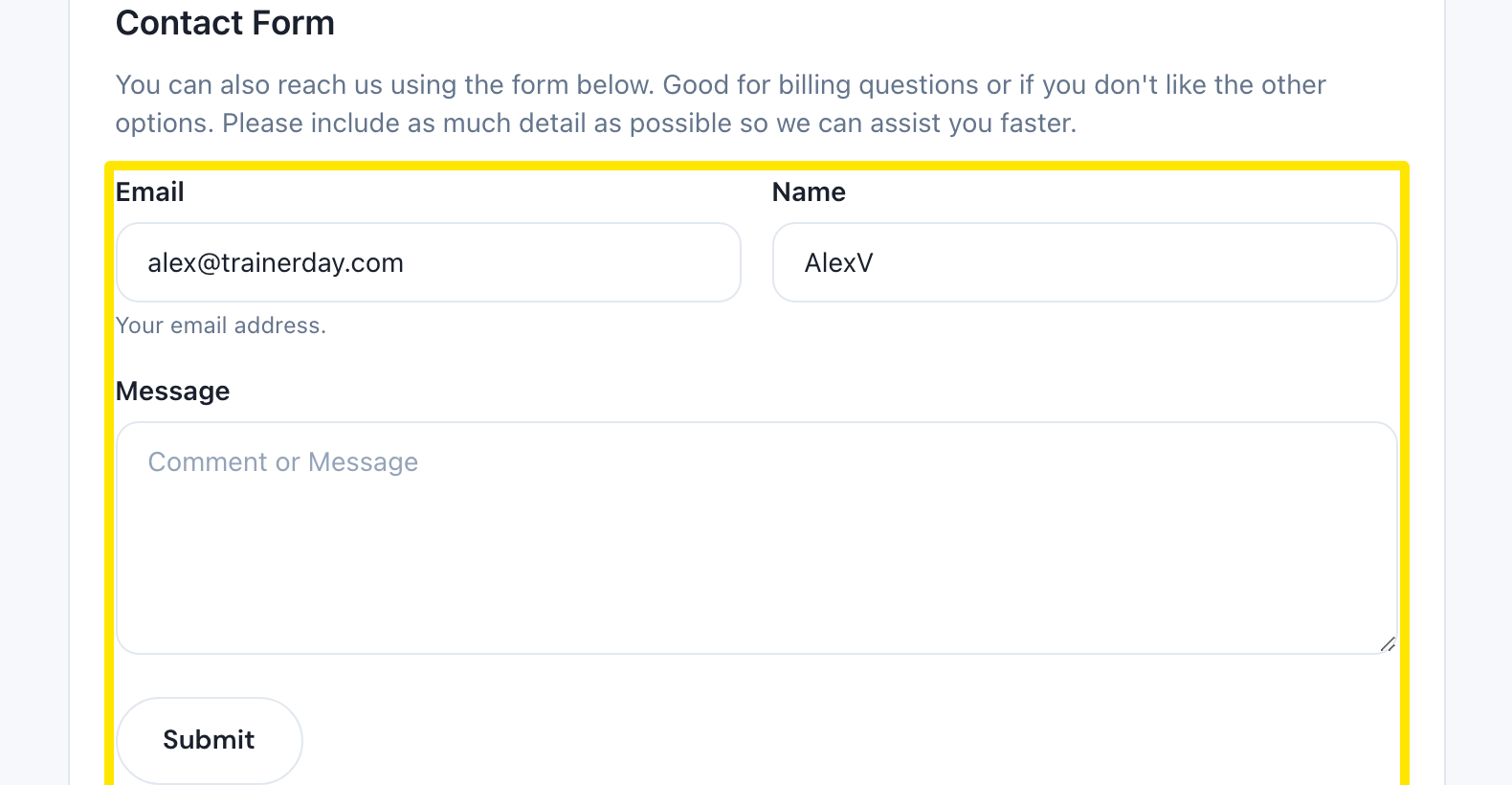 場所:ウェブサイト · お問い合わせページ(trainerday.com/contact-us)
- または [email protected] にメールしてください。FITやTCXファイル、アクティビティのリンク、不具合の動画を添付できます。
 場所:ウェブサイト · お問い合わせページ(trainerday.com/contact-us)
- ほかのライダーにも答えられそうな質問なら、同じページの Go to Forum をクリックしてください。
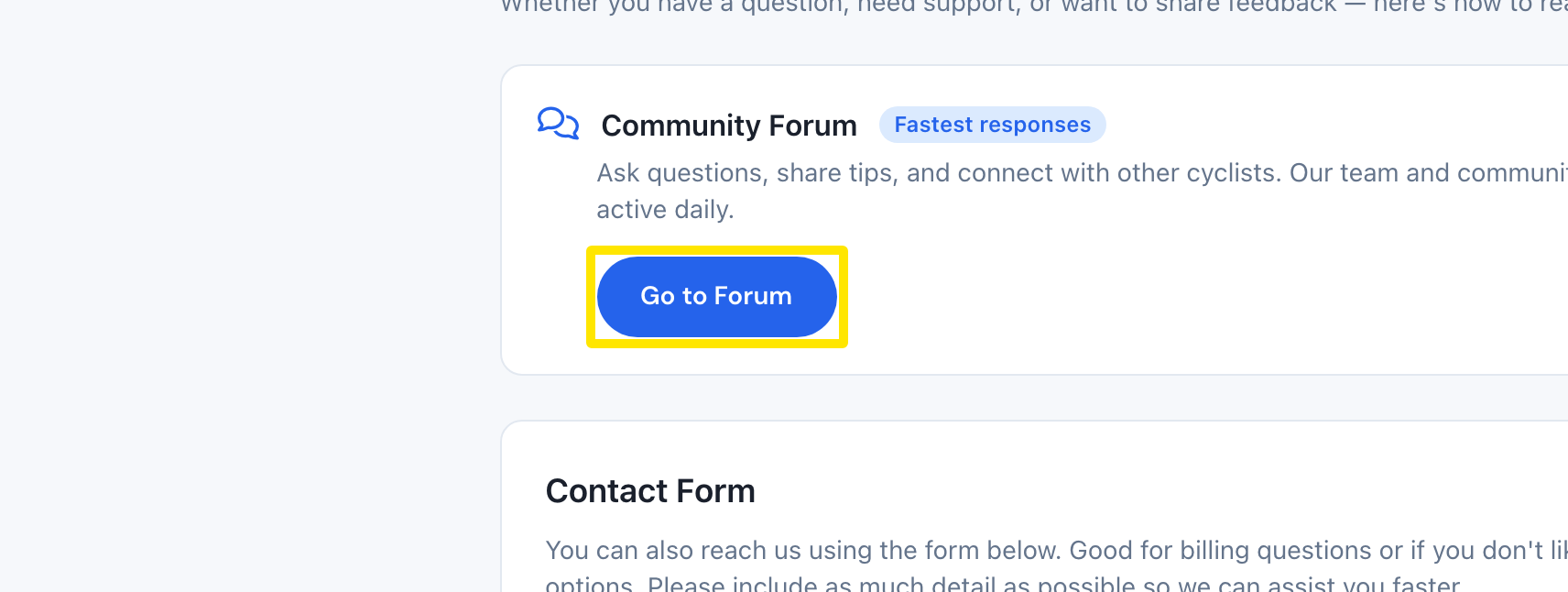 場所:ウェブサイト · お問い合わせページ(trainerday.com/contact-us)
ポイント: Alexはふつう4時間以内、ほぼ必ず24時間以内に返信します。週末は遅くなることがあります。日本語で書いても大丈夫です。
対応: ウェブサイト(サイドバー)、モバイルアプリ(設定 → I have a problem or question、または お問い合わせ / フィードバック)、デスクトップアプリ(上部バーの Problem or question?)。