

TrainerDay アプリを古いバージョンに戻すには?
trainerday.com/download の「All desktop versions」から、TrainerDay デスクトップアプリの古いバージョンをダウンロードしてインストールします。
- ウェブサイトで trainerday.com/download を開きます。
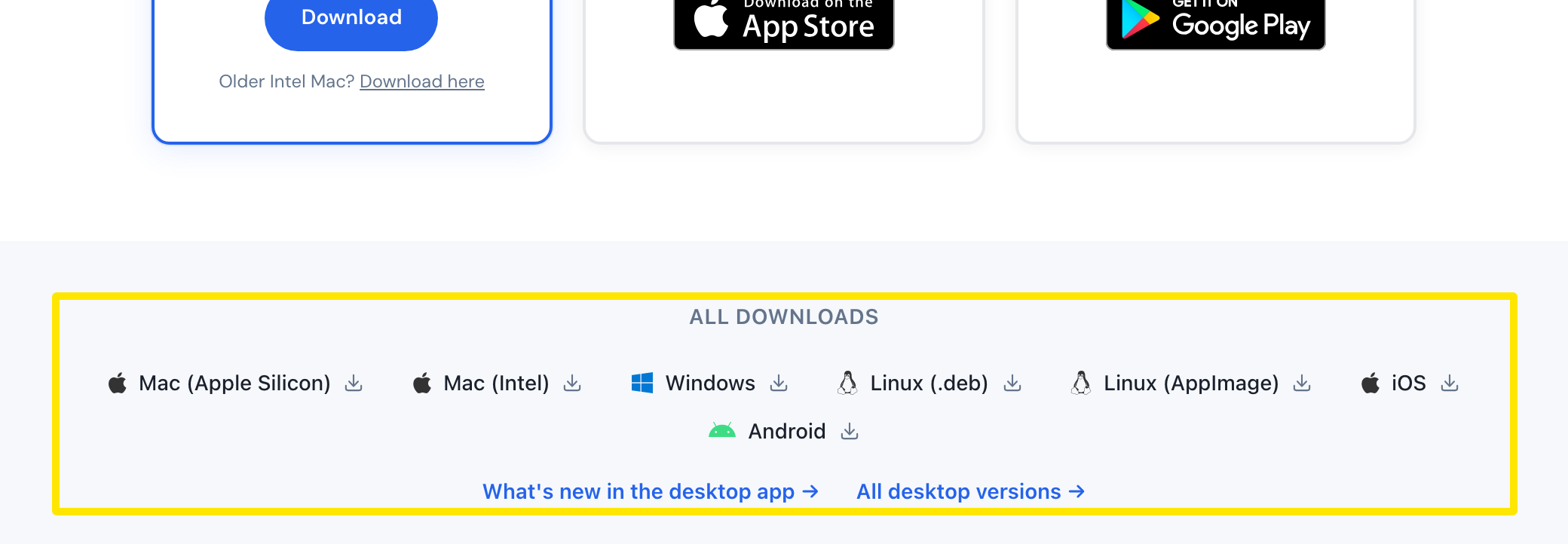 場所:ウェブサイト · trainerday.com/download · 開く
- All Downloads の下にある All desktop versions → をクリックします。
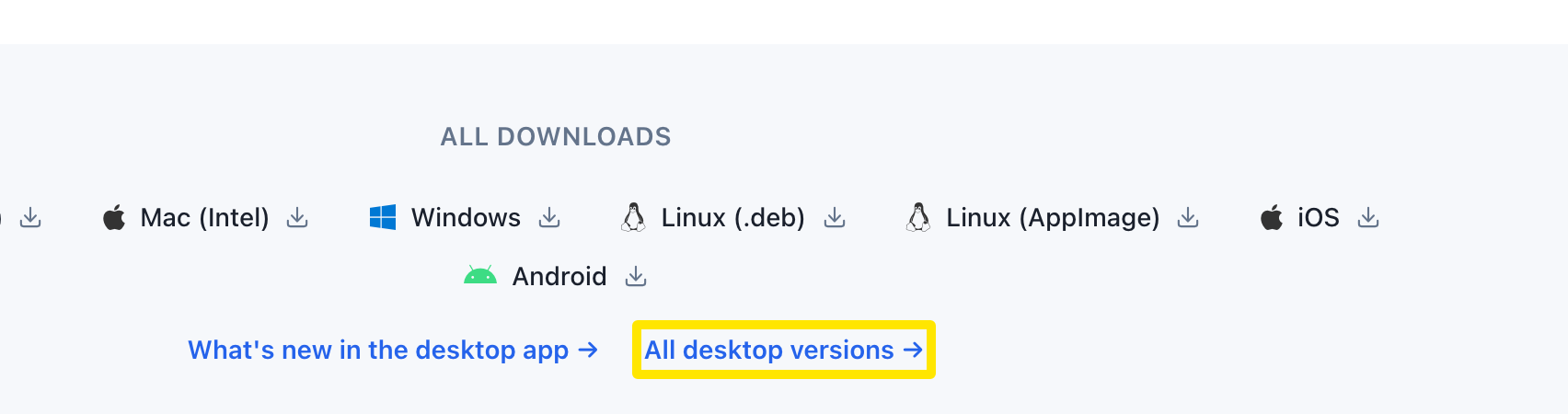 場所:ウェブサイト · trainerday.com/download · 開く
- 表の中から使いたいバージョンを探し、お使いのプラットフォームをクリックします:Mac (Apple Silicon)、Mac (Intel)、Windows、Linux (.deb)、Linux (AppImage)。
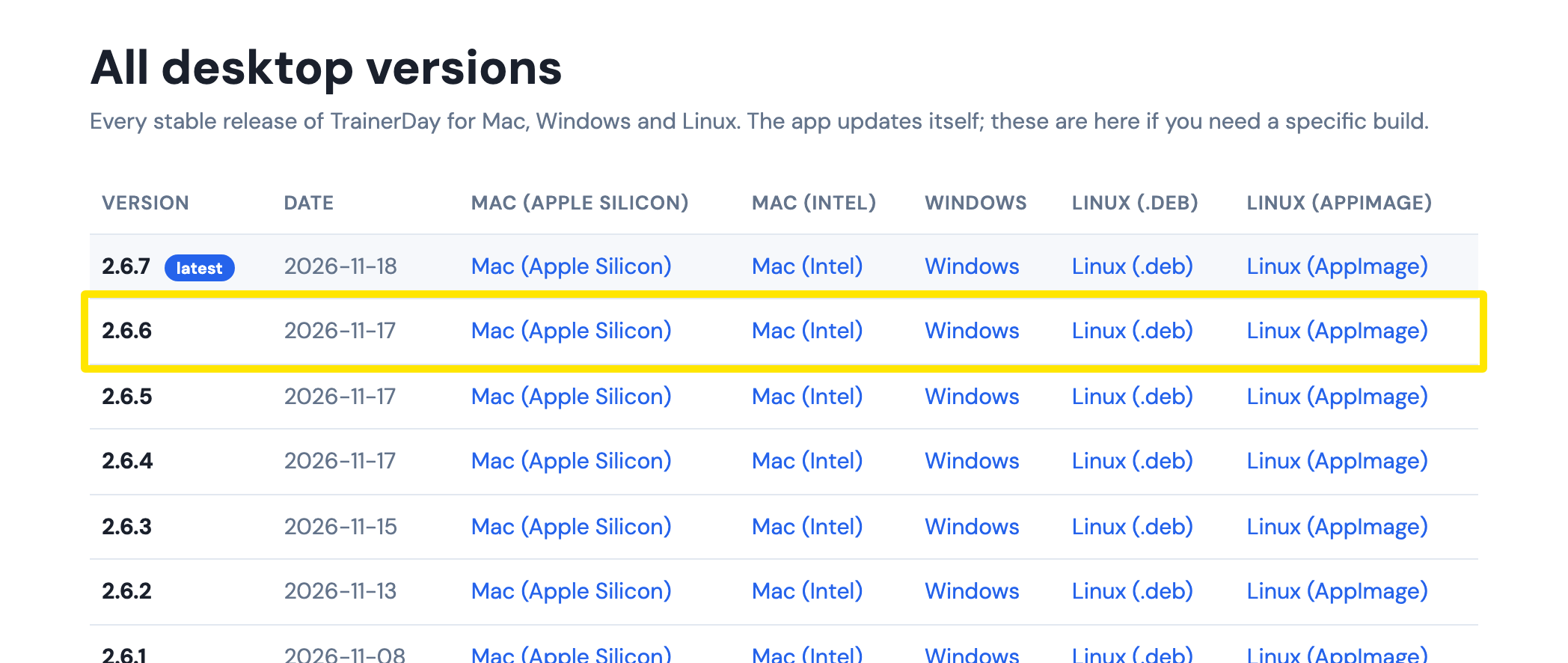 場所:ウェブサイト · download.trainerday.com/versions.html
- 今のアプリに上書きしてインストールします。
ポイント: アプリは 再起動して更新 で最新バージョンを再び案内しますが、このボタンをクリックしない限りインストールされません。
対応: デスクトップアプリ(Mac、Windows、Linux)、1.3.0 までさかのぼれます。iPhone と Android では、古いバージョンや APK はダウンロードできません。ストアの最新バージョンのみ利用できます。