

如何选择月度方案而不是年度方案?
在 TrainerDay 网站的订阅页面选择月度方案而不是年度方案,或在移动应用中用“年度 / 月度”开关切换。
- 在网站上登录并打开 trainerday.com/pricing,然后点击 Pro 下方的 立即升级。
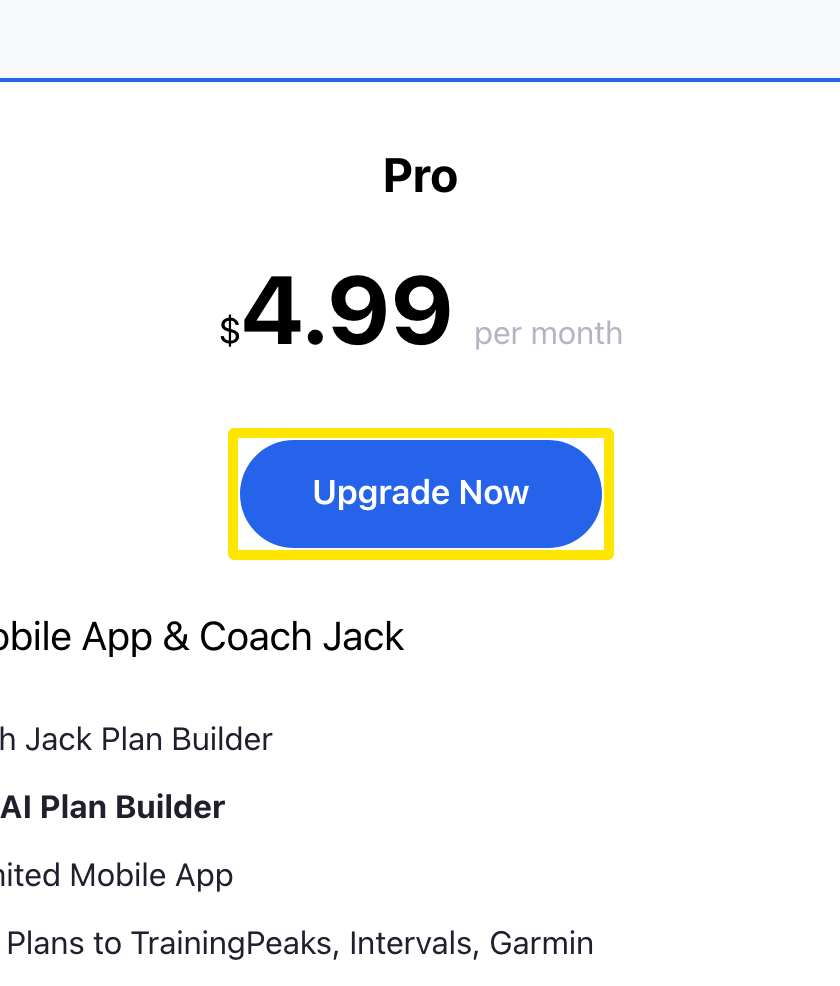 位置:网站 · trainerday.com/pricing
- 在订阅页面点击 月度 卡片($4.99/月)。默认选中的是年度方案。
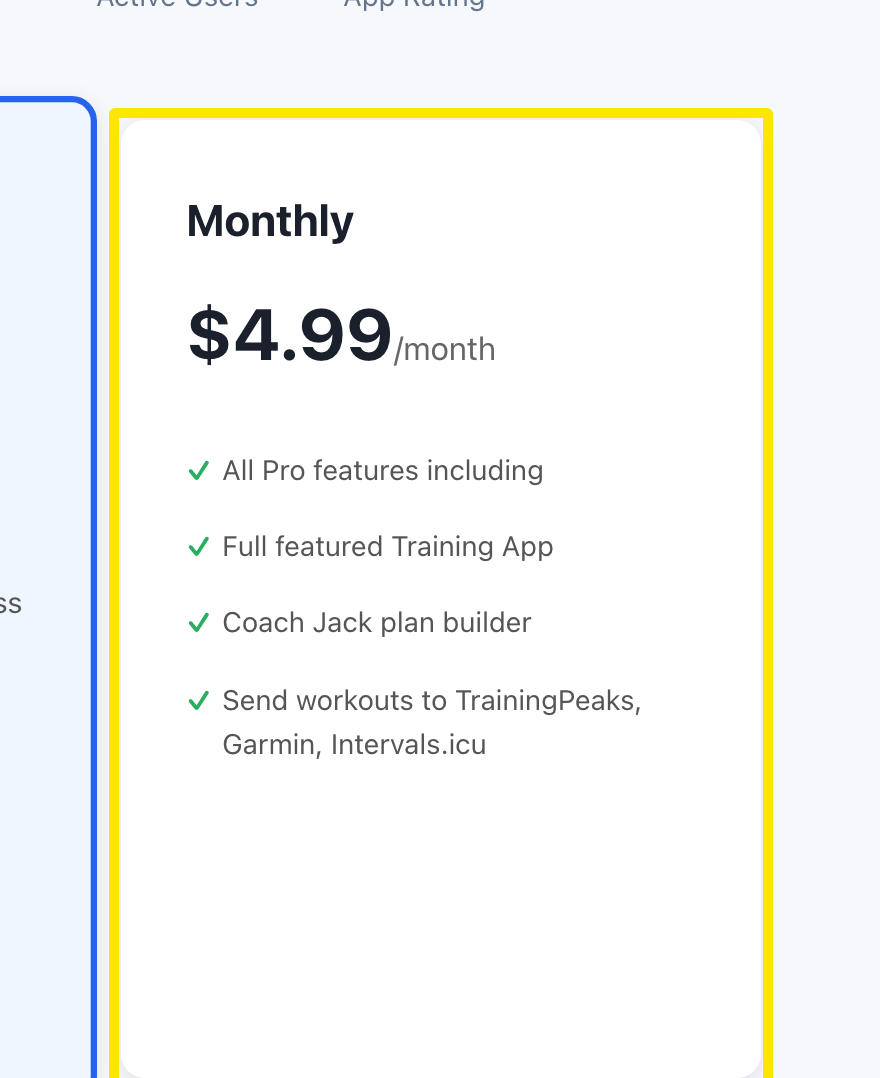 位置:网站 · trainerday.com/subscribe
- 输入银行卡信息(或使用已保存的卡),然后点击 Continue to Secure Checkout →。
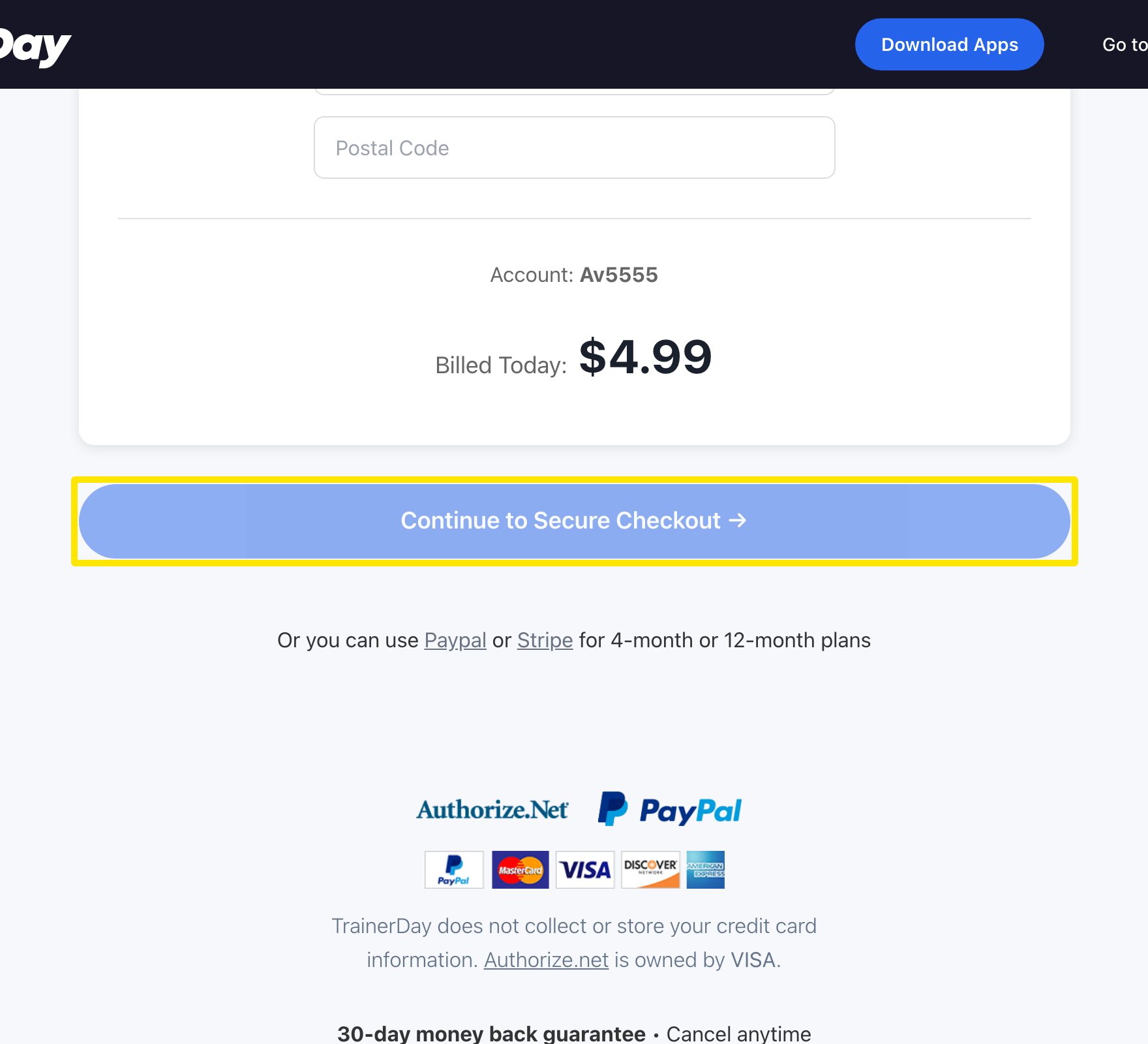 位置:网站 · trainerday.com/subscribe
小贴士: 月度方案只能用银行卡支付。PayPal 和 Stripe 链接只适用于 4 个月或 12 个月方案。
适用于: 网站。移动应用:进入 Settings → Subscription Options,点按 月度,再点按 Start Monthly Plan(通过 App Store / Google Play,按当地价格)。桌面应用没有购买页面。