

怎样把训练加入收藏或从收藏中移除?
在 TrainerDay 网站上,从我的锻炼中打开一个训练,然后用它的 添加到 按钮将其加入收藏或从收藏中移除。
- 在网站上点击左侧边栏的 我的锻炼(app.trainerday.com/library)。
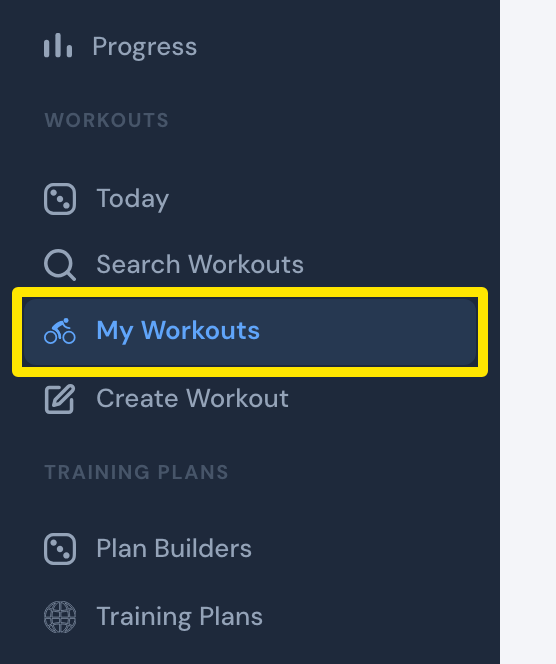 位置:网站 · 我的锻炼 · 打开
- 点击训练名称,打开训练页面。
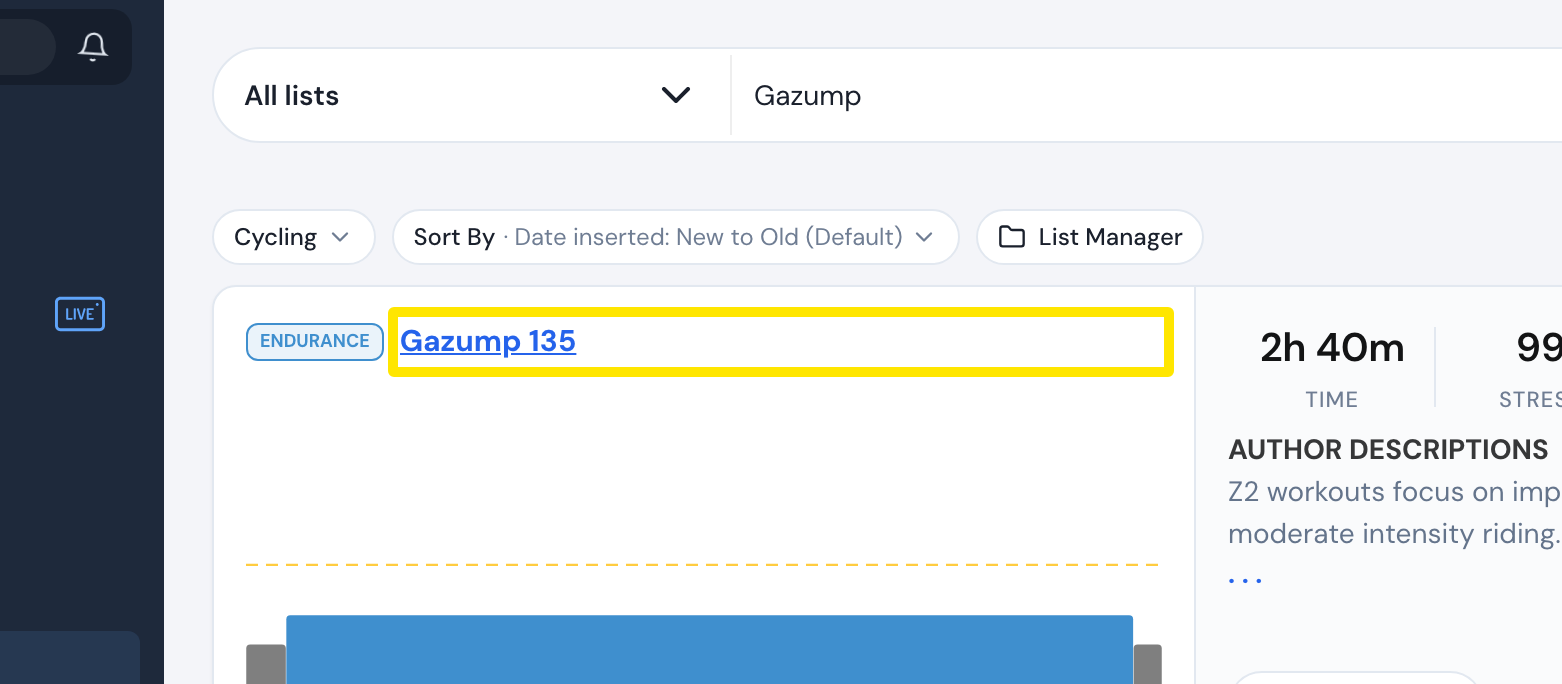 位置:网站 · 我的锻炼 · 打开
- 在训练页面上点击 添加到。训练加入某个列表后,按钮会显示 已添加。
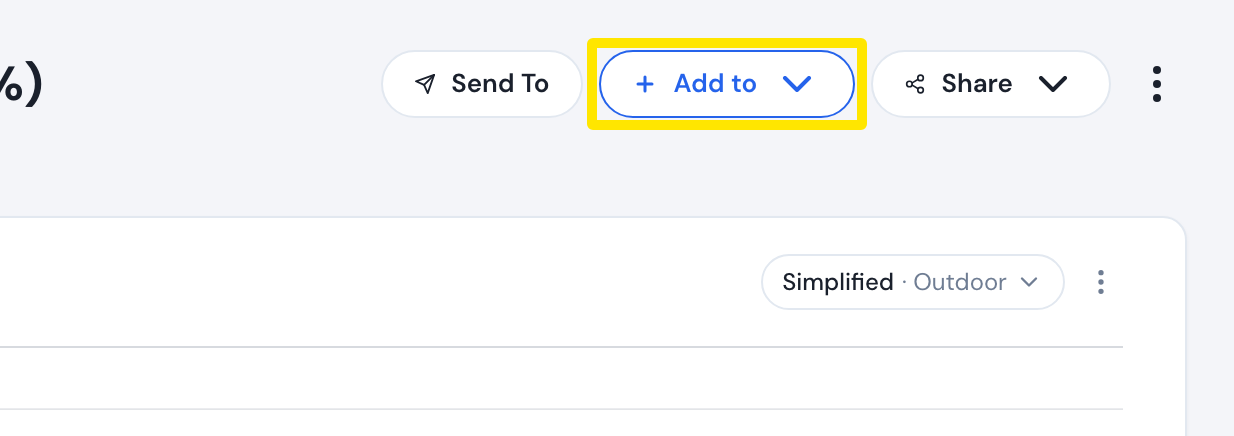 位置:网站 · 训练页面
- 点击 Add to Favorites;如果训练已在收藏中,则点击 Remove from Favorites。
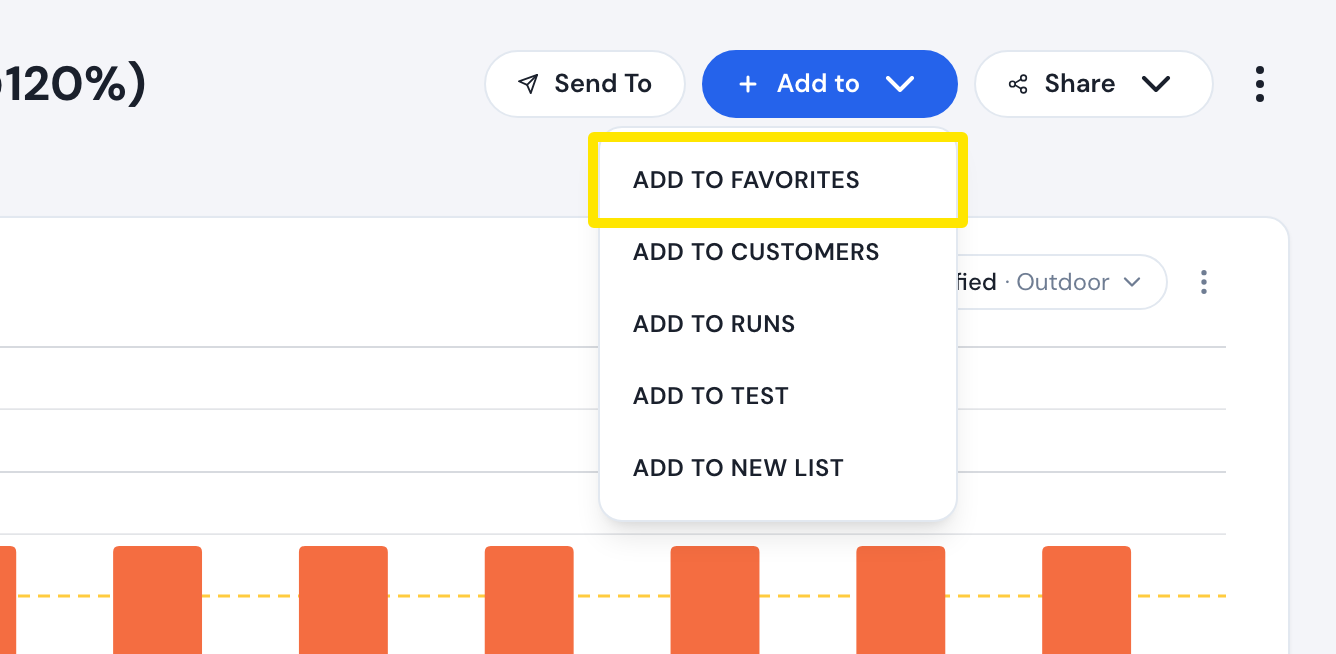 位置:网站 · 训练页面
- 要查看收藏,再次点击侧边栏的 我的锻炼。列表下拉菜单中的第一个选项就是 收藏。
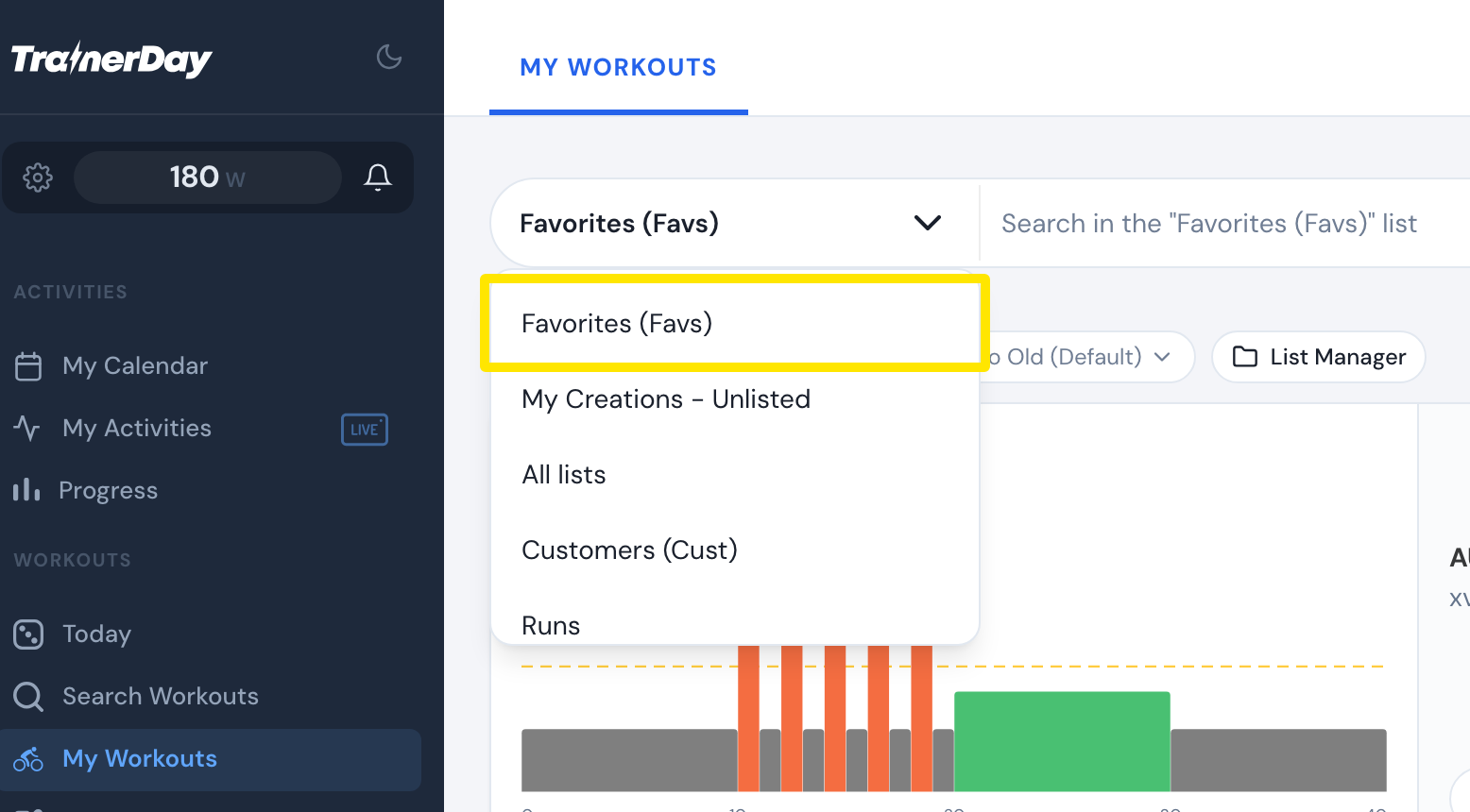 位置:网站 · 我的锻炼 · 打开
小提示: 免费用户也可以在网站上添加收藏。在免费和付费之间切换时,收藏会保留。
适用于: 网站,所有已登录用户均可使用。移动应用,仅限付费用户:打开训练信息弹窗,点按 + 添加到列表,然后选择 Add Favorites 或 Remove Favorites。桌面应用,仅限付费用户:在 搜索 标签页选中训练,点击 添加到训练库,然后选择 收藏。桌面应用无法从列表中移除训练。