

保存心率训练时出现坡度错误,怎么解决?
在网站上,如果某一行没有设为 hr+,却在 坡度/BPM 里填了心率,这个值就会被当作坡度,于是出现坡度错误。解决方法:在“创建锻炼计划”中把该行的 控制模式 设为 hr+。
- 在网站上,从侧边栏打开 创建锻炼计划(https://app.trainerday.com/workouts/create),并载入你的训练。
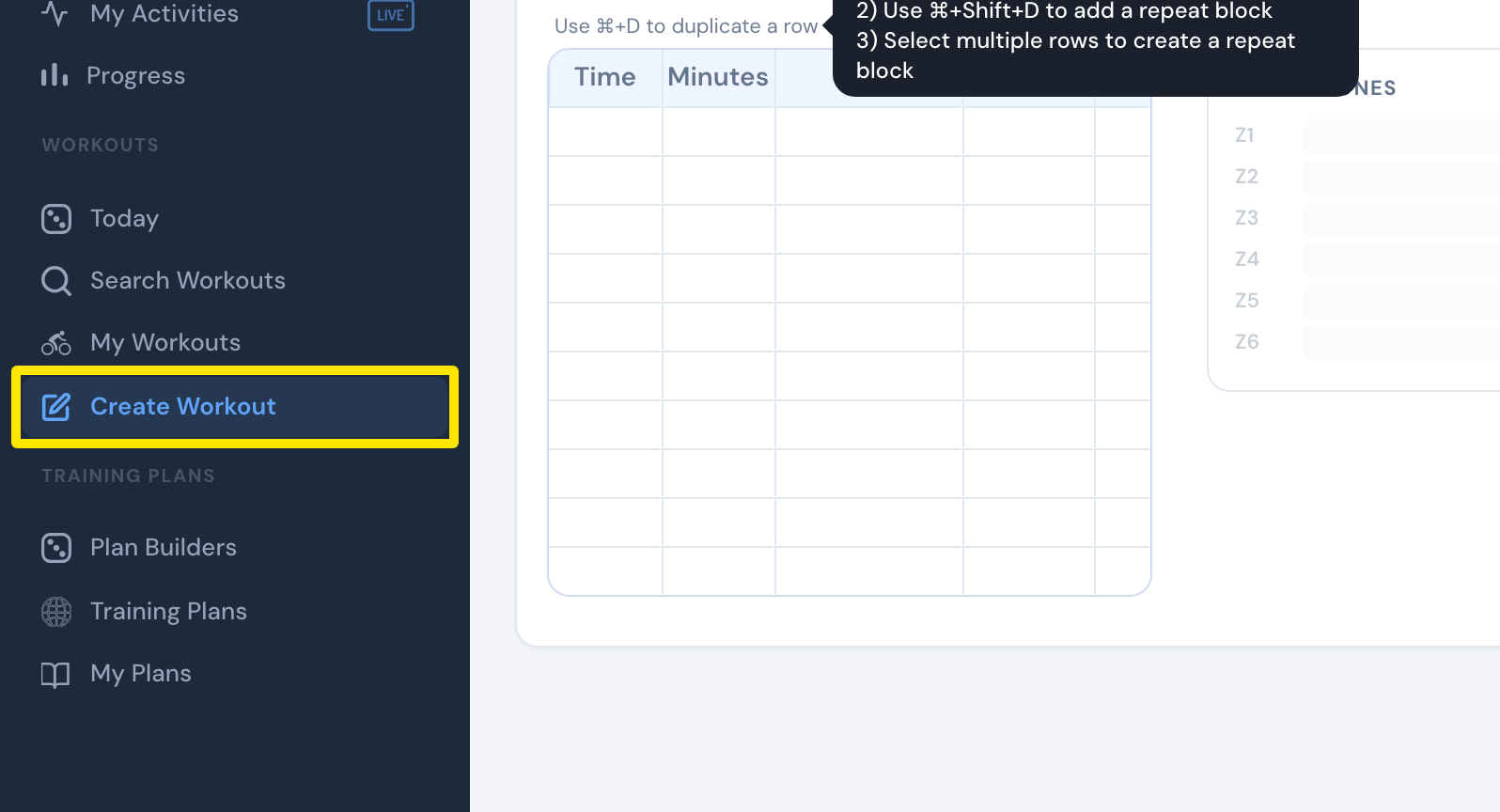 位置:网站 · 创建锻炼计划 · 打开
- 如果看不到 控制模式 这一列,打开 Fields: 下拉菜单并勾选 控制模式。
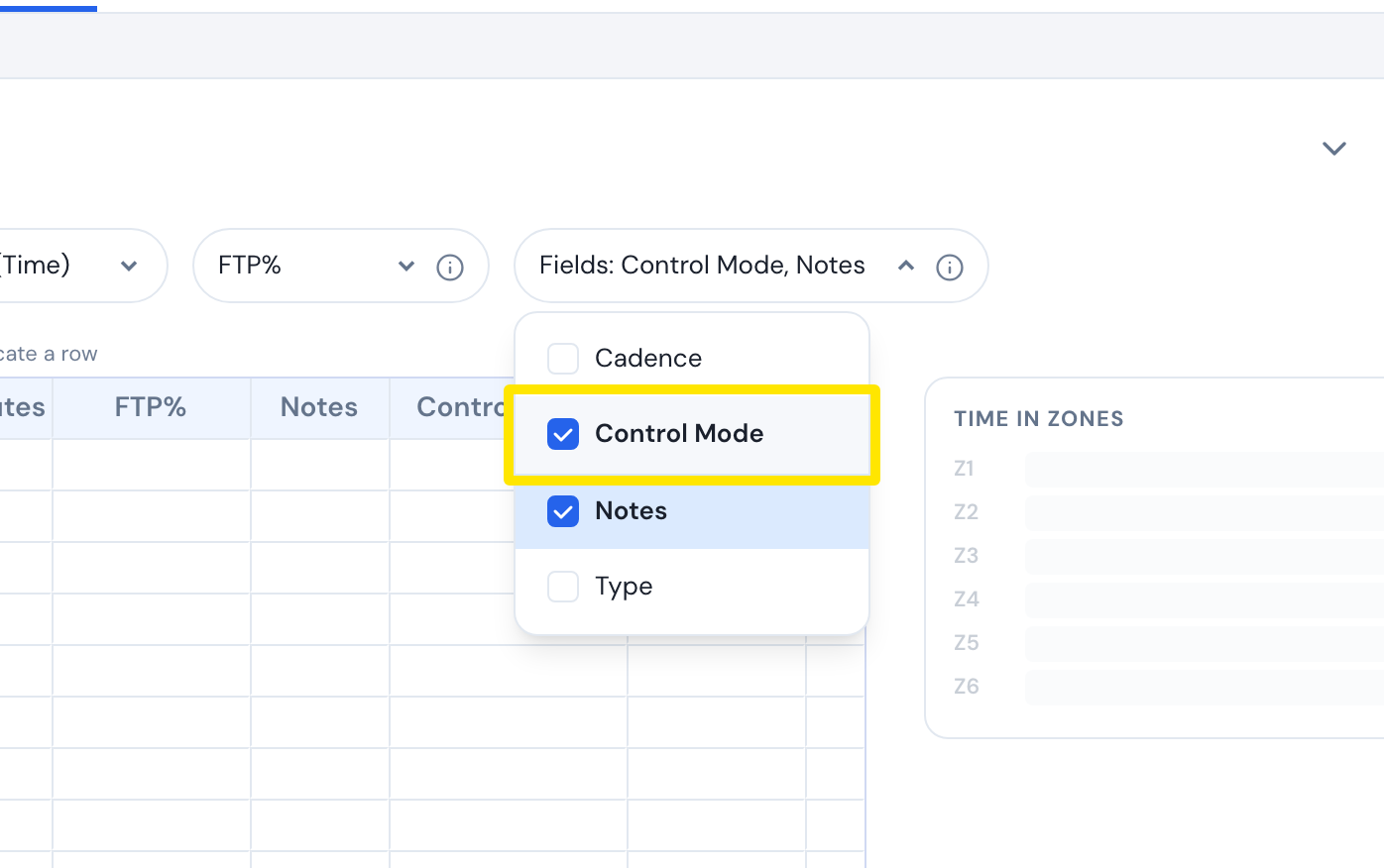 位置:网站 · 创建锻炼计划 · 打开
- 在每个心率行上,把 控制模式 设为 hr+。
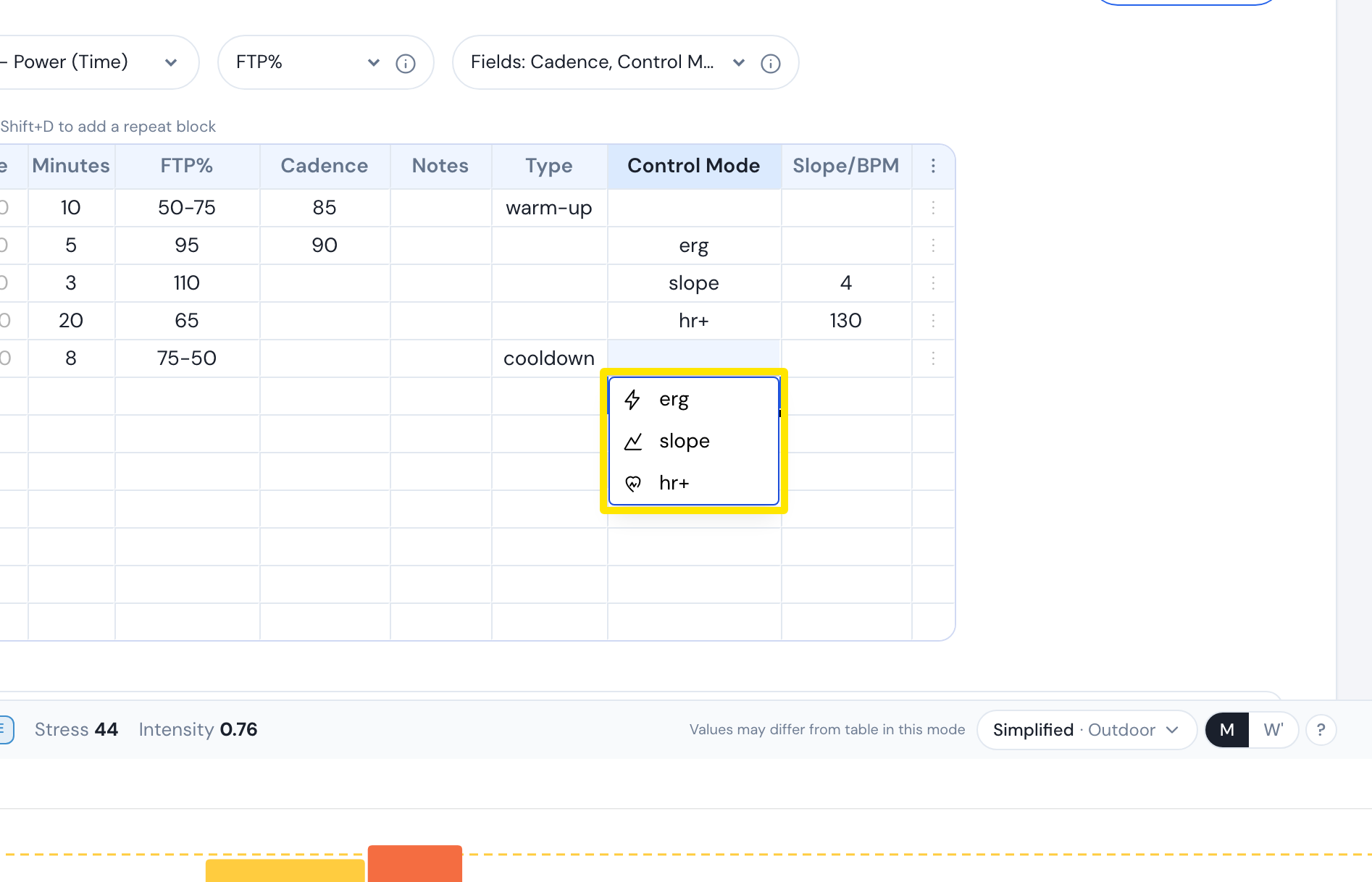 位置:网站 · 创建锻炼计划 · 打开
- 检查 坡度/BPM 中填的是你的目标心率(26-220)。
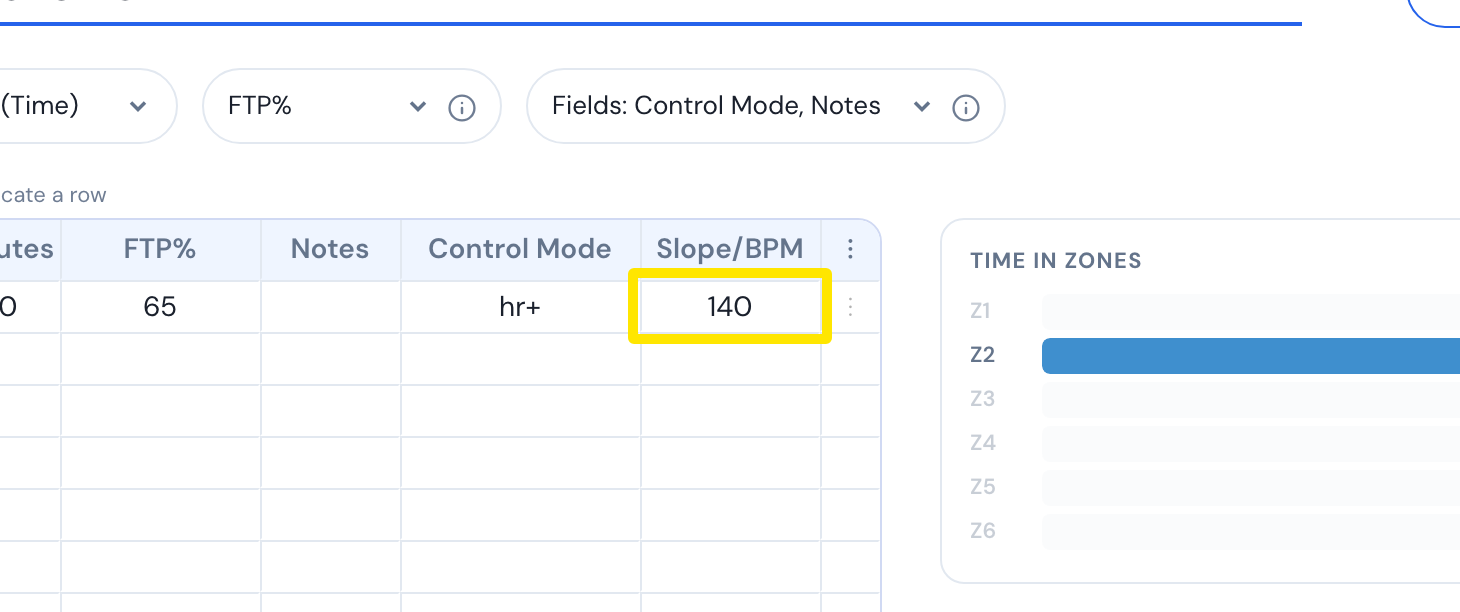 位置:网站 · 创建锻炼计划 · 打开
- 点击 保存锻炼,然后点击 保存。
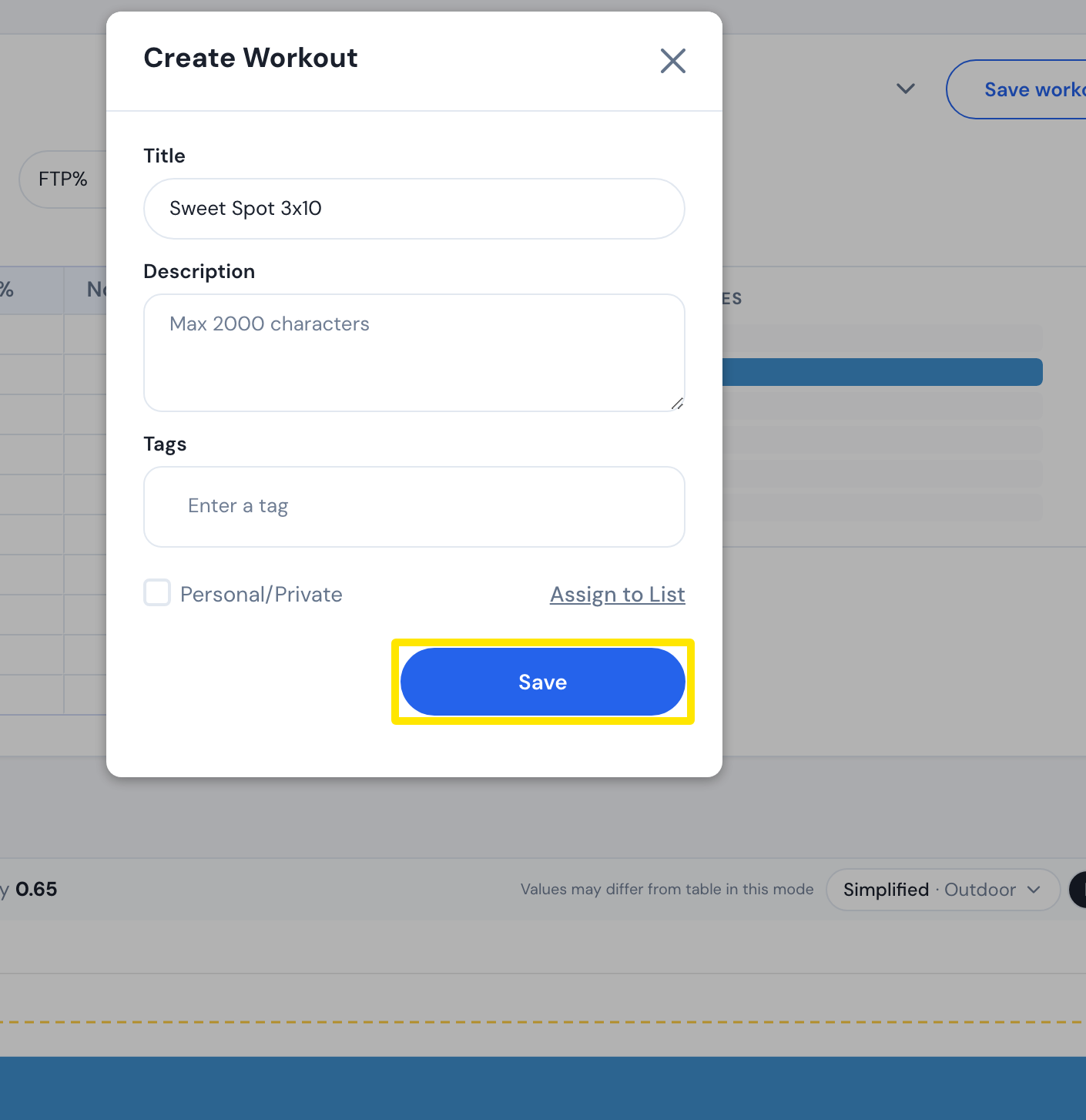 位置:网站 · 创建锻炼计划 · 打开
小贴士: 在没有设为 hr+ 的行上,坡度/BPM 会被当作坡度,所以填入大于 25 的值会提示“Slope must be between -25 and 25”。
适用于: 仅限网站。手机和桌面 App 没有逐行编辑器。