

怎么按作者搜索训练?
在网页版的“搜索训练”框中输入 Author: 加用户名,就能找到某位作者的训练。
- 在网页版侧边栏点击搜索训练(app.trainerday.com/search)。
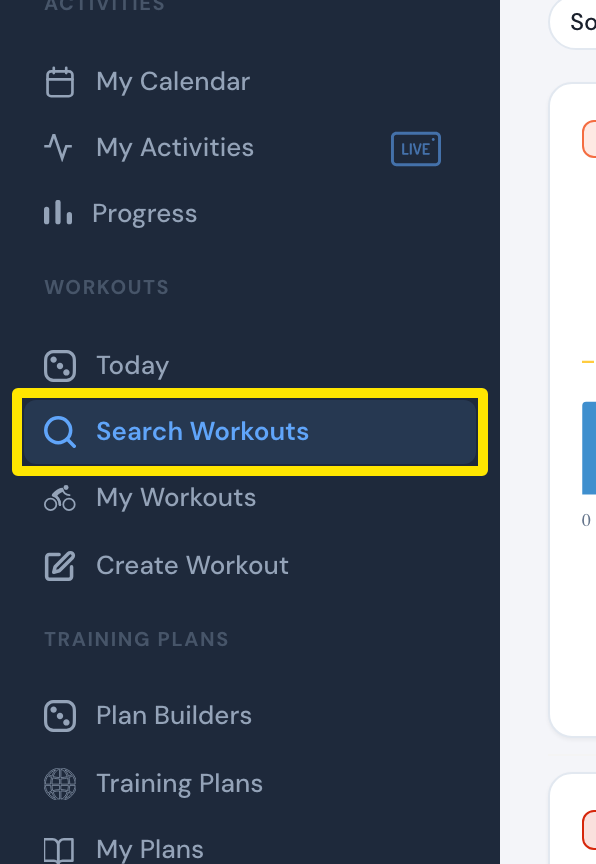 位置:网页版 · 搜索训练 · 打开
- 输入 Author: 加用户名,例如 Author: Velo。直接输入普通词语也会匹配作者。
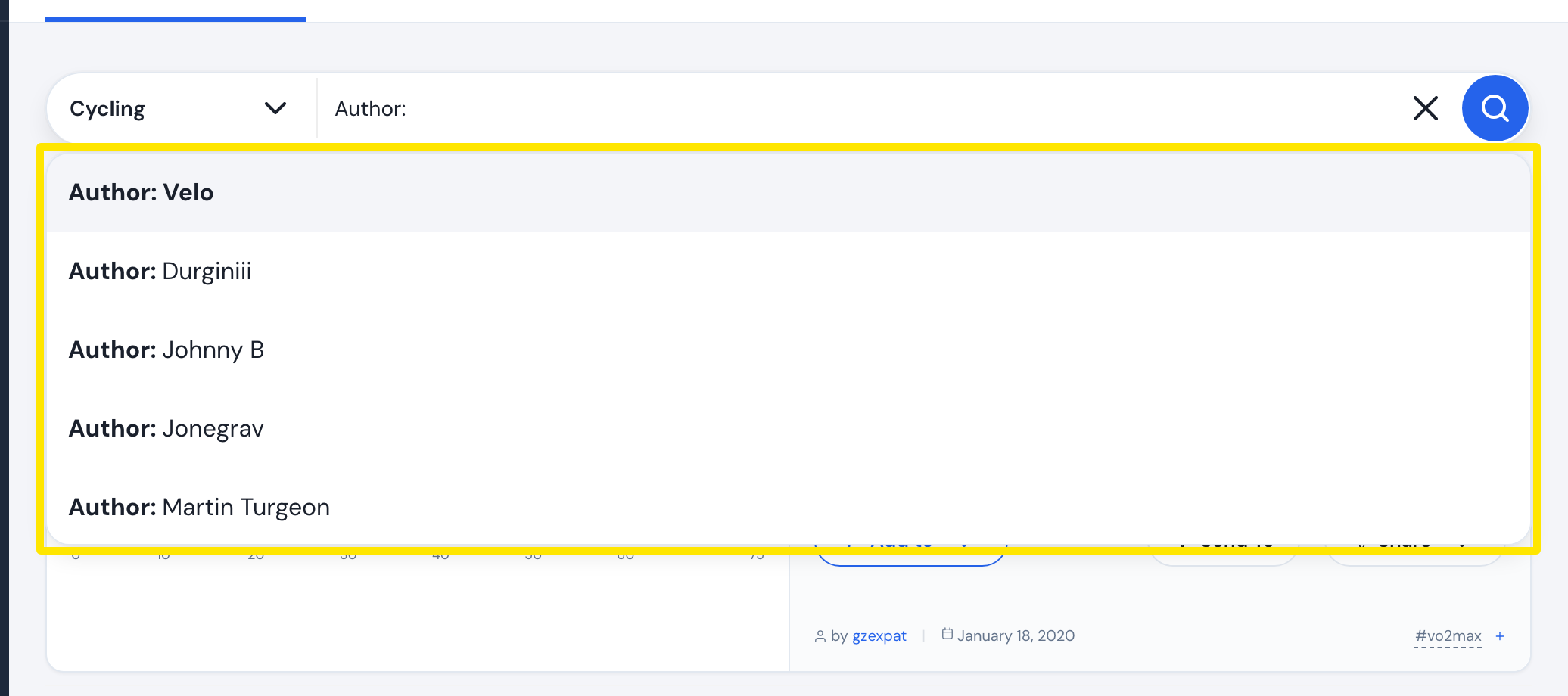 位置:网页版 · 搜索训练 · 打开
- 按回车键,就能看到这位作者的训练。
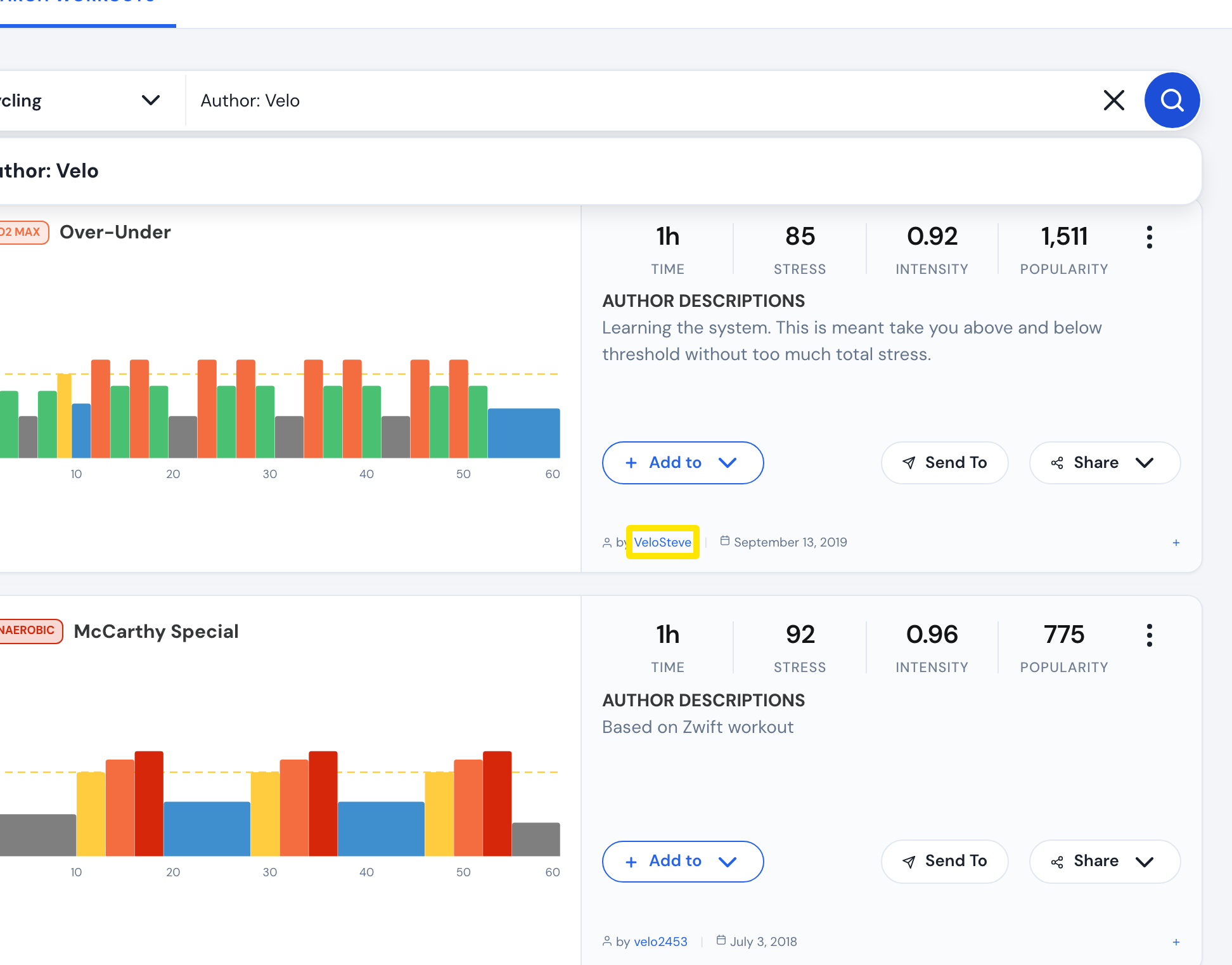 位置:网页版 · 搜索训练 · 打开
**须知:**只会使用 Author: 后面的第一个词。Author: Johnny B 会搜索作者 Johnny 加上词语 B。目前无法只筛选 TrainerDay 官方原创训练。
**适用:**网页版(Author: 搜索)。移动端 App:搜索中的普通词语也会匹配作者。