

如何申請訂閱退款?
退款方式取決於你在哪裡付款:在網站付款的,到 TrainerDay 網站的「付款紀錄」找到該筆付款,再寫信到 [email protected];在 App Store 和 Google Play 購買的,則透過商店退款。
透過 App Store 或 Google Play 購買?退款要透過商店處理:請看 透過 Google Play 購買的訂閱要如何退款?。App Store 的購買由 Apple 退款。
- 在 TrainerDay 網站上,點左側選單上方的齒輪圖示,選擇 帳戶。
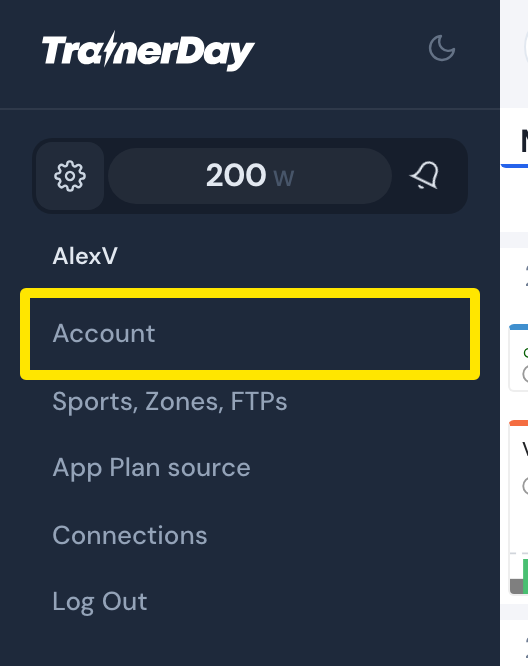 位置:網站 · 左側選單 → 齒輪圖示
- 在 帳戶資訊 下方,點 管理您的訂閱。
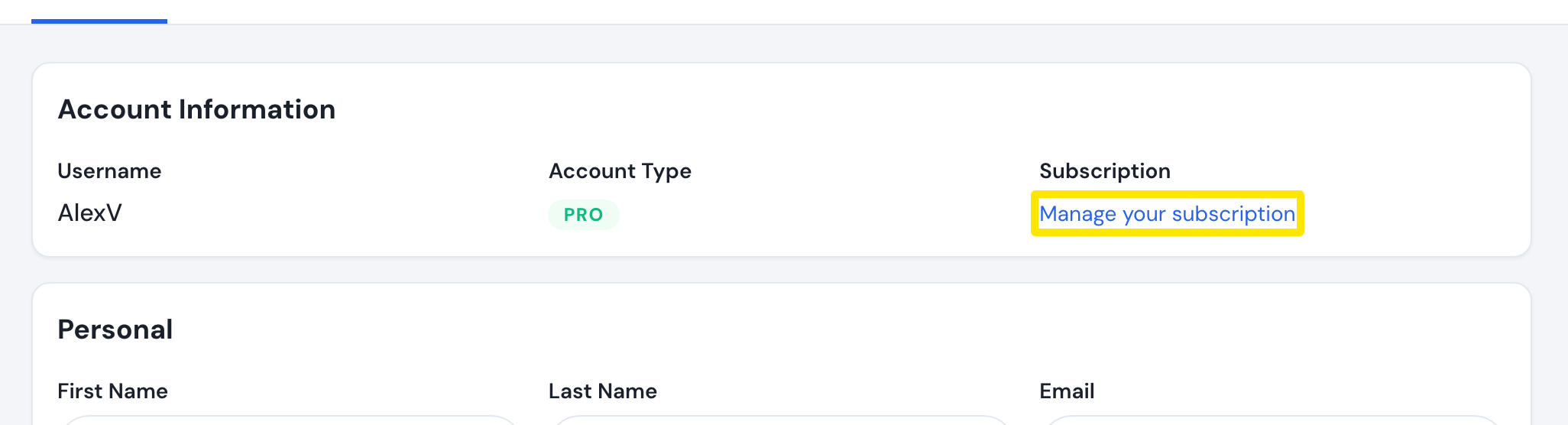 位置:網站 · 帳戶 · 開啟
- 在 付款紀錄 中找到該筆付款(發票編號、金額、日期)。點 查看收據 可開啟收據。
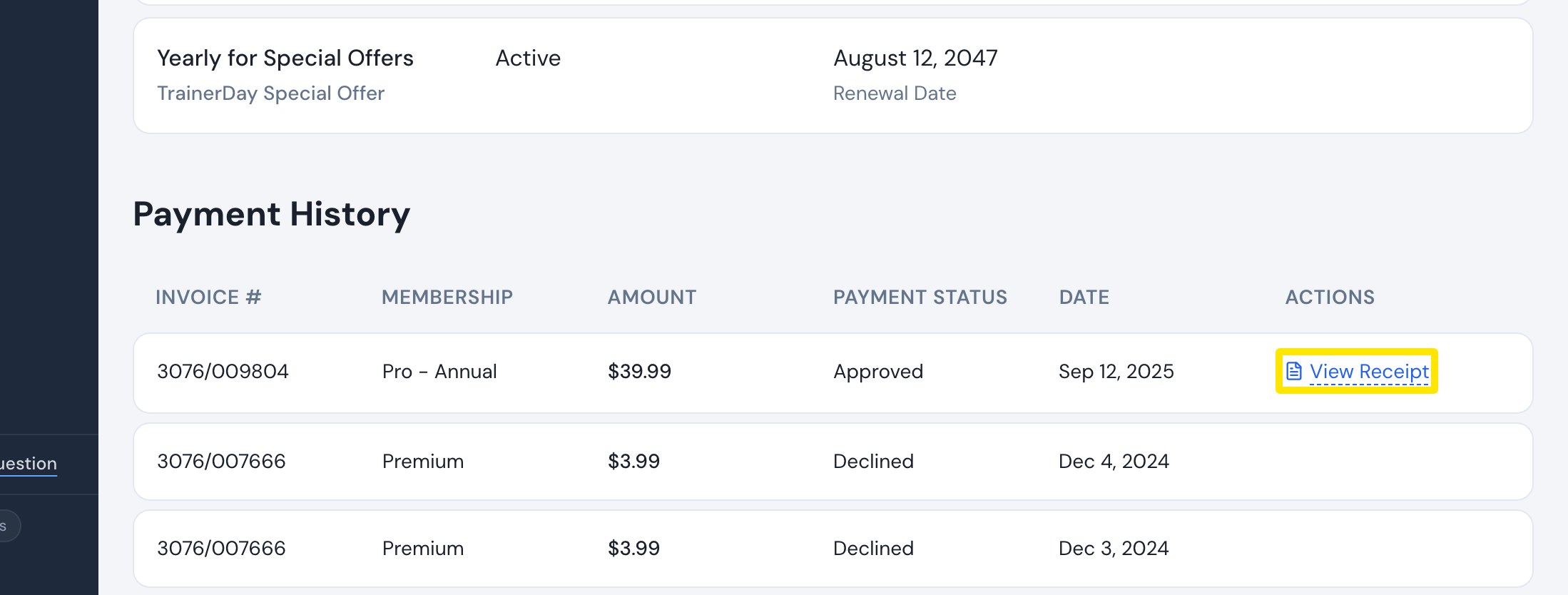 位置:網站 · 管理您的訂閱 · 開啟
- 用你帳戶的 email 寫信到 [email protected](或使用 trainerday.com/contact-us 的表單),附上發票編號或日期。沒有退款按鈕,退款由 TrainerDay 處理。
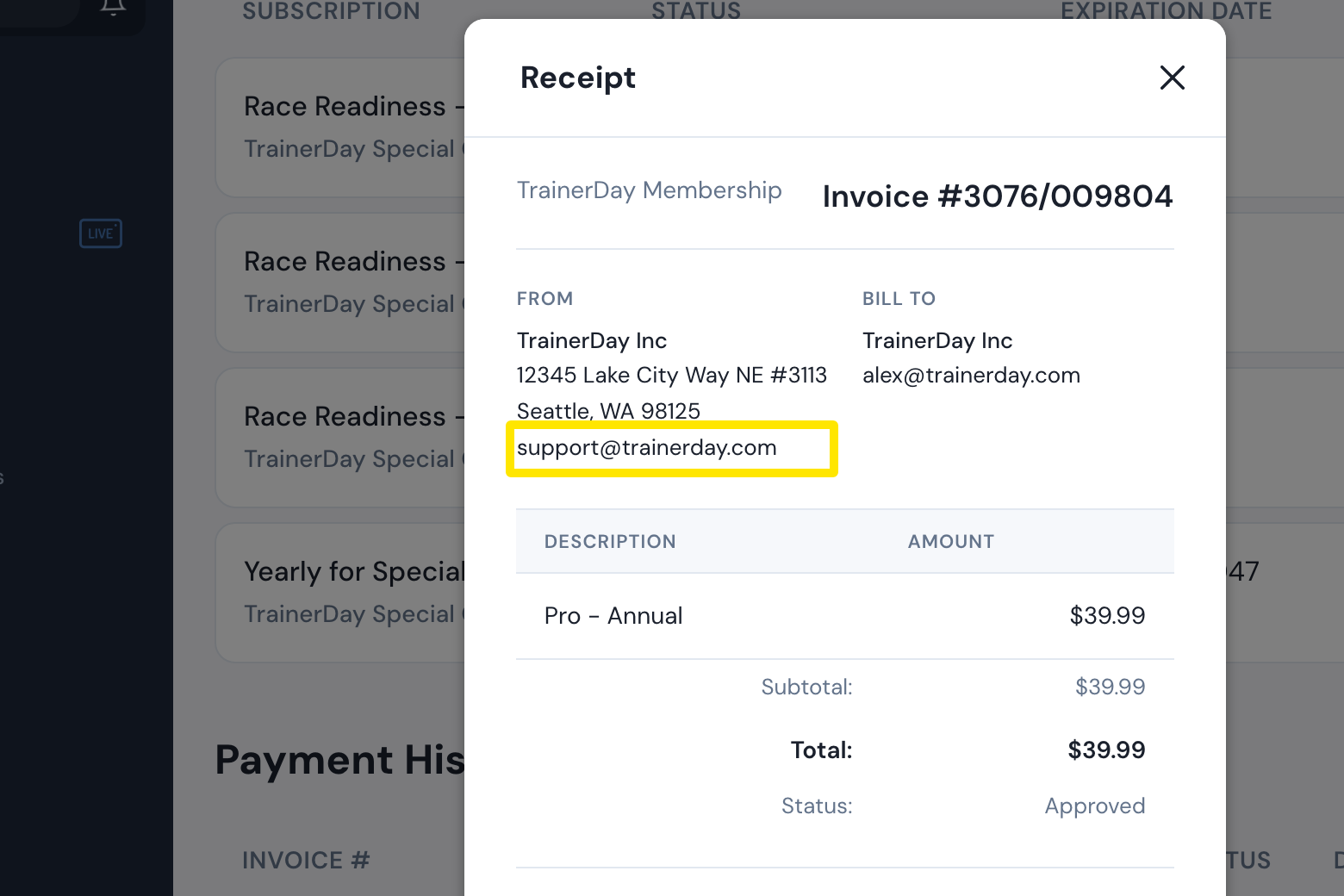 位置:網站 · 管理您的訂閱 · 開啟
- 不想續訂?回到 管理您的訂閱 頁面,在 操作 欄點 取消訂閱,再按 取消訂閱。
小提醒: 退款本身不會取消訂閱,除非你也取消,否則仍會繼續續訂。
適用於: 網站。手機 App 會把你導到 App Store 或 Google Play;桌面版 App 沒有帳單畫面。