

我要怎麼讓行動 App 使用日曆?
要讓行動 App 使用你的日曆,請到 TrainerDay 網站的我的日曆,打開 ≡ 選單,點 在行動 App 中啟用,並選 我的日曆 作為行動 App 取得訓練的來源。
- 在網站上點左側欄的 我的日曆(app.trainerday.com/calendar)。
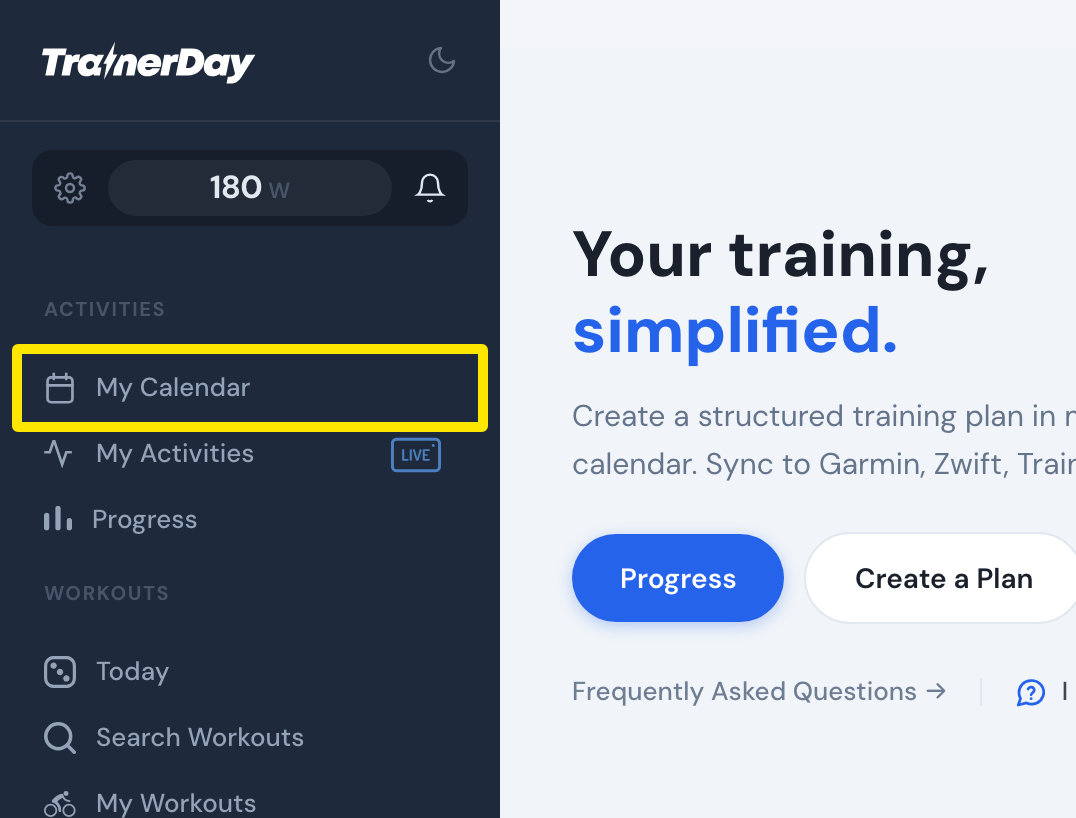 位置:網站 · 首頁 · 前往
- 點 週總計 欄上方(日曆右上角)的 ≡ 選單,再點 在行動 App 中啟用。或者點日曆上方的黃色警告 Your calendar is not active in the mobile app.。
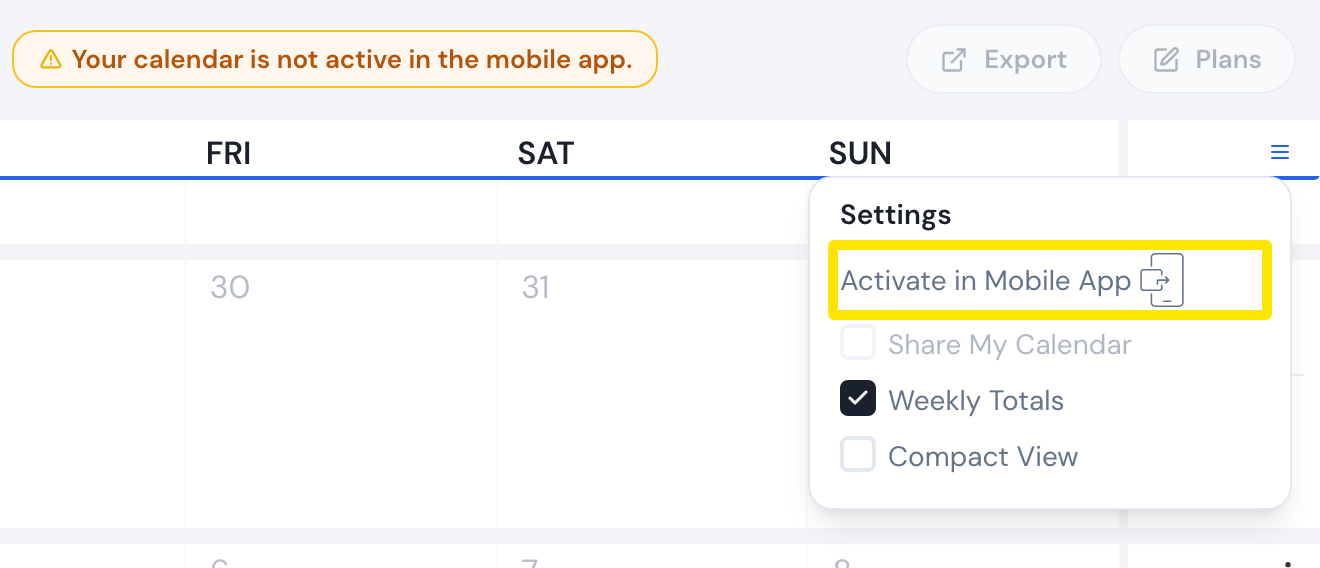 位置:網站 · 我的日曆 · 前往
- 在 行動應用程式計畫來源 視窗中,於 選擇計畫來源 下選 我的日曆,再點 儲存。
- 在我的日曆再打開一次 ≡ 選單,現在會以綠色顯示 已在行動 App 中啟用。
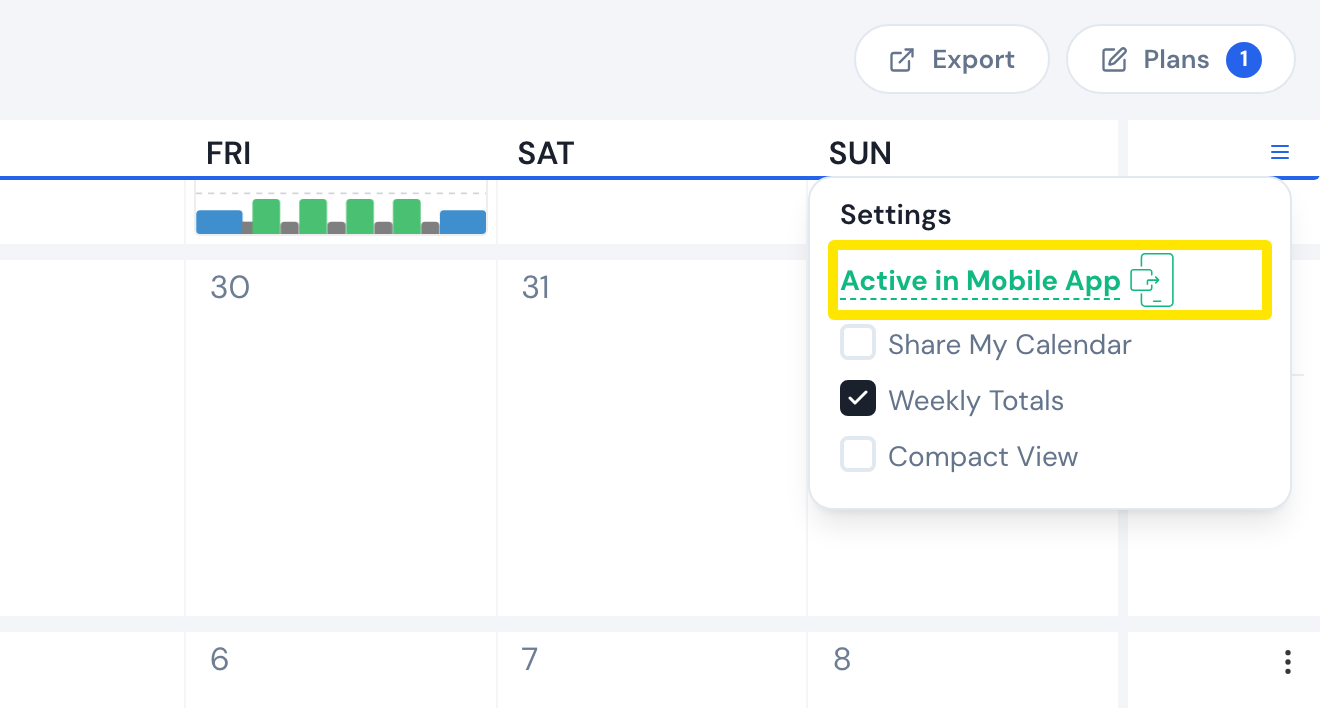 位置:網站 · 我的日曆 · 前往
- 在行動 App 中,訓練分頁的 計劃 清單現在會叫做 我的日曆,今天分頁則會顯示日曆上今天的訓練。如果還沒出現,往下拉重新整理。
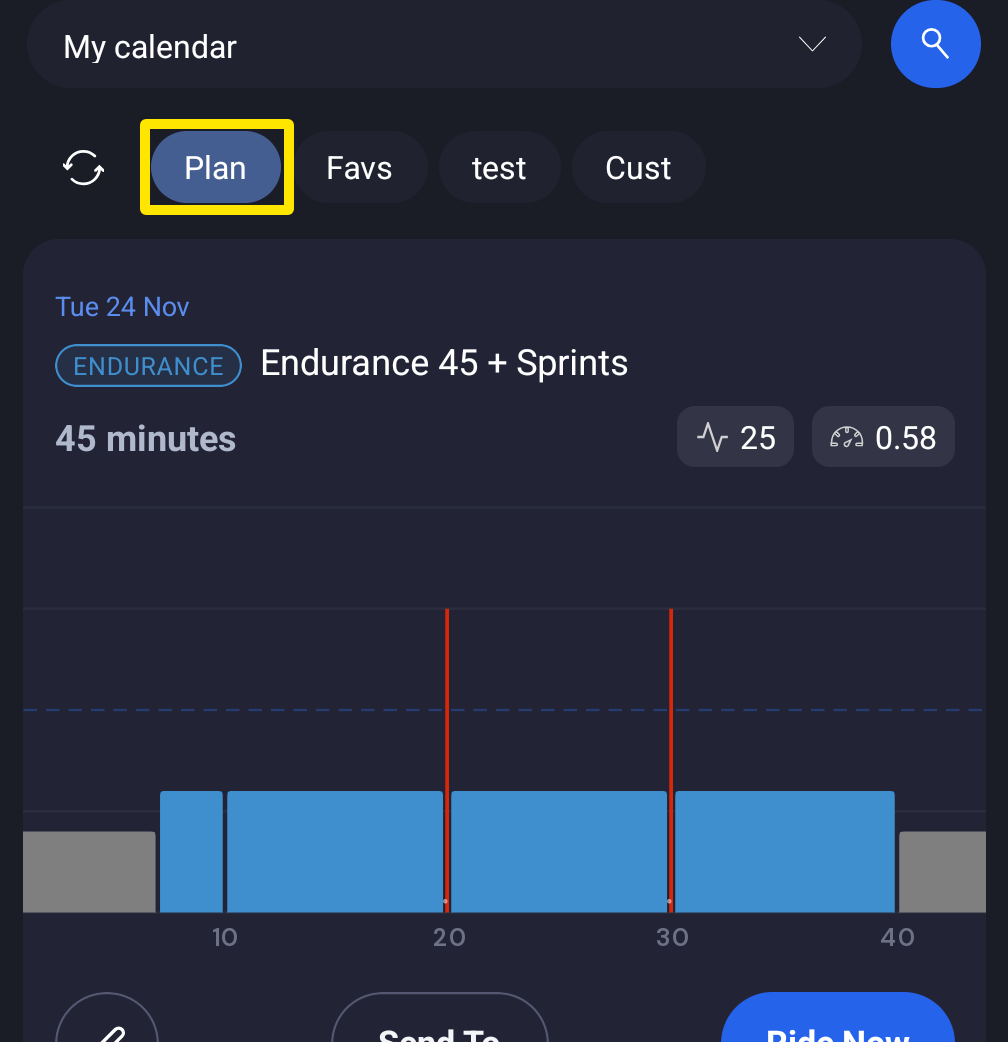 位置:行動 App · 訓練分頁 → 計劃
小提醒: 行動 App 同一時間只會從一個地方取得訓練:我的計劃裡的計畫、我的日曆、TrainingPeaks 每日訓練或 Intervals.icu 每日訓練。這個設定只能在網站上更改。
適用於: 在網站上開啟,變更會顯示在行動 App 中。