

怎麼在 Coach Jack 計劃中設定訓練日和每週時數?
在 TrainerDay 網站上,從計劃建構器打開 Coach Jack,回答每週時數和天數的問題,再到計劃建構器裡微調每天的分鐘數並標記你的訓練日。
- 在網站左側欄的 訓練計劃 底下,點 計劃建構器(app.trainerday.com/coach-jack)。
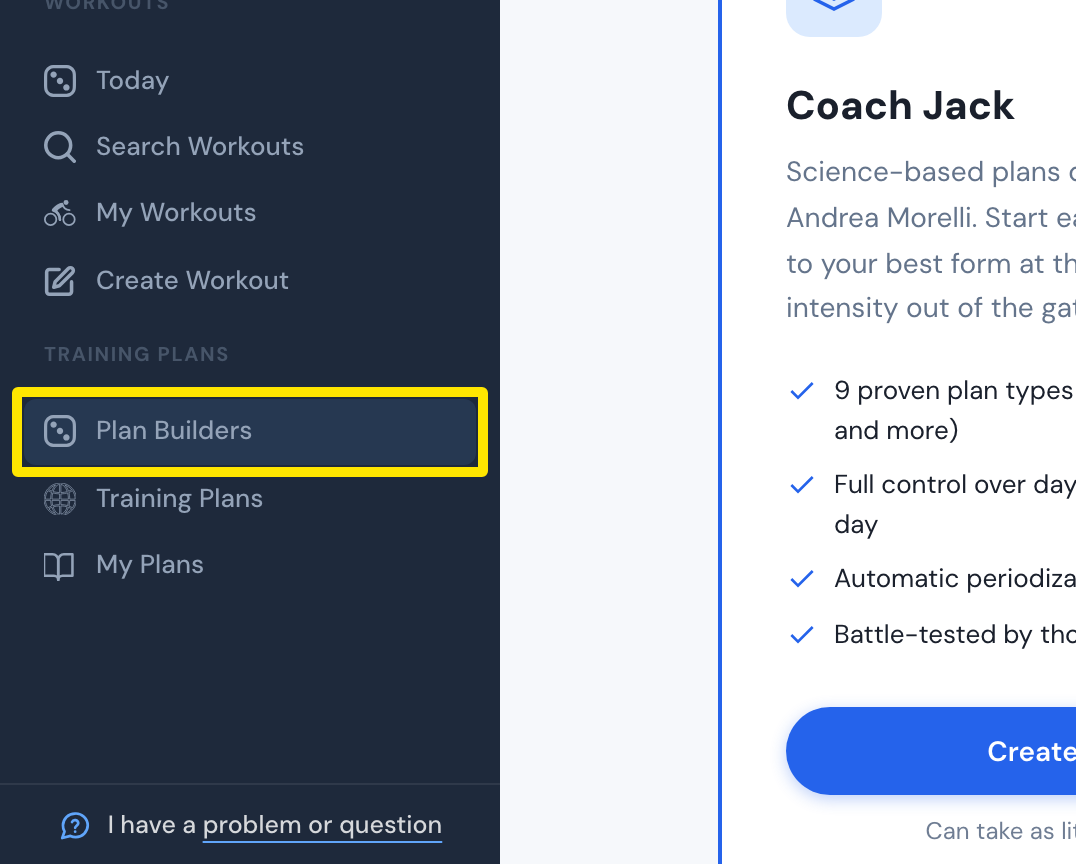 位置:網站 · 計劃建構器 · 前往
- 在 Coach Jack 卡片上點 Start with Coach Jack →(建立過計劃後會顯示為 建立新計畫 →)。
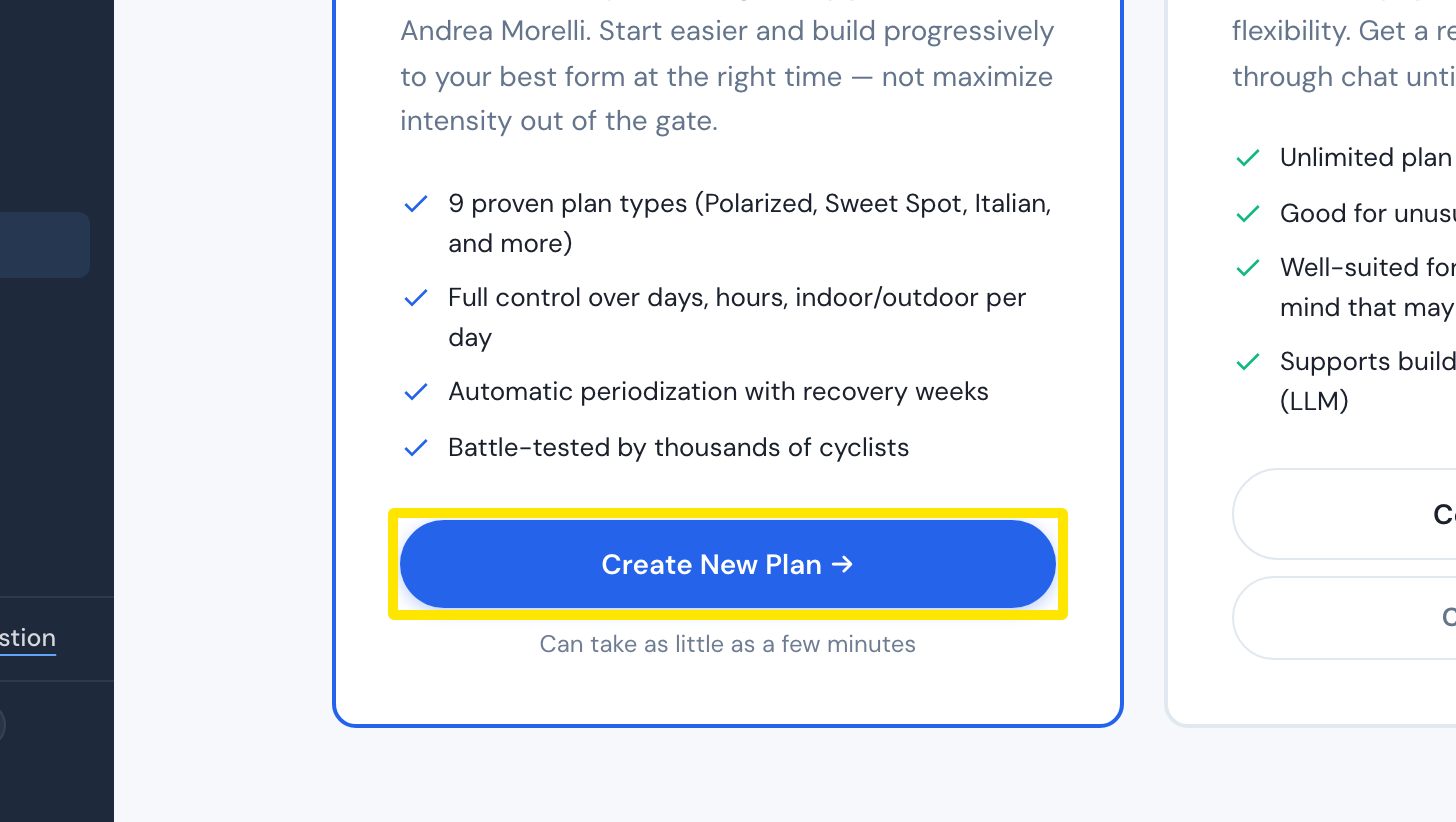 位置:網站 · 計劃建構器 · 前往
- 回答 How many hours a week will you start with (next week)?、How many hours a week do you want to be training by the end of the plan? 和 How many days a week can you train at most? 這三個問題。:00 / :30 開關可以多加半小時。然後點 建立我的計劃 →。
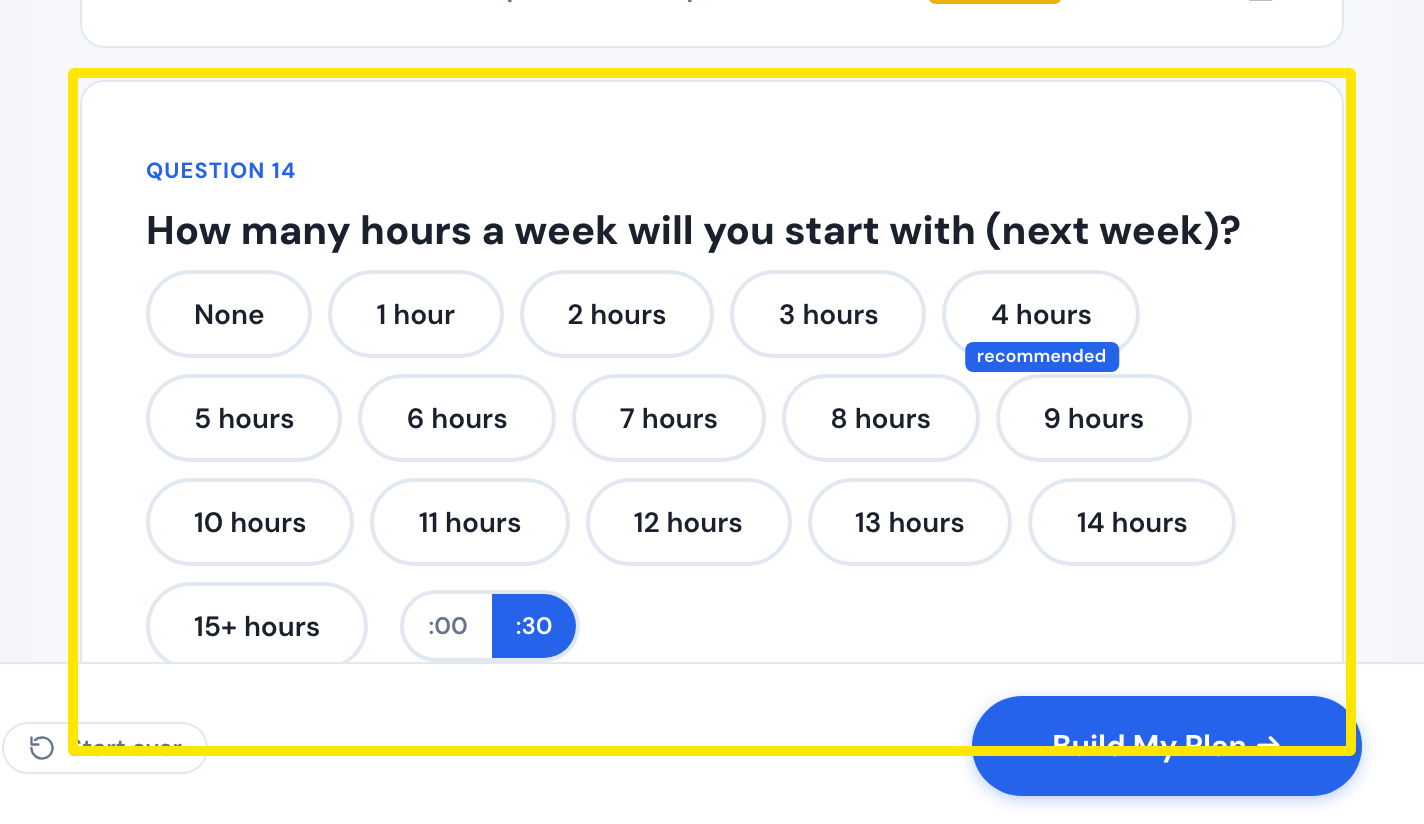 位置:網站 · Coach Jack 問卷
- 在計劃裡點某一天下方的時數,打開 微調訓練日。設定這一天在第 1 週和最後一週的分鐘數,或把這一天鎖定在固定時長。
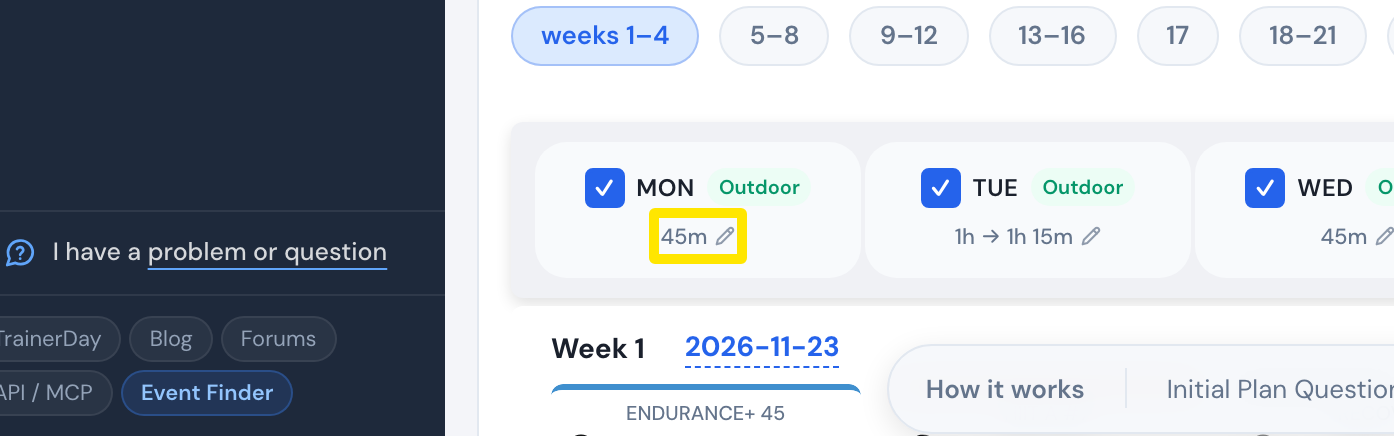 位置:網站 · Coach Jack 計劃建構器
- 點 我的訓練日,把某一天設成 Off(休息日)、Main 或 Extra。
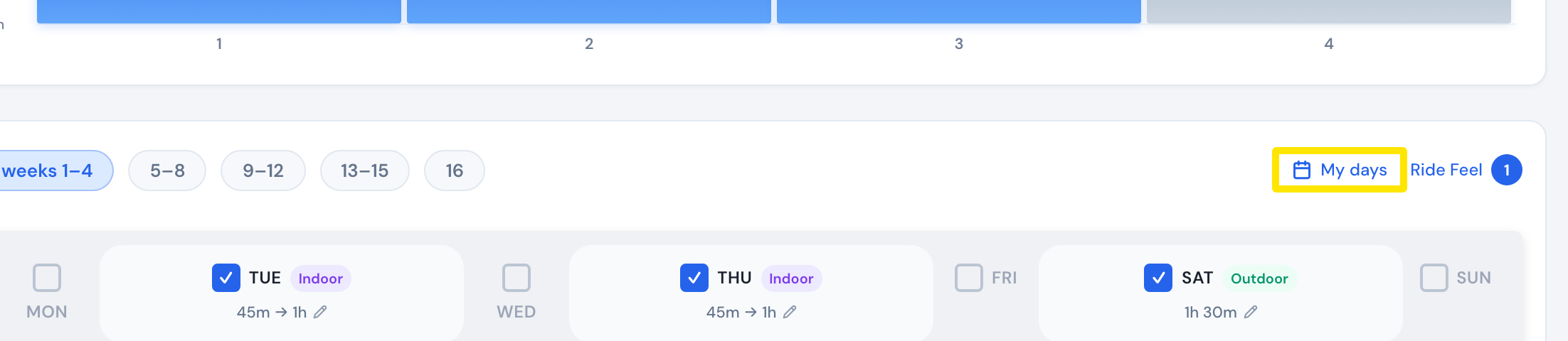 位置:網站 · Coach Jack 計劃建構器
- 點 保存並繼續 儲存計劃。
**小提醒:**長距離騎乘會排在時數最多的那一天。增減訓練日時,可以用 鎖定每週小時數 保持每週總時數不變。
**適用於:**僅限網站。