

如何確認我的手機或平板能不能執行 TrainerDay App?
到手機或平板的設定裡查看系統版本:iPhone 和 iPad 需要 iOS 17.6 以上,Android 裝置需要 Android 8.0 以上,才能執行 TrainerDay。
- 在 iPhone 或 iPad 上,打開 設定 > 一般 > 關於本機,查看 iOS 版本(iPad 上是 iPadOS 版本)。TrainerDay 需要 iOS 17.6 以上。
- 在 Android 上,打開 設定 > 關於手機(部分手機為 設定 > 關於手機 > 軟體資訊),查看 Android 版本。TrainerDay 需要 Android 8.0 以上。
- 如果你的版本夠新,打開 trainerday.com/download 用手機掃描 QR code,或直接在手機上點 App Store 或 Google Play 標誌。
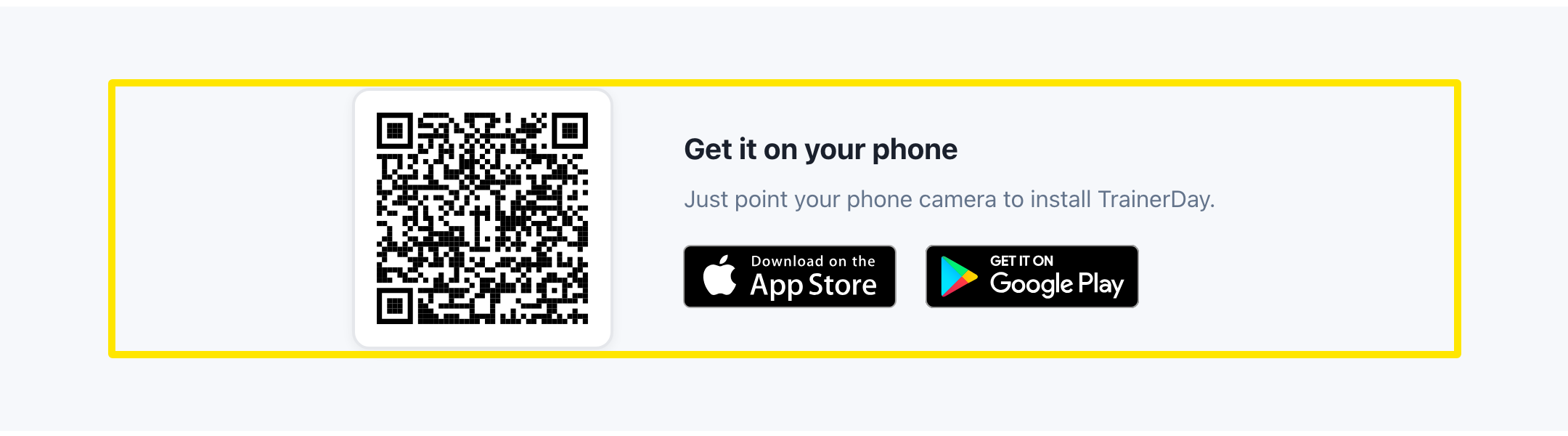 位置:網站 · trainerday.com/download · 前往
小提醒: 下載頁面上 iPhone & iPad 卡片寫的是 iOS 15+,但 App 實際需要 iOS 17.6 以上。沒有手機?桌面版 App 可在 Windows 10 和 11、Mac(Apple Silicon 和 Intel)以及 Linux x64 上執行。