

如何恢復已刪除的騎乘?
從垃圾桶恢復已刪除的騎乘:網站上使用「我的活動」中的垃圾桶按鈕,手機 App 使用「活動 → 已刪除的活動」,桌面版 App 使用「活動 → 垃圾桶」。
- 在網站上,點選左側欄的 我的活動(前往)。
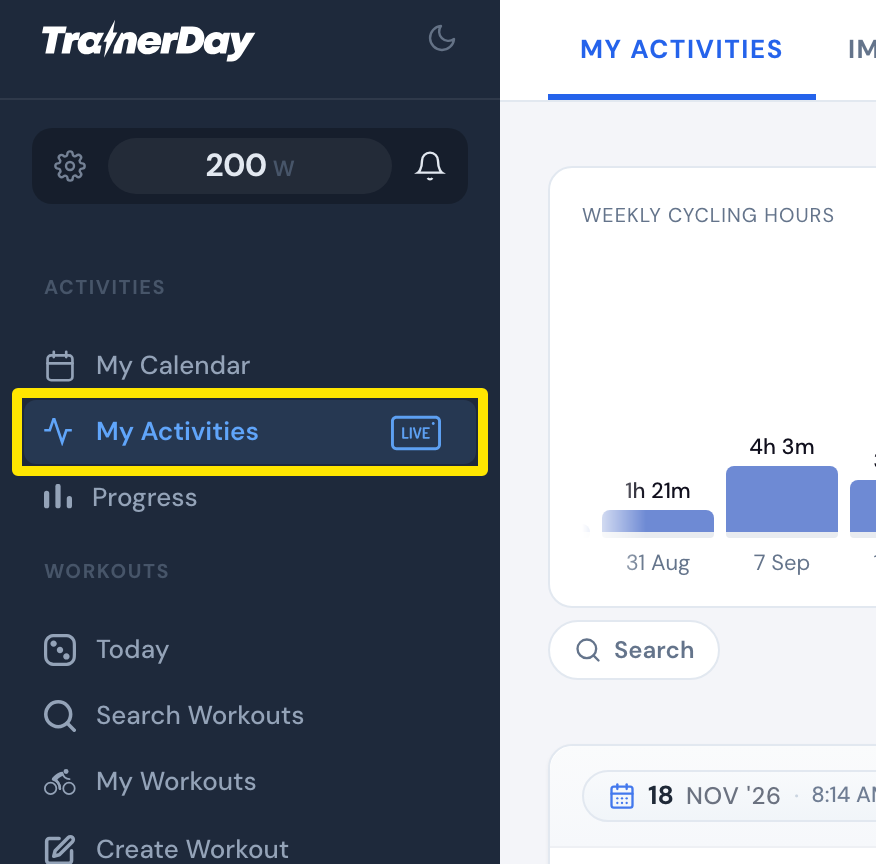 位置:網站 · 我的活動 · 前往
- 點選 搜尋 列右側的垃圾桶按鈕,上面的數字是已刪除的騎乘數量。它會打開 Recently deleted(最近 14 天)。
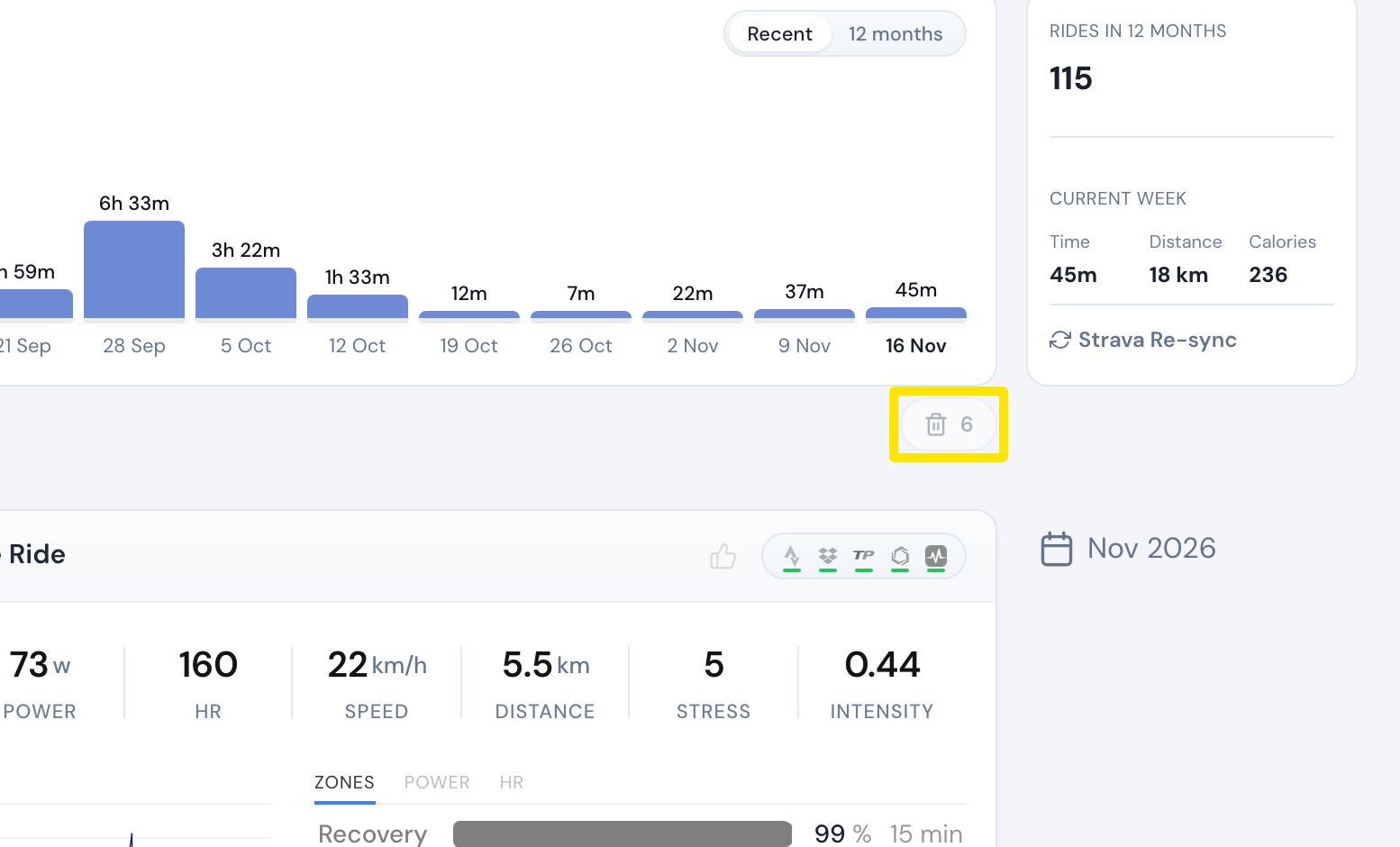 位置:網站 · 我的活動 · 前往
- 在已刪除的騎乘上點選 Restore(例如 Restore TrainerDay 或 Restore Strava)。
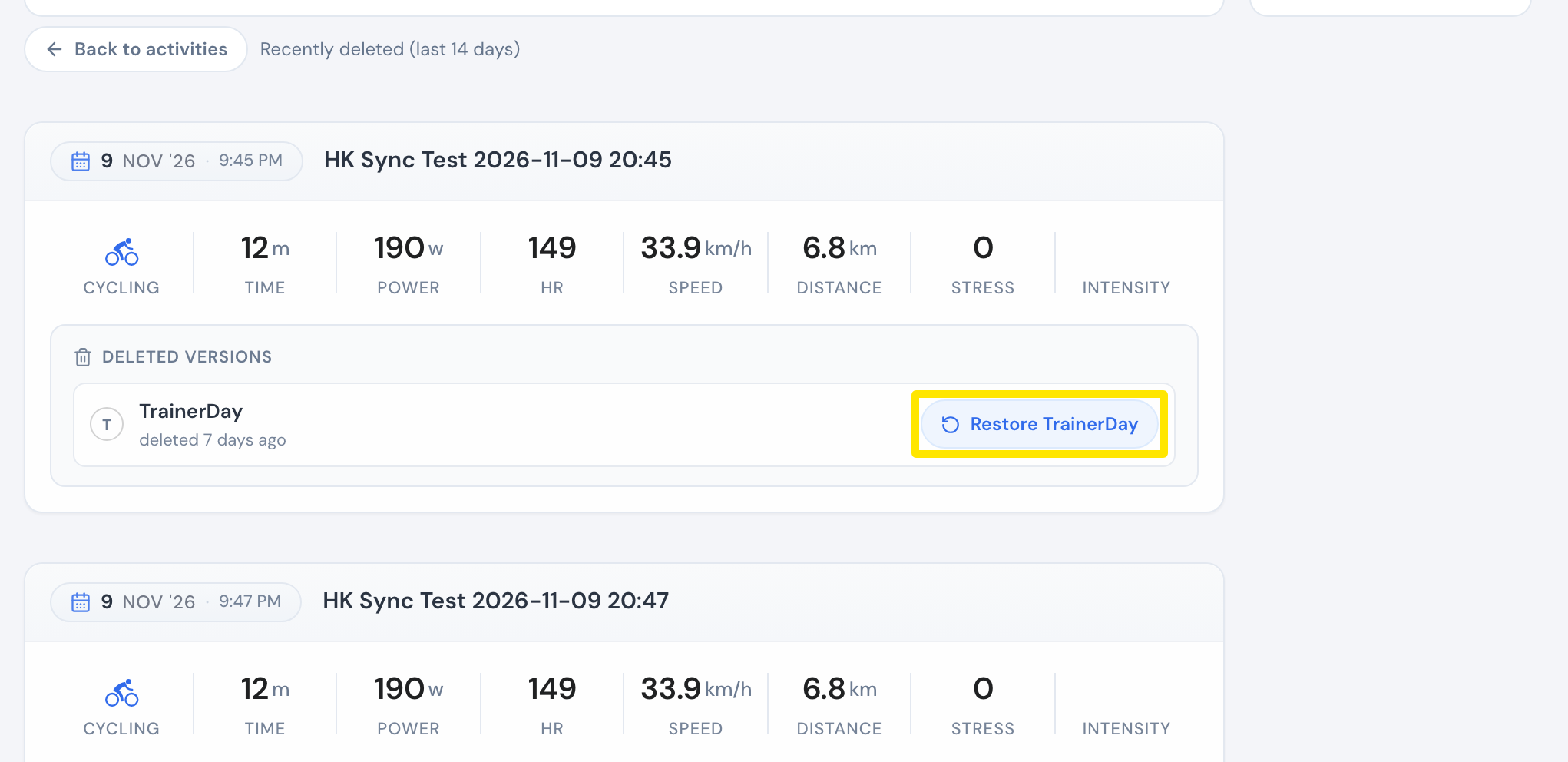 位置:網站 · 我的活動 → 垃圾桶按鈕 · 前往
- 在手機 App 捨棄了騎乘?打開 活動 分頁,點右上角的 ⋮ 選單,再點 已刪除的活動。點該次騎乘,選擇 恢復 或 下載 TCX 檔案。
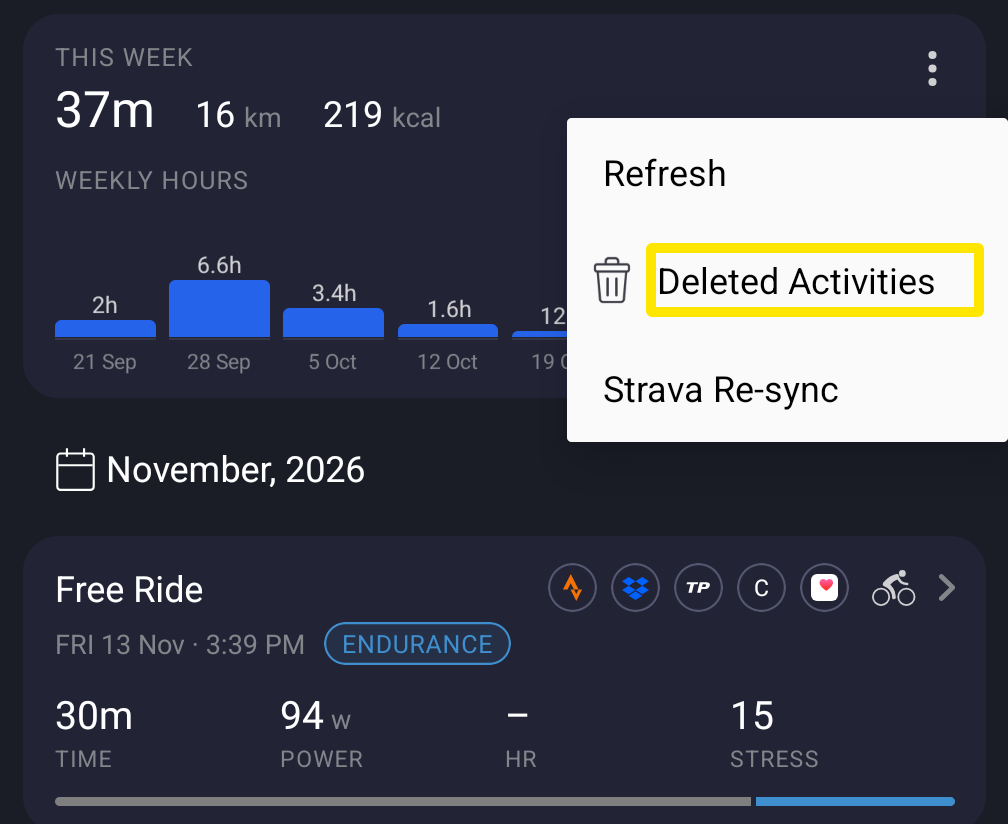 位置:手機 App · 活動分頁 → 右上角選單
- 在桌面版 App 捨棄了騎乘?打開 活動 分頁,點選右上角的 垃圾桶,打開該次騎乘,再點選 恢復。
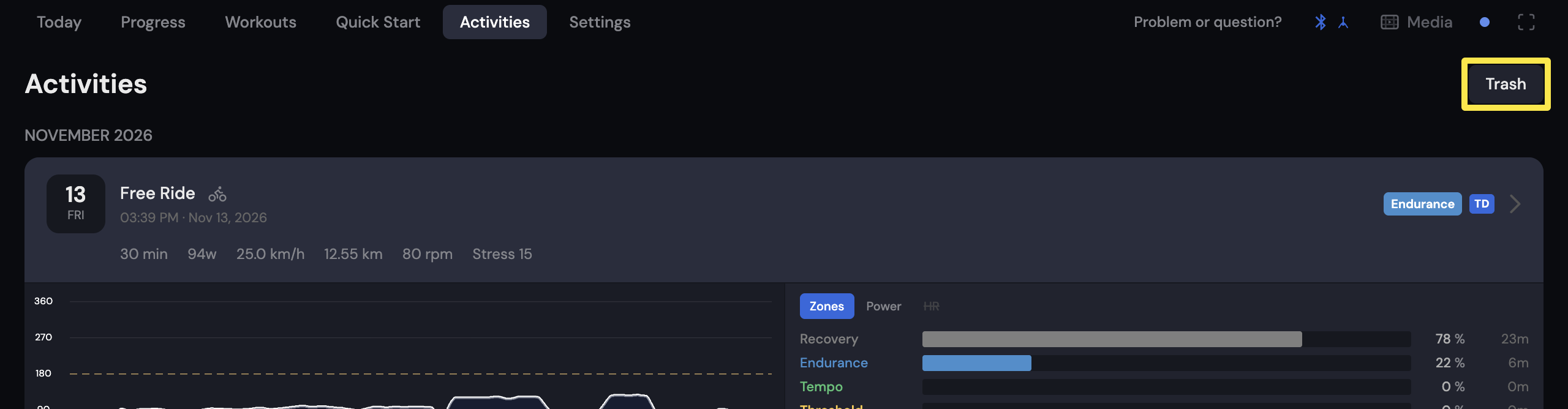 位置:桌面版 App · 活動分頁
小提醒: 每台裝置各自保留垃圾桶 30 天。在手機上捨棄的騎乘,只會出現在那支手機的「已刪除的活動」中。
適用於: 網站(Recently deleted,14 天)、手機 App 和桌面版 App(垃圾桶,30 天)。