

ERG 模式下怎麼讓課表變難或變簡單?
在 TrainerDay 手機或桌面版 App 騎乘時,用課表畫面底部的下、上按鈕,以 FTP 百分比調低或調高 ERG 目標。
- 在手機 App 中,用 ERG 模式開始課表。
- 在課表畫面上,點底部列百分比兩側的上(+)或下(-)按鈕。每點一次,ERG 目標會依 ERG 步進值調整,預設為 5%。
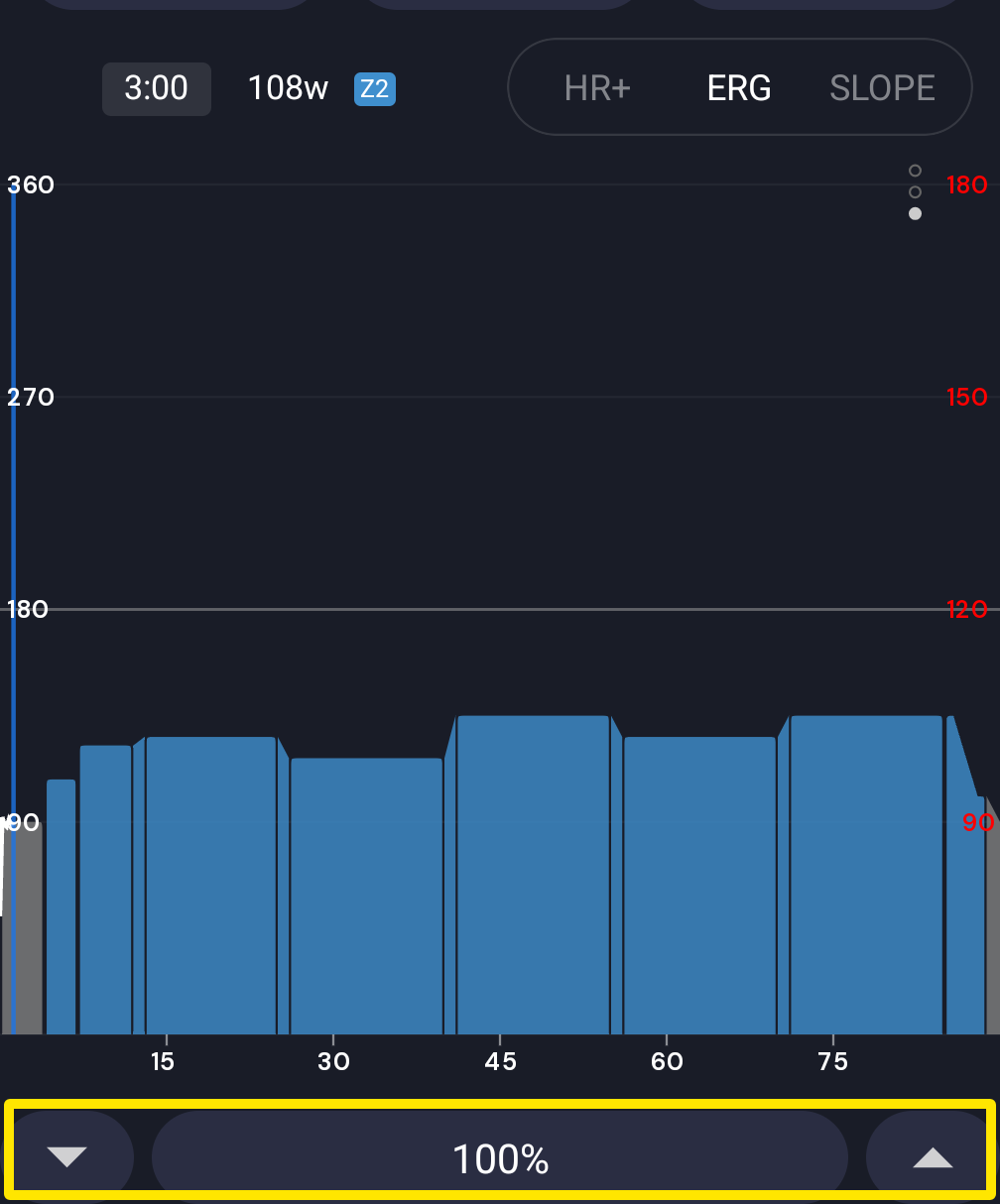 位置:手機 App · 騎乘中的課表畫面
- 在桌面版 App 中,進入 今天 分頁,在某個課表上點選 立即騎行。
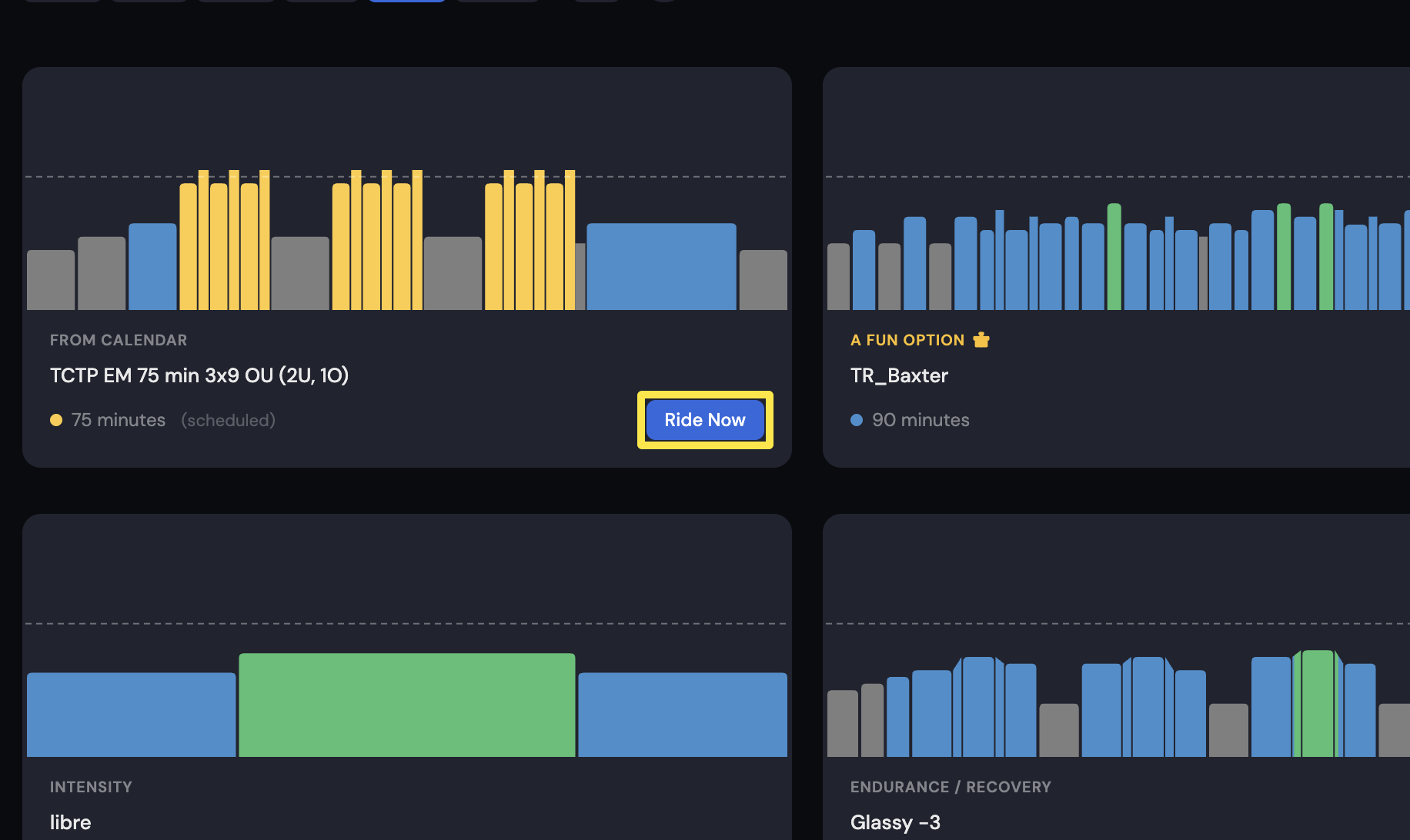 位置:桌面版 App · 今天分頁
- 在課表畫面上,點底部列模式按鈕旁的 - 或 +。每點一次,ERG 目標預設調整 1%。
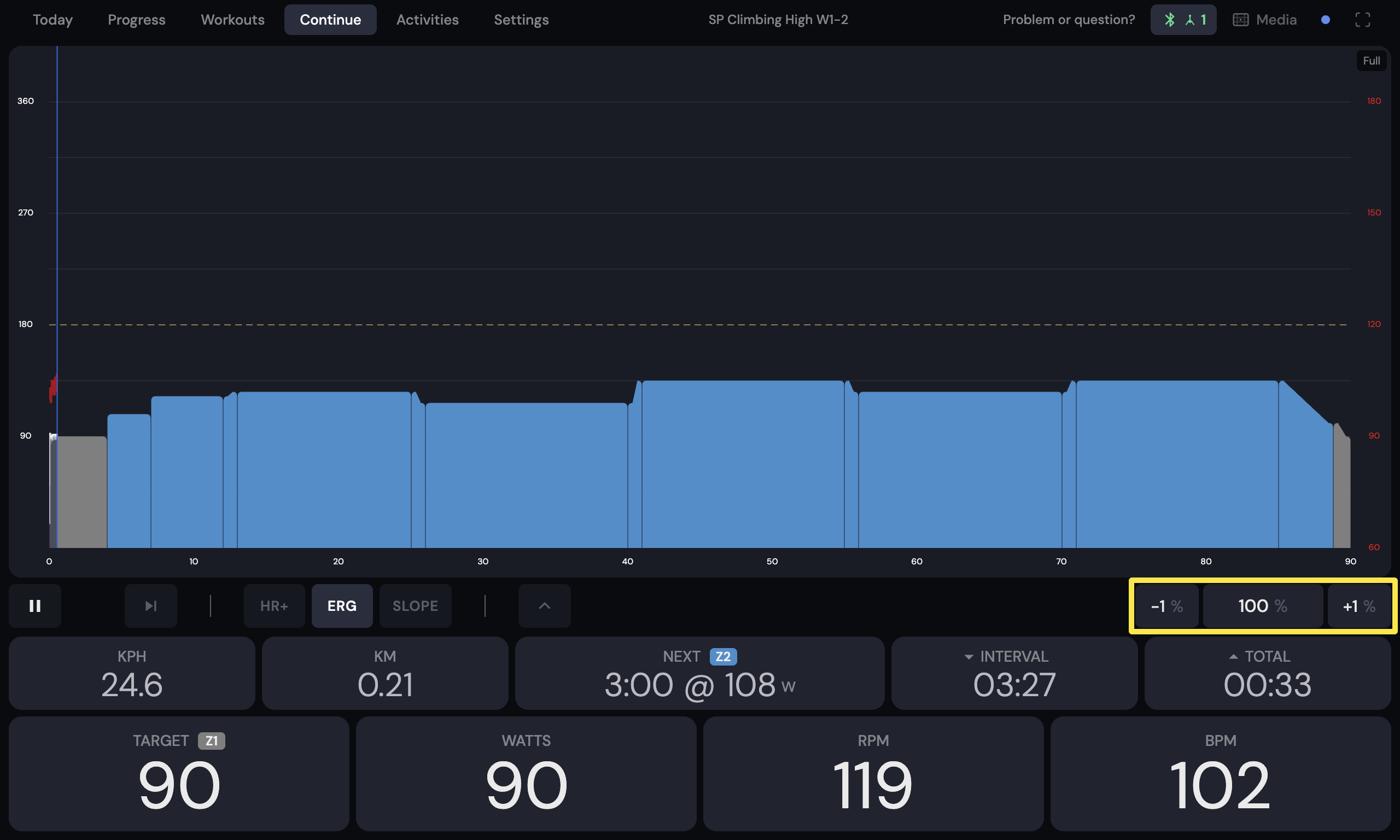 位置:桌面版 App · 騎乘中的課表畫面(今天分頁 → 立即騎行)
**小提醒:**這些按鈕調整的是 FTP 的百分比,不是瓦數。
**適用於:**手機 App 和桌面版 App。網站沒有課表播放器。