

單側功率計要怎麼搭配 PowerMatch 使用?
在 TrainerDay 手機 App 的設定分頁開啟功率匹配;只有在單側功率計沒有自行把數值加倍時,才使用雙倍單側功率。
- 在 TrainerDay 手機 App 中打開 設定 分頁,點 添加設備,連接訓練台和功率計。功率計的卡片要選 功率,訓練台的卡片要選 控制。
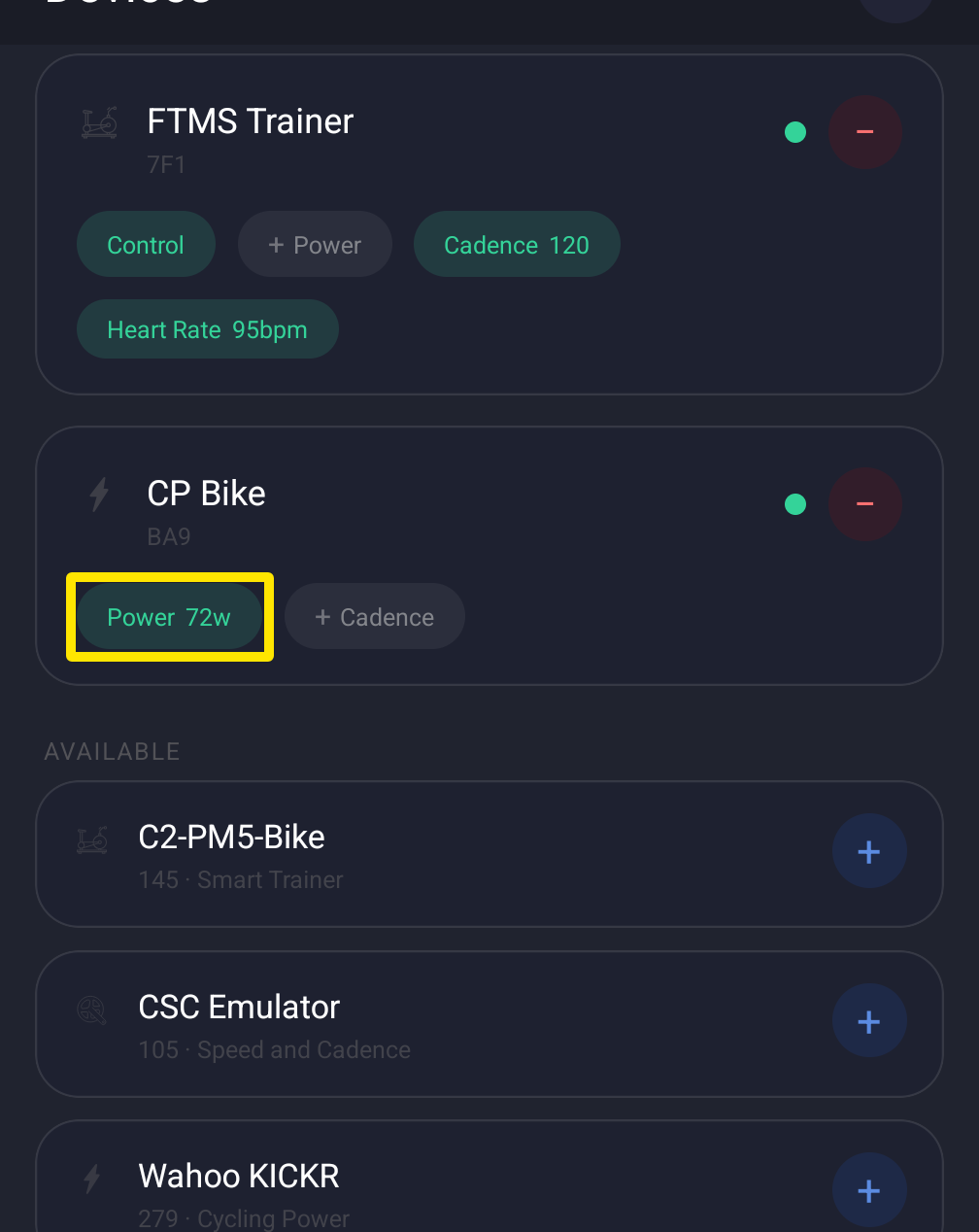 位置:手機 App · 設定分頁 → 添加設備
- 在 設定 → 其他選項 中,開啟 功率匹配。
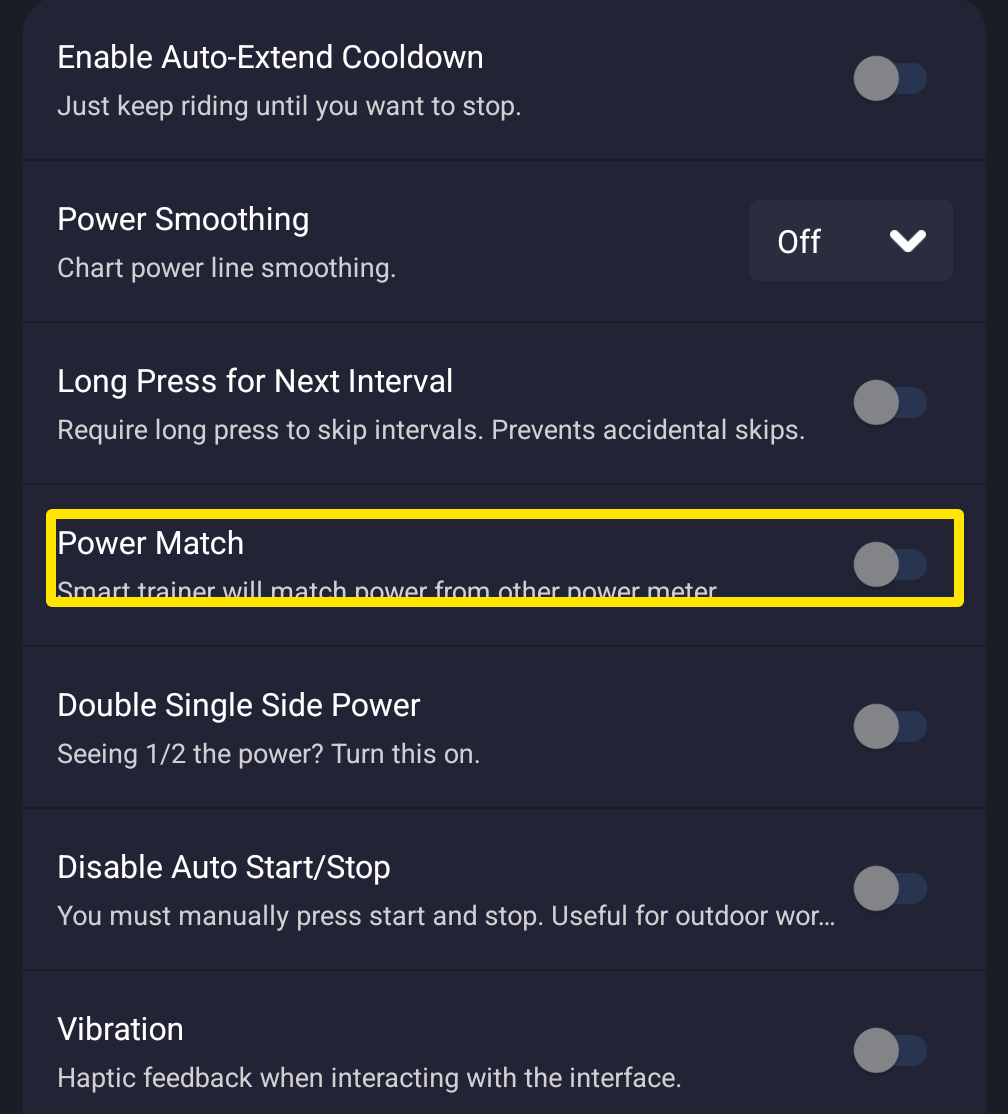 位置:手機 App · 設定分頁 → 其他選項
- 只有在你的功率計沒有在它自己的 App(例如 Assioma App)裡把數值加倍時,才開啟 雙倍單側功率。如果已經加倍了,就保持關閉。
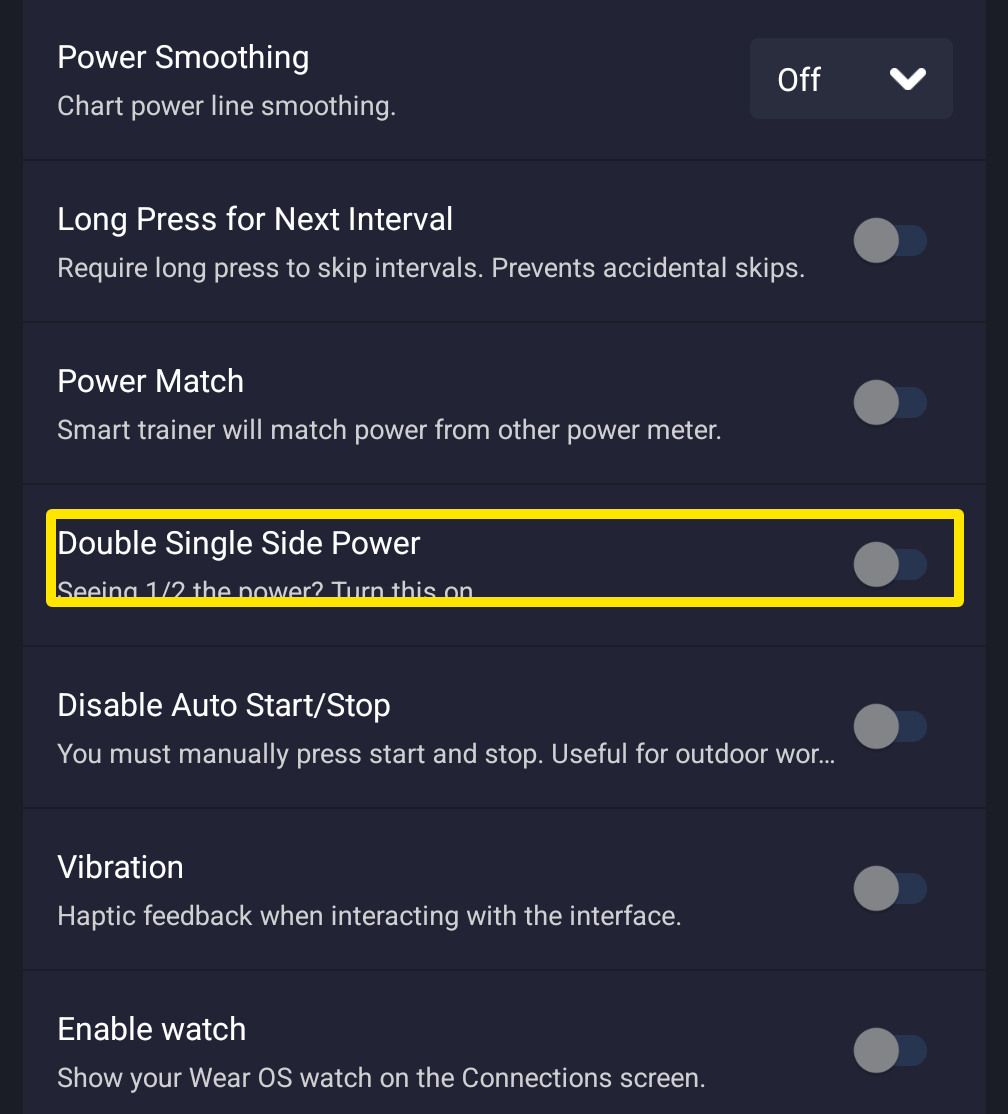 位置:手機 App · 設定分頁 → 其他選項
- 用 ERG 模式騎這份訓練。
小提醒: 建議在踏板自己的 App 或韌體裡設定加倍,而不是用 TrainerDay 的設定。雙側踏板不需要加倍。
適用於: iPhone、Android 和桌面版(設定分頁 → 訓練控制,HR+ 模式下也可用)。網站上沒有。