

如何聯繫 TrainerDay 客服?
想聯繫 TrainerDay 客服,可以點選網站側邊欄底部的「I have a problem or question」、使用 trainerday.com/contact-us 的聯絡表單,或寄信到 [email protected]。
- 在網站上開啟 app.trainerday.com,點選側邊欄底部的 I have a problem or question。
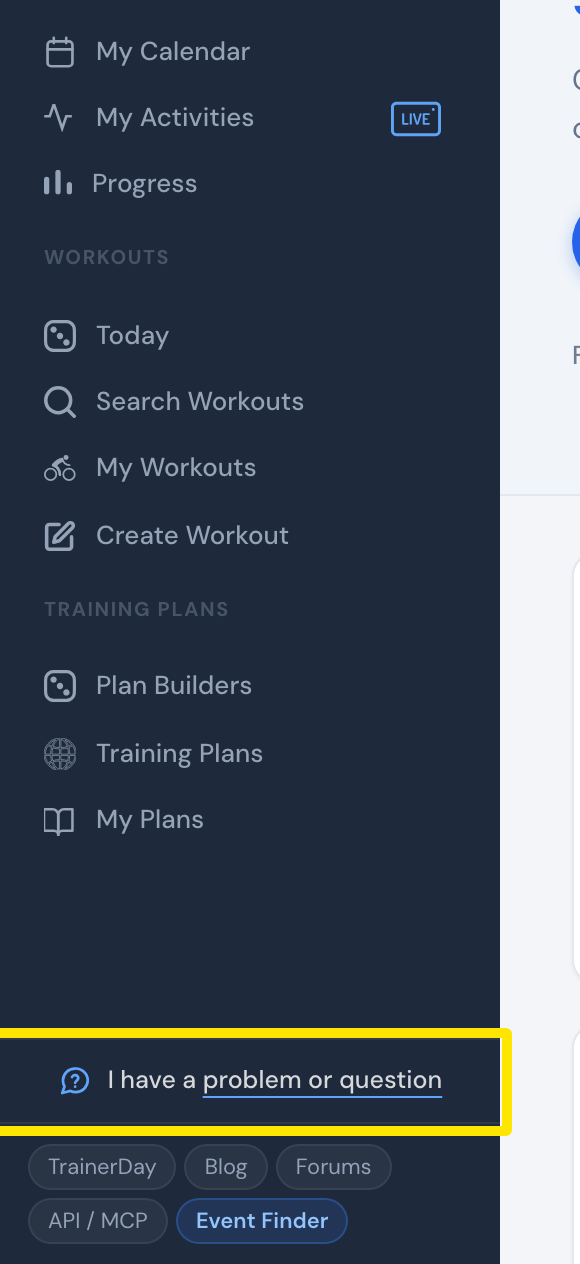 位置:網站 · 首頁 · 開啟
- 在開啟的視窗中寫下你的問題,然後點選傳送。Alex 會用電子郵件回覆你。
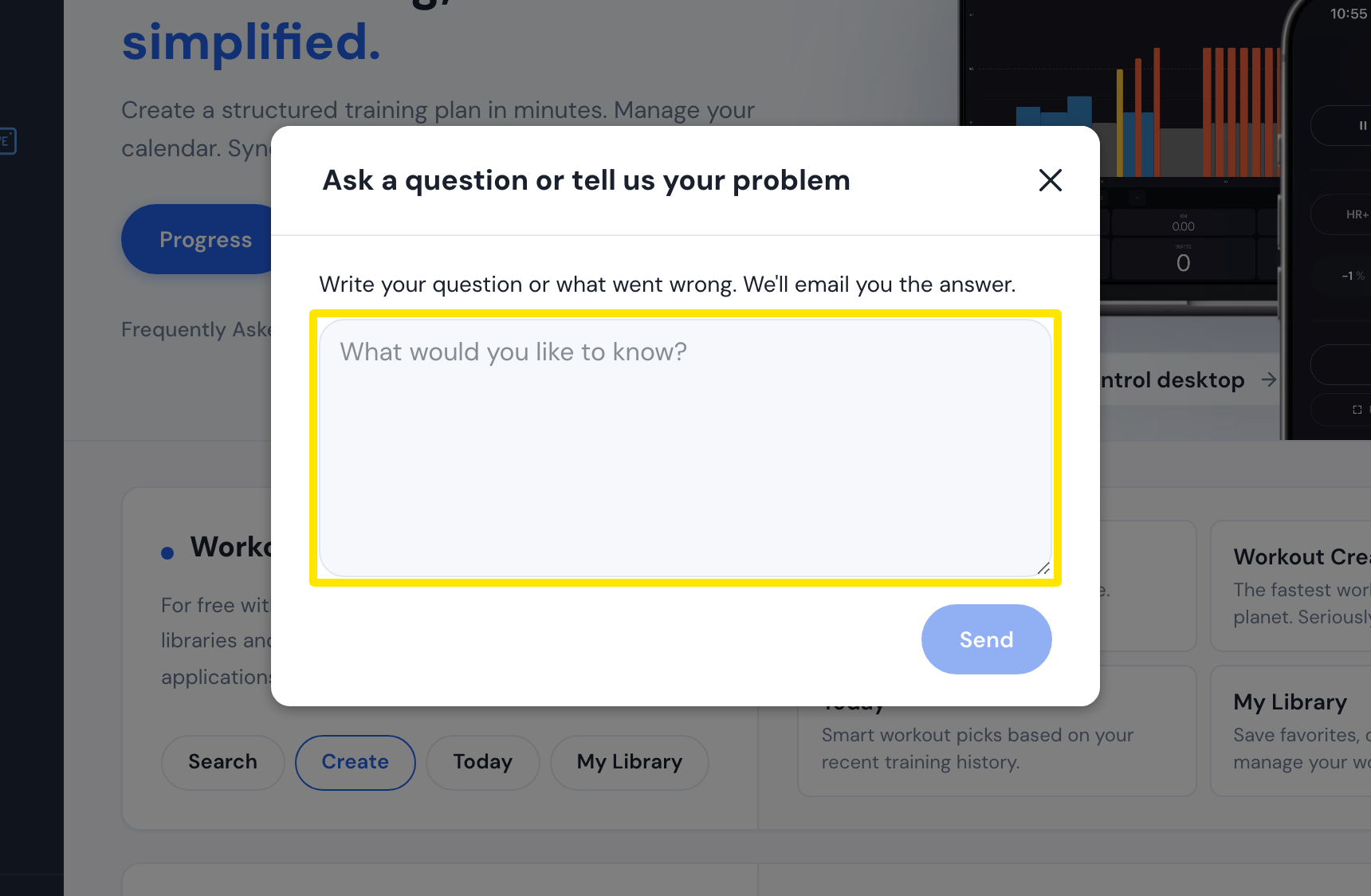 位置:網站 · 首頁 · 開啟
- 或者開啟 trainerday.com/contact-us,在 Contact Form 下填寫電子郵件、名稱和 Message,然後點選 Submit。
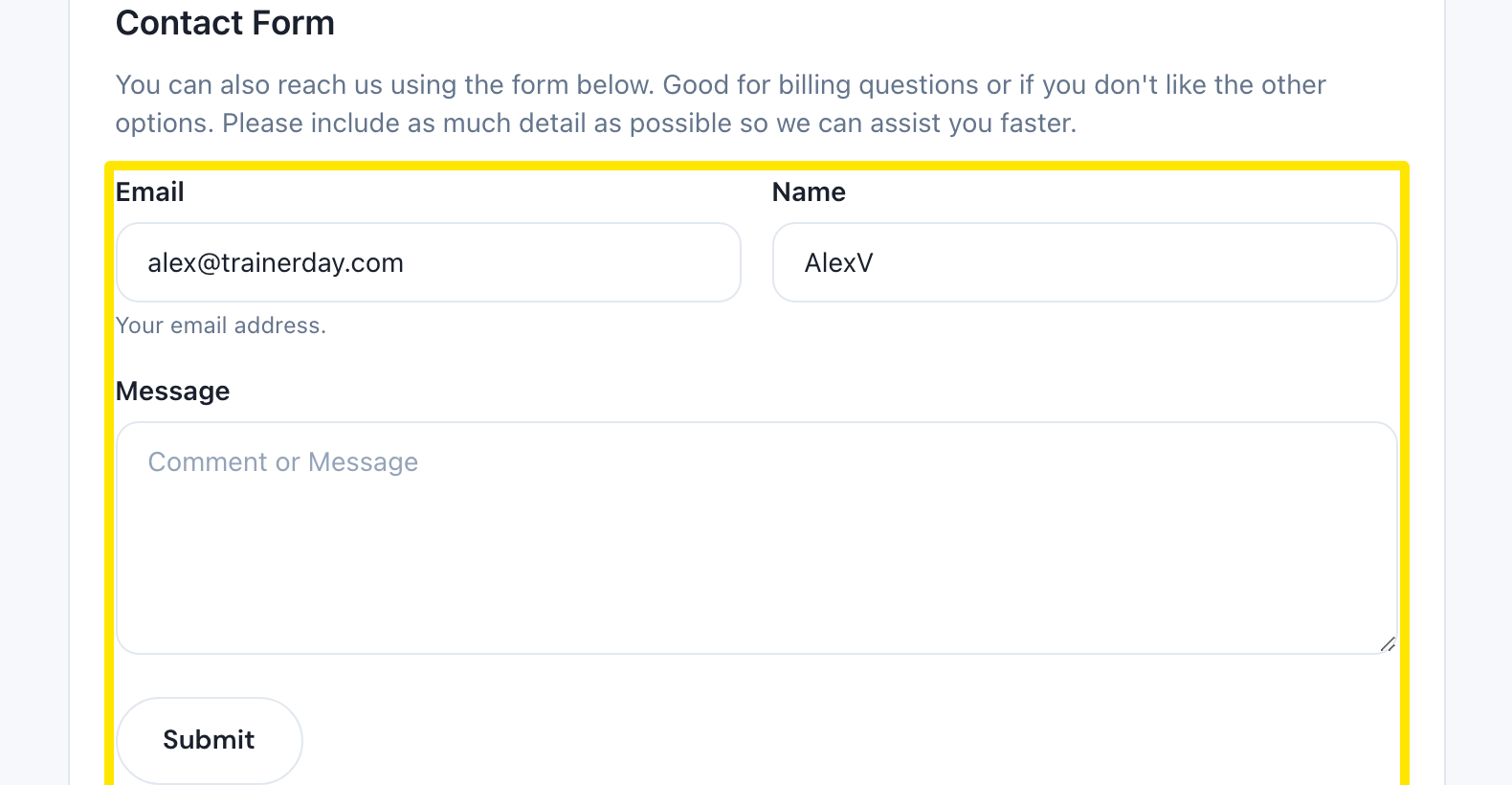 位置:網站 · 聯絡我們頁面(trainerday.com/contact-us)
- 也可以寄信到 [email protected]。你可以附上 FIT 或 TCX 檔案、活動連結,以及錯誤畫面的影片。
 位置:網站 · 聯絡我們頁面(trainerday.com/contact-us)
- 如果是其他騎士也能回答的問題,可以在同一頁點選 Go to Forum。
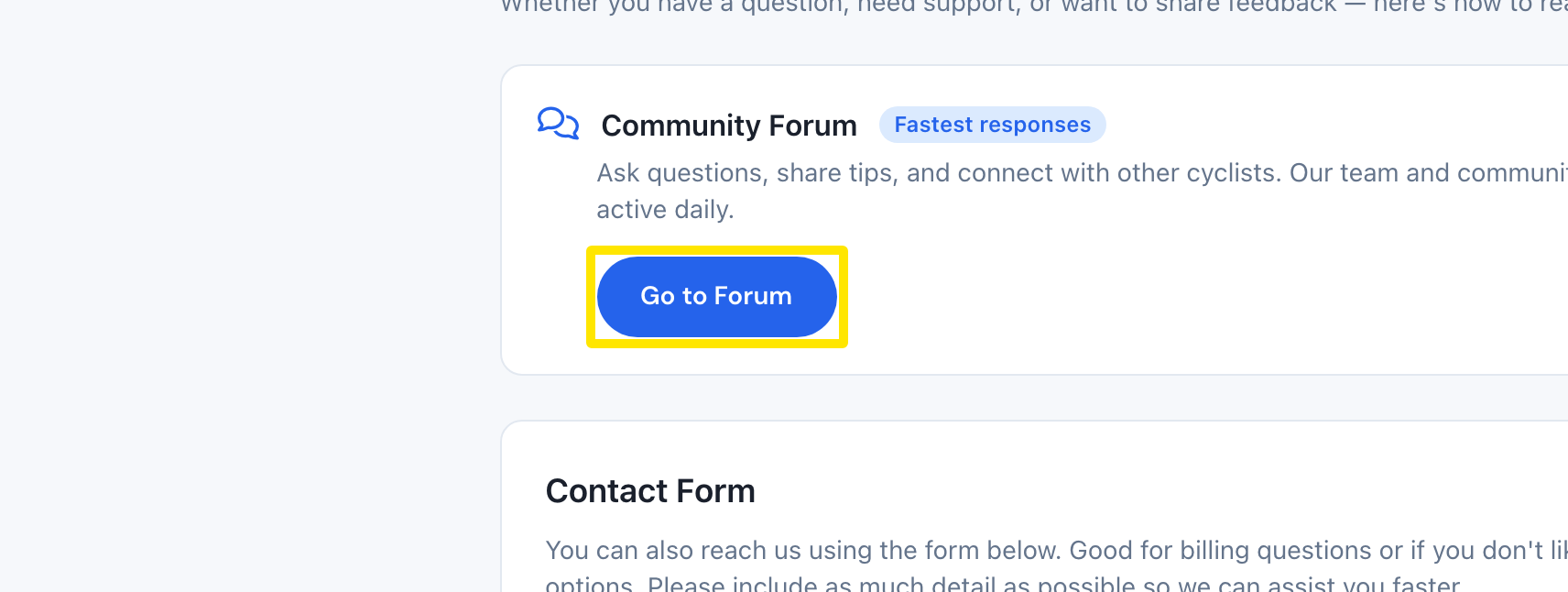 位置:網站 · 聯絡我們頁面(trainerday.com/contact-us)
**小提醒:**Alex 通常在 4 小時內回覆,幾乎都會在 24 小時內回覆;週末可能會慢一點。你可以用自己的語言寫信。
適用於:網站(側邊欄)、行動 App(設定 → I have a problem or question,或聯繫我們/反饋)、桌面版 App(頂端列的 Problem or question?)。