

如何回報 App 中的翻譯錯誤?
想回報翻譯錯誤,請記下錯誤的文字和出現的位置,再連同你建議的寫法,透過網站左側選單底部的「I have a problem or question」或電子郵件傳給我們。
- 記下錯誤的文字、語言,以及它出現的頁面或畫面。附上截圖會更有幫助。
- 在 app.trainerday.com 開啟網站,點選左側選單底部的 I have a problem or question。
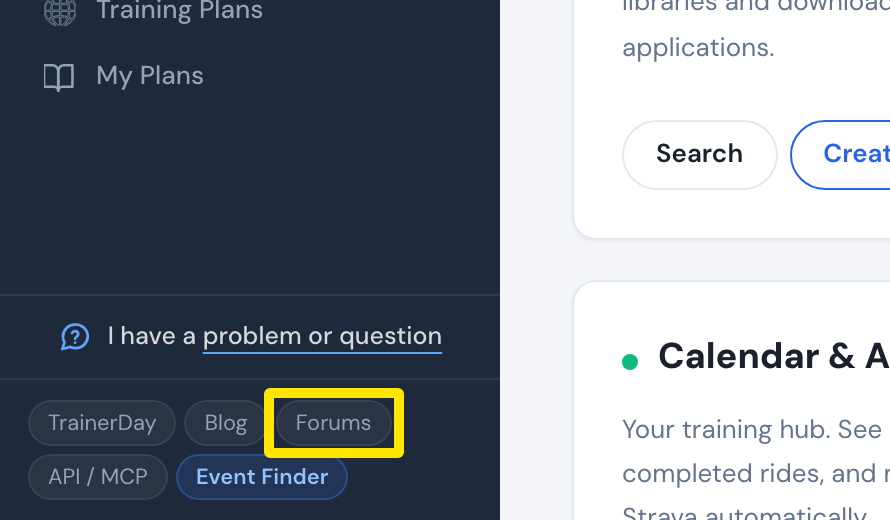 位置:網站 · 首頁 · 開啟
- 寫下錯誤的文字和你建議的寫法,然後點選傳送。或者附上截圖寄信到 [email protected]。
**小提醒:**你無法自行修改翻譯。回報後,TrainerDay 會負責修正。